Translate - Translator
Screenshots
About Translate - Translator
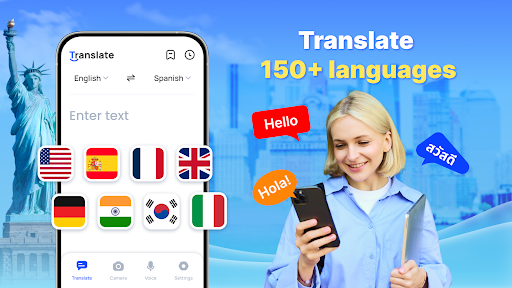
Translate -This translation software is quite versatile. It is a very useful mobile application. It mainly helps you communicate more smoothly with people in different languages. Whether you're traveling, studying, or working, the Android app has real-time translation and speech recognition capabilities, which makes language barriers no longer a problem. The interface is simple and intuitive, smooth to use, reliable and easy to use. It is a good choice for those who want to find an efficient translation tool.
Overview
core functions
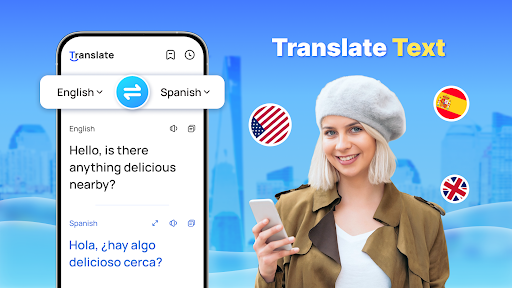
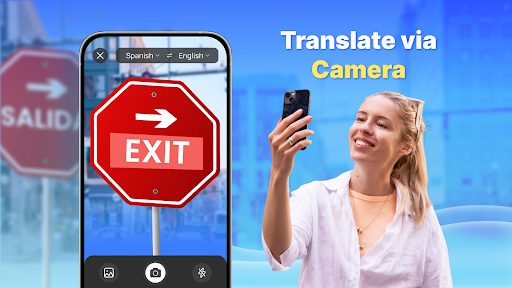
- It can translate text, voice, pictures, and even content on cameras in real time, making communication between different languages seamless and smooth. It feels like having a helper who speaks multiple languages around!
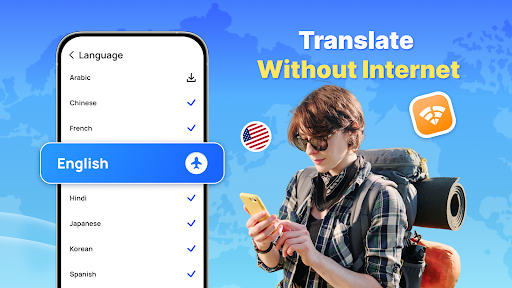
- Support offline mode means that you can use it even if you don't have the Internet. It's really a good helper to use it anytime, anywhere. Don't worry about losing the signal!
- The interface is beautifully designed and easy to operate. It is simple and clear that anyone can easily use it, understand it at a glance, and all the functions are at your fingertips.
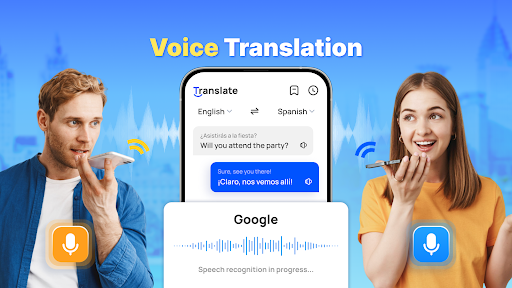
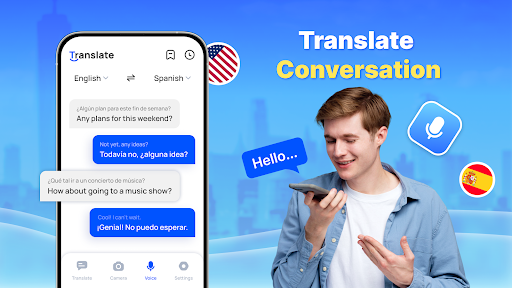
- With speech recognition and Text To Speech functions, speaking and expressing more naturally, just like chatting with friends, and multi-language communication can become smoother!
- Support multiple languages, whether it is commonly used English, Chinese, or other major languages, you can use them for travel and business. How considerate!
- It can also be perfectly combined with clipboard and sharing functions, so that the copied content can be translated immediately, or the translation results can be directly shared, no longer having to enter manually!
- There is also a thoughtful interface and quick translation tool, which are specially designed for busy situations and can quickly solve translation problems even when you are away from home. How convenient!
applicable population
This mobile app is particularly suitable for travelers, students and those who often need quick and accurate translations. The most practical ones are those who are troubled by language barriers and want to find convenient tools!
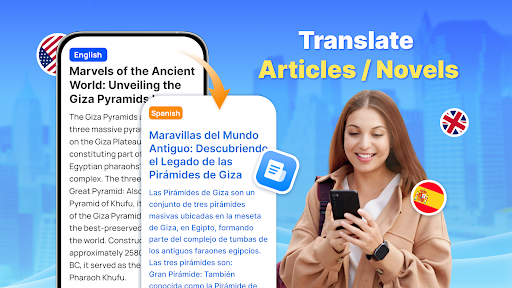
People who work in an international environment or learn new languages will also like it because it can help you translate documents, conversations, and even roadside signs. It is simply a universal assistant. It is so considerate!
Why choose it?
The reason why this Android app stands out is because it is comprehensive in features and accurate and reliable in translation. It can be used even without an Internet. You can feel at ease anytime and anywhere. It is a good helper who can truly solve problems!
Users will find that the interface is particularly intuitive and easy to use. Coupled with advanced functions, language translation becomes super simple and reliable, completely surpassing other similar software. It is worth a try!
Top Recommended Alternative
Pros & Cons
Pros
- Translation in multiple languages can be very accurate, wuwu ~
- The interface is super friendly, fast and convenient
- Support offline translation function and be afraid of going anywhere
- Speech translation also brings real-time feedback, making communication barrier-free
- It also comes with OCR text scanning function
Cons
- When you don't understand complex and long sentences properly, sometimes you will make mistakes.
- Idioms are not very accurate, and sometimes literal translation can be confusing
- Speech recognition sometimes needs to be stated clearly, and background noise can affect
- The quality of offline translations in some minority languages is not as ideal
- For advanced users, there are not enough customization options, and there is limited need for personalized adjustments
Download Translate - Translator


FAQ
Is the Translate - Translator app safe to use?+
Well, the official translation-translation software is still at ease. It is designed with user safety in mind. You can find it on Google Play and the Apple App Marketplace, which have always been tight and regularly check app security.
As a mature application, it basically complies with the security standards of these platforms. It is recommended that you only download it from official channels and don't mess around to ensure that you get a truly safe and reliable version.
Do I need to create an account to use this app?+
In most cases, after installing this translation software, you can use it directly without having to bother registering. Core functions can be experienced immediately, and the operation is fast and convenient.
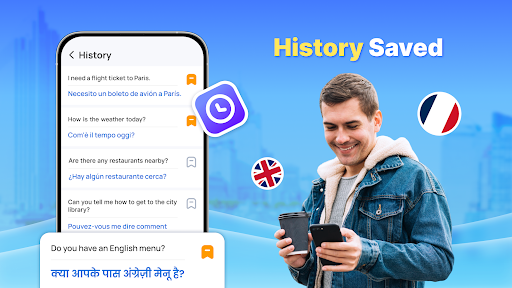
However, if you want to use additional features, such as saving translation records or customizing language preferences, registration can be useful. This is also a common practice for many such applications and is designed to make it more enjoyable and convenient for users.
What are the main app features of Translate - Translator?+
This Android software is quite feature-rich, including text, voice and camera translation, and supports almost all major languages. The interface is designed to be friendly and suitable for casual use and professional operation.
In addition, it also supports offline translation, pronunciation assistance and a huge language database. It is really an all-round tool. It is very practical whether it is traveling, studying, or friends who love language.
How does the app experience compare on Android versus Apple devices?+
This translation software is basically the same when used on Android and Apple devices, and the experience is quite smooth. The interface can adapt well to different screen sizes, is intuitive to operate and responds quickly.
Whether you use a mobile phone or a tablet, you can expect its reliable translation effects and smooth functions. Do you think it is a trustworthy cross-platform translation companion?
How do I install the Translate - Translator app on my device?+
Installation is actually very simple: Go to Google Play for Android phones and search for "Translate - Translator", and go to the App Store for Apple devices. The same process can be completed by following the prompts a few clicks. Moreover, this process is safe and efficient, so you don't have to worry about anything going wrong.
After installation, it will appear on your desktop or application list and can be clicked and used at any time to meet your various needs for translation anytime and anywhere. It is a convenient and reliable tool.
You Might Also Like
More apps you may want to try next.