
HotSchedules
Screenshots
About HotSchedules
HotSchedules is a very reliable mobile application that helps companies with scheduling and labor management. It has an Android version and can also be used on other platforms. The interface is quite user-friendly and allows managers and employees to more easily coordinate shifts and communicate. The overall experience is good. This App-based solution is simply tailor-made to facilitate employee management, making scheduling much easier and can be operated no matter which device you use. It is quite practical!
Overview
core feature
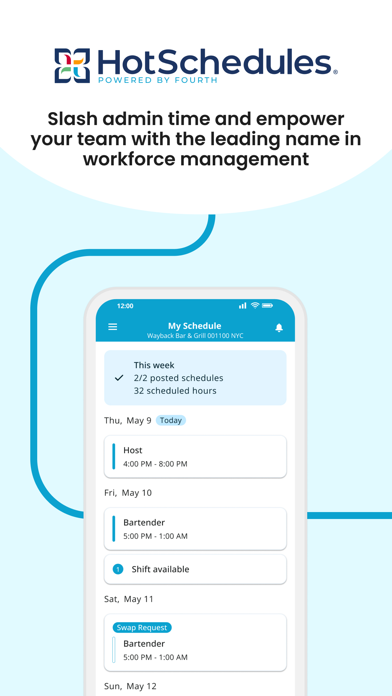
- This app can update the schedule in real time, and employees can immediately see their shifts on different devices. It's really convenient!
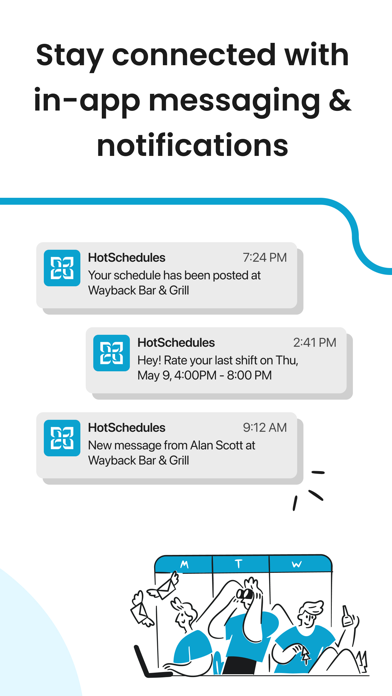
- It has great communication tools, so team members can send messages smoothly and quickly notify changes, which feels particularly convenient.
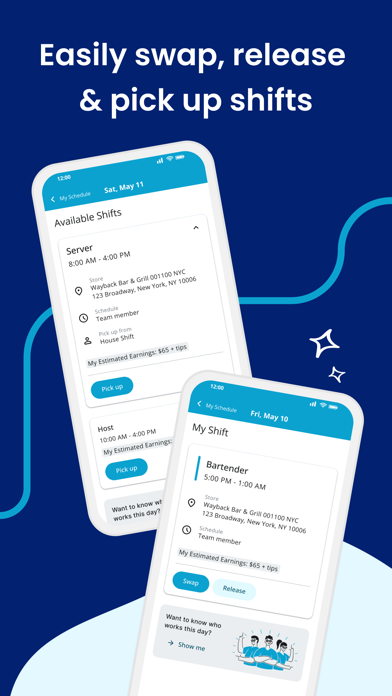
- HotSchedules has comprehensive schedule management functions, which can easily help managers assign and adjust shifts without stress!
- It also provides time tracking and attendance records to help you better understand the situation of employees and improve your sense of responsibility and planning.
- The interface is super intuitive and easy to use. Even if you use it for the first time, you won't get lost. The experience is good.
- It can also interface with existing salary and human resources systems, making it super smooth and seamless.
- There is also offline mode, where employees can check schedules and make adjustments without having to connect to the Internet. How considerate!
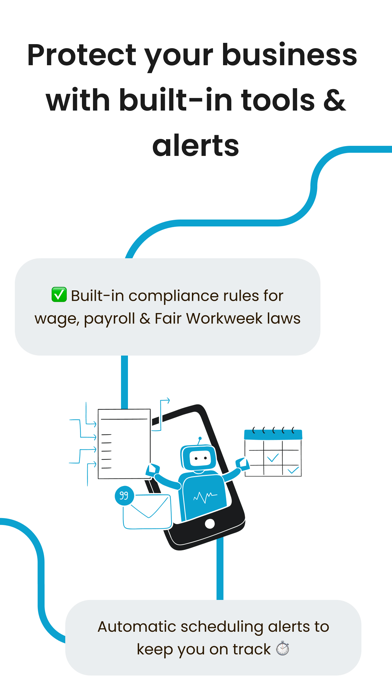
- Push notifications will tell you the latest changes in shifts and upcoming shifts, greatly reducing the possibility of a cancellation.
Who is this app suitable for?
This mobile app is particularly suitable for restaurant managers, shift employees, and teams in the hotel industry or any company with flexible schedules. If you are in a management or work environment where scheduling accuracy is particularly important, this app fully meets your needs.
Whether you need to manage a large team or want to find a reliable app to handle daily shift problems, HotSchedules makes scheduling easier, helps you easily organize and arrange, worry-free and efficient.
Why choose this app
This Android application interface is super friendly and powerful, which can greatly improve the efficiency of scheduling and communication. Using it in a busy working environment really saves a lot of time and trouble.
HotSchedules stands out among many scheduling applications and provides a complete solution for the actual business, ensuring real-time updates and making coordination work more efficient. Its reliability is reassuring and it is really a good helper for managing scheduling!
Pros & Cons
Pros
- Simple scheduling interfaceThe HotSchedules interface is super easy to use, the layout is clear, scheduling and things become particularly convenient, and everything feels smoother.
- real-time notificationEmployees receive reminders immediately whenever there is a change in their schedule, which avoids many misunderstandings and poor communication. It is quite considerate.
- Strong labor cost managementThis software can provide detailed labor reports to help managers better control personnel expenses and relieve the pressure.
- Strong integration capabilitiesIt can also seamlessly connect to commonly used POS and payroll systems, making the operation smooth and effortless, saving time and effort.
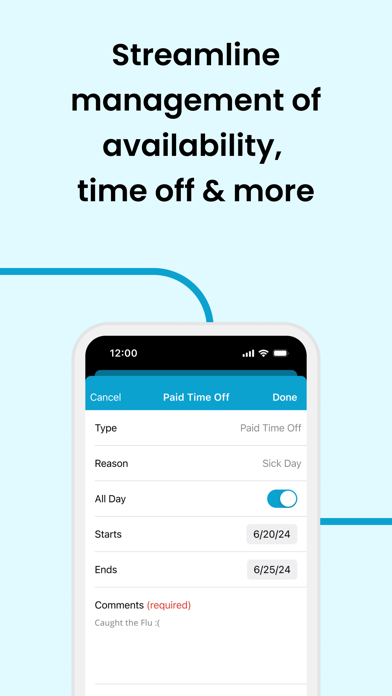
- Use your mobile phone anytime, anywhereEmployees can use their mobile phones to check their schedules and take leave. It is extremely flexible and feels considerate and convenient.
Cons
- Occasionally there is a slight delay in synchronizationSometimes scheduling changes lag behind on different devices, but they can generally be solved by restarting the app. Small problems.
- Customization options are not rich enoughSome users feel that the scheduling template is quite simple and not flexible enough. I heard that subsequent versions will improve and hope to update it soon!
- A little slow for beginnersIt may take some time for new employees to adapt. After all, the functions are quite rich, but with tutorials, you can gradually understand them.
- Notification settings are too basicThe notification is relatively simple, and users can only set basic reminders, but they can make up for it through mobile phone reminders, which is barely acceptable.
- Old equipment occasionally crashesSome old devices are unstable to use. Either upgrading the mobile version or updating the device system, the problem can generally be solved.
Download HotSchedules


FAQ
Is HotSchedules safe to use on my mobile device?+
How do I log in to the HotSchedules app?+
What are the main app features of HotSchedules?+
Can I use HotSchedules on my Android device without issues?+
Does HotSchedules support offline access or require constant internet connection?+
Is HotSchedules considered a launcher app or just a productivity app?+
How often is the HotSchedules app updated to improve features?+
Is the HotSchedules app suitable for all types of businesses?+
You Might Also Like
More apps you may want to try next.