

TeamViewer QuickSupport
Advertisement
Screenshots
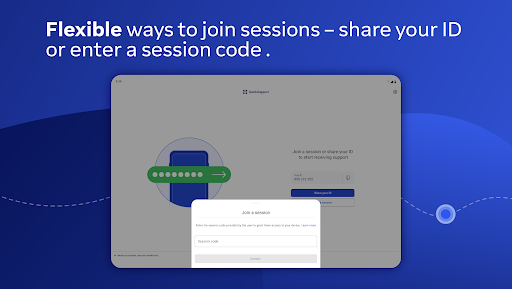
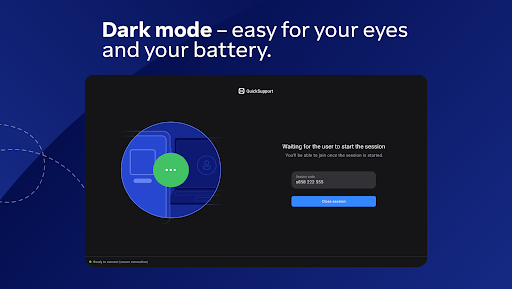
Advertisement
About TeamViewer QuickSupport
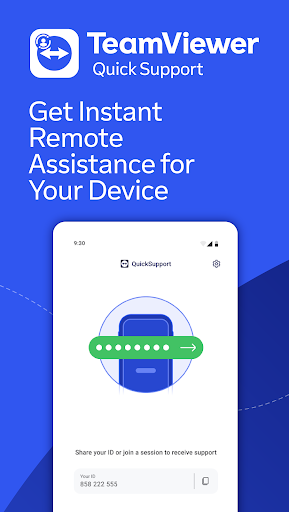
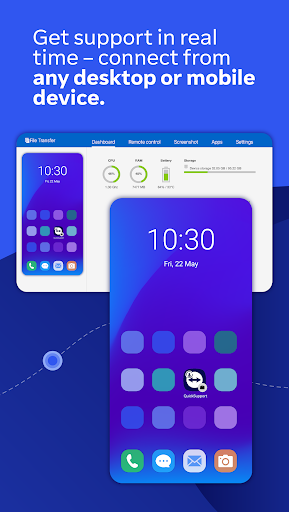
TeamViewer QuickSupport is a mobile assistant. It is mainly used to help people with remote technical support and device management. This Android app allows you to easily and quickly help others solve problems, or fix minor problems on your device yourself. The experience is quite smooth. Its interface is simple and easy to use, and its functions are quite practical, so many people like it. It feels quite convenient to use it to connect remotely.
Overview
core feature
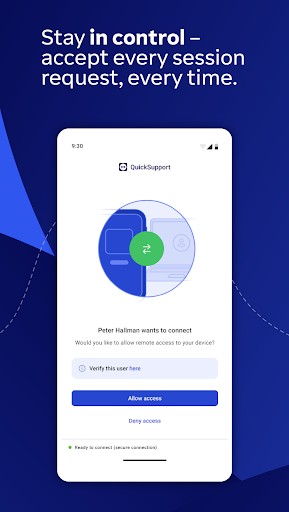
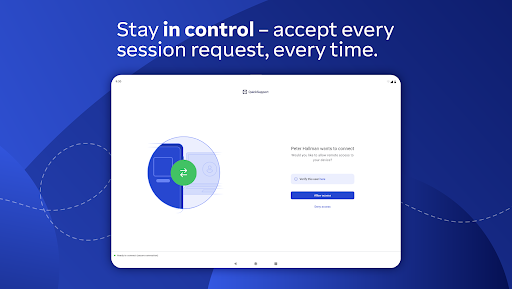
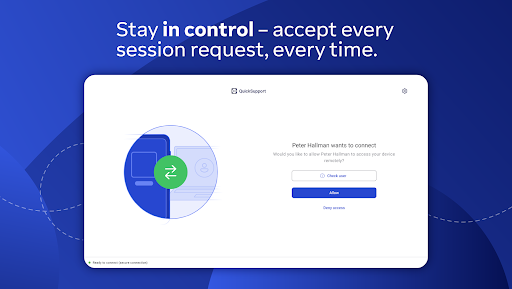
- This app can remotely control the device, so users can help others or themselves with the device anytime and anywhere. It's really convenient!
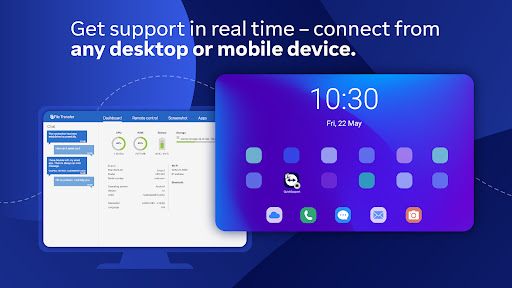
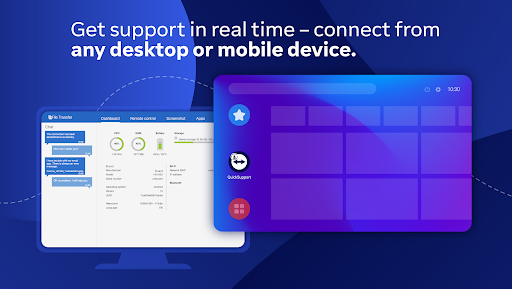
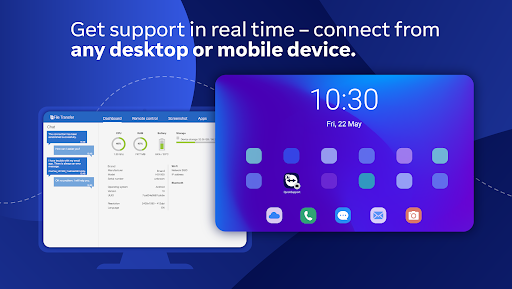
- Real-time screen sharing makes team collaboration smoother. Everyone can see the latest developments on Android or other platforms and communicate with each other.
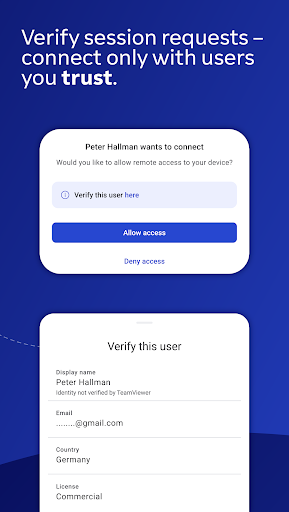
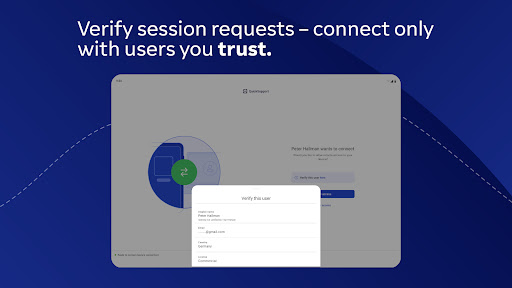
- Data transmission security is explosive, and end-to-end encryption allows you to use it more with confidence. It is especially suitable for handling some sensitive business content. Use it with confidence!
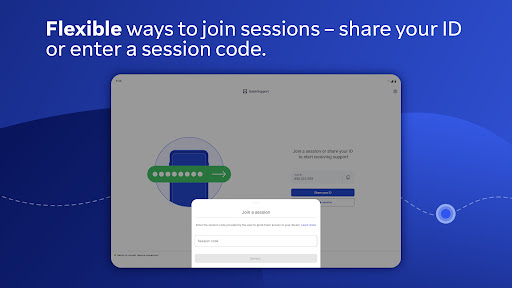
- Supports multiple devices to be connected at the same time, and it is not a problem to do various operations. This launcher application is super versatile and adapts to various workflows.
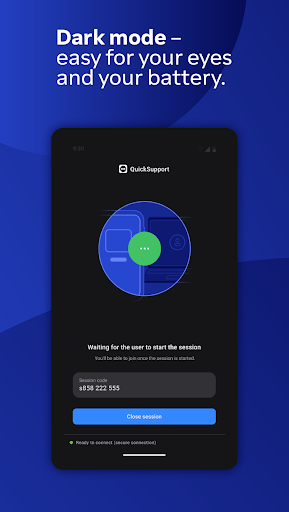
- The interface is super friendly and simple to operate. Users don't have to worry about not being able to find the functions. They can use whichever they want, making it convenient to get home!
- The performance is optimized in place. Even if it is an Android machine with general configuration or the network is slow, it can ensure smooth remote operation without getting stuck. How considerate!
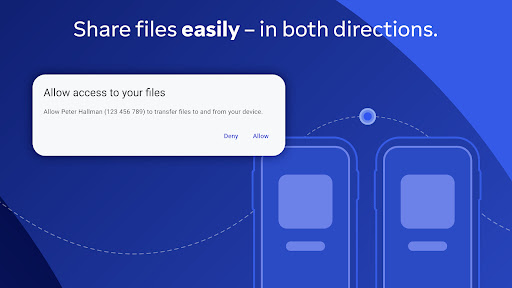
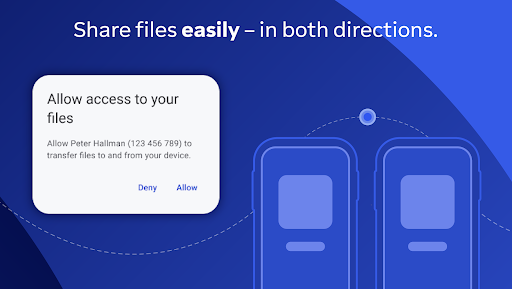
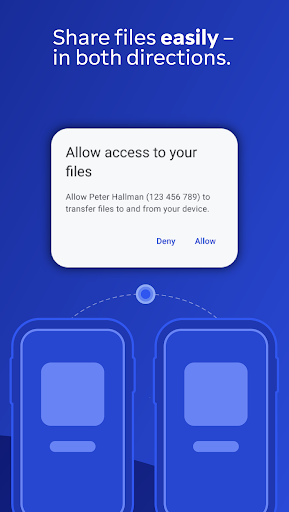
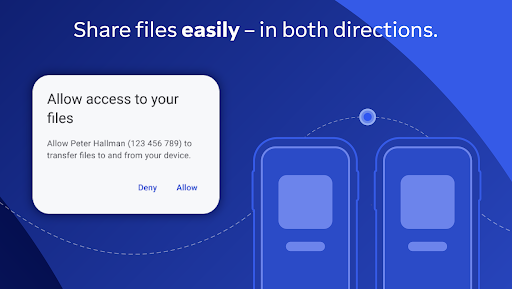
- Built-in file transfer support, you can easily share documents, pictures, etc. during the remote process, making communication work twice the result with half the effort. What a thoughtful design!
Who is suitable for?
This mobile app is especially suitable for IT experts, customer service teams and friends who often work remotely, who need stable connections and quick help. For people aged 20 to 50, this solution is truly efficient and in line with the pace of modern people.
People who often have technical problems, need remote support, or just want to get their devices ready anytime, anywhere will definitely find this Android app particularly useful. Help you improve your work efficiency and easily manage your equipment while you are away from home. It is simply an artifact of remote control!
Why choose this?
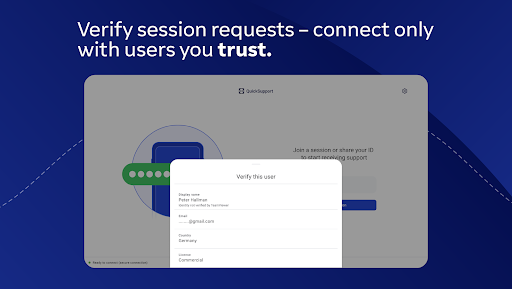
This app provides a trustworthy and efficient remote support solution that is both convenient and powerful to use. Its performance and safety measures make it stand out among similar products. It is a perfect recommendation!
Choosing this Android app means you get a reliable launcher that not only optimizes your workflow, but also ensures data security and can experience improvements in real time. Such a convenient choice is definitely suitable for those who need seamless remote connection and support!
Top Recommended Alternative

Pros & Cons
Pros
- simple interface to
- High-quality remote connection
- cross-platform support
- Safe and reliable connection
- Fast installation and easy connection
Cons
- Free session time is limited
- Sometimes the network is unstable and the line is disconnected
- All functions must be registered
- Not many customization options
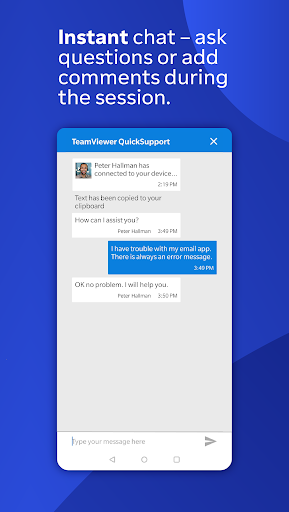
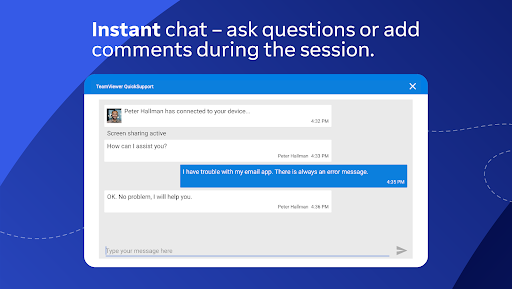
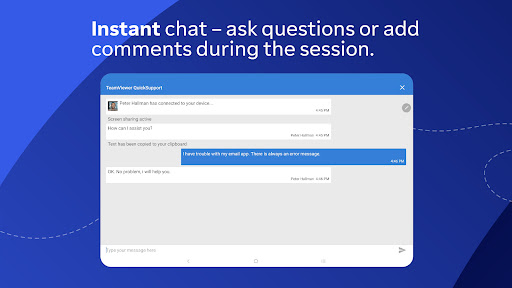
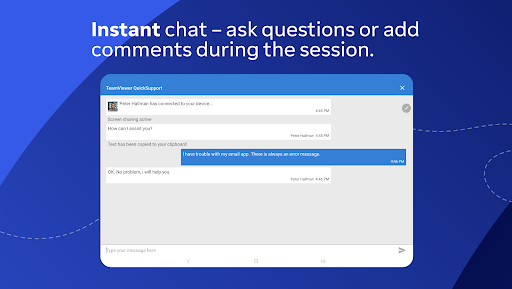
- No built-in Chat features
Advertisement
Download TeamViewer QuickSupport


FAQ
Is it safe to use TeamViewer QuickSupport on your mobile phone?+
How to install TeamViewer QuickSupport app on Android devices?+
Can I use TeamViewer QuickSupport as a gateway to launch other remote support tools?+
What are the functions of TeamViewer QuickSupport?+
Does TeamViewer QuickSupport support different device versions and updates?+
Is this TeamViewer QuickSupport suitable for enterprise use?+
How to ensure the security of my data when using TeamViewer QuickSupport?+
Can I adjust the settings of the App to make the experience better?+
Customer Reviews
Users generally appreciate TeamViewer QuickSupport for its fast, stable, and intuitive remote access capabilities, often describing it as 'spectacular', 'brilliant', and 'reliable' for quick deployments. Key strengths include straightforward setup for many and effective remote control. However, concerns emerge in several areas: connectively – some users report that Android system updates (e.g., OneUI 6.1) break remote control, while others face ID format issues (9 vs 10 digits) leading to timeouts; conversely, many users confirm it 'works flawlessly' and 'never fails'. Ease of use is another split point: some find the process 'very clear and simple', but others criticize it as 'overly complex', especially for non-technical users needing multiple permissions. Security is a polarizing topic: a few users claim the app is used for scams and warn others, whereas the majority find it 'safe' and rely on it for family support. Overall, the app delivers strong performance but faces occasional reliability and trust issues.
Write a Review
Share your experience with TeamViewer QuickSupport. Submissions are reviewed before publishing.
You Might Also Like
More apps you may want to try next.




