PDF Reader: Read all PDF files
Advertisement
Screenshots
Advertisement
About PDF Reader: Read all PDF files
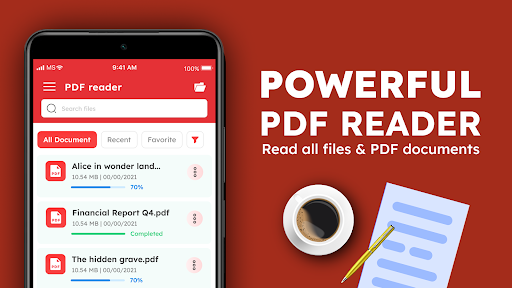
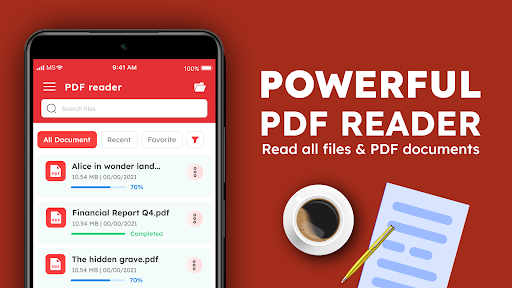
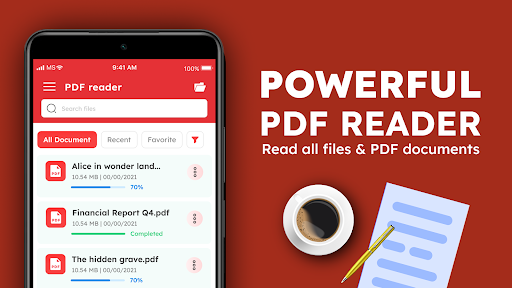
PDF Reader: This mobile application that helps you handle all PDFs is very considerate and allows you to easily open, browse and manage all PDF files on your mobile phone. The interface is simple and intuitive, and it is very easy to use. With it, no matter when you need to quickly open a PDF, you will feel smooth and worry-free. The entire experience is tailor-made for friends who need to view PDFs anytime, anywhere!
Overview
core functions
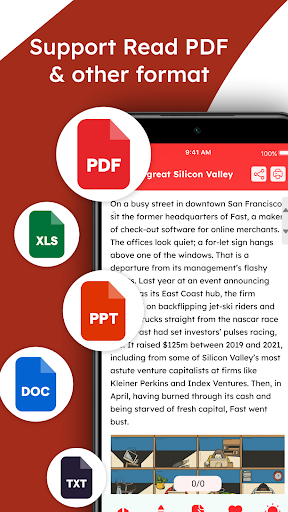
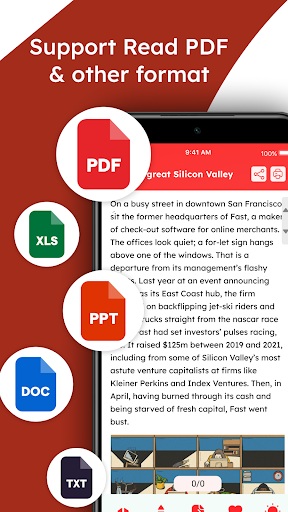
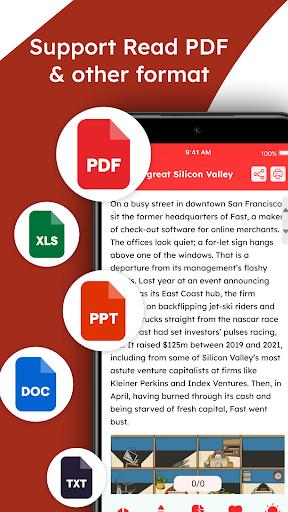
- The interface of this app is super clean, easy to operate, and reading PDFs becomes effortless and enjoyable. It's really easy to get started at a glance.
- Support offline mode, you can open PDF wherever you go, you can see it clearly, and you don't have to worry about losing your Internet.
- You can also quickly search for keywords in the document, which is very fast to find things, saving you a long time of searching and making it efficient.
- There are various annotation tools, such as highlighting, marking, and taking notes, allowing you to interact more with the document and make it easier to focus on key points.
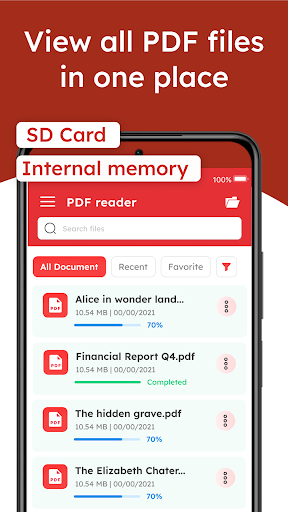
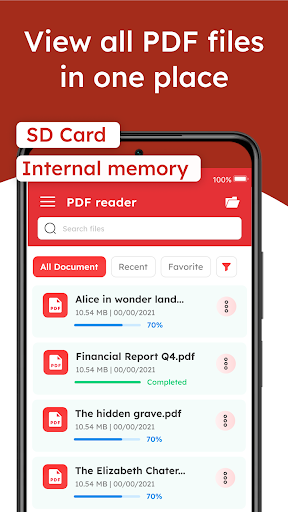
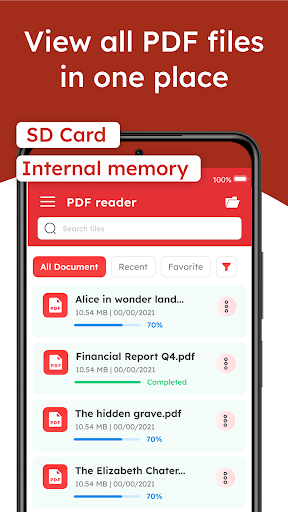
- It also comes with file management, and multiple PDF files are organized in an orderly manner, so there is no need to rush around looking for files.
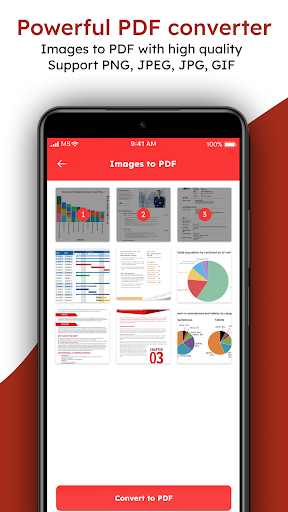
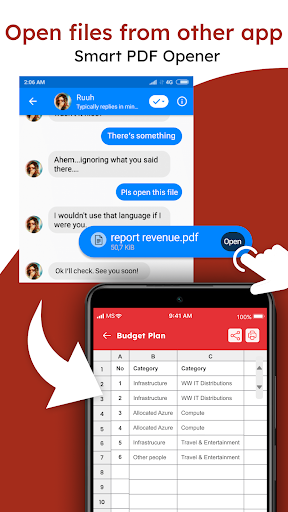
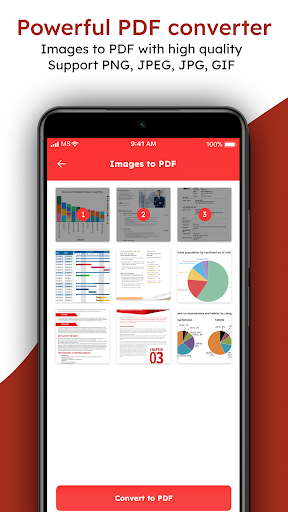
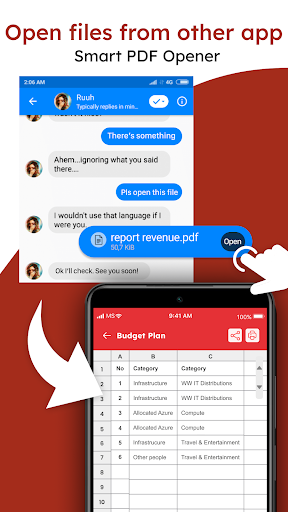
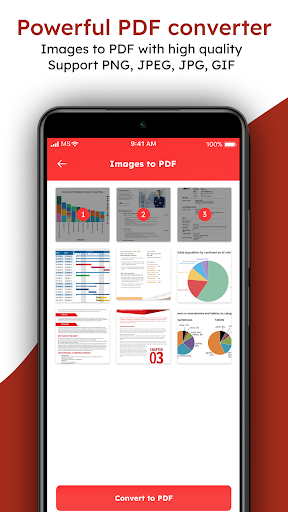
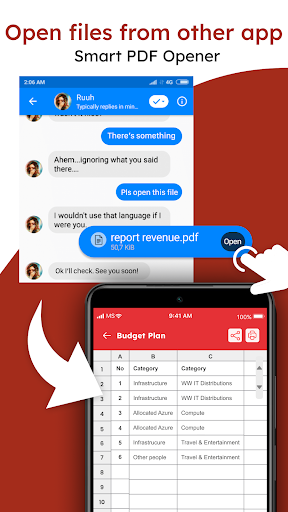
- Supports multiple file formats and can be seamlessly connected to mobile storage and the cloud, making it very easy to use.
- It also launches many functions to help students and professionals improve their work and study efficiency, which is quite considerate.
Who is suitable for?
This mobile APP is particularly suitable for students, office workers, or anyone who regularly processes PDFs on Android devices. Friends who need a reliable and quick way to open and mark files will definitely find it very helpful.
Whether you want to check data anytime, anywhere, organize files, or read comfortably offline, this app can bring a smooth experience and meet various reading and editing needs.
Why choose this APP
This Android software is simple and powerful to use and helps you manage PDF files efficiently. Its operating interface is particularly intimate, and its offline functions are also very practical. It is easier to use than many other similar products.
The key point is that the design is very user-friendly and has comprehensive functions, making it a trustworthy mobile PDF reader. If you want to find a stable and efficient one, you must not miss this one.
Top Recommended Alternative
Pros & Cons
Pros
- intuitive user interface
- Loading PDF super fast
- Comprehensive annotation tool
- support multi-platform
- Offline reading support
Cons
- The search function is not very strong
- OCR function is too basic
- Fewer file organization options
- Limited annotation sharing
- Fewer personality settings
Advertisement
Download PDF Reader: Read all PDF files

FAQ
Is it convenient to log in or register an account in this app?+
Well, PDF Reader: A mobile application for reading all PDF files. Logging in or registering is quite simple, and the process is clear and fast, allowing you to start reading your PDF without pressure.
Once you log in successfully, you can switch seamlessly between different devices, making the experience smooth and convenient. The design takes into account the user experience, and even if you use Android devices or other platforms, it is quite friendly.
Does this app support various versions of Android?+
Of course. PDF Reader: The Android application for reading all PDF files has been optimized and is compatible with multiple Android versions. Whether it is a new or old machine, it can be used smoothly.
This software has been well tested on different Android versions. No matter what operating system version of your device, you can use it with confidence and is quite stable and reliable.
Is it safe and reliable to install this software?+
That's right, PDF Reader downloaded from Google Play: Reading all PDF files is secure because it has undergone strict security testing and is trustworthy. Remember to check if the permissions are reasonable before installing.
This Android app follows strict security standards, no need to worry about risks, the interface is also very intuitive, easy and safe to operate, and the overall experience is quite reliable.
What functions does this software have to read PDF?+
Its main functions include making it easier for you to navigate PDF documents. Tools for marking and highlighting are very practical, especially suitable for people who want to take notes or read quickly. Whether it's leisure reading or work, it's quite suitable.
Coupled with practical functions such as search and offline access, this is a good helper and particularly convenient for users who need to frequently find or annotate PDFs.
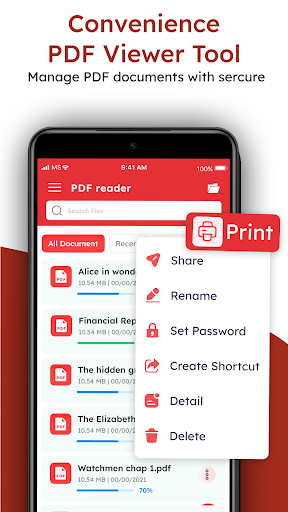
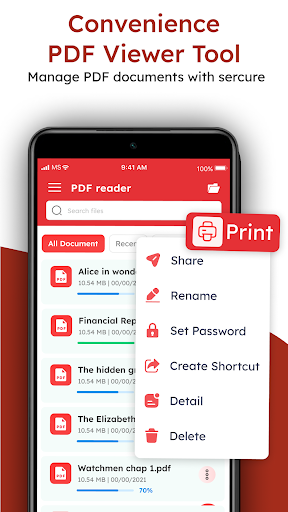
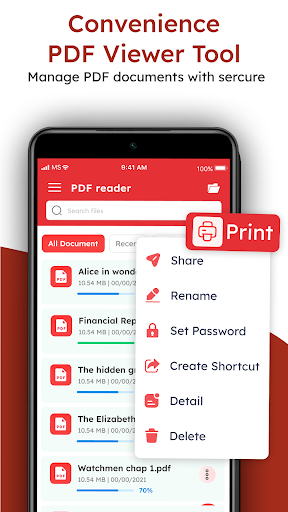
Can I set this software as a shortcut to quickly open PDFs?+
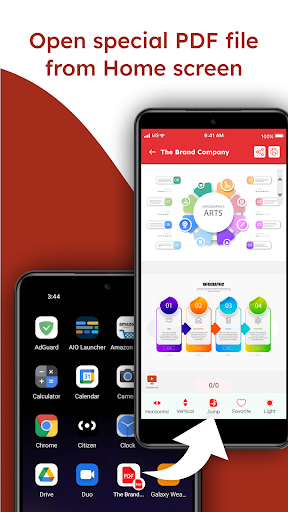
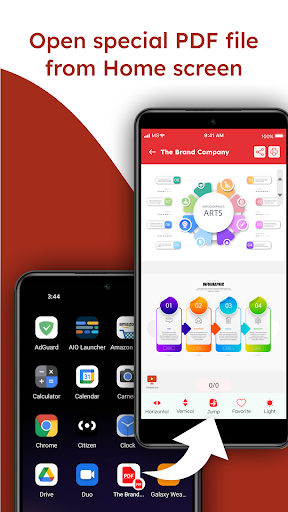
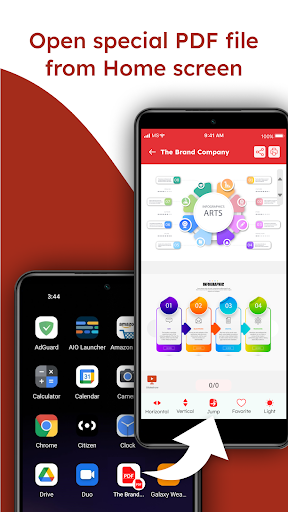
Although PDF Reader: Reading all PDF files is mainly used to view documents, you can add it to desktop shortcuts to quickly open your documents. In this way, you don't have to go through the documents for a long time.
However, it is still a special PDF browser and will not replace your mobile phone's launcher, but it is quite convenient to make a shortcut entry, allowing you to open files directly from the desktop, which is quite practical.
Customer Reviews
Users widely praise PDF Reader: Read all PDF files for its efficiency, reliability, and ease of use. Many highlight its smooth performance and intuitive design, making it suitable for both beginners and experienced users. The ‘go to page’ feature and overall responsiveness are frequently appreciated. However, feedback is mixed on certain aspects: while most find the app highly functional and capable of handling any document, some users report a lack of essential features and consider it frustrating or unhelpful. Regarding ads, many users acknowledge the app works well but wish there were fewer advertisements. Despite occasional negative experiences, the majority of reviews reflect a positive overall impression, with consistent mentions of dependability and high accuracy.
Write a Review
Share your experience with PDF Reader: Read all PDF files. Submissions are reviewed before publishing.
You Might Also Like
More apps you may want to try next.