
Tasker
Advertisement
Screenshots
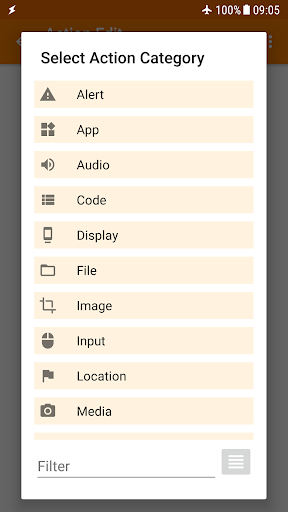
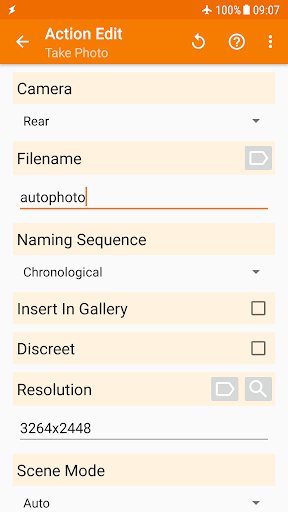
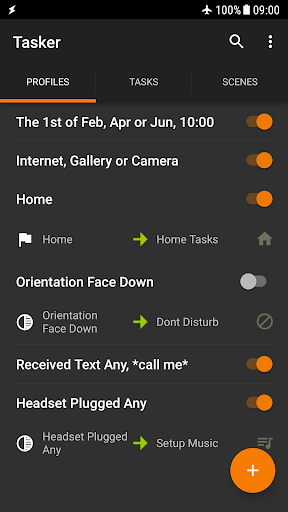
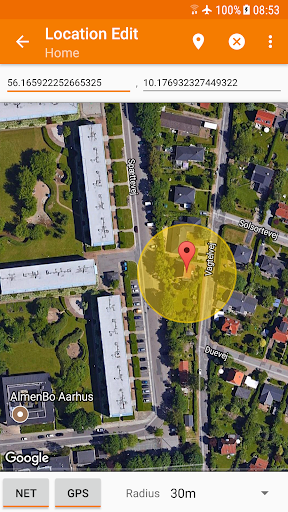
Advertisement
About Tasker
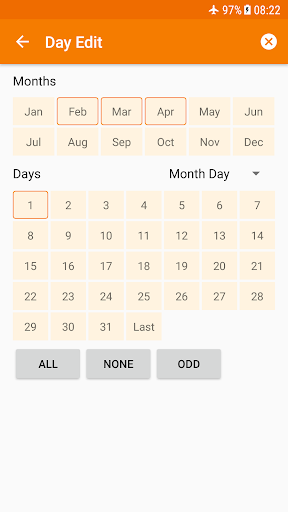
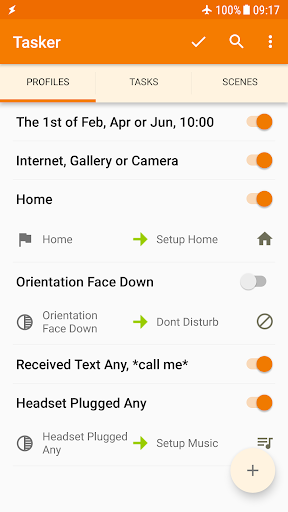
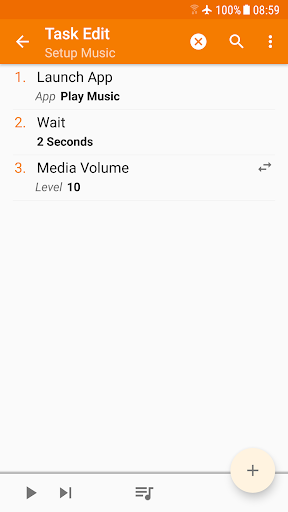
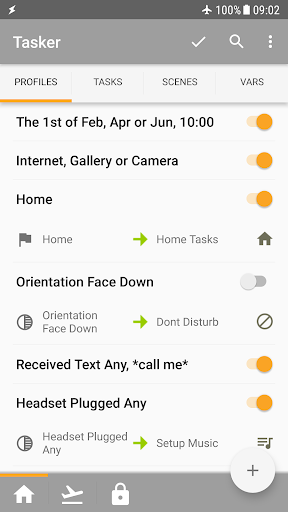
Tasker is a truly versatile Android app that can help you automate almost any task and achieve a personalized device experience. It is like a universal tool that can help you design various workflows you like, and its functions are surprisingly rich. With this software, you can easily make various operations of your mobile phone smooth and efficient, worry-free and convenient. It is a good helper to improve daily efficiency!
Overview
Core Features
- This app allows you to customize your own trigger conditions and operations, and automatically helps you complete various tasks on Android, which instantly improves your efficiency.
- Support complex processes, such as scheduling time, judging conditions, and multi-step automated operations, do whatever you want and do whatever you want.
- The interface is super friendly, even if you are a novice, you can easily create and edit automated scripts without stress.
- It can work seamlessly with Wi-Fi, Bluetooth, system settings, etc., and the automation and application experience are smooth.
- It also brings a very powerful set of functions, such as conditional logic, variables, error handling, etc., to ensure stable performance and is very reliable.
- Community support is also great, with many preset solutions and shared tasks, and the whole thing is an all-around application designed to meet various needs.
- It can also run offline, and the automated process runs fast without networking, which is worry-free and convenient.
Who This App Is For
Especially recommended for technology enthusiasts, automation enthusiasts, and professionals who want to make their daily life smoother. This app is especially suitable for small partners who like to engage in Android customization and task automation.
Whether it's for personal efficiency or managing smart devices at home or at work, this app can help you get through a variety of repetitive tasks and is a really universal launcher.
Why Choose This App
This Android app is quite reliable. It uses some advanced features to make automation simple and smart, helping you save time and effort. The interface is intuitive and highly customizable, allowing you to control the device to a higher level.
Pursuing efficiency and stability? This app has won out perfectly, solving common problems in promoting mobile phone automation, and is one of the best choices that everyone truly trusts.
Top Recommended Alternative

Pros & Cons
Pros
- Super customizable automated process, do whatever you want
- Support the linkage of various devices and applications, almost everything you can do
- Powerful triggering and action methods, changeable
- Active community support helps you get started quickly
- Many functions do not require Root, and the threshold is low
Cons
- It's quite difficult for beginners to get started, and the learning curve is steep
- The interface is a bit messy and you may not be able to find your way
- The free version has limited functions, so you have to spend money to use it all.
- Occasionally, stability issues arise.
- Complex automated tasks require a certain technical foundation
Advertisement
Download Tasker


FAQ
How can I install Tasker on my mobile phone?+
Is it safe to use Tasker on your mobile phone?+
Does Tasker require root privileges to use it?+
Can I customize those features in Tasker?+
Are there any tutorials or tutorials suitable for beginners?+
What security issues should I pay attention to when using Tasker?+
Does Tasker support the latest Android systems?+
Can Tasker be used as a starter?+
Customer Reviews
Tasker is a powerful automation tool for Android, widely praised for its ability to customize and automate almost every aspect of a phone. Users highlight the developer's excellent support and quick bug fixes. However, the app has a steep learning curve: some find it empowering after mastering it, while others consider it overly complex and confusing. Functionality is generally robust, with many users reporting flawless operation on various devices; yet some experience issues like broken triggers after updates or non-working features (e.g., auto-responder for WhatsApp). A common complaint is the need for additional paid add-ons (AutoApps), which some see as a costly trap rather than a single investment. Compatibility varies: works well on Xiaomi and Android 13 but may struggle on Huawei without Google services. Overall, Tasker is highly recommended for tech-savvy users, but novices may find it frustrating.
Write a Review
Share your experience with Tasker. Submissions are reviewed before publishing.
You Might Also Like
More apps you may want to try next.




