

IFTTT - Automate work and home
Advertisement
Screenshots
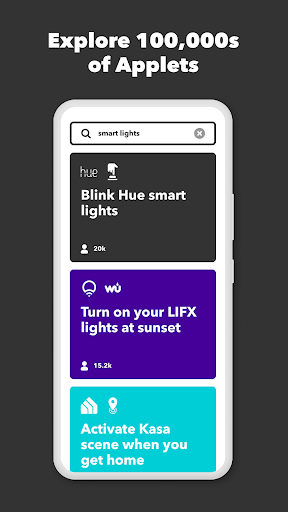
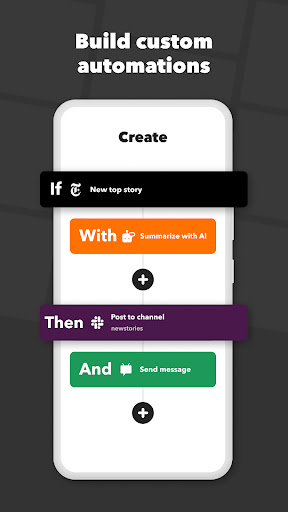
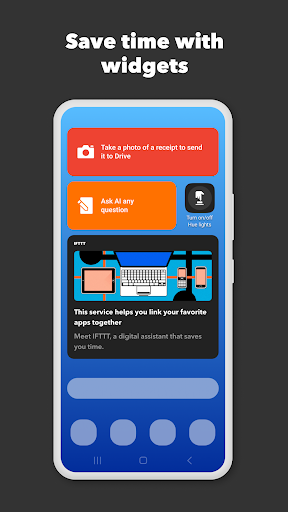


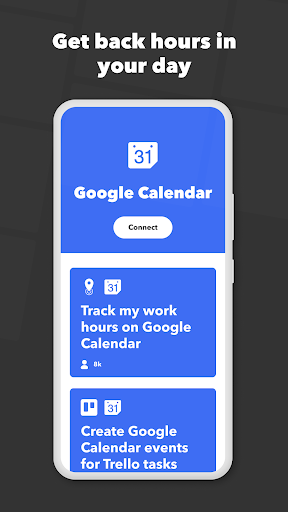
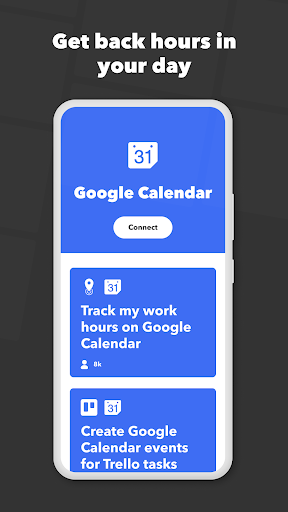
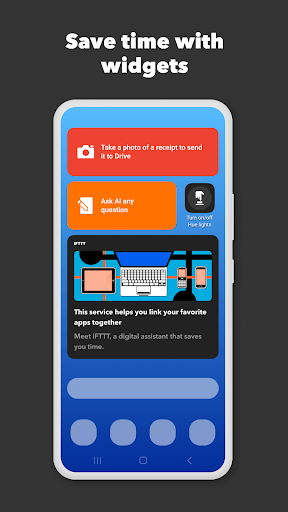
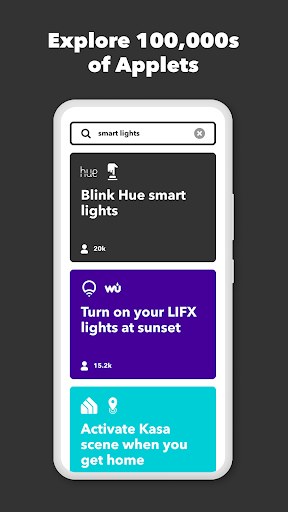
Advertisement
About IFTTT - Automate work and home
Overview
core features
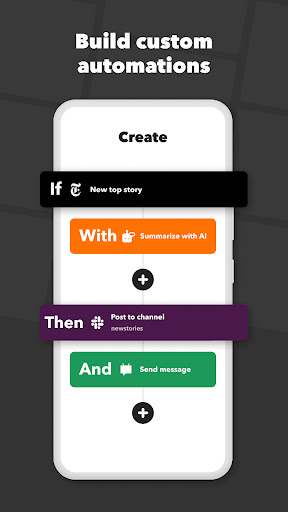
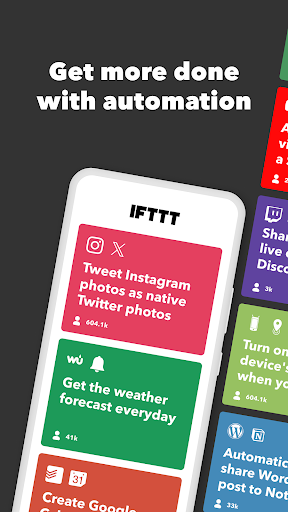
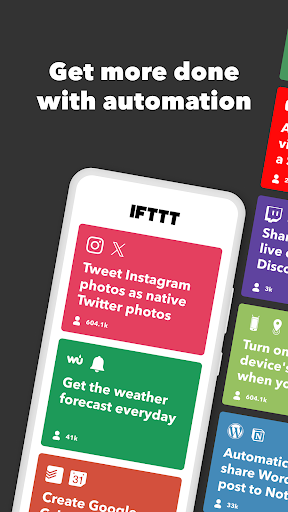
- It's very easy to use. It can automate repetitive tasks, build some customizable processes, and easily connect various applications and devices. It feels quite worry-free.
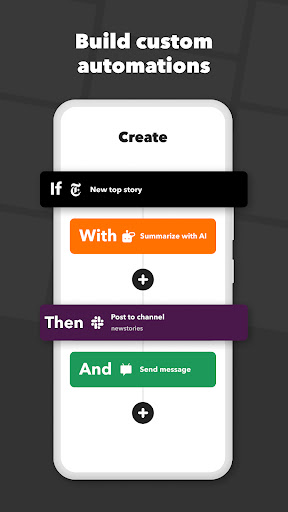
- The functions are quite rich, such as instant notification, scheduled operations, conditional triggering, etc., which helps you improve your efficiency, but it is quite easy to use.
- Support multi-device synchronization and keep it synchronized at all times to ensure that your automation runs smoothly and no matter where you are.
- The interface is quite intuitive, suitable for users of all levels, and it is also fast to set up, saving time and effort.
- There is also an app to control smart home devices, which is very convenient for remote control and automated operations.
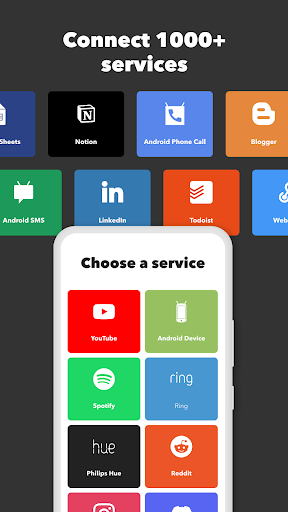
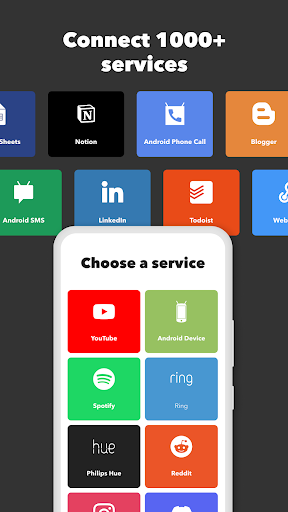
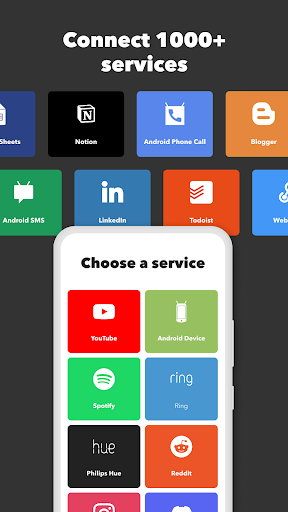
- With more than 600 services connected, Android users can enjoy a variety of integrated functions and have a richer experience.
- There is an offline mode, and some automation can be executed offline. You don't have to worry about being disconnected from the network and affecting the process when you are away. It's quite considerate.
Who is this app suitable for?
This mobile app is especially suitable for people who want to make daily life easier, such as busy office workers or friends who like to mess with technology. People who want to use an efficient application to make work and life less cumbersome will find it quite suitable.
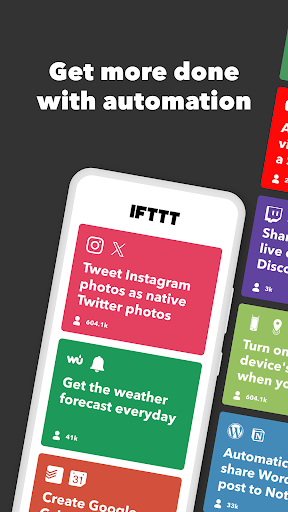
For example, using it to automatically send social media updates, manage smart home devices, or receive reminders of important things can make your experience more efficient and consume less energy.
Why choose this app
The highlight of this Android app is its powerful functions and reliable automation, which helps you save time and effort. The interface is friendly and rich in integrated functions. Whether you want to improve work efficiency or optimize your life, you find it quite reliable.
It can also customize the process to solve the trouble of not being able to remember things or being busy. It is a more all-round tool that can handle both work and housework. It is quite practical.
Top Recommended Alternative

Pros & Cons
Pros
- User-friendly automation settings
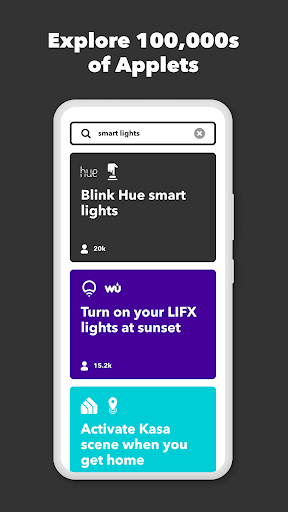
- There are many types of services supported
- Time-saving automation
- Mini programs that can be customized
- The trigger is very reliable
Cons
- Free Mini programs have many restrictions
- Relying too much on the Internet
- Response speed is sometimes slow
- Insufficient advanced scripting features
- Privacy issues need attention
Advertisement
Download IFTTT - Automate work and home

FAQ
Is IFTTT - Automate work and home safe to use on my Android device?+
Don't worry, IFTTT is quite reliable and pays attention to user privacy and security. It was developed by a well-known company, so you can feel more at ease with your data and everything, and your safety is guaranteed when automated operations.
The security measures it uses are quite standard, updates are quite frequent, and it is always fixing loopholes. As an Android application, it has performed quite well after testing on various devices. It is relatively safe to use and quite reliable.
How do I install IFTTT on my Android phone?+
It's actually quite easy to install an IFTTT, just go to the Google Play store and search it. After searching, click the install button and you will be able to use it quickly, and you can also start setting up various automated routines.
The installation process of this application is smooth, easy to use, and has a lot of functions. After it is installed, you can customize various automation solutions that meet your needs, which is quite convenient.
Can I use IFTTT as a launcher app on Android devices?+
I feel that although IFTTT is mainly an automated tool, it cannot be used as a starter in the traditional sense. However, you can integrate it into your Android experience to make various tasks run automatically, which is quite convenient.
If you want to make the interface more personalized, you can also combine IFTTT with other launchers to create a homepage you like. The feature of this app is that it can quickly start automated processes, which improves efficiency.
What are the main app features of IFTTT - Automate work and home?+
It has many functions, the most important thing is that it can connect to various services and devices to help you automatically complete some daily tasks. Supporting many different applications and smart home devices, the imagination is really big.
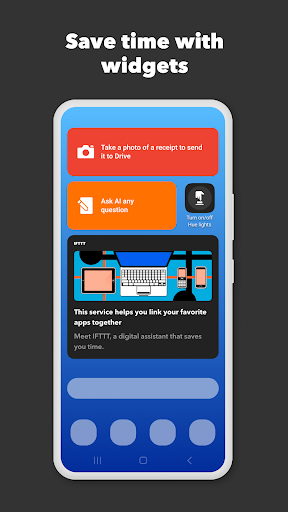
This app can also customize its own "widgets", trigger actions based on specific conditions, and provide real-time notifications, so that you can keep abreast of the situation at any time and seamlessly integrate your favorite services, making it very easy to use.
What should I know about the app experience with IFTTT?+
IFTTT is particularly friendly and intuitive to use. Whether you are a novice or have some experience using the computer, this interface is quite easy to use. The operation is actually quite simple. You can do a lot of automated things with just a few fingers.
As an application with a good reputation, its performance is also quite stable, ensuring that the automation solution you use is fine. It is updated frequently, optimized continuously, and its functions are constantly expanding, making it more and more convenient for everyone to use.
Is IFTTT suitable for use as a productivity tool or task automation app?+
Of course, IFTTT is definitely a great efficiency tool, and it is designed to help you simplify daily tasks. Especially when it comes to automating repetitive tasks, it's just perfect. It can help you do it with one click for both equipment and online services.
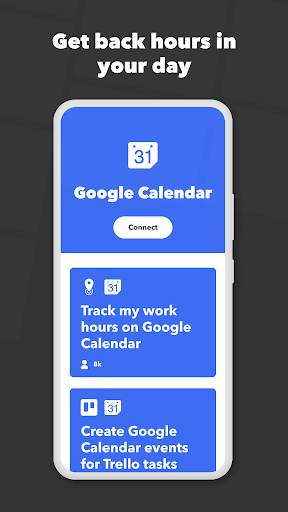
Many people rely on it to automate work processes, or small things in daily life, saving time and worry. Its various plug-ins and "widgets" make tasks more efficient, and work at home is consistent, which is quite practical.
Does IFTTT offer any specific advantages for Android users?+
For Android users, the main advantage of IFTTT is that it can be deeply integrated with various functions of the system and can create more personalized automation scenarios. For example, if actions are automatically triggered based on location, time or various states on the phone, the experience is quite rich.
This app is constantly following up on new Android features to ensure that you can use automation while still enjoying the latest system features. Whether it's work or smart home control, it can help you perform to the fullest.
How reliable is IFTTT as an automation app across different devices?+
As a mature application, IFTTT performs quite stably on various Android devices, and it can run normally regardless of the device model. Its automation functions are designed to be reliable and can be executed relatively smoothly even in complex scenarios.
Many users use it to automate work and home, and they find it stable and easy to use. Developers will continue to push updates to maintain its stability and functional perfection. Overall, it is a very trustworthy tool.
Customer Reviews
Users generally appreciate the good idea behind IFTTT, but overwhelmingly criticize its aggressive subscription model and reduced free tier. Key concerns: pricing (excessive, with features locked behind expensive plans), reliability (applets often fail, delayed triggers, no notifications), and functionality (limited free version, account requirement, loss of previously free features). Positive aspects are rare: some find the concept useful, and it works briefly for a few users. However, many report broken automations, silent downgrades, and lack of transparency. Alternatives like Home Assistant, MacroDroid, or Alexa are recommended for being free or cheaper. The app is seen as a money-making scheme with poor execution.
Write a Review
Share your experience with IFTTT - Automate work and home. Submissions are reviewed before publishing.
You Might Also Like
More apps you may want to try next.




