

Auto Clicker - Auto Tap
Advertisement
Screenshots
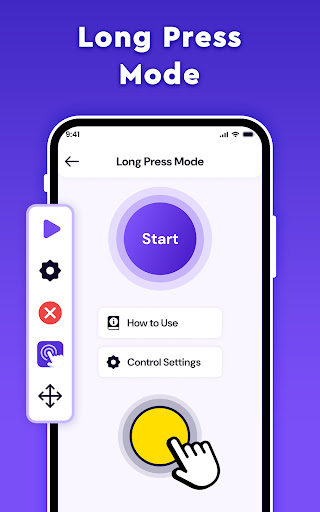
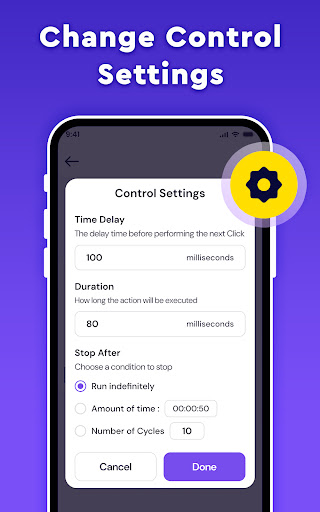
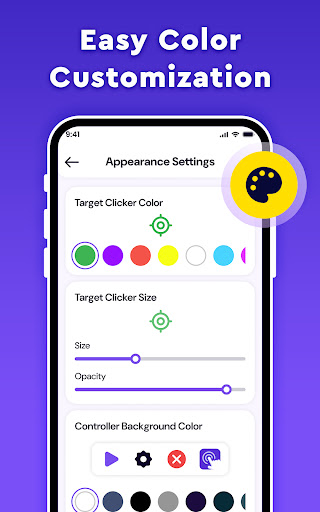
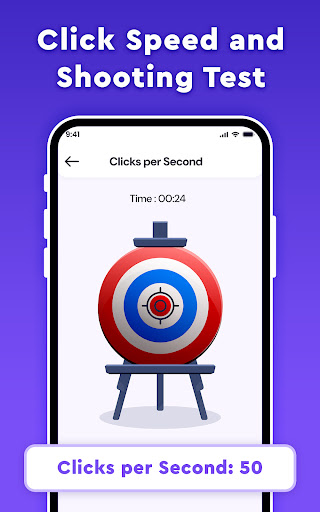
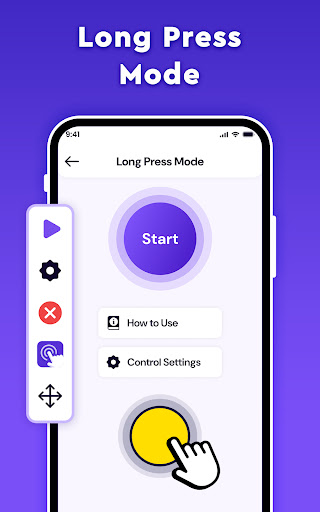
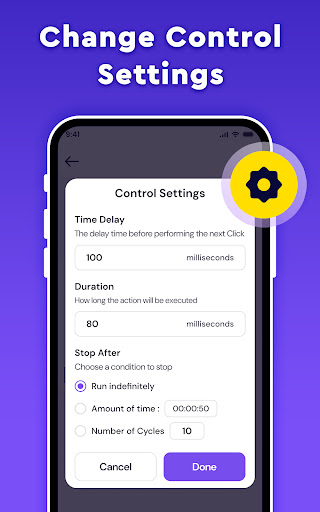
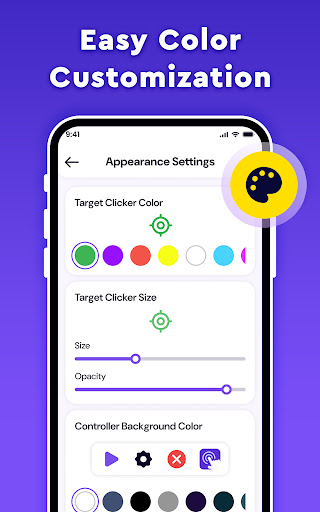
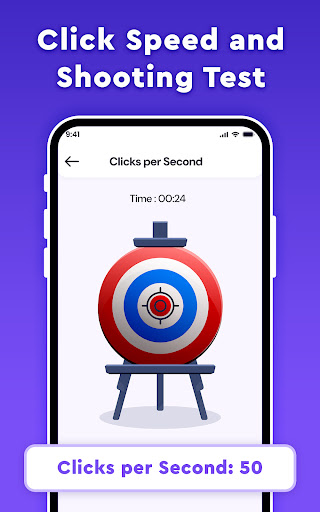
Advertisement
About Auto Clicker - Auto Tap
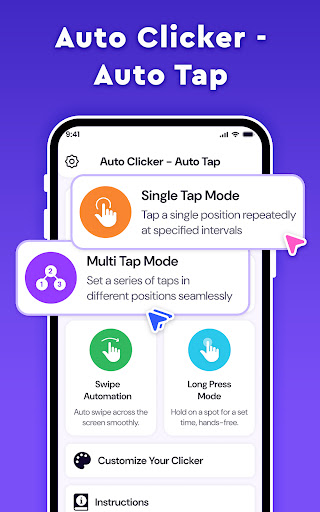
Auto Clicker - Auto Tap is a very considerate application. It specially helps you click automatically, saving you manual operation one by one. This Android app is simple, but it works well. It allows you to easily handle repeated click tasks and improve the user experience. The interface is super friendly and easy to use. It helps you sort out all kinds of miscellaneous things on your mobile phone or tablet, making the operation smooth and worry-free.
Overview
core feature
- Automatically click and click to help you easily get through those repetitive tasks without having to do it yourself, and the efficiency is great!
- The interface is super friendly, you can set whatever you want, and the interval time can be adjusted. It is so simple!
- Support multiple scripts to run at the same time, and it is not a problem to automate complex processes. It is very flexible!
- You can adjust the speed and location of the point, and control the duration to adapt to various application needs. It's so considerate!
- Equipped with an anti-identification system, you are not afraid of being discovered when you click automatically, sneaky, and decisively safe!
- Power-saving design, you don't have to worry about running out the battery even if you use it for a long time, saving worry and saving electricity!
- Perfectly compatible with all Android applications, allowing you to run smoothly on different devices without stress!
Who is this app suitable for?
This mobile app is especially suitable for game fans, testers, or those who like to improve efficiency and make daily repetitive operations easier. Its interface is very friendly and can be easily used by people of any age. Friends who pursue automation must not miss it!
Whether you want to improve the application experience through automation or need a tool to help you test application functions, this thing is extremely reliable and saves you a lot of time and trouble.
Why choose this App?
What makes this Android app special is that it is fully functional, easy to operate, and particularly reliable, automated without losing a sense of security. The interface is intuitive and the options are rich. It is definitely the first choice for many people!
Combined with its mature functions and optimized experience, it can bring you efficient automation solutions that will not affect equipment performance or safety, and truly save peace and effort!
Pros & Cons
Pros
- User experience friendly interface
- Customizable click settings
- Various automation models
- Lightweight and smooth
- free use
Cons
- Lack of advanced features
- Advertisements will appear in the free version
- There may be compatibility issues
- Limited customization capabilities
- need to manually set
Advertisement
Download Auto Clicker - Auto Tap

FAQ
Auto Clicker -Is Auto Tap safe to use on my Android device?+
Don't worry, Auto Clicker - Auto Tap is a very common tool designed to help you achieve automatic clicking. It relies on Android's regular permissions and is basically no problem to use. As long as you use it correctly, it is quite safe.
But one word of caution, it is best to download it from a reliable channel, such as the Google Play store. Using this launcher correctly will make your experience more secure and you don't have to worry about being bothered by viruses or other security risks.
How do I install and set up Auto Clicker - Auto Tap?+
It's actually quite simple. After downloading, open it from Google Play. After entering, you can use its interface to adjust at will. It is quite intuitive. The entire installation and configuration process can be done quickly and without requiring too many brain cells. Most people can handle it.
If this is your first time using a launcher-like app, take the time to study its settings. Adjust it to the state you like, so that it will be easier to use and the experience will be smoother.
Auto Clicker -Does Auto Tap support different versions of Android?+
This design is quite considerate and compatible with multiple different versions of the Android system, ensuring that most people can use it smoothly. Developers will also update it regularly to keep up with updates to the Android system to ensure stability and security.
The starting point is to make sure your app is compatible with your Android version first, so as to avoid unexpected problems. With the latest app version, the experience will be even better, especially for features that require system integration and automation.
Can I use Auto Clicker - Auto Tap without using a root device?+
Of course, one of the biggest advantages of this launcher is that it can be used without root. You can enjoy its features directly on your Android device without having to mess with complex system settings.
This is also one of its security advantages, with low risks. It is especially suitable for users who want to automate but don't want to make the equipment too complicated and keep it safe.
Auto Clicker -What special features does Auto Tap have that make it stand out?+
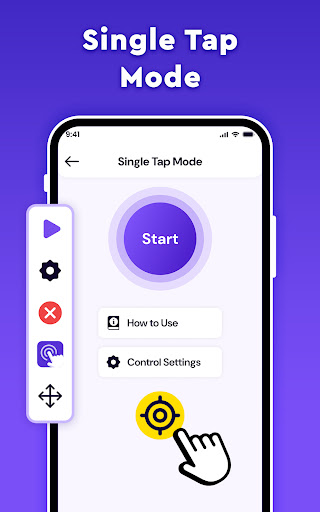
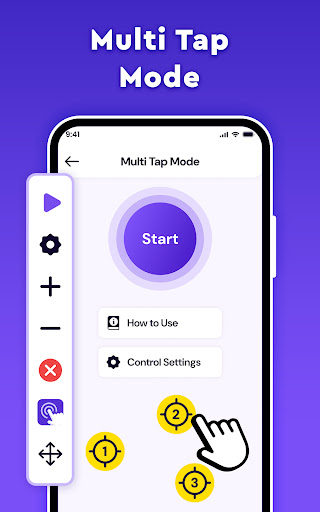
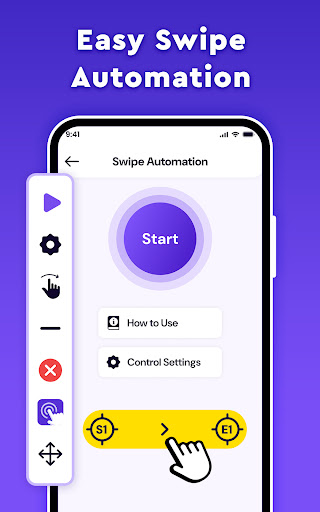
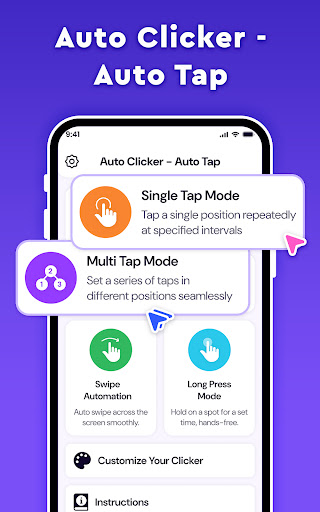
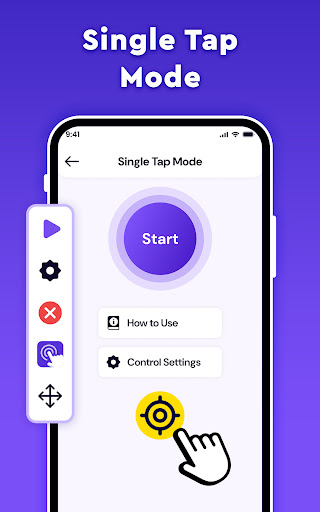
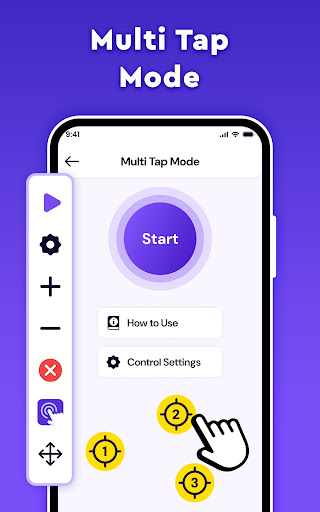
This app has quite rich features, such as the ability to customize the click area, automatic click interval, and even support for multiple clicks. It helps you simplify some repetitive and boring operations and enhances the user experience.
Moreover, the interface is very friendly, so you don't have to worry that novices won't understand it, and veterans can easily get started. As a launcher-like application, its diversity can also improve your daily efficiency and convenience, which is really practical.
Customer Reviews
Users generally appreciate the app's simplicity and efficiency, with some calling it the best auto clicker they've tried. Key dimensions include ease of use (positive: straightforward and smooth; negative: occasional failure to work) and ad presence (positive: none mentioned; negative: excessive ads block settings and hinder experience). While some users report great performance and speed, others criticize the app for not working, being unauthorized, or causing bans. Overall, positive feedback is limited, with many negative reviews citing poor quality, scams, and security risks.
Write a Review
Share your experience with Auto Clicker - Auto Tap. Submissions are reviewed before publishing.
You Might Also Like
More apps you may want to try next.



