Sweet Home 3D: Plan your house
Advertisement
Screenshots
Advertisement
About Sweet Home 3D: Plan your house
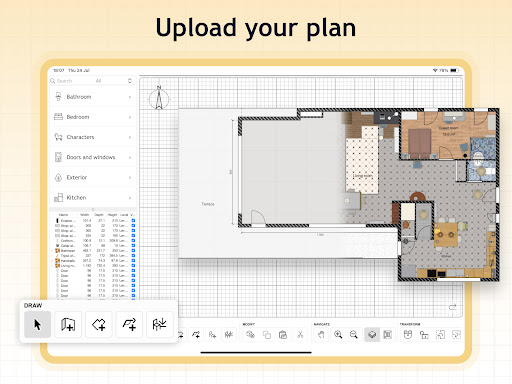
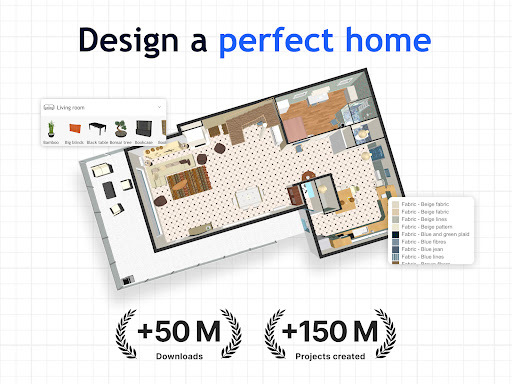
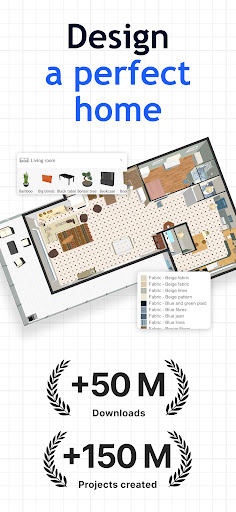
Sweet Home 3D: This APP is really convenient. It is specially prepared for people who want to design their own houses or like to decorate them. It is particularly friendly to use and user friendly, helping you easily draw various house and interior layouts. This Android software not only allows you to visually see the floor plan, but also tests various decoration styles and helps you plan decoration and renovations. It feels particularly considerate. Whether you are a novice or a veteran, you will find it easy to use and a good tool!
Overview
core features
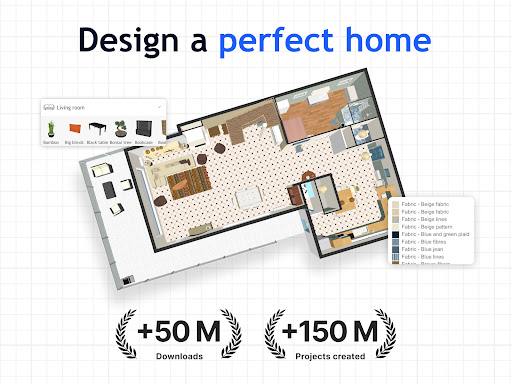
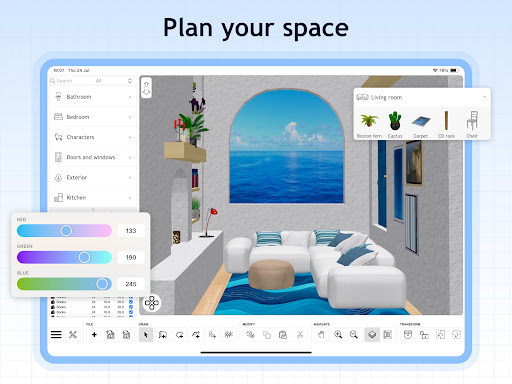
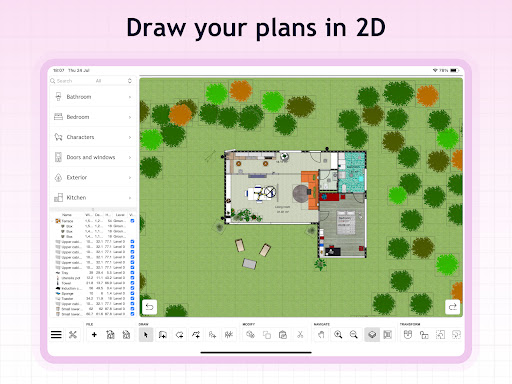
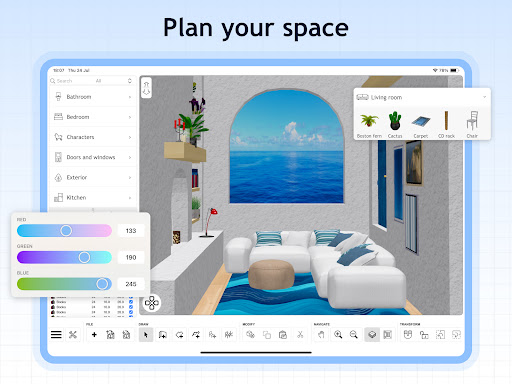
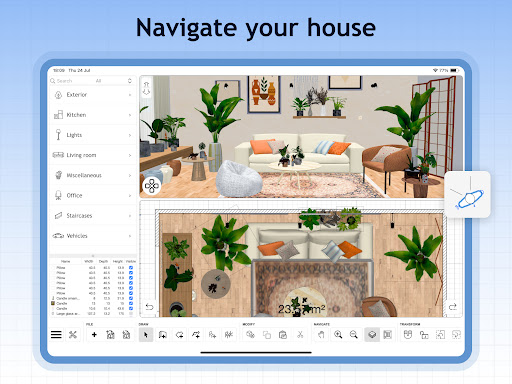
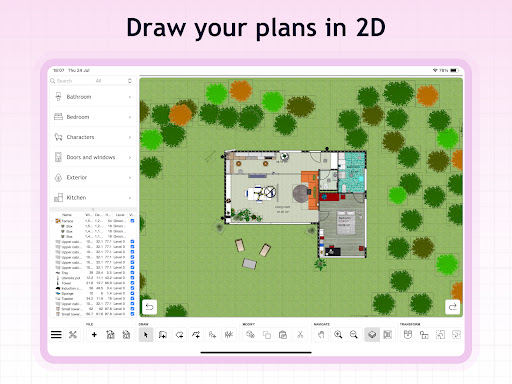
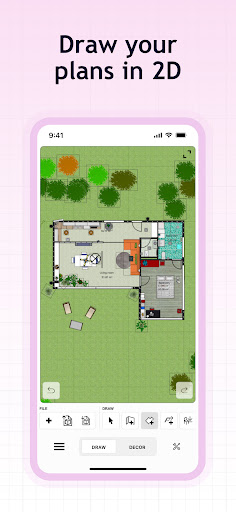
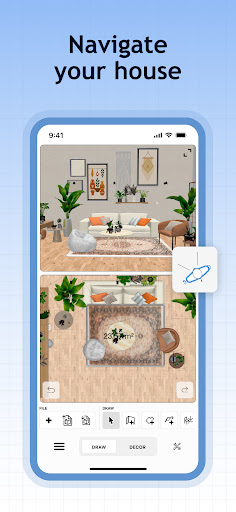
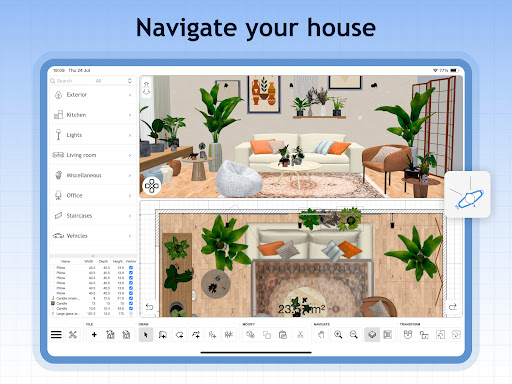
- This app has a super intuitive 3D interface that allows you to draw a house plan on your mobile phone at will. It's as simple as playing a game, without having to worry about complex operations.
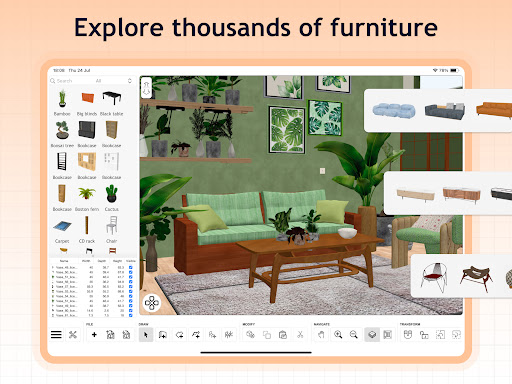
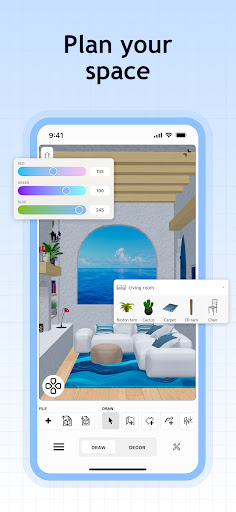
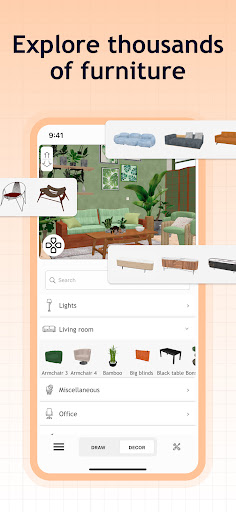
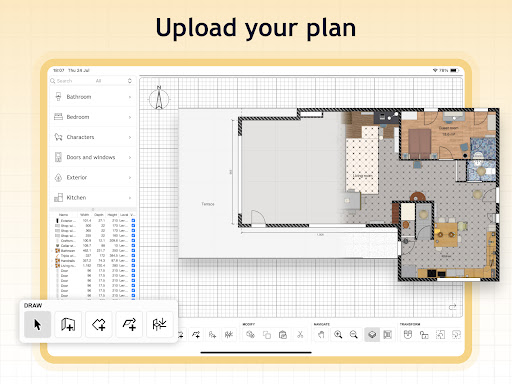
- Design tools include adding furniture, walls, windows, doors, etc. You can adjust everything yourself, and the layout is as free as you want.
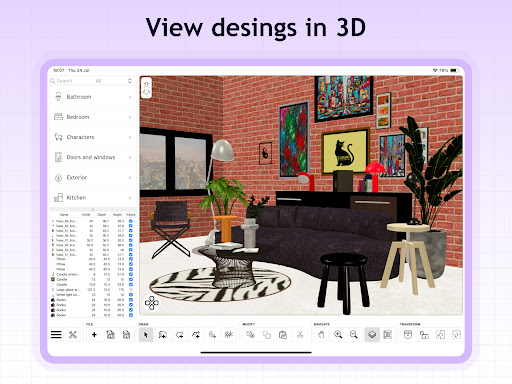
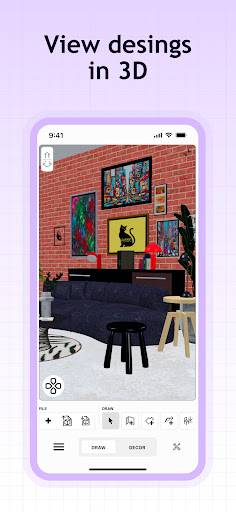
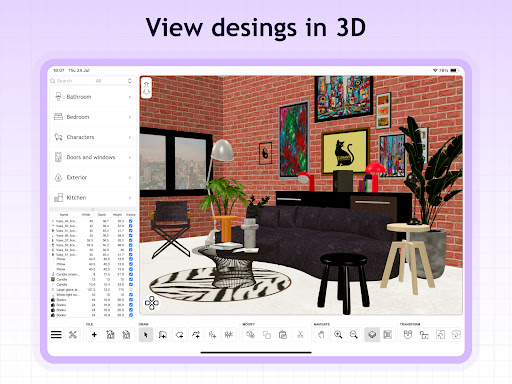
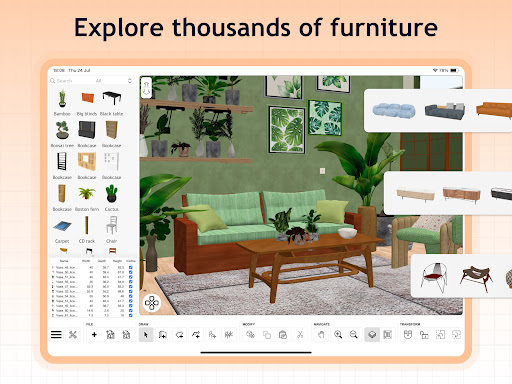
- Real-time 3D rendering, with seconds feedback on the effects, feels like the whole experience has turned the design into a living reality in an instant. Both novices and professionals like this feeling.
- Support offline mode, so you can continue to design when there is no network. It is especially suitable for use when you are away from home and there is no WiFi.
- Built-in measurement and size tools help you plan accurately, and every space can be manipulated exactly according to your wishes. It's really convenient.
- Various export options allow you to directly share or print your design drafts. It is simple to operate and can be done with one click.
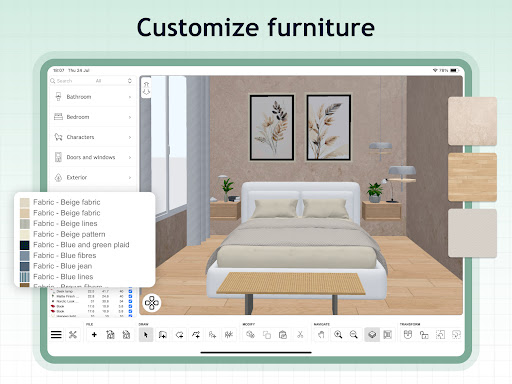
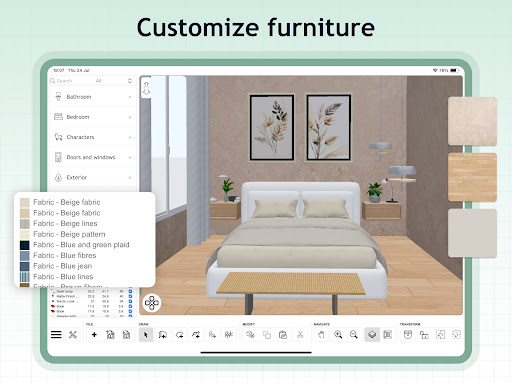
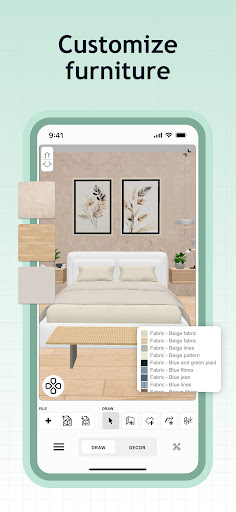
- Customizable materials and textures make the virtual house look more realistic and textured, just like it was actually built, with extremely rich details.
- This app is quite versatile and is also suitable for use as a starter. It is convenient for you to quickly open home improvement projects and design tools, making it efficient!
applicable population
This mobile app is perfect for homeowners, architects and interior designers who want to easily plan their homes. Whether you are 18 years old or older, you can use it easily and are a good helper for decoration, renovations, and ideas.
Whether you're planning to renovate a new house or redesign a future home, this app-based solution can help you figure out the detailed layout and try out ideas at will. It's professional and casual, and everyone can have fun with it.
Why choose this?
With its rich features, this Android app brings a smooth and immersive experience. It is easy to use and has no problem with offline operation. No matter when or where, I can help you with home design. It's quite reliable!
It pursues efficiency and flexibility, and can solve various common design problems. It is truly a practical tool tailored for housing developers, designers and DIY enthusiasts who like to do it yourself. It is trustworthy!
Top Recommended Alternative
Pros & Cons
Pros
- Intuitive 3D visualization
- The operating interface is very friendly
- Furniture and decoration can be customized at will
- Free download, you can use it anytime
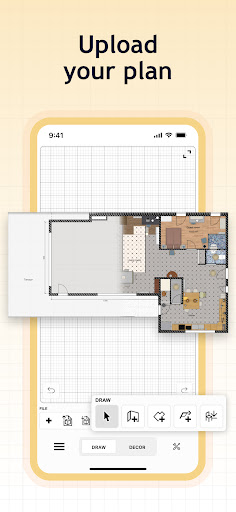
- Support import and export functions
Cons
- Limited advanced rendering capabilities
- Furniture options are not as rich as fee-based software
- The learning curve for complex projects is steep
- Big projects are not running smoothly
- Collaborative editing is not yet supported
Advertisement
Download Sweet Home 3D: Plan your house

FAQ
Sweet Home 3D: Is it used to plan your house safe?+
How can I use this software to draw a house plan?+
Is this Android app suitable for beginners?+
Can I use Sweet Home 3D offline?+
Will this software be updated frequently?+
What is the difference between this starter and others?+
Can this app be used professionally?+
Do I need to pay attention to any security issues?+
You Might Also Like
More apps you may want to try next.