TCL Android TV Remote

TCL Android TV Remote

Control your TCL Smart TV effortlessly with the TCL Android TV Remote app. Free for easy setup, voice commands, and seamless remote replacement. Install now!

Advertisement

Screenshots
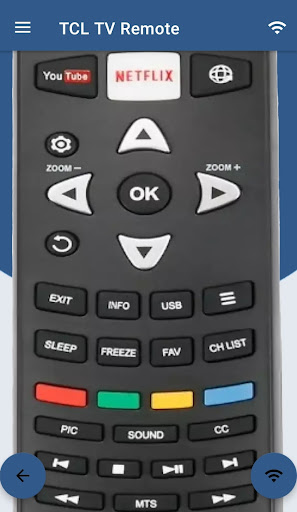
24 images
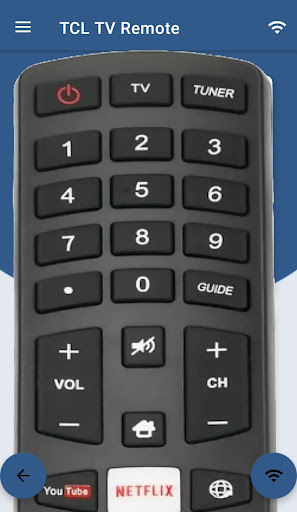
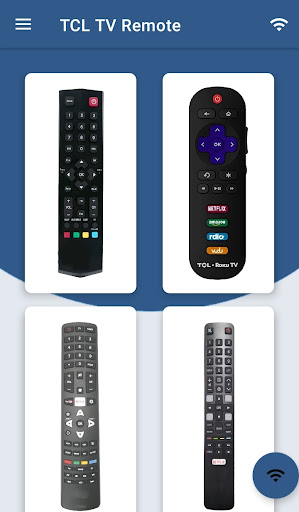
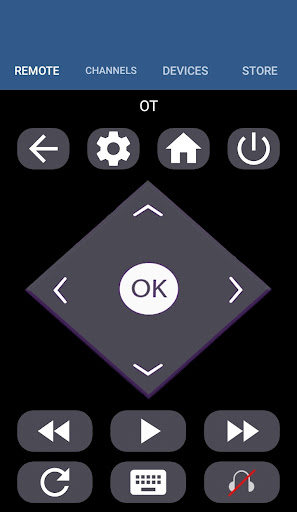
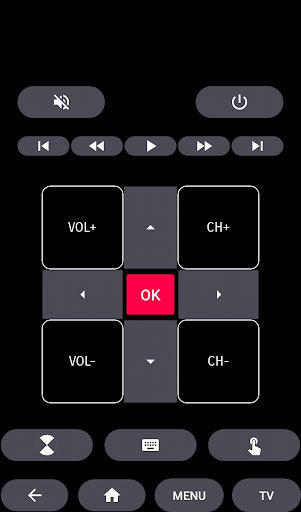
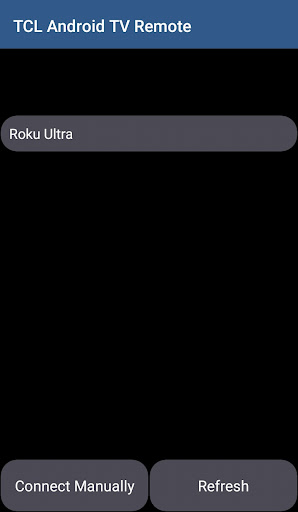
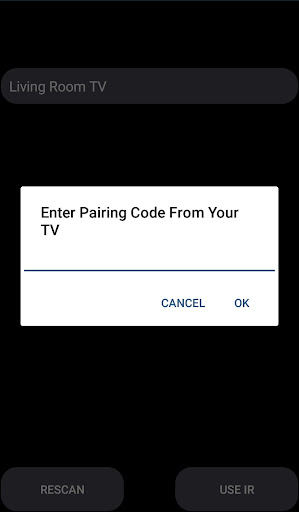
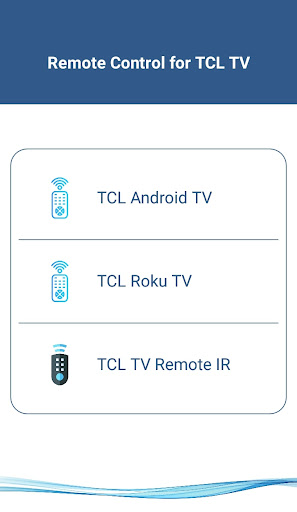
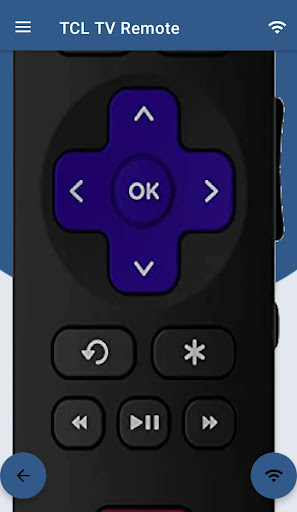
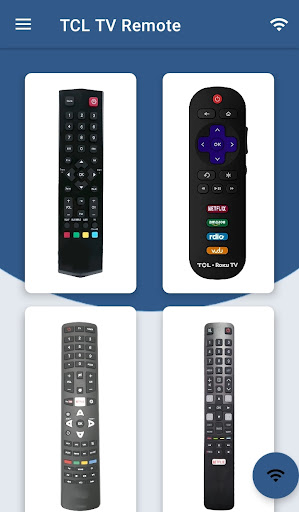
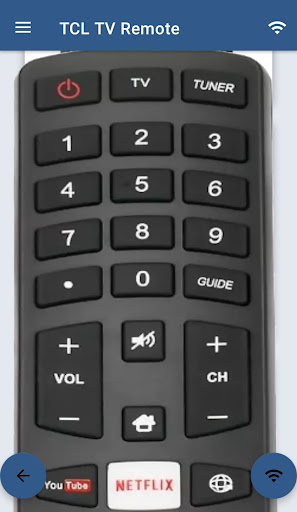
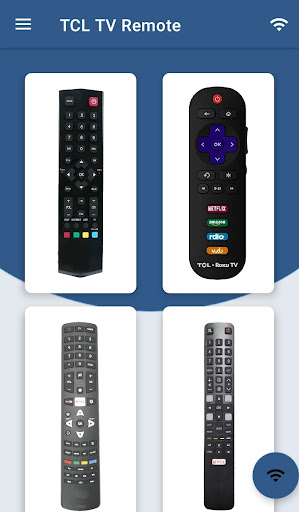
TCL Android TV Remote screenshot 1TCL Android TV Remote screenshot 2TCL Android TV Remote screenshot 3TCL Android TV Remote screenshot 4TCL Android TV Remote screenshot 5TCL Android TV Remote screenshot 6TCL Android TV Remote screenshot 7TCL Android TV Remote screenshot 8TCL Android TV Remote screenshot 9TCL Android TV Remote screenshot 10TCL Android TV Remote screenshot 11TCL Android TV Remote screenshot 12TCL Android TV Remote screenshot 13TCL Android TV Remote screenshot 14TCL Android TV Remote screenshot 15TCL Android TV Remote screenshot 16TCL Android TV Remote screenshot 17TCL Android TV Remote screenshot 18TCL Android TV Remote screenshot 19TCL Android TV Remote screenshot 20TCL Android TV Remote screenshot 21TCL Android TV Remote screenshot 22TCL Android TV Remote screenshot 23TCL Android TV Remote screenshot 24

Advertisement

About TCL Android TV Remote

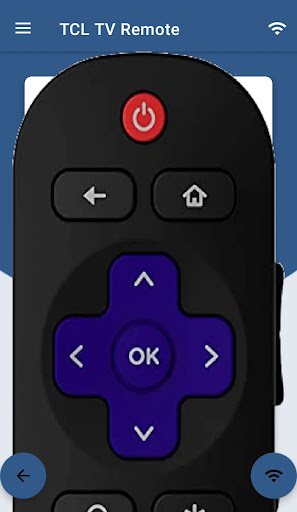
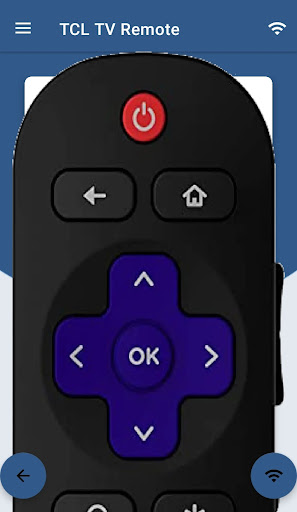
The application of TCL Android TV Remote Control is quite practical. It turns your mobile phone into a super convenient remote control, specially designed for TCL Smart TVs. In order to make it easier for you to use it, this Android app is very considerate. It is like making some common functions very simple, such as changing channels, adjusting volume, and navigating menus. As a reliable application solution, it greatly simplifies the TV control process, making it fast and convenient for you to manage your entertainment system with your mobile phone. It really helps a lot!

Overview

core functions

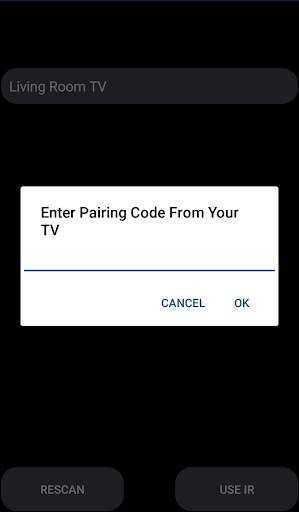
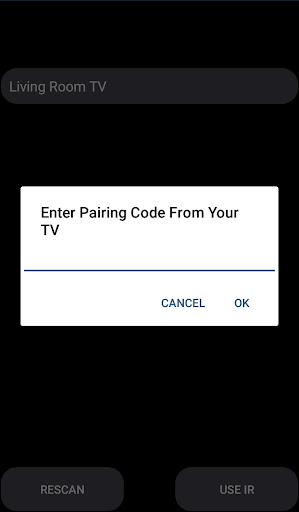
  • This app interface is super friendly and easy to use. It can quickly connect to your TV via Wi-Fi or Bluetooth, and it's effortless to control it.
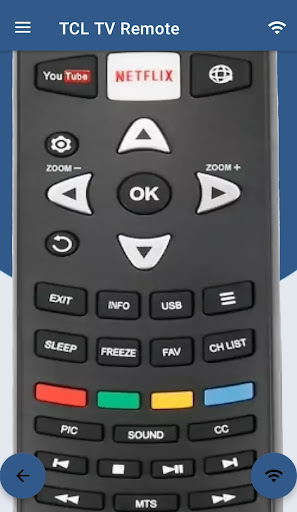
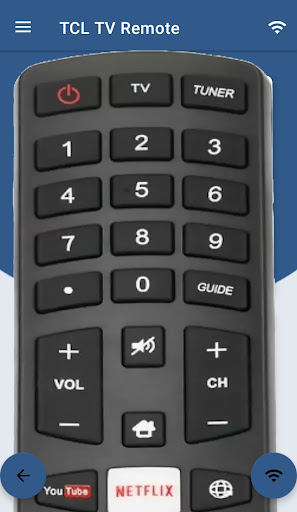
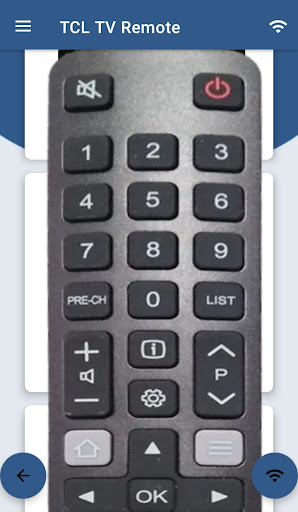
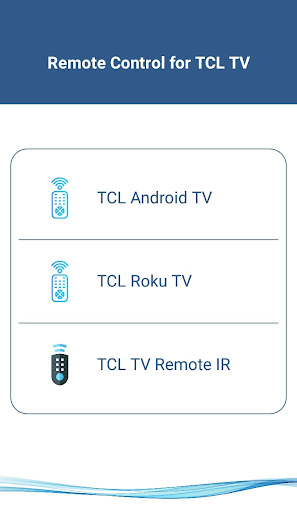
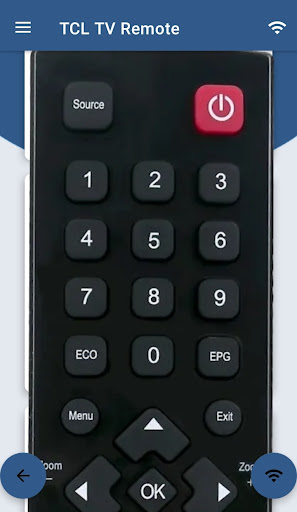
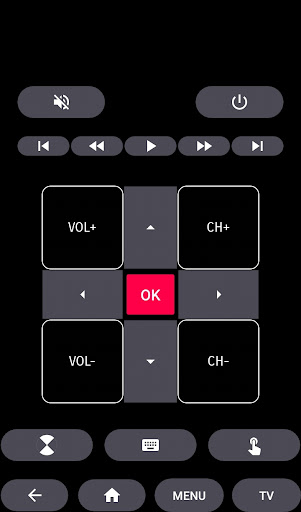
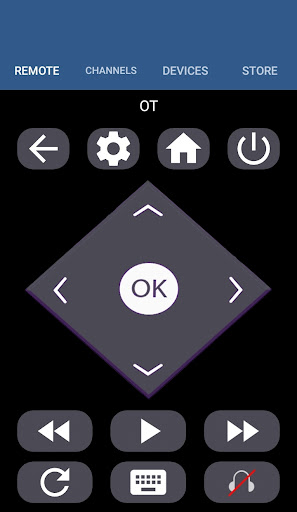
  • It also supports customized remote control layout, which can be adjusted according to different TCL Android TV models, making it more convenient to operate.
  • Remote control instructions can also be synchronized in real time, and navigation and control of media content are super smooth without any feeling of stuck.
  • Built-in keyboard makes typing easy, so you don't have to keep clicking on the screen to be annoying.
  • It supports multiple configuration files, so that different people in the family can have their own remote control settings. It's quite considerate.
  • You can also use offline mode and control the TV without being connected to the Internet. It is particularly free to use and highly flexible.
  • It is also very convenient to access smart home devices and get it done directly in this APP, making smart life within your reach.

Who is this APP suitable for?

If you own a TCL Android TV and want to find a convenient and easy-to-use remote control solution, this app is definitely for you. Especially those who are technology-savvy, aged 25 to 45, who pursue smart home integration.

It is also especially suitable for users who like to use their mobile phones to simplify operations and control multiple devices, making the overall experience smoother and smarter.

Why choose this APP

This Android application is particularly considerate, has an intuitive interface, and powerful functions. It has no pressure to control your TCL Android TV. It is convenient and reliable.

It also synchronizes in real time and supports customization options to ensure smooth operation. Not only that, it can also enhance your entertainment experience, making the remote control taller and surpassing the feeling of traditional remote control.

Top Recommended Alternative

Pros & Cons

Pros

  • The operating interface is particularly intuitive
  • Remote control functions are quite complete
  • Compatible with multiple TCL Android TVs
  • supports voice control
  • Fast connection

Cons

  • Occasionally the connection will be disconnected
  • Remote control buttons cannot be customized
  • There was a bit of a jam when switching menus
  • No Bluetooth control support
  • Some mobile phones will crash

Advertisement

Download TCL Android TV Remote

You are going to be redirected to the official website to finish the download when you click these buttons above.

FAQ

How do I log into the TCL Android TV Remote app?+
To use all the features of this app, you have to log in with your TV account, or if you don't have an account yet, register one quickly. This ensures that you can use it smoothly and safely. Just open the app on your mobile phone and follow the prompts on the screen, and it will be fine. Once you do this step, the device will sync with your TV, and you can easily control it with this silly solution.
Is the TCL Android TV Remote compatible with all Android devices?+
This app is basically compatible with most Android phones and tablets. It is a very useful remote control. However, to experience all advanced features, it is recommended to use devices above Android 5.0. The compatibility is good. Whether you control a TCL TV or another Android device, it is quite reliable. You still have to look at the specific configuration of your equipment to ensure that it can be used.
Are there any safety concerns when installing this mobile app?+
This TCL Android remote control was downloaded from the Google Play Store and its security is guaranteed. Remember to only download apps from regular channels so that there will be no problems and protect your devices and data. Using the officially produced app, I feel at ease that there will be no virus or anything. You also have to update the security settings of your device frequently to provide more peace of mind.
Can I use this app as a replacement for a physical TV remote?+
Of course, this mobile app is fully functional and can basically be used as a physical remote control. It is also easy to operate and allows you to control the TV more flexibly and easily. If your physical remote control is lost or breaks down, this APP is a lifesaver. Practical and convenient, making the entertainment life at home smoother.
Does the TCL Android TV Remote app require an internet connection?+
Generally speaking, you need to use a stable Wi-Fi connection so that the app can smoothly connect to the TV. This way, the operation is smoother and the control is more real-time. If you only use your local network, some functions may be used without networking, but if you want to use remote pairing or something, it is recommended to connect to the Internet. In this way, the entire experience can be considered perfect and the performance can keep up.
Is the app suitable for older Android versions or only recent ones?+
This app is designed quite carefully. Devices above Android 5.0 can run smoothly, and the compatibility is quite good. If you're using an old device, it's best to check its system requirements first to make sure it works smoothly. Only by using this app can you fully experience all functions and control your TCL TV or other Android devices without any problems. It is quite reliable.
Can I customize the remote controls using this app?+
Yes, many buttons and functions can be set by yourself and adjusted individually. The experience will be better and it will be easier to use. For example, setting shortcuts or preferred options makes the entire interface more intuitive and no longer relies on the heavy physical remote control. Make control simpler and more considerate.
How is the security of my data when using this app?+
This remote control app uses encryption and security measures recommended by Google to keep your data safe. Remember to keep the security settings of your device up to date for more peace of mind. With this verified official app, the risks are much less, controlling your smart TV is convenient and worry-free, and you feel at ease.

You Might Also Like

More apps you may want to try next.