Photo Editor - Retouch Photos
Advertisement
Screenshots
Advertisement
About Photo Editor - Retouch Photos
Overview
core feature
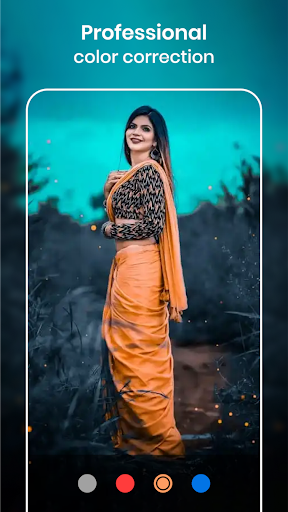
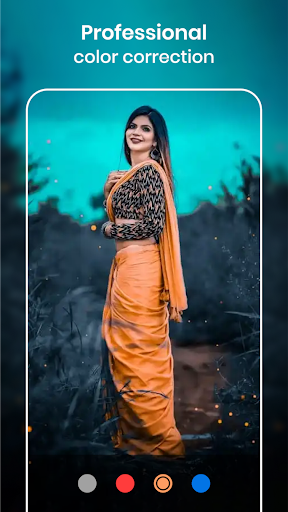
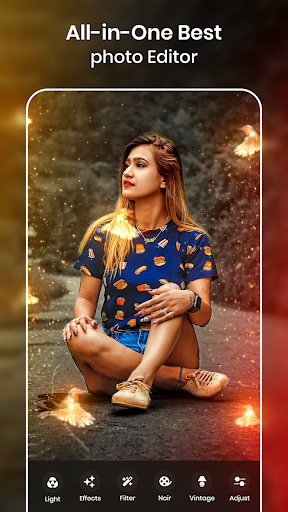
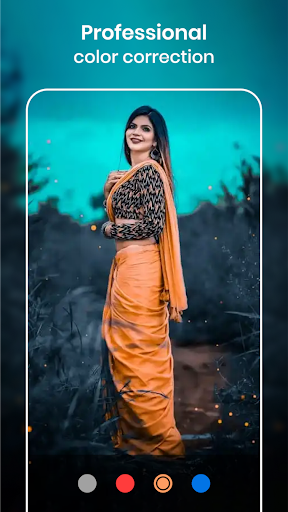
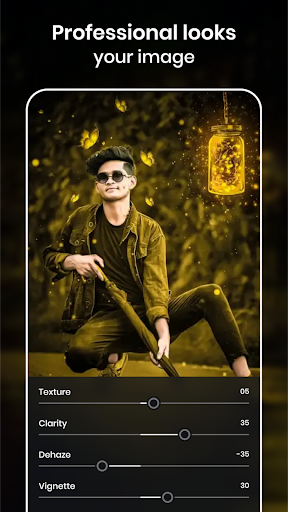
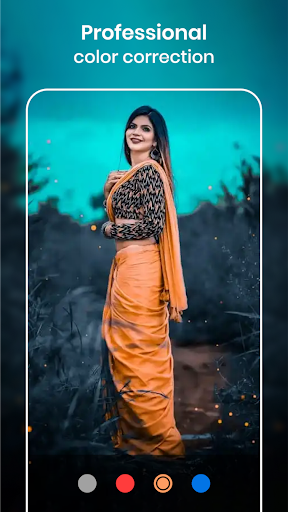
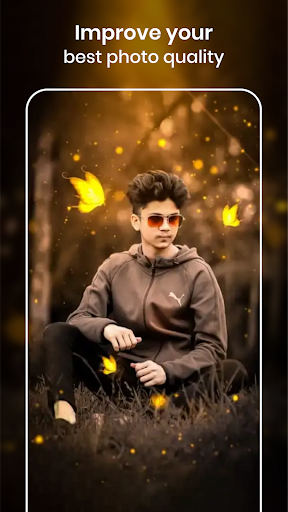
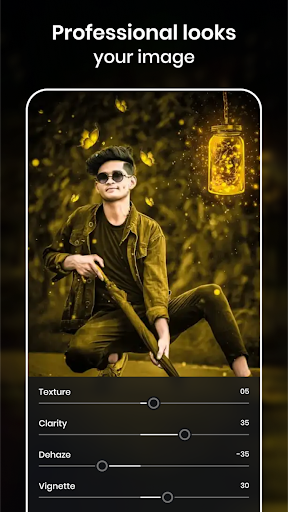
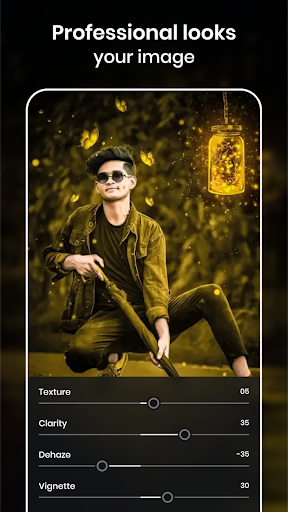
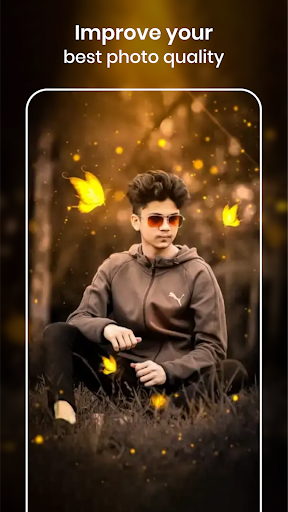
- The very intuitive editing tool allows you to easily repair photos, remove flaws, and adjust the colors to be more beautiful. It's so convenient!
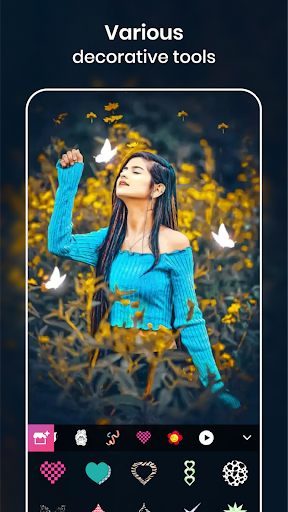
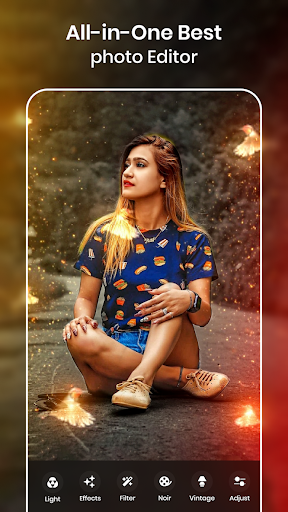
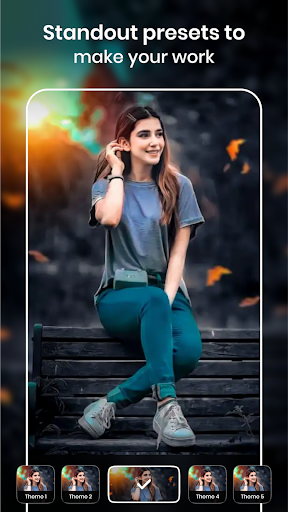
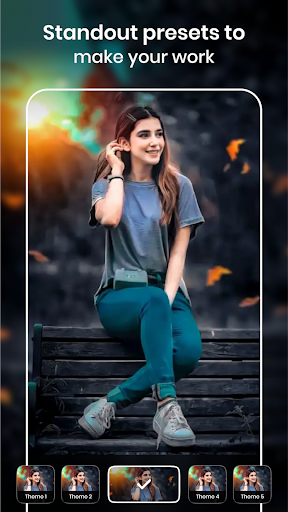
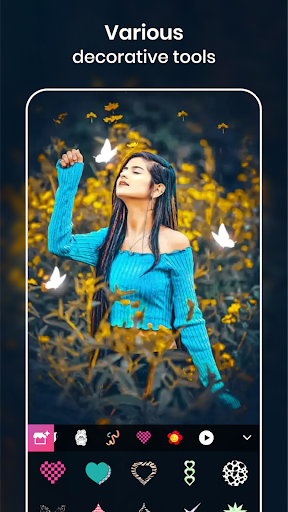
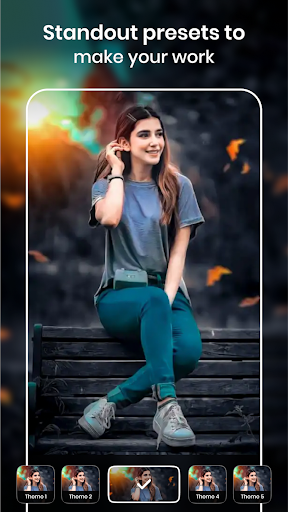
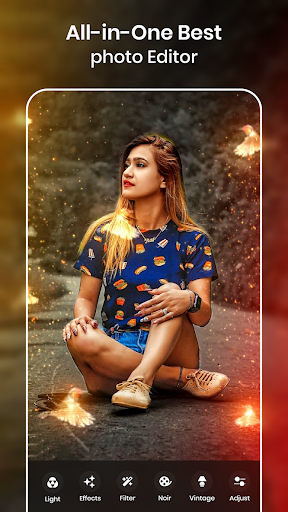
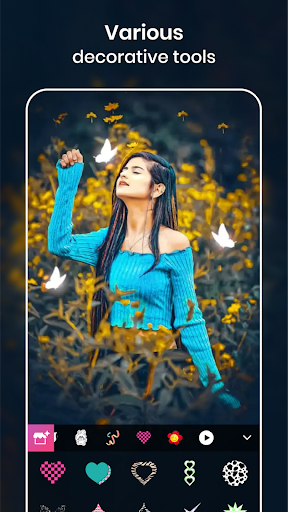
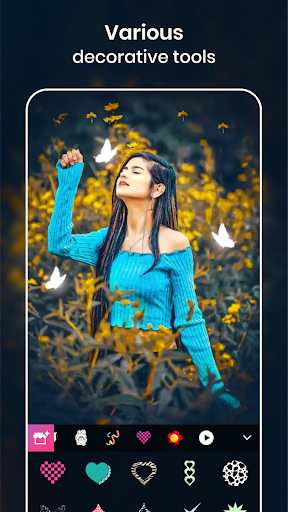
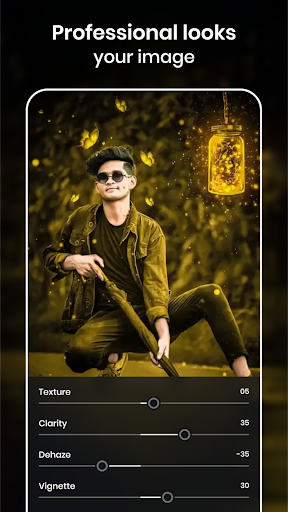
- There are really many functions, including various filters, special effects, and adjustment functions. You can customize your photos as you want. It's super flexible!
- The real-time preview function allows you to see the effect immediately after editing. The desired modifications can be seen at a glance at any time. Sharing and saving are very fast.
- Support offline mode, you can complete editing operations even if there is no Internet, and you can play anytime, anywhere without restrictions at all.
- The interface is super friendly, whether you are a beginner or a veteran, you can be handy. The operation is simple and professional. It is really tailored for different groups of people!
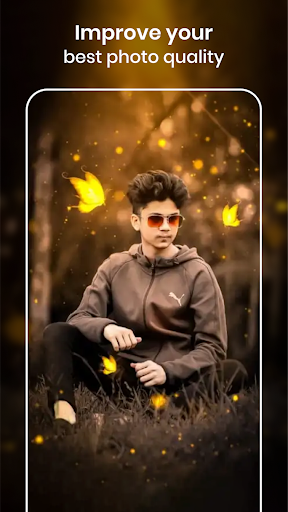
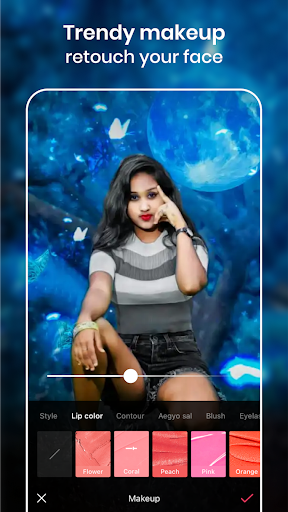
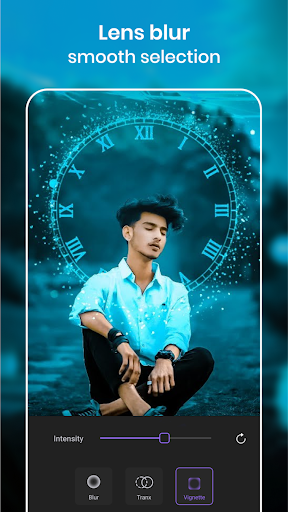
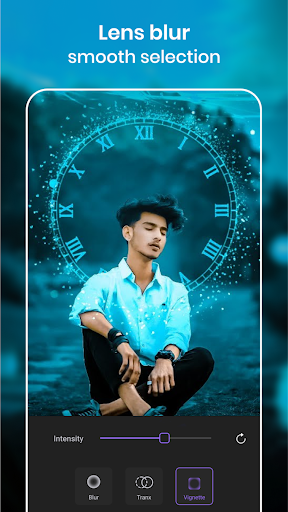
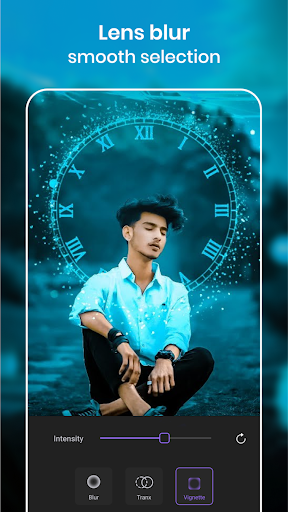
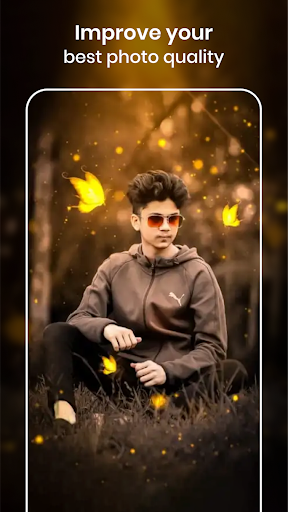
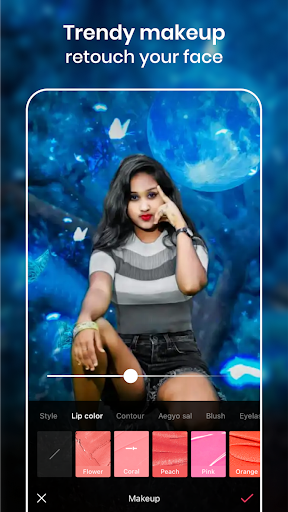
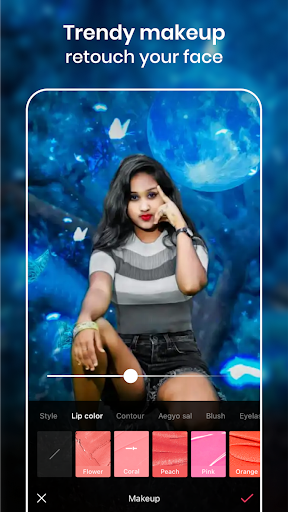
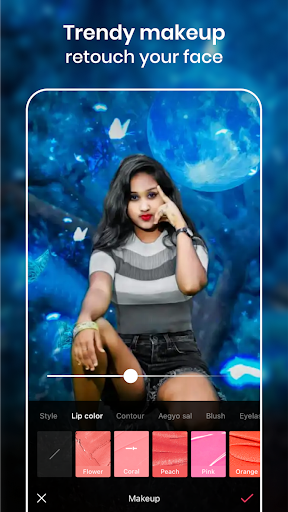
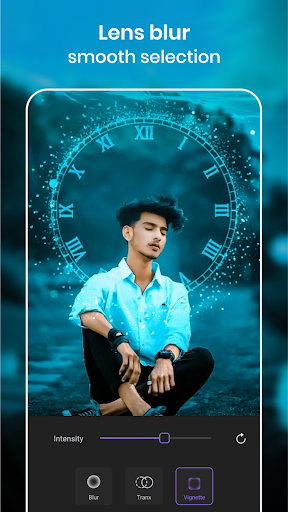
- There are also many advanced retouching functions, such as smooth skin color and blurred background. Taking professional-level photos is not a dream!
- The export function is very smooth. You can directly save high-definition pictures to your mobile phone, or share them to various social platforms. It is so easy to operate that you want to cry.
- The interface design is simple and clear, navigation is very easy, suitable for quick retouching, and you can get those trivial little photos anytime, anywhere.
Who is this app suitable for?
This mobile phone app is especially suitable for young people and adults who like to repair photos and want to easily create beautiful pictures. Whether you are just playing around or like to ponder details, you can find a feeling that suits you. The interface is super friendly and easy for anyone to use.
It is especially suitable for people who like to socialize, blog, or want to beautify their photos. With this Android artifact, you want to quickly get high-quality pictures at any time, which is simply too cool!
Why choose this App?
This Android app provides a wealth of features that make your operation smooth and reliable. Using it to retouch pictures is as easy as playing with a good friend. The interface is beautiful and the operation is intuitive, making it easy to get started even without professional experience.
The most attractive thing is that it pays great attention to user experience and picture quality. It helps you take professional-level photos without having to bother and effort, saving complex tools and costly professional software. It's so worth it!
Top Recommended Alternative
Pros & Cons
Pros
- Intuitive editing tool
- AI intelligence enhancement effect
- Rich retouching options
- non-destructive editing
- fast processing speed
Cons
- Free features are limited
- Occasionally AI will make mistakes
- Free version with watermark
- Limited output format
- High-order functional learning curve
Advertisement
Download Photo Editor - Retouch Photos

FAQ
Is the Photo Editor - Retouch Photos app safe to use?+
Of course, this "photo editor-retouching artifact" is quite reliable. It puts user safety first from the beginning. This app is quite trusted in the Google Store, the development team is quite famous, updates are very diligent, and security and performance can be trusted with confidence.
Inshort, everything downloaded from official channels is authentic, and there is no doubt about its security!
How do I install the Photo Editor - Retouch Photos app on my device?+
It's actually quite simple to install this thing. As long as you find it on Google Play, whether it's using it for the first time or updating it, it's easy to operate and won't be complicated.
Remember to make sure your phone meets the requirements, and then you can enjoy the convenience of this app.The interface is super friendly, and the whole process from installation to editing photos is smooth and smooth!
Can I use the Photo Editor - Retouch Photos app on older Android versions?+
Most of its new versions support many older Android systems. However, it is recommended that you read the application details clearly on Google Play to confirm whether it matches the system version of your phone.
Thehighlight of this software is that it is simple to operate and has diverse effects. No matter how old your mobile phone is, you can enjoy some good retouching experiences. It is quite considerate!
What common problems do users face with the Photo Editor - Retouch Photos app?+
Sometimes I encounter stuck or flashbacks, especially when the equipment configuration is not high enough. But as long as the software and system are kept up to date, many problems can be solved.
Italso has many functions, including various retouching tools and special effects, and is very popular among users who like to play retouching. The development team's support was also timely and credible. It could be seen that it was done with heart.
Does the app store my photos securely during editing?+
Of course, Photo Editor is a software that pays attention to user privacy and handles photos safely. Its performance on the Android platform is quite reliable and meets basic security standards.
Remember to read the privacy policy clearly before using it and know how your data is managed and protected.Overall, this is a trustworthy application that is convenient and safe, so you can use it with peace of mind!
Are there any costs involved with using the Photo Editor - Retouch Photos app?+
There are many functions in this software that are provided for free, which is basically enough for ordinary users. Some advanced functions may need to be unlocked for a fee, but the core retouching function is completely fine to use. It is free and easy to use.
Theoverall experience is very smooth. If you use this retouching artifact on your Android phone, you don't have to worry about spending extra money. It's quite considerate!
Can I use the Photo Editor - Retouch Photos app as a launcher app?+
This is basically a tool that focuses on retouching, not used as a starter. It only focuses on helping you quickly modify pictures, and the interface and functions are arranged around this.
Ifyou want to use it smoothly, I suggest you use the latest version of the Android adapter version, so that performance and stability will not go wrong, and the experience will be better.
Where can I find support or help if I encounter issues with the app?+
If you encounter problems, you can find the developer on the app page of the Google Store, where there is usually contact information or FAQ. If you really don't understand, you can also ask customer service for help.
Withthis reliable application, any problems that arise can be solved relatively quickly, which not only ensures a sense of trust, but also makes your road to painting smoother!
You Might Also Like
More apps you may want to try next.