
ibis Paint
Advertisement
Screenshots
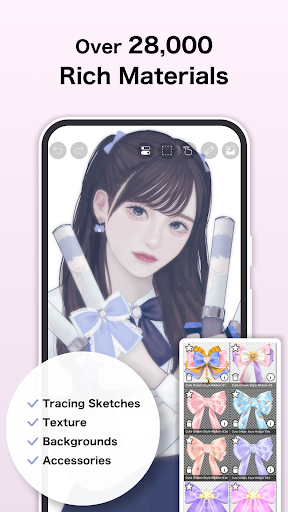
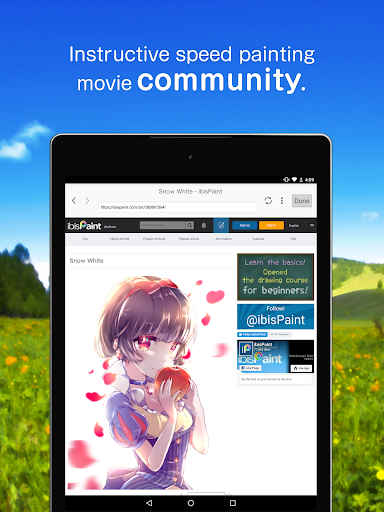
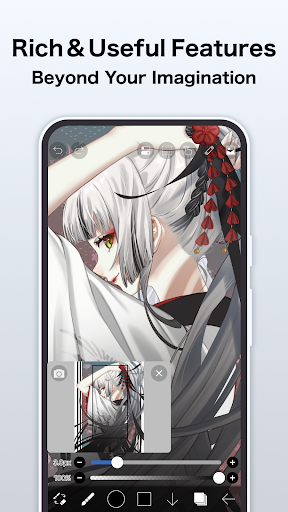
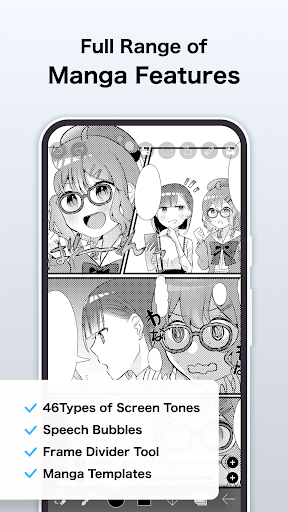
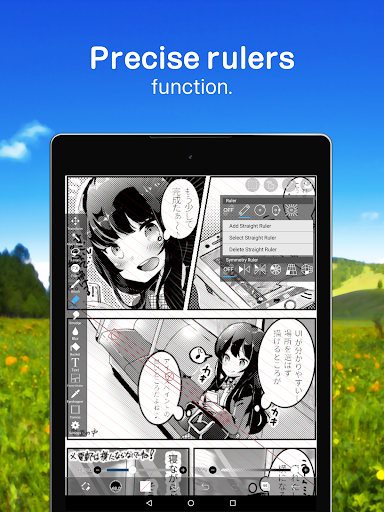
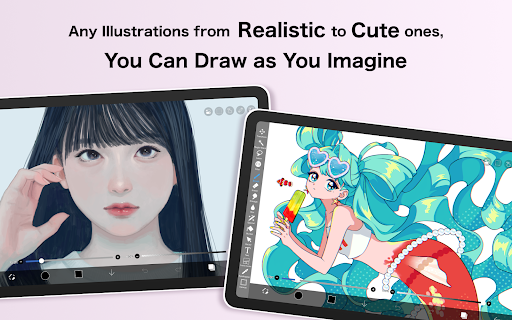
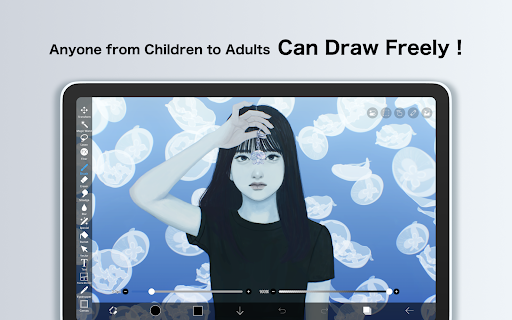
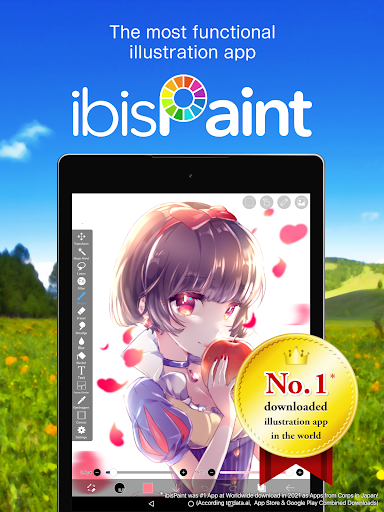
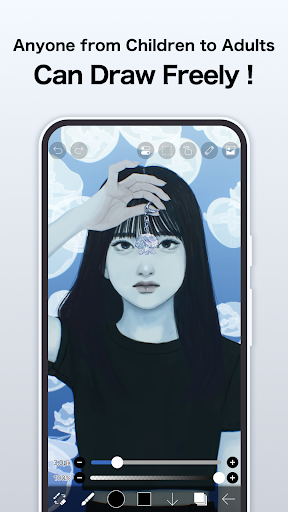
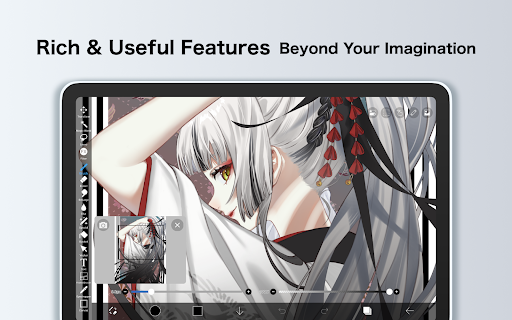
Advertisement
About ibis Paint
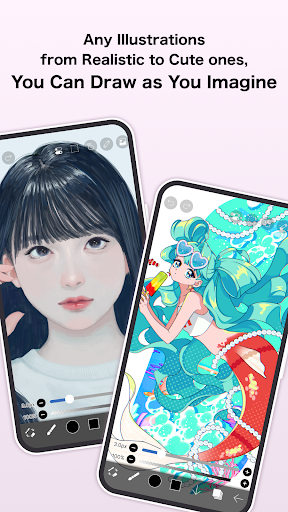
ibis Paint is a really popular mobile painting and design software, suitable for digital art enthusiasts of all levels. It has many painting tools, layers, and brushes that can be adjusted by yourself. It is really suitable for drawing fine illustrations. As a very intuitive Android application, it is smooth and easy to operate. It can not only help newcomers to create, but also allow professionals to have fun and turn their creativity into reality one by one.
Overview
core functions
- This software interface is super easy to use and very considerate. You can use the drawing tools at will and you won't feel troublesome at all. It is especially suitable for friends who like to draw.
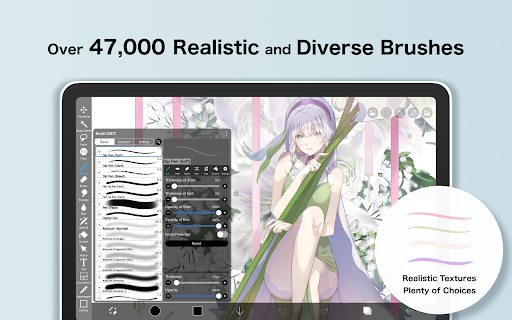
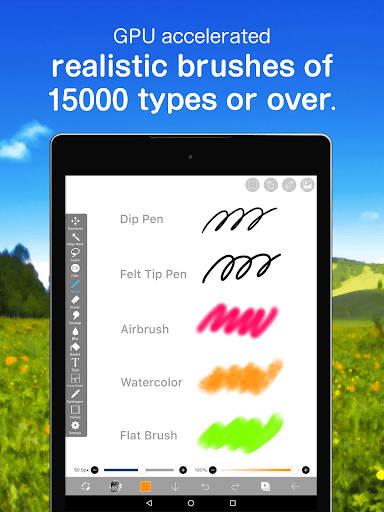
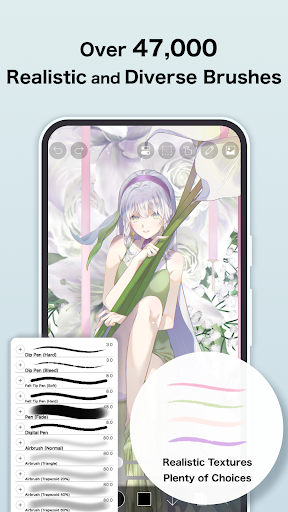
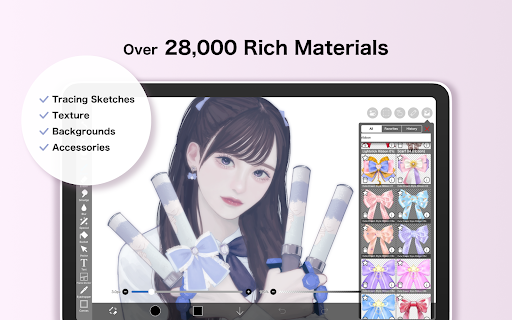
- Various brush options are particularly rich, and you can also adjust the settings yourself to draw delicate and unique works, feeling like a professional artist.
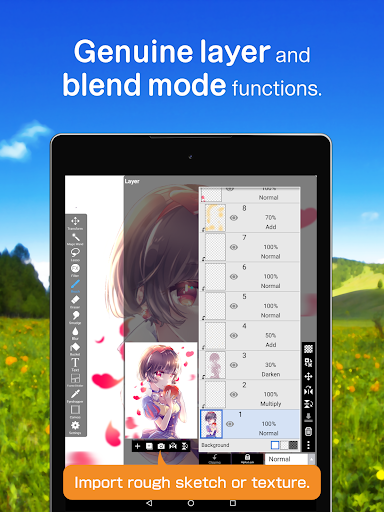
- Layer management tools help you layout complex works, making editing more efficient and saving a lot of trouble.
- The real-time synchronization feature allows your paintings to be saved and updated at any time without worrying about losing anything. Switching across devices is as smooth as magic.
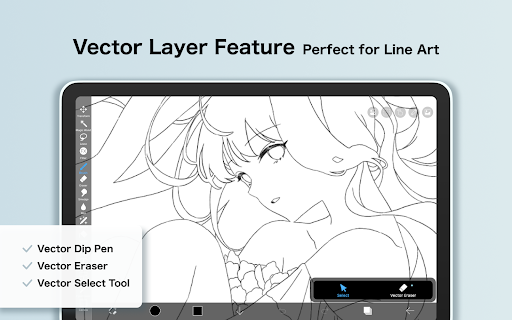
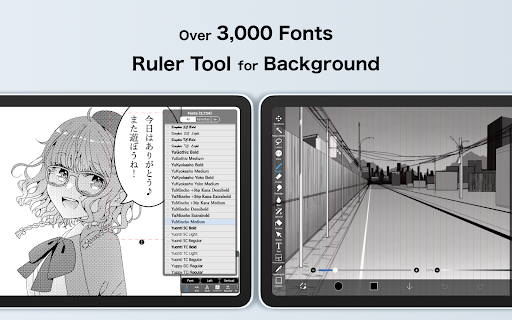
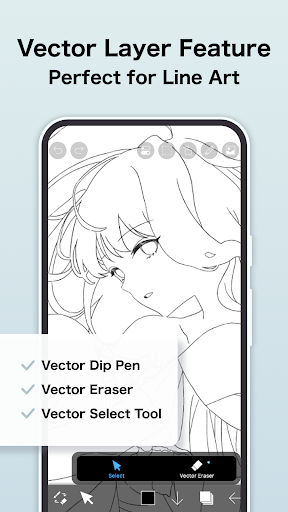
- Supporting grating layers and vector layers, the painting style can be varied to meet the needs of different styles. It is really versatile.
- Advanced selection and transformation tools are easy to use and help you fine-tune your work without worrying about making mistakes.
- Offline mode allows you to continue drawing without having to connect to the Internet. It's really a reliable mobile app that can be created anytime, anywhere.
- Multiple export options allow you to directly share high-quality works or print them out. The results are great!
Who is this software suitable for?
This mobile app is especially suitable for amateur and professional art enthusiasts, designers, etc., and friends who like to play digital art on Android or iOS devices. The interface is particularly intuitive, and it can be easily controlled by whether it is a novice Xiaobai or a bigwidower who is interested in painting.
If you are looking for a universal painting, sketching, and illustration solution, whether it is a short period of time or a large-scale and meticulous work, you can use this reliable toolbox to make you have more fun and experience smoother.
Why choose this?
The biggest highlight of this Android app is that it is rich in features and comfortable to use. It really makes digital art super simple and can be easily used for everyone. The interface is smooth and the tools are powerful, helping you turn your imagination into reality, and the efficiency is instantly upped.
It provides a full set of creative tools, can also be used offline, and runs smoothly. No wonder it has become a favorite of friends who like digital art. Powerful, reliable, and truly recommended!
Pros & Cons
Pros
- Huge selection of brushes and tool options
- Layer management system
- High-quality zoom and accuracy
- Interface can be customized
- Frequent updates and community interactions
Cons
- Free version has limited export options
- It's a little difficult for beginners to get started
- Occasionally it gets stuck on old equipment
- Vector support is not strong enough
- In-house purchases are a bit expensive
Advertisement
Download ibis Paint


FAQ
Is ibis Paint safe to use on my device?+
Hey, come on, ibis Paint is a very reliable mobile app that is used by many artists around the world. It is updated frequently, fixes bugs, enhances security, and is quite safe to use. Whether it is Android or other platforms, you can use it with confidence.
Remember, you must download it from official channels, such as Google Play or the Apple Store, and don't find any random website to download it. Once that happens, you can spend your time playing with it without worrying about data, and your equipment is guaranteed.
How do I install ibis Paint on my phone?+
It is actually quite easy to install ibis Paint. Friends of the Android machine went to Google Play to search for its name, found it immediately, and then followed the steps to install it and finish it. The same goes for Apple users. They go to the Apple Store, find it, and it takes a few seconds to get it done.
Thewhole process is smooth and not troublesome at all. It is basically completed in a few minutes. After installing it, you can start exploring various functions and draw as you please. It's super cool.
What are the main features of ibis Paint?+
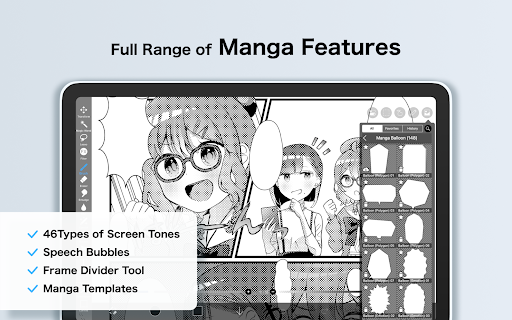
ibis Paint has quite comprehensive functions, suitable for both beginners and friendly to old birds. There are many kinds of brushes and layers you can use, as well as some advanced editing tools, which perfectly suit your various creative needs. Whether you want to draw elaborate illustrations or quick sketches, it can help.
Italso supports multi-layer editing, stroke stabilization, and recording your creative process, which makes it particularly powerful. Whether you want to do creativity or task, this app can accompany you to have fun and perform vividly.
Does ibis Paint work well on older devices?+
Of course, ibis Paint is optimized well, and the old models work well. As long as the equipment meets the basic requirements, the operation is still quite smooth, and many people are fine.
However, if you want to use some advanced functions, it is recommended to use a device with a slightly stronger performance, such as a faster processor and a larger memory, which will be more powerful to use. Overall, it is quite reliable and suitable for all types of users.
Is ibis Paint suitable for beginners learning digital art?+
That's right, that's right, it's very suitable for novices. The interface is particularly friendly and equipped with many practical functions. Newbies can start with basic tools and then slowly explore more complex operations. Gradually grow, don't worry too much, just take it step by step.
Moreover, there are rich tutorials and huge community support, so you can find help when encountering problems. This app has a good reputation in new hands. If friends want to learn digital painting, they can definitely try it.
Customer Reviews
Users overwhelmingly praise ibis Paint as one of the best digital drawing apps, highlighting its intuitive interface, extensive brushes, animation features, and ad-free experience (paid version). Key strengths include ease of use, powerful tools for both beginners and professionals, and frequent updates. However, major concerns center on the subscription model: many complain that purchasing the app still requires a paid subscription for advanced features like cloud storage, gallery folders, or importing QR brush codes, calling it frustrating or misleading. While some users find the subscription worthwhile for added perks, others prefer a one-time purchase. The UI redesign receives mixed reactions—some find it clean and polished, others unappealing. Feature gaps are noted: no gradient tool, poor color mixing, lack of center alignment, and the eraser scaling the brush together are common complaints. Stability issues (occasional freezing, magic wand tool unresponsiveness) and gesture problems (three-finger redo not working) also appear. Compatibility problems on specific devices (Android 14 stylus, Xiaomi Pad 5 no input) are reported. Despite these flaws, most users still recommend ibis Paint for its overall quality and value.
Write a Review
Share your experience with ibis Paint. Submissions are reviewed before publishing.
You Might Also Like
More apps you may want to try next.


