

Photo Editor - Collage Maker
Advertisement
Screenshots
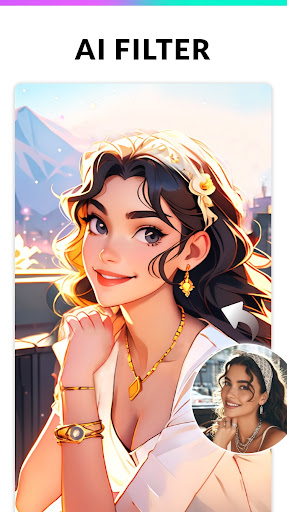

Advertisement
About Photo Editor - Collage Maker
Photo Editor - Collage Maker is actually a quite versatile Android application, mainly used for creative photo editing and collage. The interface is simple and easy to use, and the operation is smooth. There are various tools and functions in it to help users easily make photos more beautiful and then make beautiful collages. Whether you are a fan of casual photography or someone who pursues photography, you can find the fun that suits you, have a full sense of experience, and it is suitable for all levels and is easy to use.
Overview
Core Features
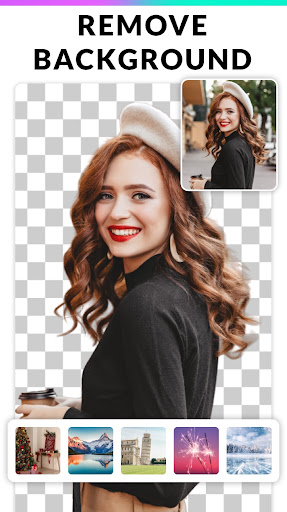
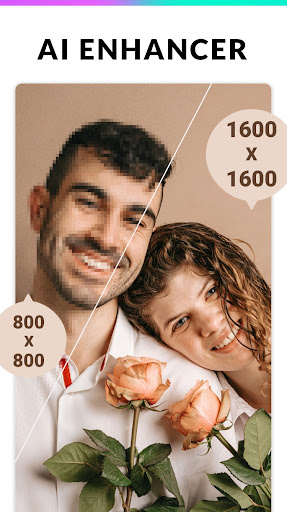
- These intuitive editing tools allow you to easily crop, rotate, and enhance photos with just a few clicks. It's so convenient!
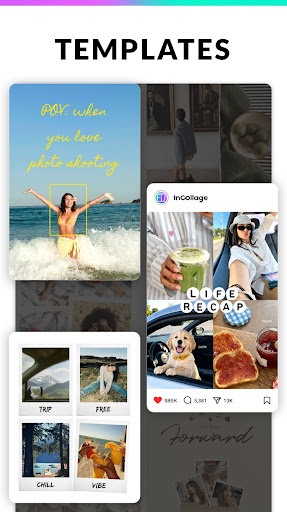
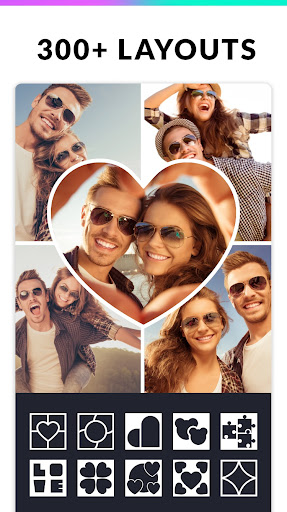
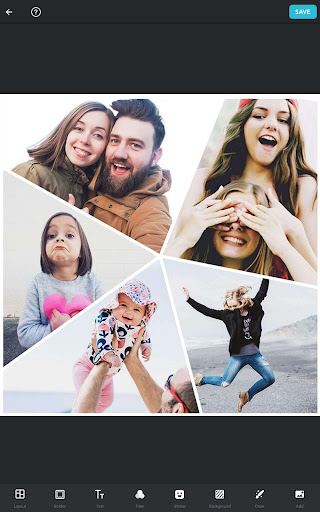
- Built-in collage maker with various templates and customizable typesetting helps you easily make beautiful collage photos with amazing results!
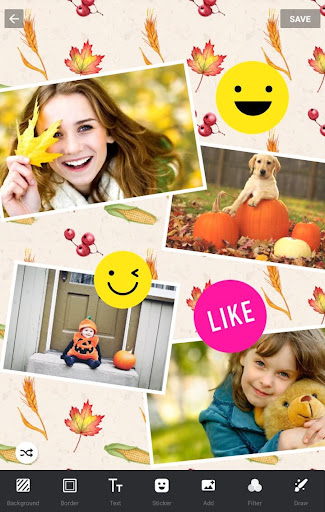
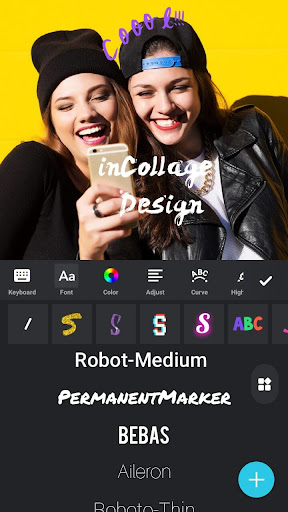
- Advanced features are very rich, including filters, stickers, and text superimposition. You can always find some creative ideas to make your pictures more personalized!
- You can also preview it in real time during editing, and you can see any changes immediately, saving you from having to save or share after repeated attempts to see the truth.
- Support offline mode, you can edit photos as you want even if you don't have an Internet. The experience is really good, you can basically do it anytime, anywhere!
- You can seamlessly connect mobile photo albums and social platforms, and share edited pictures if you want, very fast!
- The simple and clear interface design is like a launcher, quickly jumping to the editing function, and the process is smooth!
- The performance lever is specially optimized for most Android devices. The operation is first-class, and it is easy and smooth to use!
Who This App Is For
This mobile app is especially suitable for users who love taking photos and taking casual photos, or those who like to show off on social media and want to edit photos quickly and easily. Let's just say that friends between the ages of 20 and 40 are very suitable and are very easy to use!
Whether you want to organize your personal photo collection or plan to upload some beautiful and eye-catching content to the Internet, this app can help you get it. Both novice and experienced editors can find fun using it.
Why Choose This App
The reason why this app is outstanding is because it provides so many powerful and convenient features on Android. The interface is easy to use, simple to operate, and has a one-stop photo editing and collage making experience. It's really considerate!
Combining core functions with a good user experience, it solves many of the problems encountered in photo editing-especially tools that want to be high-quality, simple to operate, and can be done without any trouble. This is why it has become the first choice in the hearts of so many users!
Top Recommended Alternative

Pros & Cons
Pros
- The operating interface is very friendly
- Super rich templates
- The editing tools are so powerful
- The processing speed is amazing
- High-quality export
Cons
- Limited customization options
- Free version will be disrupted by advertising
- Occasionally crashes on old equipment
- Basic editing is okay, but advanced functions are not enough
- Export format is too few
Advertisement
Download Photo Editor - Collage Maker

FAQ
Is the Photo Editor - Collage Maker app safe to use on my device?+
Don't worry, this Photo Editor - Collage Maker is quite reliable in the Android app store, and its security is also good. Someone has specially reviewed and certified that the equipment meets safety standards and is quite safe.
Rememberthat if you download it, it's best to go from official channels, such as Google Play. Don't try to find pirated versions or strange versions at a cheap price. Regularly updated versions have enhanced security and new features that make it smoother and more secure to use.
Do I need to create an account to use this app?+
No need, most functions can be done without an account. After you download and install it, you can start editing photos, collage, etc. directly without registering.
Ofcourse, if you are willing to log in, you can have more permissions, such as saving projects to the cloud. This app is designed very carefully and can be used easily without special registration.
Which types of devices are compatible with this launcher app?+
This Photo Editor - Collage Maker god is quite suitable for most Android devices. Whether it is a mobile phone or a tablet, it can run smoothly. It adapts well and is compatible with different screen sizes and hardware conditions.
Aslong as your device has an Android system above 5.0, you can use this APP happily. The performance is quite stable and you don't have to worry about getting stuck or crashing. The compatibility is quite good and you can use it with your satisfaction.
Can I use this app offline, or is an internet connection required?+
This app is actually quite convenient, and many functions can be used offline. It's okay to go online. You can play while walking, edit photos and collage things you like anytime, anywhere.
However, some operations such as exporting pictures and using cloud functions may still require networking. But overall, the app is designed to be friendly and offline does not affect the main functional experience.
What are the main app features that help improve my photo editing experience?+
This Photo Editor - Collage Maker brings many practical functions, such as filters, stickers, text overlay, and the ability to adjust layout. These functions are combined to give you a professional-level tool for collating pictures.
Itspecifically emphasizes simplicity and ease of use, yet is powerful. The interface design is quite intuitive, and any novice can get started quickly, making photo editing easy and enjoyable.
Is the app regularly updated to fix bugs and add new features?+
Of course, this APP is often updated, bug changes, new features are added, etc. It is a very responsible developer. Each update makes it more stable and secure, and the user experience improves a lot.
Keepingthe version up to date is not only safe and reliable, but also allows you to use the latest features. After all, technology is constantly changing, so that it can be smoother and more secure to use.
Can I use this app as my primary photo editing tool on my mobile device?+
Of course! Many friends regard it as their main photo editor and use it very easily. Rich in functions, enough for daily use, and suitable for slightly professional effects. You can do it anytime and anywhere with an Android phone.
Itsinterface is friendly and simple to operate. It has a powerful editing tool that helps you easily adjust photos. It is no problem to simply modify or create photos after daily taking photos. It is a very practical tool.
What should I do if I encounter issues or need support with the app?+
Don't worry if you encounter problems, you can check its help guide first or go to the comments area on Google Play to see if others have encountered similar problems. Sometimes reinstalling or updating the latest version can solve many problems.
Ifit doesn't work, the developer will usually provide email or official website support, and you can send an email for help. Stay in touch and continue to enjoy the benefits of this app after problems are resolved!
Customer Reviews
Users overwhelmingly praise Photo Editor - Collage Maker for its intuitive interface, smooth performance, and extensive customization options. The app is widely considered user-friendly, free, and highly effective for creating stunning collages and editing photos. Key strengths include effortless navigation, a variety of layout templates, and reliable tools that inspire creativity. While most users find the app fully functional for their needs, some feedback suggests that the video editing feature, though appreciated by a few, may not match the depth of dedicated video editors. Additionally, although the app offers many layout templates, a minority of users might desire more flexible custom sizing options. Overall, the app earns high marks for its balance of simplicity and powerful features.
Write a Review
Share your experience with Photo Editor - Collage Maker. Submissions are reviewed before publishing.
You Might Also Like
More apps you may want to try next.



