

Gallery - Photo Gallery
Advertisement
Screenshots
Advertisement
About Gallery - Photo Gallery
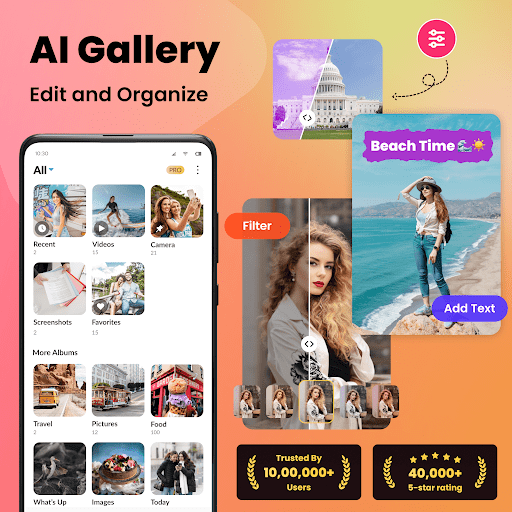
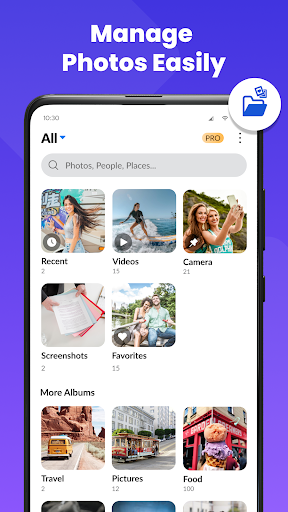
Gallery - Photo Gallery is a very practical Android application. It is specially used to manage and organize your photos and videos. It is super convenient. Its interface is very friendly and easy to use, making it feel smooth to operate, making it much easier to browse, classify, and encrypt photos at will. Whether you need a reliable photo album or want a simple way to display your memories, this software is quite functional and can meet all kinds of needs.
Overview
core feature
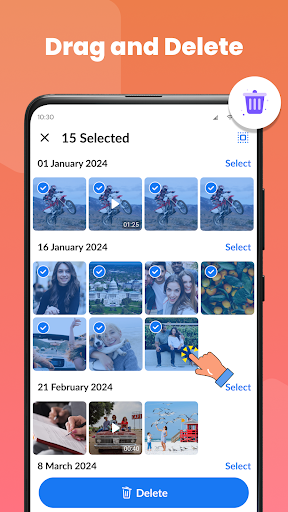
- Intuitive photo album management makes it easy to classify and organize pictures, and it is no longer messy.
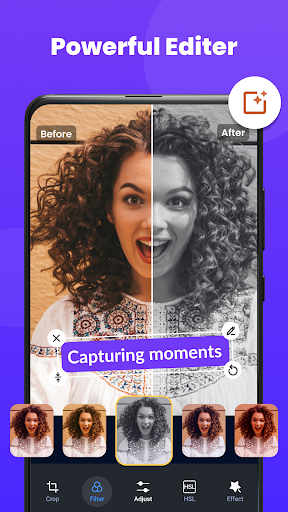
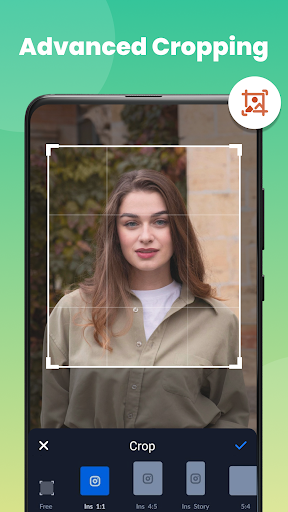
- Built-in editing tools allow you to make your photos more beautiful and do whatever you want without jumping out of the app!
- Support offline mode, so you can still access your photos even if you don't have the Internet. It's so convenient!
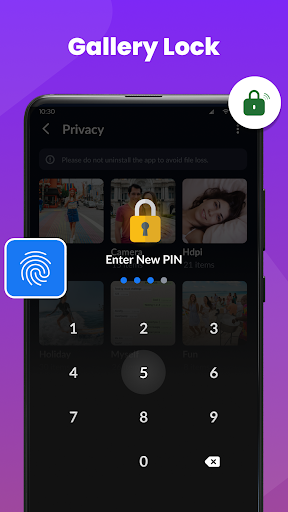
- Safe safe function, key private photos are locked with a password, giving you peace of mind.
- The experience is smooth and smooth, the navigation is fluent, and the loading speed is so fast that you can't stop at all!
- You can customize photo albums and sync them to various devices in real time, making photo storage so easy.
- Support high-resolution photos, which remain clear and visible after editing!
Who is this app for?
This mobile app is particularly suitable for photography enthusiasts, ordinary users, or anyone who wants to organize photos easily. Especially for Android users who are looking for a reliable and fully functional photo album application should try this.
Whether you're making a photo album for a special day or want to hide private photos tightly, this app can be of great help. The interface is super easy to use and suitable for all ages. You can manage photos any way you want and enjoy the fun of photos!
Why choose this app
The main reason why this Android app is attractive is that it is powerful and easy to use, making it no longer troublesome to manage photos. Emphasize privacy protection and real-time synchronization, so that you can use it safely and efficiently, and take good care of your private photos.
Choosing it means getting a fast and worry-free photo management tool that is not only easy to operate, but also hides many advanced functions. It is far away from the cumbersome galleries and launchers on the market, and truly helps you solve the problem of safety, convenience and ease of use!
Top Recommended Alternative

Pros & Cons
Pros
- Intuitive interface design
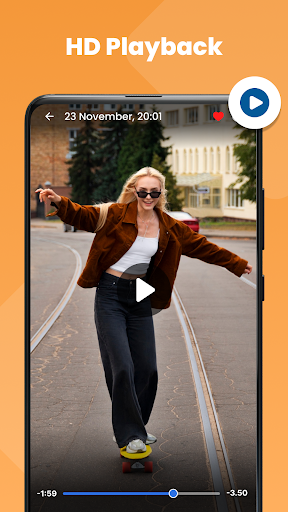
- High-definition picture presentation
- Advanced labeling and classification
- Smooth performance of large galleries
- Cloud backup integration
Cons
- Limited editing functions
- Synchronization is sometimes slow
- Old equipment starts slowly
- Less customization of UI themes
- Some menu fonts are too small
Advertisement
Download Gallery - Photo Gallery

FAQ
Is the Gallery - Photo Gallery app safe to use on my device?+
Well, this photo album-photo library application is quite reliable. It is designed to pay attention to user safety. After security testing, it protects your personal privacy and feels safe to use. Remember, if you download updates, you still have to do it from official or trusted channels to be at ease.
Asa well-known mobile app, it follows industry privacy and security standards. Only by using the official genuine one can you ensure that you can use the latest features and security patches. I think this application for managing photos and videos is quite trustworthy.
How do I install the Gallery - Photo Gallery app on my Android device?+
It's actually quite simple to install this photo album application. Open the Google Play Store, search for the name, and click Install. Almost most Android phones can be used, and it is also quite suitable as a photo browser. It is easy to use and convenient.
Afterinstallation, open the app to explore its features. The interface is designed quite intuitive, and it is easy to organize and view photos, and the overall experience has been improved a lot.
What are the main features of the Gallery - Photo Gallery app?+
This Android app has a lot of functions and helps you manage photos efficiently. It supports quick sorting, photo album creation, photo editing, and even a private space lock so you don't have to worry about being seen by others. It can also be used as a launcher to quickly open the gallery.
The interface is designed well to use and supports high-definition photo browsing.Whether you just want simple organization or some advanced editing, the functions are quite comprehensive, can meet your various needs and enhance your user experience.
Can I customize the app's interface or layout?+
Okay, this photo album app can also customize some things. You can change the theme, adjust the layout, and make it look like you like. This makes it more personalized and increases the fun of managing photos.
Customizingthe interface can also make the workflow smoother. Whether you use it casually or pursue more functions, you can adjust it as you like, increasing flexibility, and making it easier to manage media.
Does the app work offline or require an internet connection?+
This photo album is basically easy to use offline. You can browse, organize and edit photos without using the Internet. The experience is quite smooth, especially in places with weak signal. There is no problem.
However, some functions, such as cloud backup and sharing, must be connected to the Internet to be used. So, when managing photos on a daily basis, this application is completely fine, convenient and reliable.
Customer Reviews
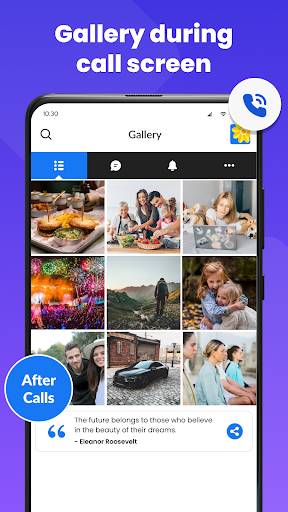
Users generally praise the app for its creative layout, smooth experience, and intuitive design, with many calling it the best gallery they’ve tried. However, opinions diverge on key dimensions: while some appreciate the app’s overall functionality, others criticize intrusive ads that disrupt the experience. Regarding feature focus, the app tries to handle calls and spam detection, which some find useful, but many users wish it would concentrate solely on being a pure photo gallery. Privacy is a notable concern: the private album displays the last photo instead of a lock, compromising security, and hidden items are difficult to rediscover. Overall, it’s a well-crafted app that could be excellent with fewer ads and a tighter focus.
Write a Review
Share your experience with Gallery - Photo Gallery. Submissions are reviewed before publishing.
You Might Also Like
More apps you may want to try next.



