
Photify AI: AI Photo Generator
Advertisement
Screenshots


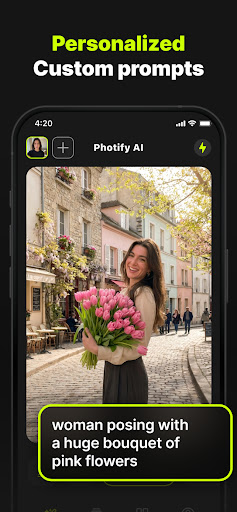
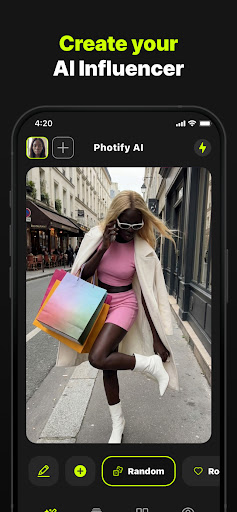

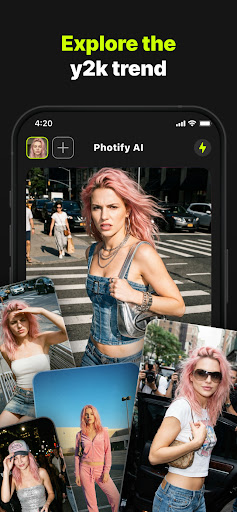
Advertisement
About Photify AI: AI Photo Generator
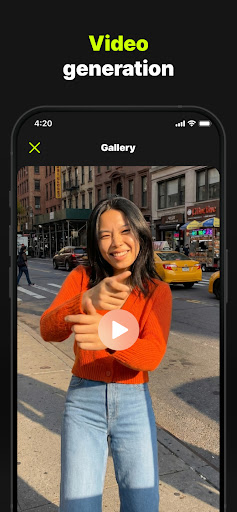
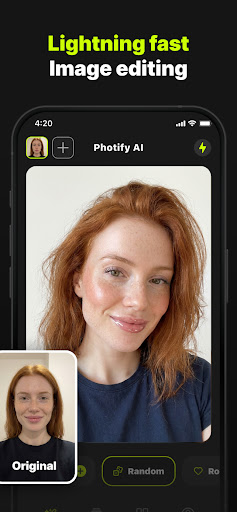
Photify AI: The AI Photo Generator is actually quite powerful. It is a multi-functional mobile app that is especially suitable for photography enthusiasts and those who like to be creative. It uses advanced artificial intelligence technology to easily turn your photos into stunning works of art or unique pictures. I really feel quite magical. This Android application interface is very friendly and smooth to operate. Various powerful functions are very enjoyable to use. Generating professional-level pictures is not troublesome at all and is quite fun.
Overview
core functions
- Intuitive AI-driven image generation, you can create beautiful pictures with simple text prompts, which really helps you improve your creative process!
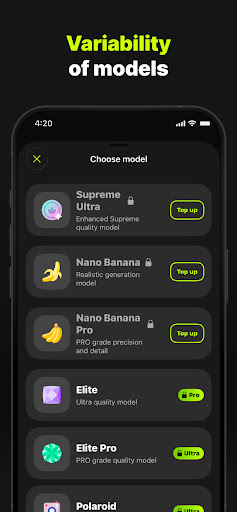
- Super powerful application features, such as style customization and background removal, let you easily create unique and personalized visual effects.
- Support high-resolution image export, whether it is for social or private use, ensuring professional results.
- Real-time preview and editing tools make the entire experience extremely smooth, making it easy to adjust pictures directly in the APP!
- Automatic cloud backup and multi-device synchronization ensure that your work is always safe and can be used anytime, anywhere, super convenient!
- Integrate AI image enhancement tools to improve the clarity and detail of your pictures, making your photos look professional and natural without extra effort.
Who is this App suitable for?
This mobile app is particularly suitable for photography enthusiasts, social media creators, or casual users who like to make beautiful pictures on their phones. Whether you are a novice or a veteran photographer, it provides a variety of tools to meet your needs.
It is especially suitable for those who want to quickly generate, edit and optimize pictures without using complex software. Whether it's recording daily life or designing visuals for projects, it can all come in handy. The scenes are quite rich!
Why choose this App?
This Android app combines powerful AI image generation capabilities with a user-friendly interface, making it easy for anyone to create images. The result is of high quality, fast processing speed, and a much better experience than other similar products!
It pays special attention to innovative features and ease of use, giving you confidence in creating wonderful pictures. Various customization options and smooth performance make it the artifact of choice to meet various photography needs!
Top Recommended Alternative

Pros & Cons
Pros
- Intuitive AI image generation
- high-quality output
- diversity of styles
- The processing speed is amazing
- Rich templates
Cons
- Free features are limited
- Occasionally the results are unstable
- Advanced functions are a little difficult to learn
- The free version has limited output resolution
- Occasionally I encounter some bugs
Advertisement
Download Photify AI: AI Photo Generator


FAQ
How do I create an account or log in to Photify AI?+
Is Photify AI safe to use on my mobile device?+
What are some key features of Photify AI?+
Can I use Photify AI offline or does it require an internet connection?+
Does Photify AI support different device types and screen sizes?+
How do I update Photify AI to the latest version?+
Is there customer support or help available if I encounter issues?+
Can I use Photify AI as a launcher app for quick access to photo features?+
Customer Reviews
Photify AI offers impressive AI photo generation with intuitive controls and fast results, earning praise for its user-friendly experience and high-quality outputs. However, significant issues exist: many users report excessive ads, costly subscriptions with hidden fees, and degraded performance after purchase (e.g., premium features not working, forced extra charges). The AI's realism is inconsistent—while some get excellent results, others face distorted hands/feet, poor prompt implementation, and images that don't resemble uploaded photos. Subscription complaints include expired lifetime plans and coercive ad-blocking prompts. Despite strong initial appeal, stability and reliability concerns overshadow its potential.
Write a Review
Share your experience with Photify AI: AI Photo Generator. Submissions are reviewed before publishing.
You Might Also Like
More apps you may want to try next.



