Notion: Notes, Tasks, AI
Advertisement
Screenshots

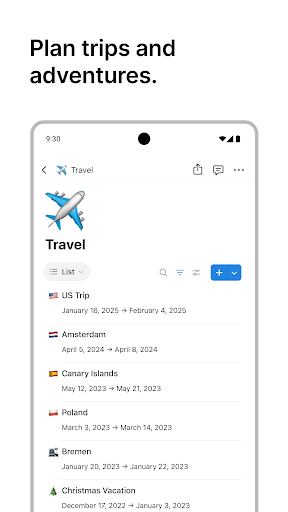

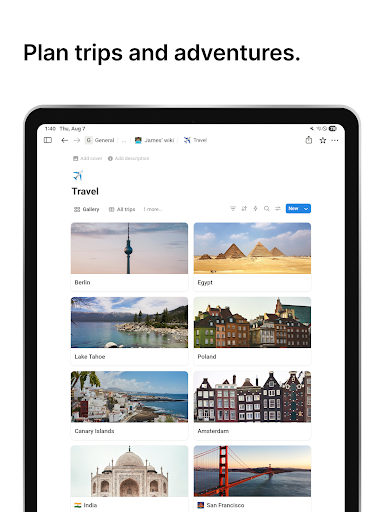
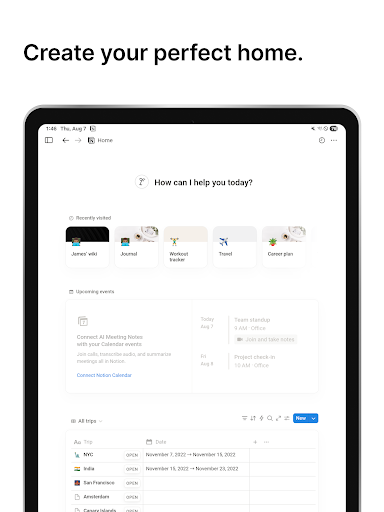
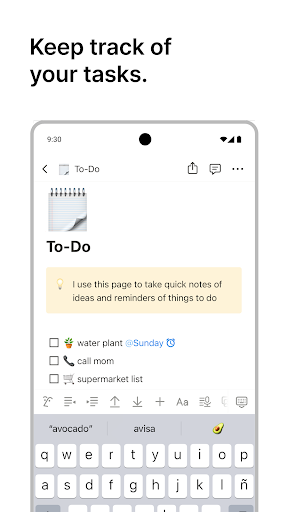
Advertisement
About Notion: Notes, Tasks, AI
Overview
core functions
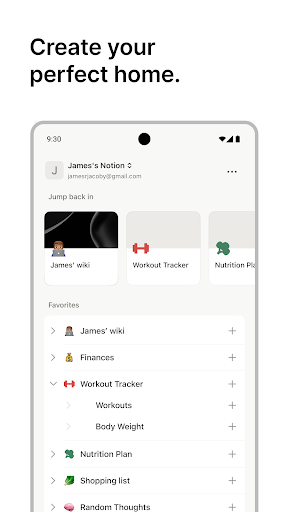
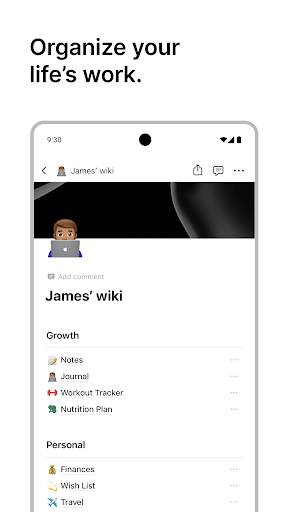
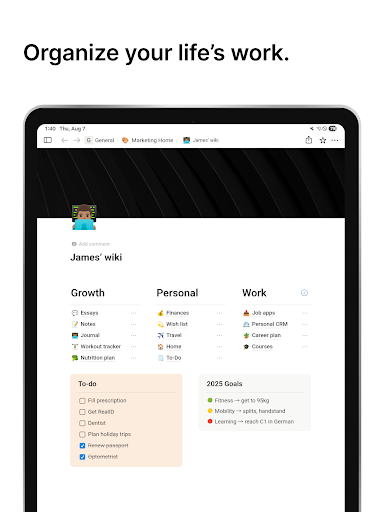
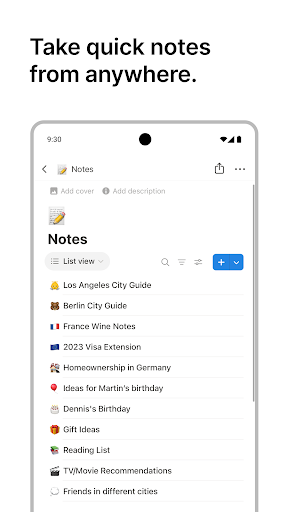
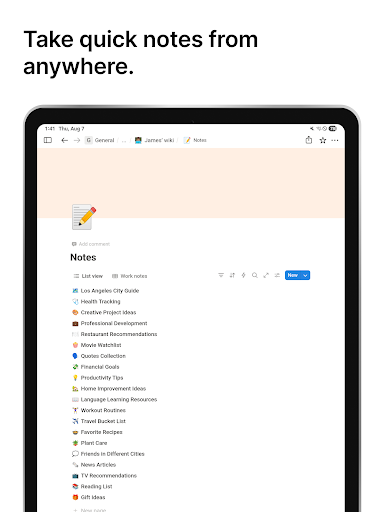
- This app has a super versatile note-taking system that can mix text, pictures, and embed various content to make writing colorful.
- Real-time synchronization ensures that no matter where you are or which device you use, your notes and to-do are immediately followed and consistent.
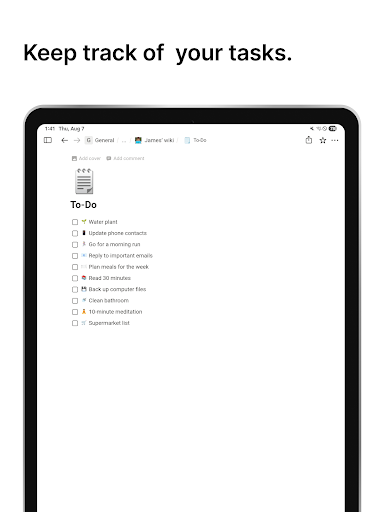
- Task management tools come with deadlines, reminders, and recurrence options to help you increase personal and team efficiency and achieve twice the result with half the effort.
- Templates can be customized to make organizing projects simple and convenient, and can be used in work, study or personal life.
- Offline mode allows you to view and edit notes without having to connect to the Internet. It is very convenient and you don't have to worry about getting busy when the network is bad.
- AI-driven features help you recommend content and automate some things to make the workflow smooth and easy.
- With a friendly interface and intuitive operation, this starter makes it easy for both novices and veterans to get started without getting lost.
Who is suitable for?
This mobile app is suitable for students, professionals, or anyone who wants to manage their lives effectively. If you like to use an app to sync notes and tasks, this artifact is definitely your appetite.
Whether you're working on projects on Android or use it as your productivity starter, it helps you simplify your daily routine, plan ahead, and organize meetings or personal goals in good order.
Why choose it?
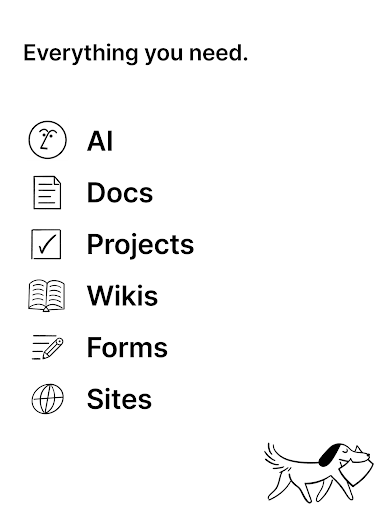
What makes it special is that it perfectly combines notes, tasks and AI assistants. It is powerful and friendly, making it particularly easy to use. It provides an efficient platform for both individuals and teams.
Choosing this app means choosing a tool that is reliable, comprehensive, and can be flexibly adjusted according to your needs. It solves many efficiency problems with its intuitive design and powerful functions, making it stand out among many productivity applications and become the first choice!
Top Recommended Alternative

Pros & Cons
Pros
- Multi-functional taking and task management really saves time and worry
- The interface is super intuitive and easy to use
- Powerful AI integration, smart advice is so considerate
- Highly customizable to meet various individual needs
- Cross-platform support, you can use both mobile phones and computers
Cons
- It's quite difficult to get started, and novices may take some time to get used to it.
- Occasionally, synchronization delays occur
- Limited offline functions affect efficiency
- Premium paid plans are more expensive
- AI advice can sometimes be inaccurate
Advertisement
Download Notion: Notes, Tasks, AI


FAQ
Is Notion: Notes, Tasks, AI safe to use on my mobile device?+
Well, Notion is quite mature and really pays attention to user security and data protection. This software has been tested and upgraded many times, and basically ensures that your information will not be leaked on Android and iOS devices.
In order to allow you to trust it more, it follows strict privacy protection measures and complies with various data security standards. As a veteran application solution, it has always been striving to provide stable performance, so that you can use it with peace of mind and have a good experience.
How do I log into Notion on my Android or iOS device?+
Logging in to Notion is actually quite easy. You just need to fill in a mailbox in the App or log in directly with your Google or Apple account, which is very convenient. The process is simple and the user experience is friendly, so it can be easily handled by both a novice and an old bird.
The Android app experience is smooth and you can easily view and manage your notes and tasks on different devices. The whole process is so fast that you basically don't have to worry about any big trouble and you can start using it immediately.
Are there different versions of Notion available for mobile devices?+
Of course, Notion can be found in mobile versions on both Android and iOS. Its features include synchronization capabilities, offline use, and a variety of customizable templates, all to make your work more efficient.
Although the core functions have not changed, it will keep rolling out new versions and adding more new features, hoping to bring you a better experience. In this way, no matter what equipment you use on, you can keep up with it, and the efficiency is great!
Can I use Notion without an internet connection?+
No problem, the mobile application of Notion also supports offline mode. Even if you don't have the Internet, you can still view and edit your notes and tasks. When you return to having the Internet, all changes will be automatically synchronized, which is quite convenient.
This function is especially suitable for places where the network is unstable when traveling away. The overall experience is still smooth, and it's really cool to use online and offline. It's really considerate.
What are some common app features of Notion that improve productivity?+
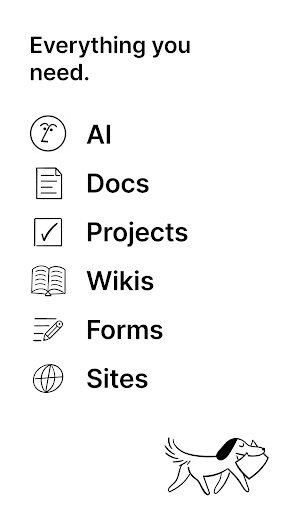
Notion is quite rich in functions, including many customized note templates, task management tools, and AI-assisted organizing methods. It can also be well integrated with calendars and other productivity tools. It is a very comprehensive tool and is very suitable for daily management of things.
The interface is intuitive and the operation is flexible, which can be used for everything from personal to-do to professional projects. These features make many users like it and think it is an all-in-one efficient assistant.
Customer Reviews
Notion is widely praised for its flexibility as an all-in-one workspace that integrates note-taking, task management, and project collaboration, significantly boosting productivity and organization. Users love its intuitive interface, powerful linking, and versatility for personal and team use. However, opinions are divided on key aspects. Regarding AI features: while some find the AI responses effective and helpful, others are frustrated by the inability to disable the AI, as it automatically starts a chat when creating a note. Performance and stability: many users enjoy a smooth experience and appreciate prompt bug fixes, but a substantial number report frequent crashes, slow response times, and database errors on Android, making the app nearly unusable after updates. Customization and navigation: the free tier is praised for its value and adaptability, yet some users wish for a full dark mode, toggle for AI/inbox features, and better widget sizing; navigation can feel cumbersome on certain builds. Overall, Notion is a powerful tool with occasional but notable drawbacks.
Write a Review
Share your experience with Notion: Notes, Tasks, AI. Submissions are reviewed before publishing.
You Might Also Like
More apps you may want to try next.