
Microsoft Power BI
Screenshots
About Microsoft Power BI
Overview
core features
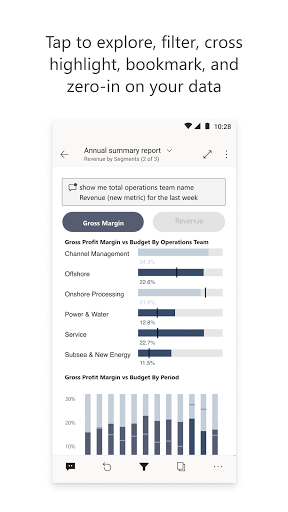
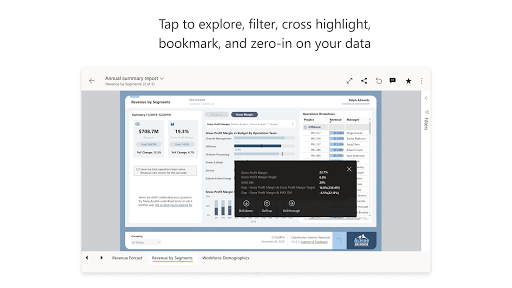
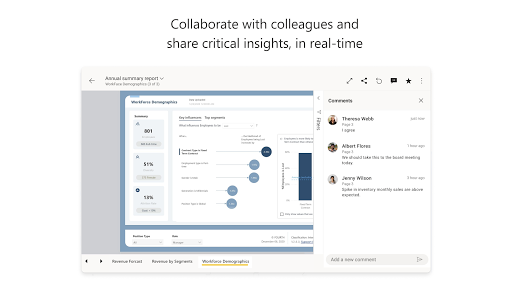
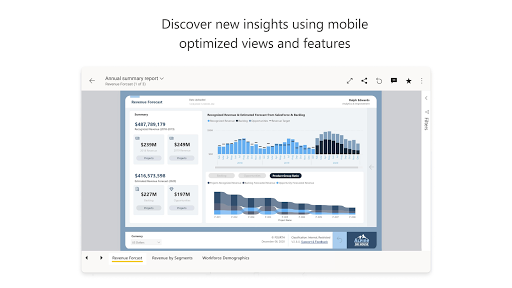
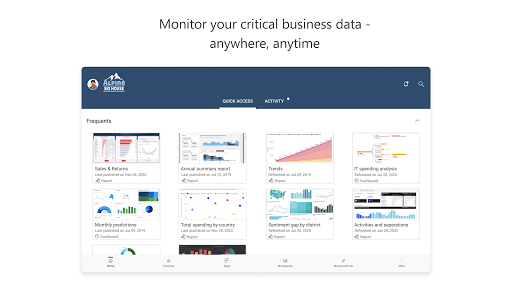
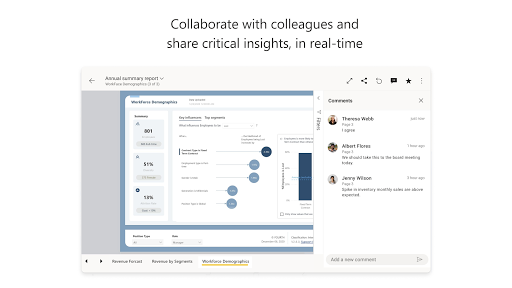
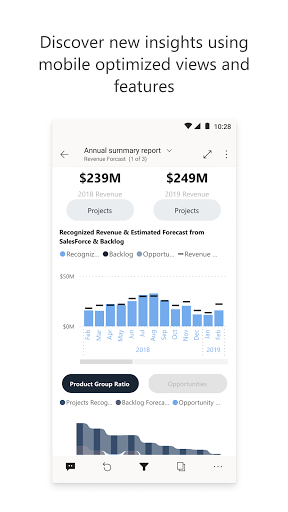
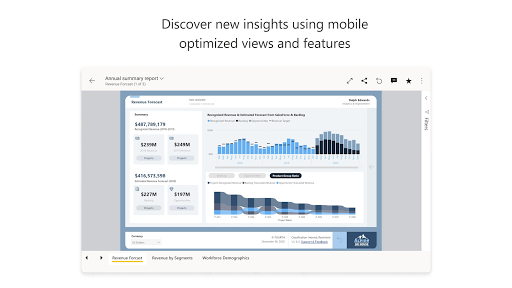
- This app has real-time data visualization, allowing users to easily create cool dynamic chart panels.
- It supports multiple data connections, handles all types of data sources, and provides no headaches at all to analyze.
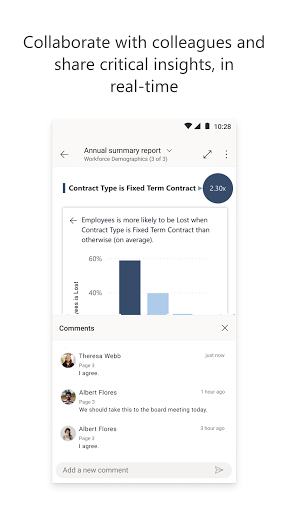
- Power BI's interface is super intuitive. Whether you are a novice or an expert, you can easily get started and make beautiful reports.
- There is also offline mode, where you can open reports and operate them freely even without Internet access. It's really thoughtful!
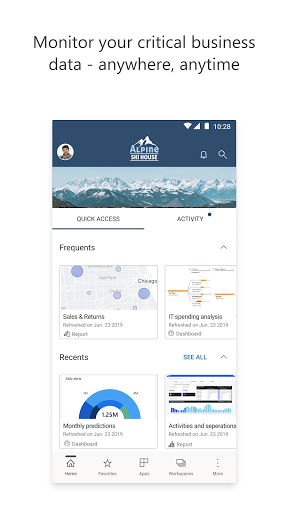
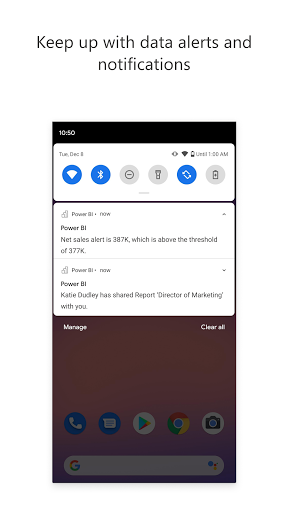
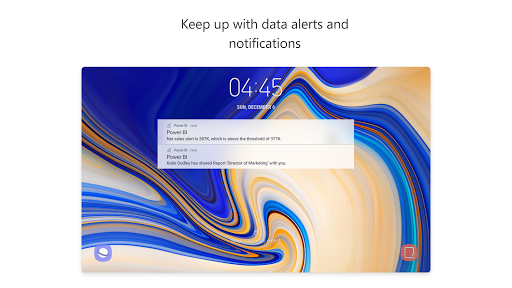
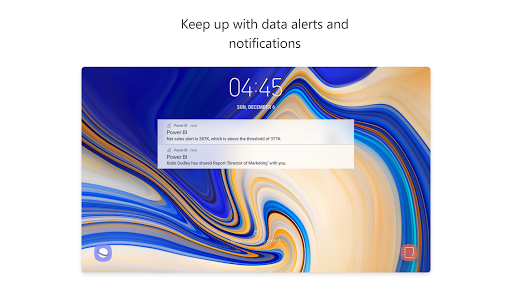
- Powerful reminders and regular refresh mechanisms allow you to keep up with the latest data dynamics at any time and never miss any important information.
- It can process large data sets, ensuring that data processing and visualization are smooth and not stuck.
- Whether you're using Android or an Apple phone, this app is tailor-made for a variety of devices and the experience is super smooth.
- Security measures and user verification mechanisms ensure that your business data is protected and trustworthy here. Use it with confidence!
Who is this app suitable for?
This app is especially suitable for business people, data analysts and all data enthusiasts who want to gain first-hand data insight anytime, anywhere. It is ideal for those over the age of 25 who want to use efficient mobile tools for data analysis.
Whether it's managing sales reports, financial dashboards, or operational metrics, this mobile app allows you to easily make data decisions at any time and anywhere, helping you become more flexible and efficient. The experience is great!
Why choose this app
With its rich features, Microsoft Power BI can present cool and interactive reports on your device, which is really amazing. Its easy-to-use operating interface and powerful data integration capabilities make it one of the first choices for Android users pursuing business intelligence.
It uses an efficient application solution to combine real-time data updates with security, perfectly solving various problems in data analysis, and is smarter and more reliable than other similar software on the market!
Top Recommended Alternative
Pros & Cons
Pros
- user-friendly interface
- Strong data connectivity
- Advanced data visualization
- real-time data monitoring
- Active community and support
Cons
- High licensing costs
- Free version of data modeling is limited
- Poor performance on large data sets
- High learning barriers for complex reporting
- Limited offline functionality
Download Microsoft Power BI


FAQ
What is Microsoft Power BI and how does it help in business analysis?+
Is Microsoft Power BI safe to use on my mobile device?+
Can I use Microsoft Power BI as a launcher app or does it need a specific setup?+
What are the main features of the Microsoft Power BI mobile app?+
How does Microsoft Power BI improve the app experience for users?+
Is Microsoft Power BI suitable for small businesses or only large enterprises?+
Where can I find support or tutorials for Microsoft Power BI?+
You Might Also Like
More apps you may want to try next.