PDF Reader(KDAN PDF): Edit PDF
Screenshots
About PDF Reader(KDAN PDF): Edit PDF
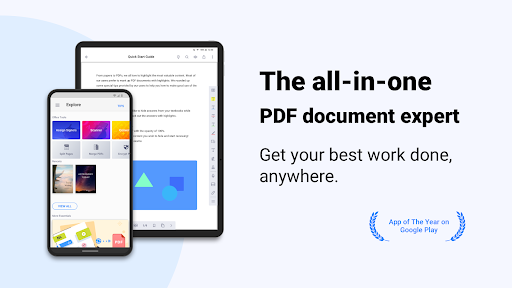
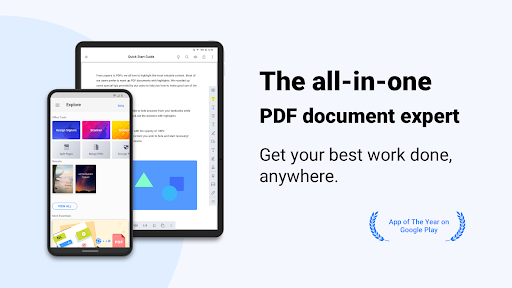
PDF Reader(KDAN PDF): This Android app for Edit PDF is quite practical. It is specially designed to allow us to view, edit and manage PDF files on our mobile phones. It is quite convenient. The interface is particularly considerate, very easy to use, and basically not difficult. For those professionals or students who often need to do documents, it is simply a lifesaver. You can quickly get all kinds of PDFs anytime and anywhere, worry-free and efficient. As a reliable application, it is also quite powerful, which can help you improve your work efficiency and make it much easier for you to process files on Android phones and tablets.
Overview
core feature
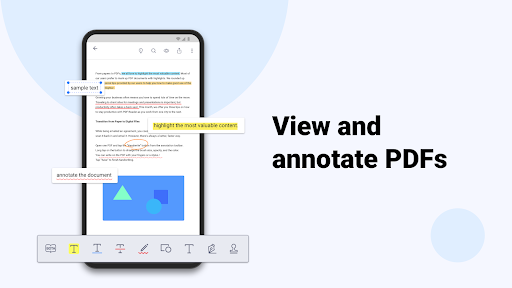
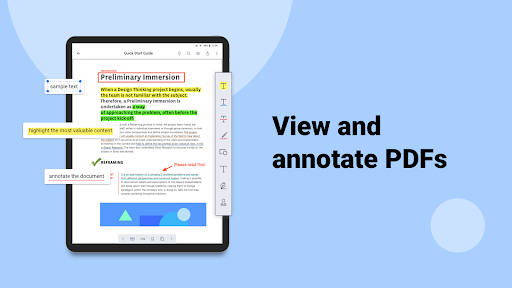
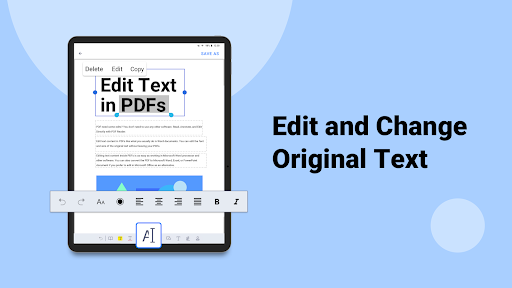
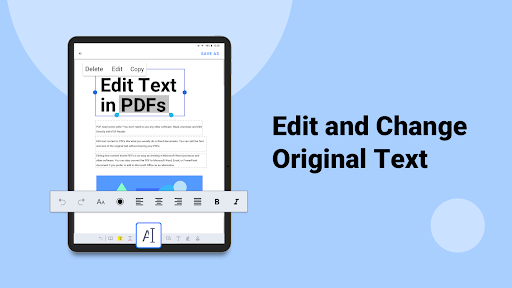
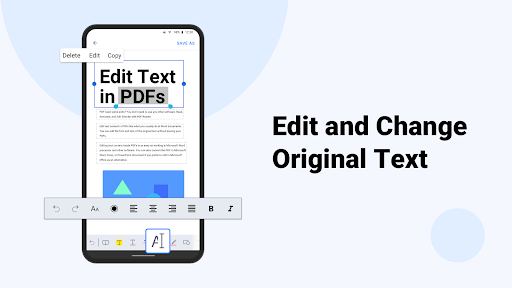
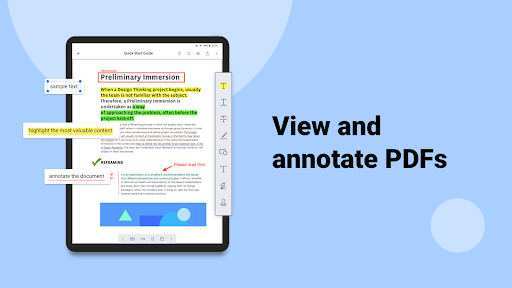
- The intuitive application function allows you to easily edit, highlight or annotate PDFs in the application, just as convenient as using paper and pen.
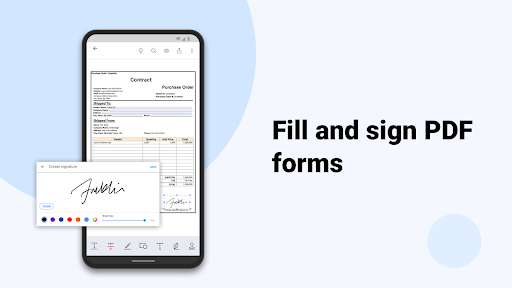
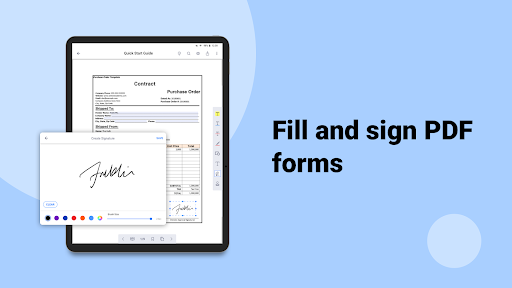
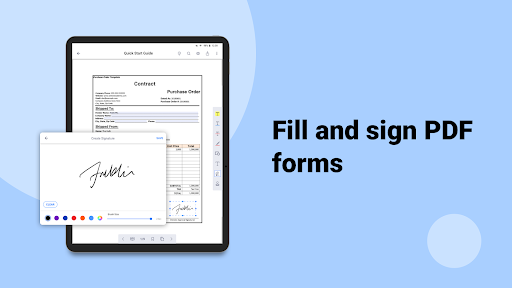
- Powerful annotation tool, add comments, drawings or signatures at will, and the whole process is as smooth as silk.
- Support offline mode, so you can read and edit PDF files wherever you go without worrying about the trouble of not having the Internet.
- Sync multiple devices in real time to ensure that your work status is up to date and the experience is extremely smooth.
- Advanced file management features help you easily organize and search data, and no longer have to worry about finding files.
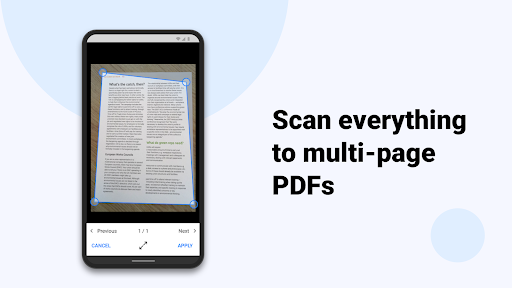
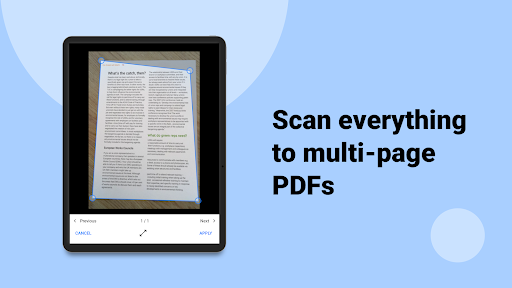
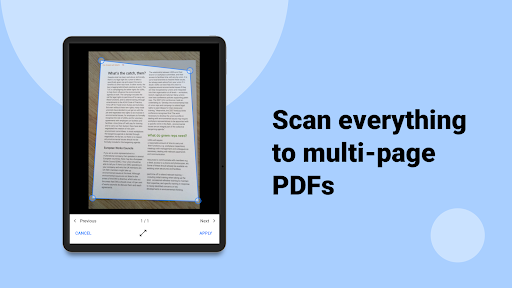
- Built-in OCR technology makes it easy to extract text from scanned documents, improving work efficiency instantly.
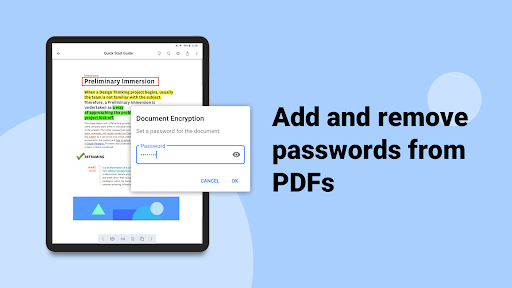
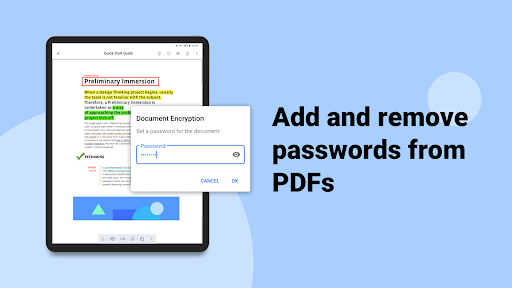
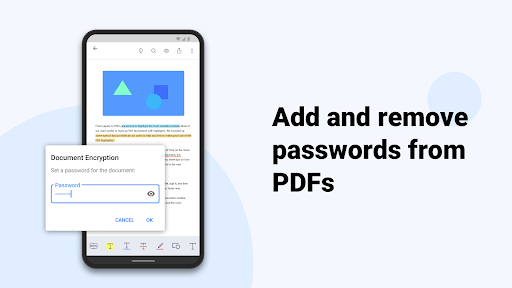
- File encryption is safe and reliable, ensuring your privacy and data security, and using it without stress.
Who is suitable for?
This mobile app is particularly suitable for professionals, students, or those who often use Android devices to process PDFs. If you value a reliable PDF reading, editing or management tool, this app definitely meets your needs.
It is especially suitable for users who need to edit contracts, take notes in meetings, or organize academic materials outside. They can do whatever they want anytime, anywhere.
Why choose this?
With its rich features, this Android app is not only easy to operate, but also meets powerful editing needs, and can bring a great experience. It makes the cumbersome document process simple and efficient.
Choosing it means that you have found a reliable and efficient tool for processing PDFs. Combined with actual needs, you can solve many of the troubles you will encounter when using other tools. It is definitely the first choice for daily document management.
Top Recommended Alternative
Pros & Cons
Pros
- Intuitive editing tools
- Smooth interface design
- Comprehensive annotation capabilities
- Very compatible
- Cloud integration
Cons
- Limited advanced editing capabilities
- Occasionally I get stuck when processing large documents
- Free version has watermarks
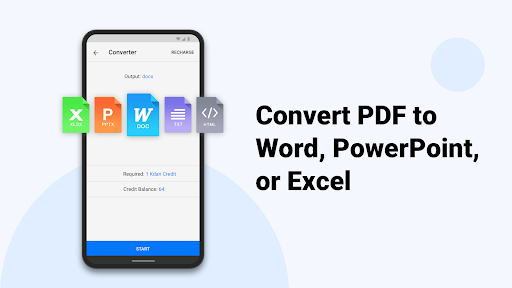
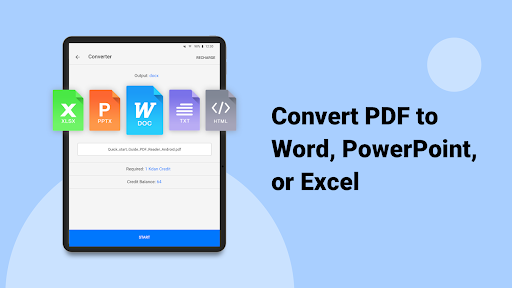
- Limited export formats
- The annotation tool occasionally makes mistakes
Download PDF Reader(KDAN PDF): Edit PDF

FAQ
Use PDF Reader (KDAN PDF): Is it difficult to log in to edit PDF?+
To be honest, I just started using PDF Reader (KDAN PDF): Editing PDF is actually quite simple. Logging in is not complicated. You can log in with one click using your email or social account, which is very convenient. In this way, finding documents or editing information becomes particularly fast and less cumbersome.
This application experience is very smooth, and it can be used smoothly by Android phone users or users using other phones. There are no complicated steps. Just follow the prompts and you can start editing the PDF immediately, which is super worry-free.
Are the Android and iOS versions different?+
This PDF reader (KDAN PDF): Editing PDFs can be downloaded mainly from the Google Store on Android. The functions are quite comprehensive, whether it is editing, marking or managing PDF files, it is very convenient, and it is very easy to use on Android devices.
As for the official version of iOS, it may not be out yet, but many people report that the Android version is quite good. The interface design is quite user-friendly and easy to use. It is especially suitable for friends who need to quickly edit PDF. It is quite convenient to operate on your mobile phone.
Is this app safe to use?+
Of course, this PDF reader (KDAN PDF): editing PDFs is quite formal. It follows strict privacy policies, your files and data are properly protected, and you can use it with confidence.
As long as you download it from official channels, you don't have to worry about security issues. Its security measures have been reviewed many times and can effectively protect user information. It is a reliable choice and is especially suitable for users who handle some sensitive data on mobile phones.
Can I use this app offline?+
Yes, this PDF reader (KDAN PDF): One of the biggest advantages of editing PDF is that it supports offline operations. As long as you download and install it first, you can open and edit PDF files without the Internet, and you can be handy even when you are away from home.
This feature is especially suitable for friends who often need to work in different environments. Whether you are in a remote area or want to avoid traffic charges, just use it directly. The experience is smooth, whether online or offline.
What are the main functions of this application for editing PDF?+
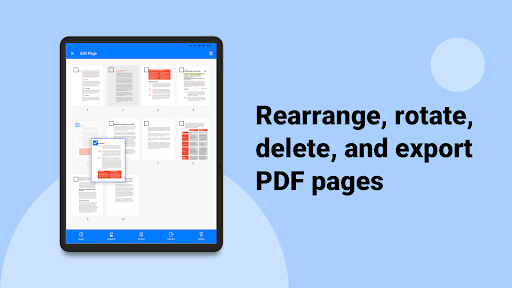
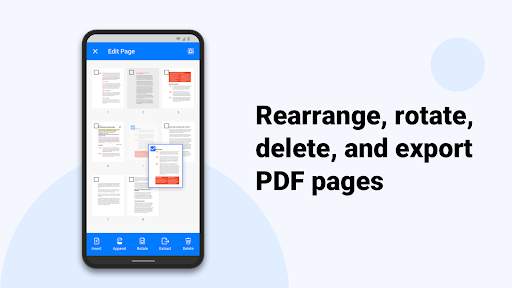
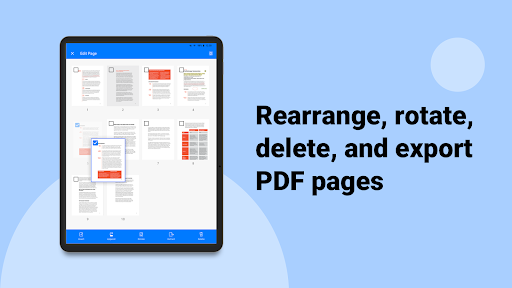
This app can do a lot of things, such as editing text, marking files, adding signatures, and reordering pages, all of which can be done as you please on your mobile phone. The tools are comprehensive and can directly meet your various needs for PDF.
Many users find the interface very intuitive and easy to operate. Even complex tasks can be easily completed, making it very suitable for work and daily use. In this way, using this APP to process files becomes more convenient and more reliable, especially suitable for friends who rely on mobile phones to manage documents.
You Might Also Like
More apps you may want to try next.