

Microsoft Outlook
Advertisement
Screenshots

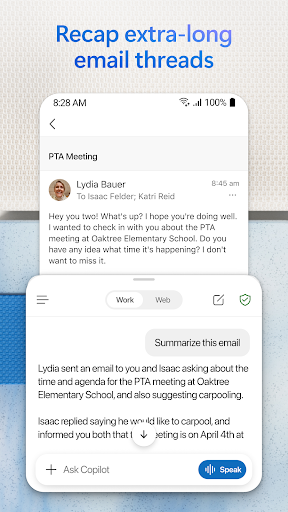
Advertisement
About Microsoft Outlook
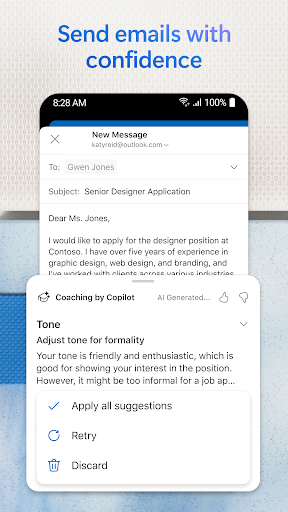
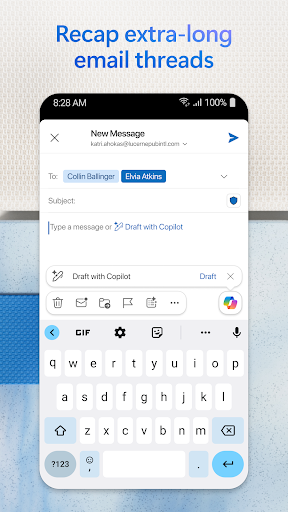
Microsoft Outlook is a really popular productivity tool that helps you with email, calendar and contacts. It is available in Android and iOS versions. It is easy to use and has many functions that make communication and arrangements easier. Whether you are working remotely or just want to arrange your day in an orderly manner, this software can help. It is a complete solution and a reliable one.
Overview
Core function
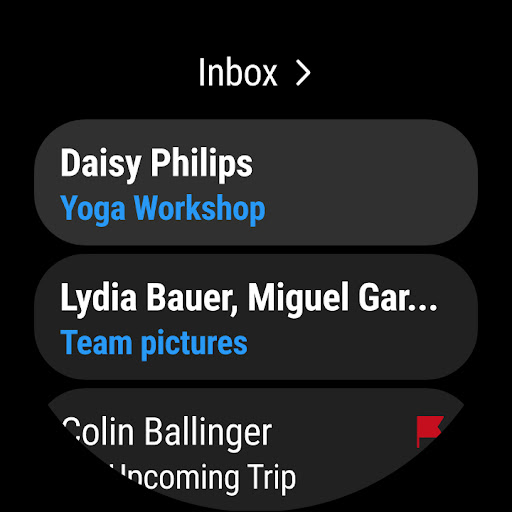
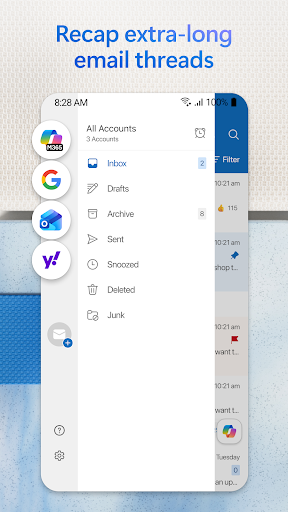
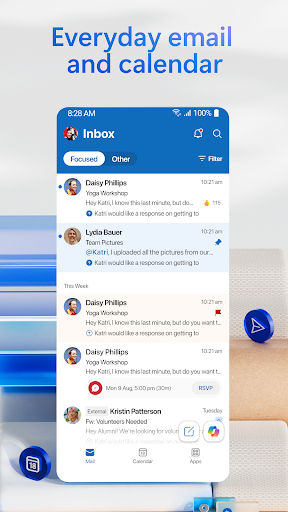
This application has a unified inbox, which puts several mailboxes together, making it worry-free and convenient to manage.
Real-time synchronization ensures that your mailbox, calendar events, and contact information are always up to date, no matter which device you are on.
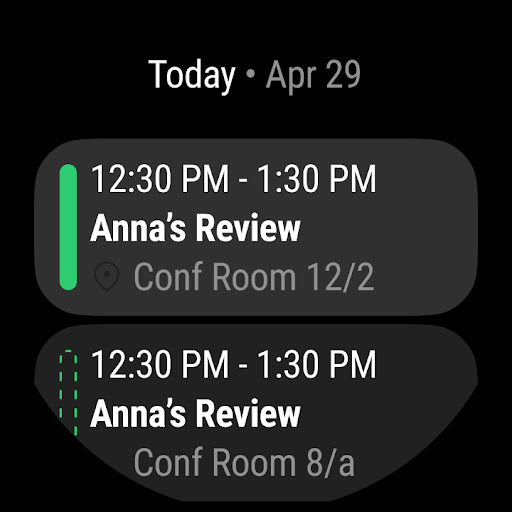
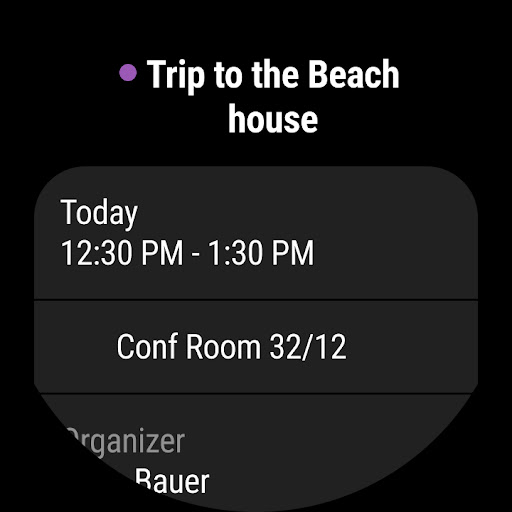
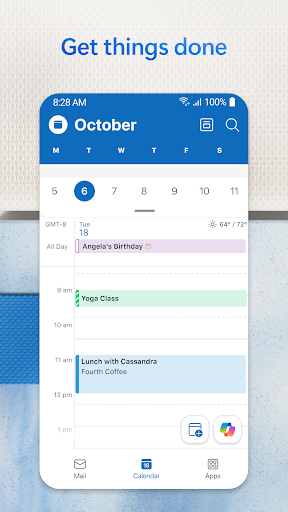
The built-in calendar function helps you easily arrange, view, and process various appointments without having to switch everywhere, and the experience is quite smooth.
Powerful search function makes it easy to find anything you want quickly, whether it is an email, an attachment or a specific content, you can do it with one click.
Supports offline mode. You can browse, write, and draft even when you disconnect the Internet. It's a very considerate feature. If you leave the house, you can still feel less stressed.
The security aspect is also quite in place. Email encryption helps you protect your privacy and data tightly.
The notification system is also very good, reminding you of new emails and upcoming meetings at any time, and never missing any important information.
Who is right for?
This mobile app is especially suitable for those busy professionals, students, or people who have to take care of several mailboxes every day. The operating interface is intuitive and easy to use. It is really a treasure for users who pursue efficiency and organization. It can be used well on both Android and iOS devices.
Whether you are organizing a team, arranging events, or tracking private communications, this application-based solution can handle a variety of scenarios, making email management simpler and more reliable, and saving you a lot of money in your daily life.
Why choose this one
This app is reliable and easy to use, combining a variety of necessary features with a seamless synchronization experience. Its concise design and strong safety guarantee make it stand out among a bunch of efficiency tools and is particularly attractive.
It solves common mailbox management problems and brings an efficient Android application solution that not only improves your workflow, but also allows you to stay connected no matter where you are. It's so sweet!
Top Recommended Alternative
Pros & Cons
Pros
- User-Friendly Interface
- Strong Integration Capabilities
- Robust Email Management Features
- Advanced Calendar and Scheduling Tools
- High Security Standards
Cons
- Complex User Settings
- Syncing Delays with External Services
- Limited Customization Options for UI
- Occasional Performance Lag on Older Devices
- Limited Free Storage for Attachments
Advertisement
Download Microsoft Outlook


FAQ
Is Microsoft Outlook safe to use on my mobile device?+
Of course, Microsoft Outlook, a mobile email application, is quite reliable and has a set of strict security measures to protect your data and so on. It often pushes updates, fixes security loopholes, and ensures that your information is safe and private.
Rememberto download it from the official Google Play or Apple App Store. Don't try to get those unknown versions at a cheap price, otherwise you may be deceived or implanted with some virus. This way, you can feel at ease when using it, and use it on your equipment with confidence!
Can I access my emails offline with Outlook's app experience?+
Of course! Microsoft's Outlook mobile app supports offline access to your email, calendar, and contacts, especially when you are away and the Internet is inconvenient.
Moreover, it will automatically synchronize data, and everything will be done when you are connected again. It will become a super reliable management tool that can help you cope with your daily work and life smoothly, and switch across devices without stress!
What are some key features of the Microsoft Outlook mobile app?+
This APP has many highlights, such as having a unified inbox, calendar and task management that are all connected together, making it easy to use. It also allows you to easily share attachments, intelligently classify emails, and customize reminders to enhance your experience.
Theinterface specially designed for Android and iOS is simple and smooth, helping you easily organize your daily life, stay efficient, and arrange the rhythm of life and work properly!
How do I set up my email account in Microsoft Outlook?+
Setting up an account is actually very simple. After opening the app, it will automatically detect your email service provider, or you can manually enter account information yourself. The whole process is quite smooth, which is one of its highlights.
Ifit's a custom mailbox for your business or yourself, you have to make sure the server is set up correctly, but don't worry, the app will guide you step by step. Whether you use Android or iPhone, it's just as easy to use and friendly!
Is Microsoft Outlook suitable for professional use and business emails?+
Absolutely no problem! Microsoft Outlook is very popular in the workplace and is very convenient to manage work emails, calendars, etc. Its functions help you organize things in an orderly manner and communicate much more efficiently.
Moreover, its experience can also be seamlessly connected to Microsoft 365, Exchange, etc., providing business users with a reliable and secure email solution, and their busy workdays can be carried out in an orderly manner.
Does Outlook support multiple email accounts and calendars?+
Of course I support it! This app can manage several mailboxes, or control multiple calendars at the same time. Everything can be done with one interface. Personal mailboxes and work mailboxes can be arranged in an orderly manner, which is super convenient.
Itcan also switch accounts very quickly, and you can see all appointments and information at a glance. It is integrated very completely, and it is not messy at all when you are busy!
Can I customize notifications and app settings in Outlook?+
That's right! You can set reminders for different accounts or different types of emails according to your needs, such as reminding only the important ones to avoid being disturbed by a lot of notifications.
Moreover, this app also provides many setting options that can help you adjust your behavioral habits and make it more suitable for your usage habits. It is flexible and user-friendly, making it a good helper for your mobile office!
Is Microsoft Outlook compatible with both Android and iOS devices?+
Of course! Microsoft's Outlook mobile app covers both Android and Apple systems. Whether you use an Android phone or an Apple tablet, you can use it to get emails and calendars anytime and anywhere. It is very convenient.
Thefunctions are basically the same and the experience is quite reliable, ensuring that you can operate smoothly no matter which device you use, without having to worry about compatibility issues at all!
Customer Reviews
Microsoft Outlook earns high marks for its intuitive interface, organized layout, and Copilot assistant that streamlines email drafting and scheduling. Users appreciate seamless multi-account management and desktop synchronization. However, opinions diverge on key features. Syncing: most find it reliable, but a few report missing emails after device migration. Spam filtering: while some consider it adequate, others experience junk mail flooding and legitimate emails misclassified. Account recovery remains a common frustration, with several users unable to regain access. App size and message limits also attract mixed feedback, with some wishing for a lighter version. Despite these issues, the overall sentiment is positive, and many recommend Outlook for boosting productivity.
Write a Review
Share your experience with Microsoft Outlook. Submissions are reviewed before publishing.
You Might Also Like
More apps you may want to try next.




