LifeUp: Gamify Tasks & Habits
Advertisement
Screenshots
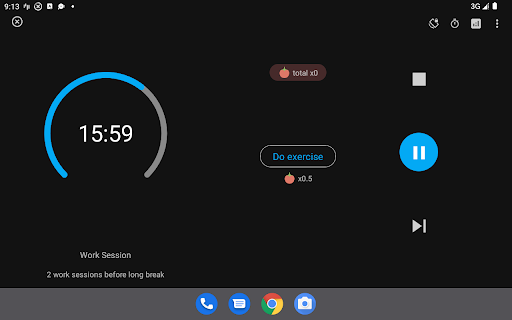
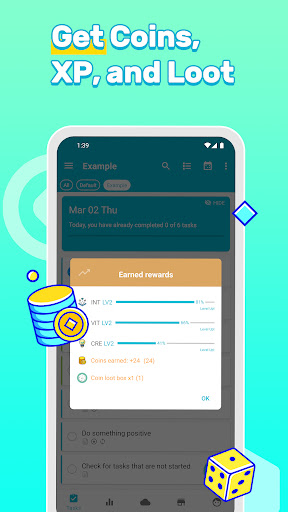
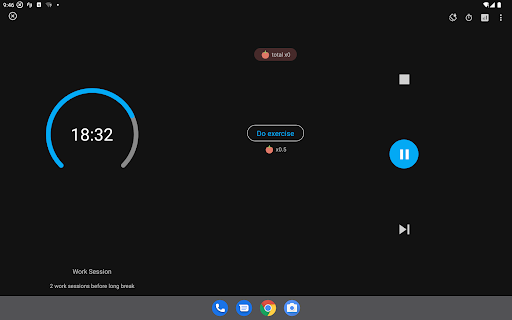
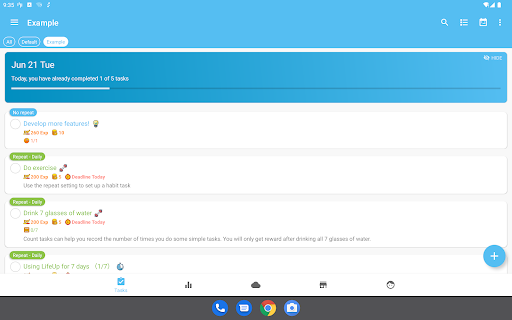
Advertisement
About LifeUp: Gamify Tasks & Habits
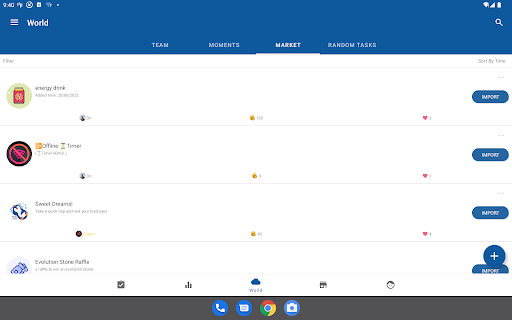
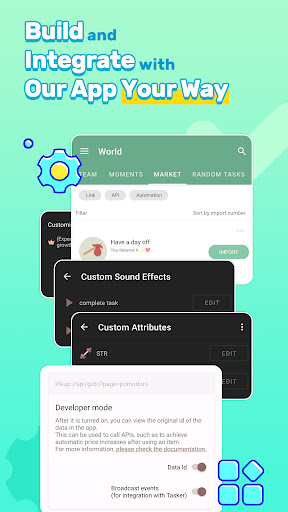
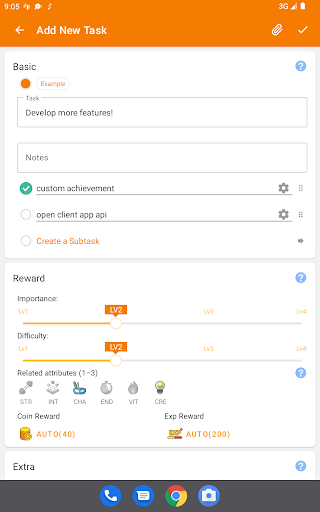
LifeUp: Gamified To Do List is actually a very interesting mobile app that helps people complete trivial and important tasks, allowing you to become more motivated while playing games. As an efficiency tool that can be used on Android, it combines task management with some interesting little elements. It feels quite novel. It not only reminds you to do things, but also makes you more interesting to use. Whether you want to develop good habits or deal with trivial matters every day, the interface of this software is quite friendly and comfortable to look at, helping you maintain your goals steadily.
Overview
core feature
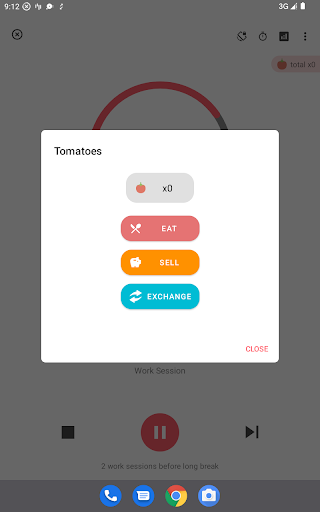
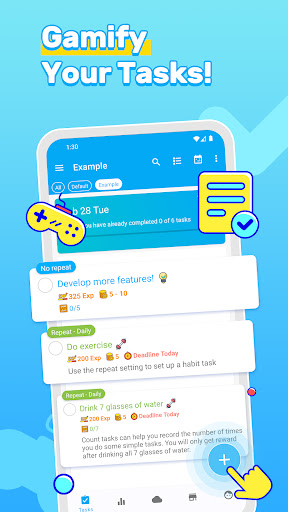
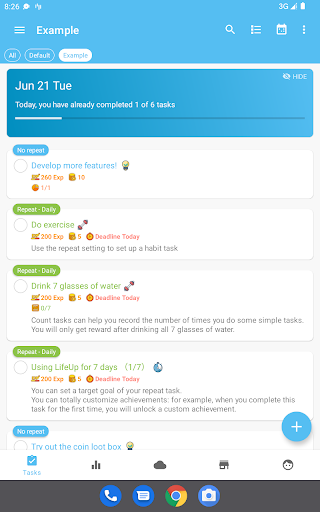
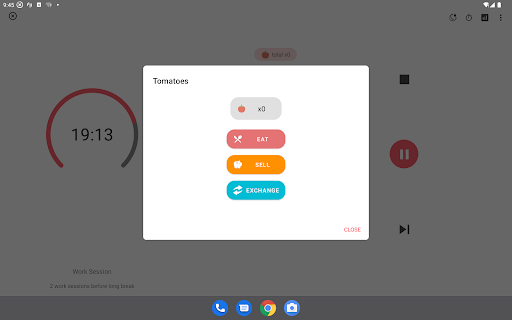
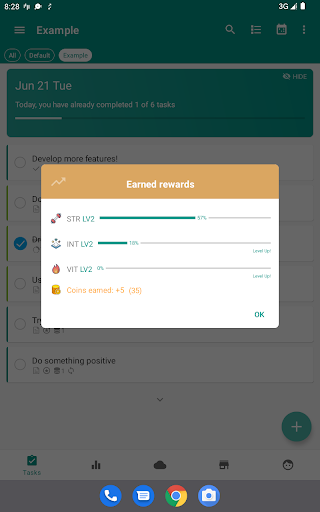
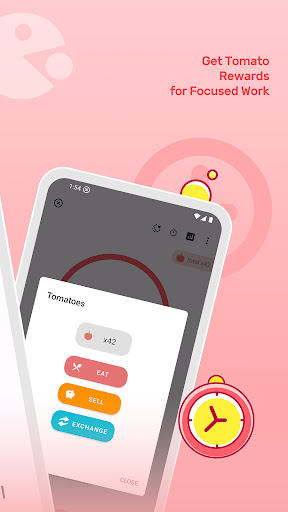
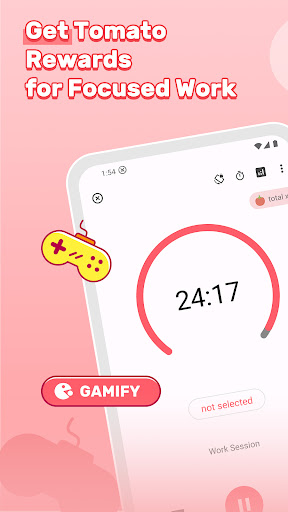
- There is a game-friendly task management system in this app, which makes making lists no longer boring, but rather exciting.
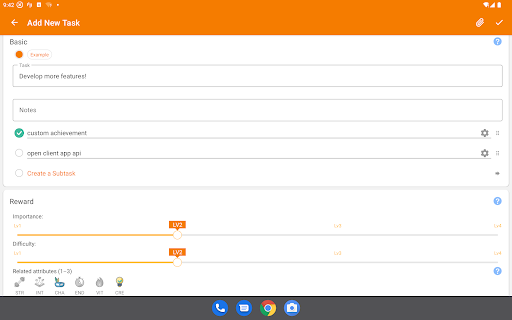
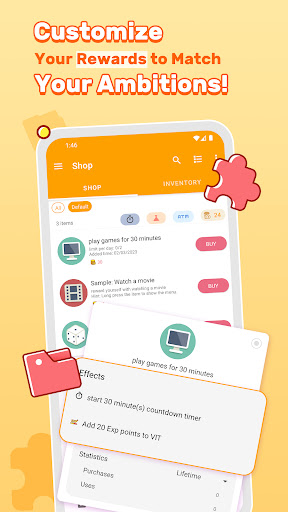
- You can also customize categories and priorities to keep your tasks organized in an orderly and orderly manner.
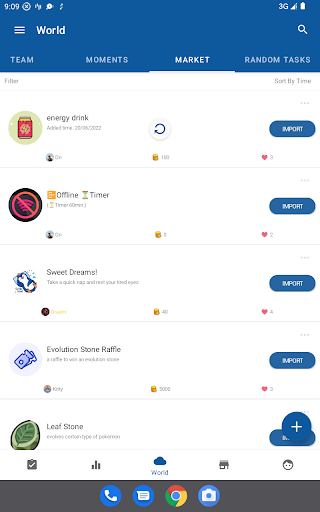
- The real-time synchronization function keeps your tasks consistent on various devices, greatly improving the experience.
- Offline mode is also good. You can view and change tasks without having the Internet, which is quite convenient.
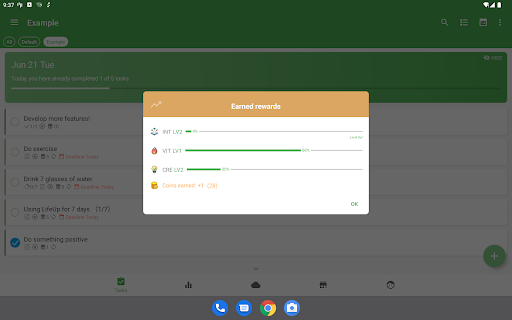
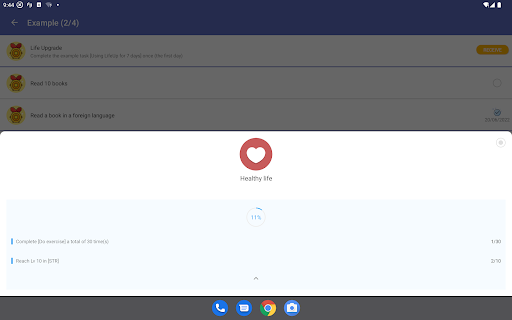
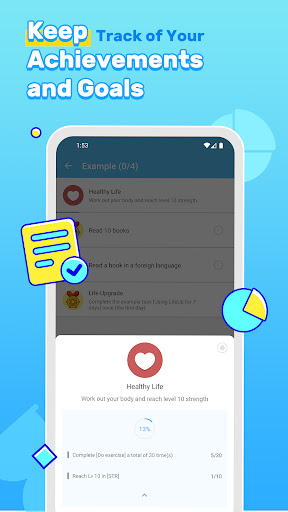
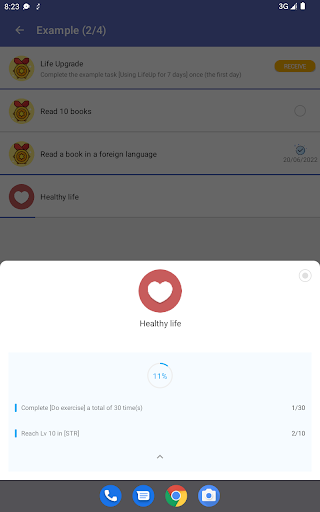
- There is also detailed progress tracking to help you stay motivated and keep track of your efficiency at all times.
- The operating interface is intuitive, and with push notifications, it is easy to remind without missing any tasks.
- These functions work together to make the entire experience smooth and fun, and it becomes enjoyment to complete tasks.
Who is this app suitable for?
This mobile app is especially suitable for students, office workers, and those who want to increase their efficiency by playing games. Those who like to manage tasks in a fun and engaging way will definitely like it.
For people who want to use an App to organize daily tasks, set reminders, and maintain motivation, it is a treasure. Whether it is dealing with personal goals or work projects, it is quite reliable and can meet various productivity needs.
Why choose this app?
What makes this Android app special is that it combines some fun elements with efficient task management tools to bring a unique experience. Its fun feature inspires you to stick to your goals and never give up.
Also, it pays special attention to ease of use, real-time synchronization and gamification design, so that you don't feel boring in task management, but you will become more and more motivated and your efficiency will be improved. Overall, this is a reliable application that can help you achieve efficiency and is worth a try.
Pros & Cons
Pros
- Weird gamification features
- The interface is so easy to use
- Goals can be adjusted by yourself
- Easy to use across platforms
- Help you develop the habit of persistence
Cons
- The task organization function is too crude
- Customization of reminder notifications is not enough
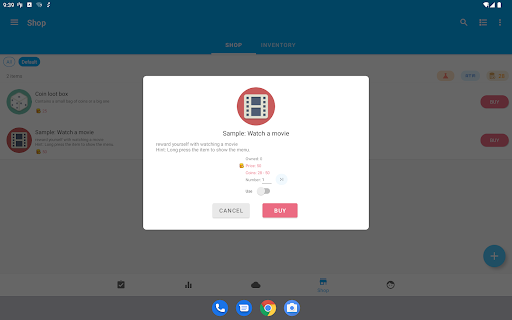
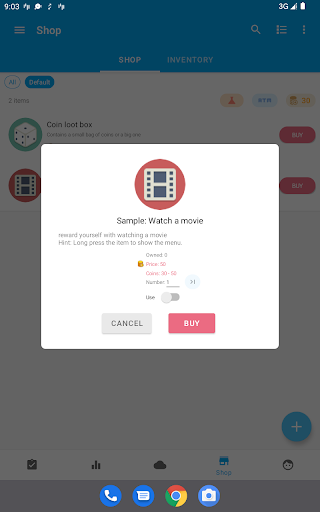
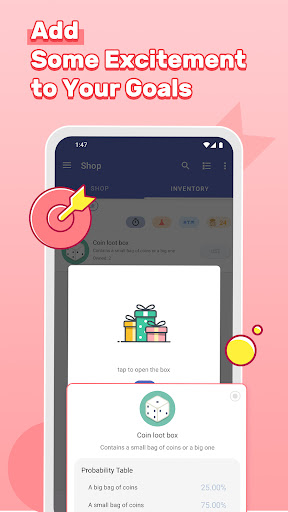
- Reward system is too simple and may not be attractive enough
- The data analysis function is too basic
- Synchronizing on some devices will occasionally get stuck
Advertisement
Download LifeUp: Gamify Tasks & Habits

FAQ
How do I log into LifeUp: Gamified To Do List?+
Is LifeUp available for both Android and iOS devices?+
What are the main app features of LifeUp?+
Is the app safe to use on my mobile device?+
Can I customize the app to suit my needs?+
Customer Reviews
LifeUp is highly praised for its extensive customization, gamification features (rewards, shop, skills), and effectiveness for ADHD users, offering a lighter, game-like experience without decision fatigue. It balances functionality and simplicity, with many calling it the best Habitica alternative. However, some users find the initial setup complex and the home interface cluttered; requests include pinning tasks, better habit categorization (morning/afternoon/evening), customizable skill trees, and widget improvements (e.g., dark mode support). While most love the one-time payment model and local data storage, a few report bugs like loot box search not working or missing Pomodoro notifications. Overall, it's a powerful tool that transforms productivity for those willing to invest time in setup.
Write a Review
Share your experience with LifeUp: Gamify Tasks & Habits. Submissions are reviewed before publishing.
You Might Also Like
More apps you may want to try next.