Hyde App Hider - Hide Apps
Screenshots
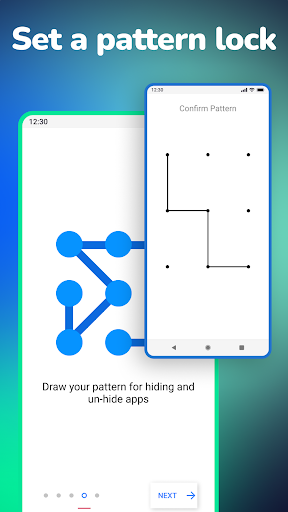
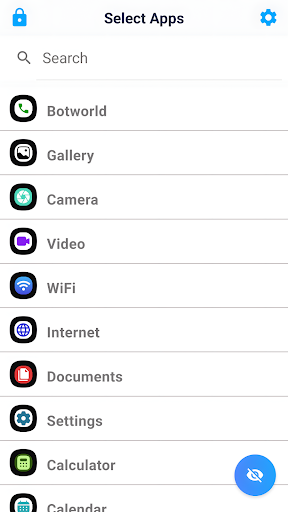
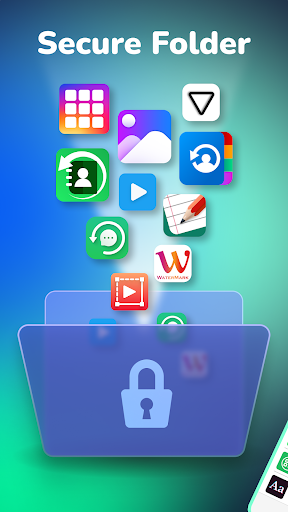
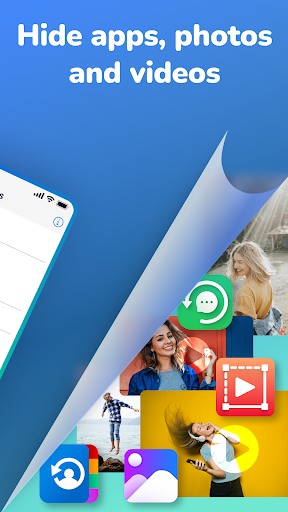
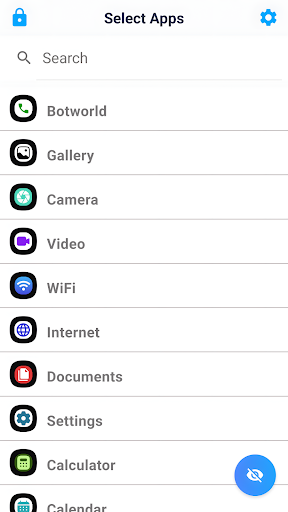
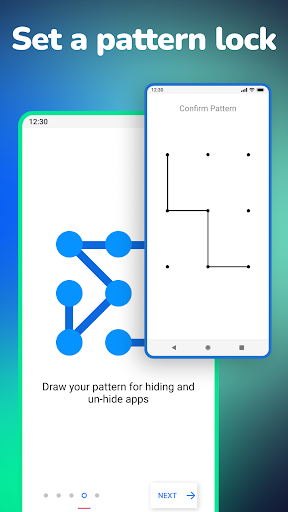
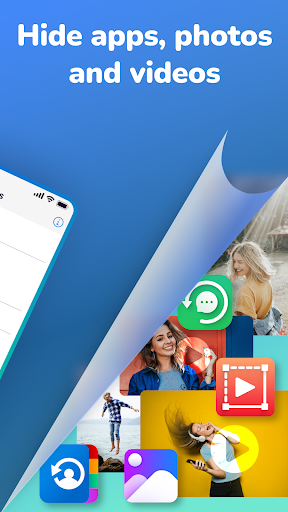
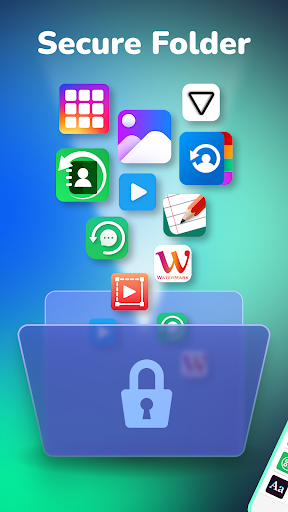
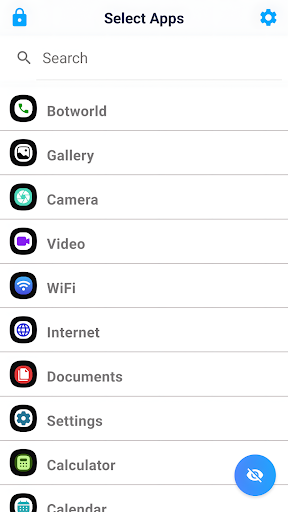
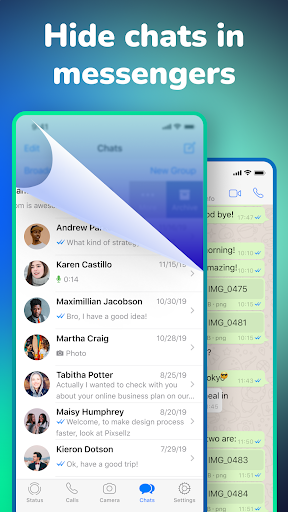
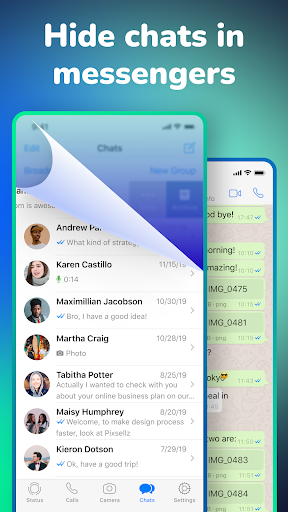
About Hyde App Hider - Hide Apps
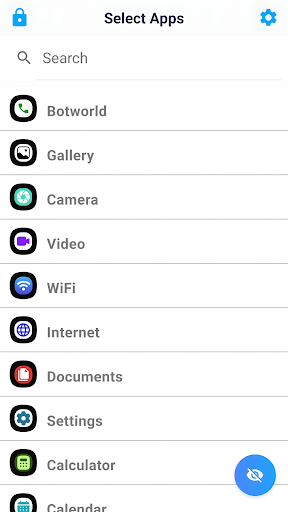
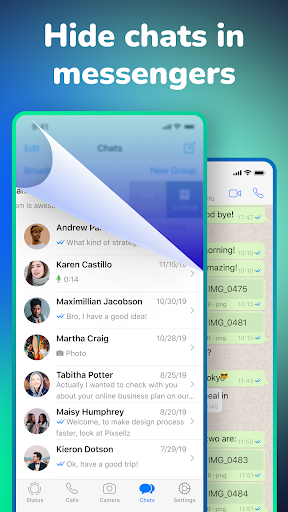
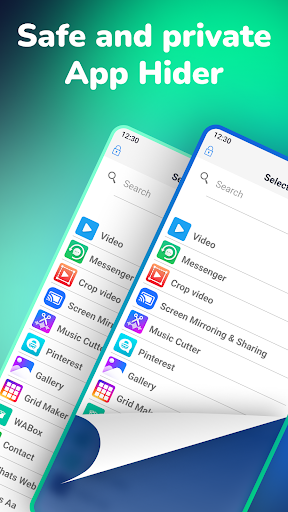
Hyde App Hider - Hide Apps is actually a very thoughtful mobile app designed specifically for Android users. It can help you quietly hide those apps you want to hide, so that your privacy is not easily leaked. As a reliable launcher app, it is easy to operate and effective, whether you want to be more private or organize it more organized, you can use it to do it. In short, this software provides a safe and convenient solution to meet your various needs and use it smoothly in good or bad mood.
Overview
core functions
- Provides a secure way to hide sensitive apps and ensure your privacy on Android devices.
- Through the customizable launcher interface, you can quickly open hidden applications, which is convenient and worry-free.
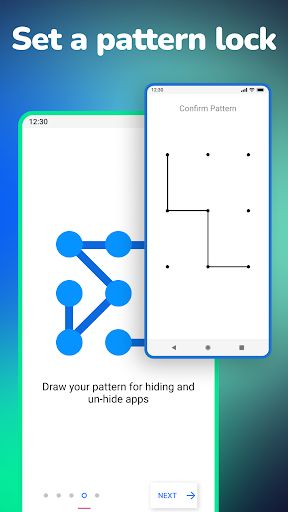
- Support password or pattern protection to provide additional protection for your private applications.
- Allow users to hide multiple applications at once to better organize your application space.
- The interface is intuitive and simple to operate, making it easy and convenient to manage hidden applications.
- The optimized application experience ensures smooth operation and quick response on Android devices.
- It also has an automatic hiding function to protect your privacy from being leaked at any time.
Who is this app suitable for?
This mobile app is especially suitable for people who value privacy and want to hide secrets from teenagers to adults. If you care about low-key and security, this app is definitely for you.
Whether you want to hide social media, bank accounts or private chats, this Android app can make it easy for you-making your privacy more secure at work, at home or in your circle of friends.
Why choose this app?
This launcher app provides a reliable and easy-to-use way to protect your private apps, and the security features are particularly powerful. The interface is simple, the operation is easy, and you can understand it at a glance, making it super convenient to manage hidden applications.
What makes it special is that it not only focuses on privacy protection, but also pursues convenience. It combines the advantages of security and ease of use, and has become one of the first choices for managing personal privacy on Android. It is definitely worth a try.
Top Recommended Alternative

Pros & Cons
Pros
- Super user friendly interfaceThe design is particularly intuitive, hiding and displaying applications is so simple that everyone can handle it.
- Privacy protection is awesomeIt can really completely hide apps from recently used and launchers, and it feels like privacy has been raised several levels immediately!
- You can customize the hiding methodYou can set any privacy rules you want, and you can also create multiple configuration files, which is very considerate.
- Support stealth modeEven in stealth or guest mode, apps can be hidden cleanly without worrying about being discovered.
- There is little impact on device performanceIt is very smooth to use, basically no electricity, consumes very little resources, and there is no pressure.
Cons
- Free features are limitedSome advanced hidden functions can only be used if you pay for them, but ordinary users may find it unfriendly and have to pay for them.
- You may experience compatibility issuesDifferent device configurations or system versions may cause errors in hidden application functions, which is quite annoying.
- Occasionally, I get stuck when switching appsOccasionally, there will be a little delay and the performance will be unstable. I hope subsequent upgrades can solve it.
- Not enough customization of camouflage iconsCurrently, you cannot completely customize the application icon yourself. Future versions may add this feature, hoping to implement it early.
- No remote management functionThere is currently no remote control or recovery function, and cloud backup may be added in the future to make privacy safer.
Download Hyde App Hider - Hide Apps

FAQ
Is it easy to set up Hyde App Hider on my Android device?+
Well, getting rid of Hyde App Hider is actually quite easy. You just download the app from the Google Play Store, and after launching it, it will guide you through the settings step by step. The steps are simple, even if you are a novice.
ThisAndroid privacy-protected app allows you to quickly hide apps and protect your personal information. And the interface is super friendly, and you can get hidden settings without going through too much configuration. It's really considerate and convenient.
Does Hyde App Hider work on all Android versions?+
Basically, Hyde App Hider works on most modern Android devices and supports many different versions. Its functions are optimized for the latest Android system, so it runs smoothly.
Ofcourse, if your device is still on the very old Android version, there may be some limited features, but overall, this application-based solution is quite reliable on various device and operating system versions, and the experience is not bad.
Is Hyde App Hider safe to use and does it protect my privacy?+
Yes, Hyde App Hider is designed to pay attention to privacy and security. It is actually like a launcher that adds an extra layer of protection to your application so that sensitive information cannot be seen by others.
Afterall, it's a reputable Android app that uses trusted encryption technology to keep your data confidential. However, you still have to download it from reliable channels, such as the Google Play Store, to ensure safety.
Can I hide multiple apps at once using Hyde App Hider?+
course! One of the biggest highlights of Hyde App Hider is its ability to hide multiple applications at once. In this way, managing privacy is much more convenient, and personal applications can be easily hidden and not easily discovered by others.
Theinterface is designed very intuitive, so you can quickly organize and access hidden applications. It is definitely a reliable privacy protection initiator that is easy to use.
Will hiding apps affect the app updates or functionality?+
Hiding apps with Hyde App Hider generally won't affect their updates on the Google Play Store or elsewhere. It just hides the app's icons, and the functions still work normally in the background.
Thislaunter-based solution will keep your application experience unaffected, updates and functions will not be compromised, and ensure that the applications on your device run smoothly and smoothly without any problems.
You Might Also Like
More apps you may want to try next.