Screenshots
About Family Nest: Private Locator
Family Nest: Private Locator is a reliable mobile app that helps parents easily and safely know the location of their family. It is an Android one with a friendly interface and extremely practical functions. It not only ensures privacy but also tracks in real time, making modern parents feel particularly at ease. This application-based approach is really convenient and reliable, especially in this information age, and has become a must-have artifact for modern child-raising.
Overview
Core Features
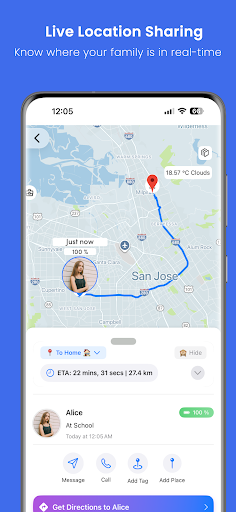
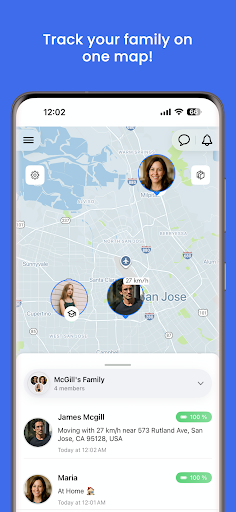
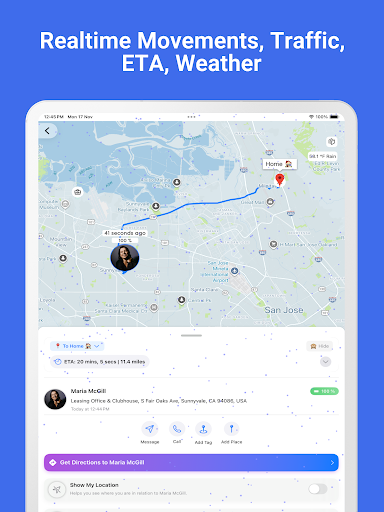
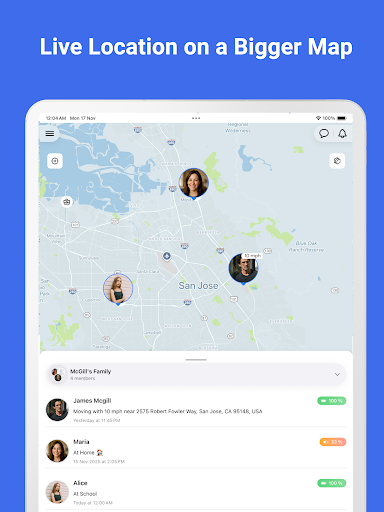
- This app has real-time location sharing to help your family stay in touch instantly, accurately and conveniently.
- The interface is super simple and easy to use. There will also be safe zone reminders and location updates. It feels intimate and close to life.
- It can also be used offline, and even if there is no Internet, you can continue to check your location. It's so sweet!
- Support personalized privacy settings, users can control who can see their location information, and feel full of security.
- This mobile app can also be perfectly integrated with Android devices and launchers. It opens super quickly and saves you stress.
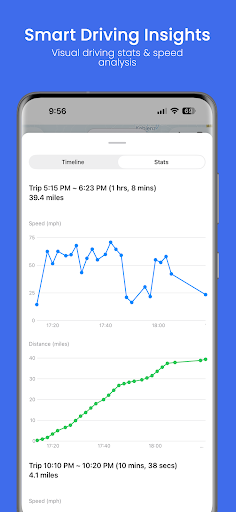
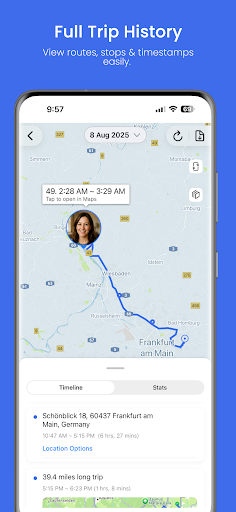
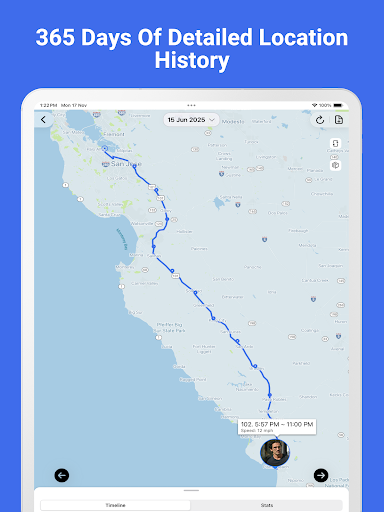
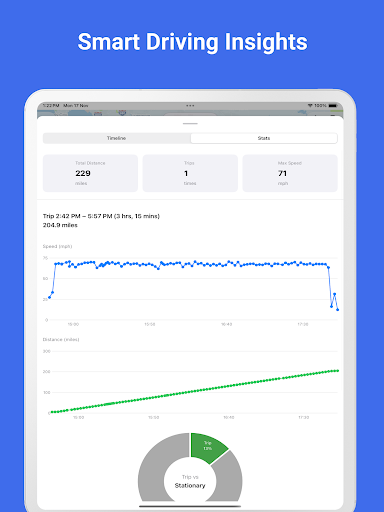
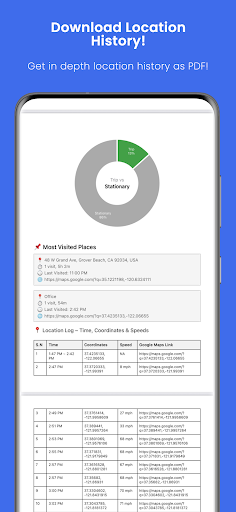
- Detailed activity records are also provided to give parents and guardians peace of mind and a strong sense of trust.
- The interface is particularly friendly and simple to operate. It can manage everyone in the family in a one-stop manner, which is worry-free and convenient.
Who This App Is For
This mobile app for parenting and family security is ideal for parents, guardians or caregivers who want to protect their families and ensure their safety. Especially families with children or elderly people who need location monitoring, they are simply saviors!
Whether you are working or walking on the road, this application-based solution can help you keep track of your family's whereabouts at any time, make you feel more at ease, and communicate quickly in emergencies. It's so thoughtful!
Why Choose This App
This Android app stands out because it is reliable and simple to operate, combining advanced functions and a user-friendly design. It provides a trustworthy and efficient home positioning solution that is fully adapted to the pace of your busy life.
Seamless connection and high security allow you to keep track of the location of your family at any time when you need it most, becoming the first choice among launcher software, truly being in control at any time, with peace of mind!
Top Recommended Alternative
Pros & Cons
Pros
- Real-time location trackingFamily members can immediately know each other's location, which improves their sense of security a lot!
- The operating interface is simple and easy to useThis app is really super easy to use, and people of all ages can play it.
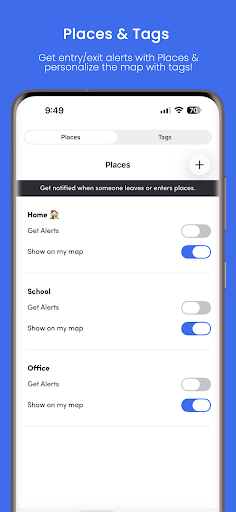
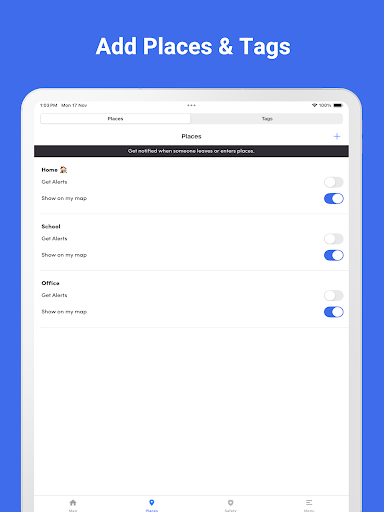
- geo-fence reminderWhen your family walks into or out of the set area, your mobile phone will remind you as soon as possible, which is quite considerate.
- Power saving trackingThe specially designed energy-saving mode will not consume almost the battery at once, and it can be used continuously, which is quite safe.
- Data encryption guaranteeAll location data is encrypted, and user privacy is absolutely guaranteed. Use it with confidence!
Cons
- Insufficient platform supportCurrently, only iOS and Android are supported. Like Windows, other platforms are not available yet, which is a bit regrettable.
- Occasionally synchronization is a little delayedSometimes when the network is bad, the location update will be slower, which will affect the real-time accuracy, which is quite annoying.
- Limited customization optionsThere are not many customized functions for notifications and reminders, so look forward to more advanced settings in the future.
- Relying too much on the InternetIf you want accurate tracking, you have to always maintain a network connection. Offline status is not supported for the time being, which is quite troublesome.
- The initial setup is a bit complicatedFor people who are not familiar with technology, setting up family members and permissions is a bit cumbersome. I hope the official can issue a detailed guide to make it more convenient.
Download Family Nest: Private Locator

FAQ
How do I install the Family Nest: Private Locator app on my device?+
Getting the installation of Family Nest: Private Locator is actually quite simple. You can find it on the Google Play Store. This Android app is quite reliable and is especially suitable for parents who want to know where their babies are at all times.
Justsearch for that name, click the install button, open it when it is downloaded, and use it to register an account. The design goal of this app is to make settings fast and easy. After you finish it, you will feel particularly at ease and have a sense of understanding.
Is the Family Nest app safe to use for tracking family members?+
Of course, Family Nest: Private Locator is very safe. It is designed with privacy and security in mind, ensuring that your data and the privacy of your family are protected. This app is based on encryption technology that keeps your information safe on all devices.
Asa mature application, it gives people a feeling of trustworthiness and is very suitable for daily home use. Remember to keep it updated often to enjoy the latest security protection and feature optimizations.
What features does the Family Nest app offer for parental control?+
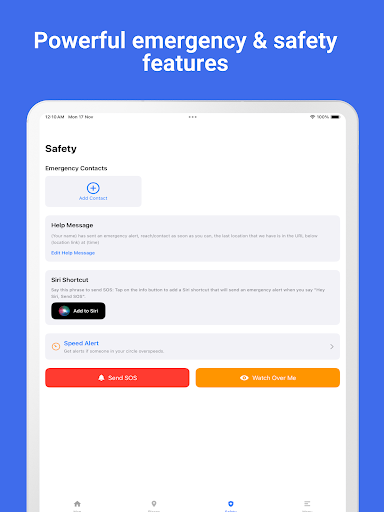
This app is quite rich in functions, including real-time location sharing, geofence reminders, and activity reports. They are all good helpers to help parents keep track of their children's dynamics at any time. These features will give you more peace of mind, make your experience better, and monitor more in place.
Moreover, it can also serve as a good starter to help you manage your children's device usage, so that you can know at a glance where and what they are doing, and have a better understanding and don't have to worry all the time.
Can I use the Family Nest: Private Locator app on both Android and iOS devices?+
The Android version of this app can be found on the Google Play Store, and the experience is quite smooth. However, there is no special explanation about the support of iOS. Basically, it seems that Android is the main one.
Ifyou want to find a reliable tracking app that can be used across platforms, I suggest you go to the official website to check the latest compatibility information or directly contact customer service to confirm it so that you can use it more at ease.
Does the app drain a lot of battery or slow down my device?+
The design goal of this Family Nest is to consume as little power as possible and optimize performance to ensure that background operation will not affect the normal use of the phone. As a recognized Android app, it runs efficiently and doesn't slow down the device or consume too much power.
Aslong as you set it up properly and keep the software updated, the app will continue to perform well, provide reliable location services without worrying about the battery running out quickly.
How do I manage and customize notifications in the Family Nest app?+
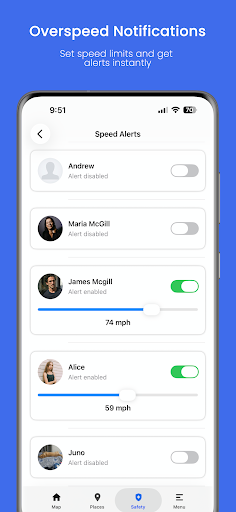
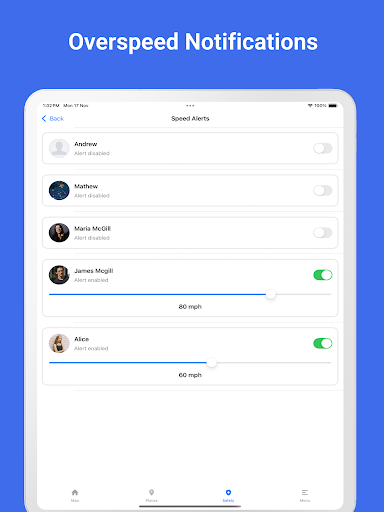
This app allows you to adjust notifications to your preferences, such as location update reminders or safe area reminders. In this way, you can use it to understand the situation without being bothered by a bunch of useless notices.
Easilyturn on or off certain reminders in the settings. It is flexible and convenient. It is especially suitable for busy parents. I hope they will be used smoothly and easily.
Is there customer support available if I face issues with the app?+
Of course, Family Nest provides customer service support, and problems can be solved in a timely manner. You can contact customer service within the app, or go to the official website to find some common troubleshooting guides.
Asa mature application, it pursues trust in the user experience and provides reliable support so that you can use it smoothly without having to worry about any worries.
Can the app be used as a launcher app for children's devices?+
Although Family Nest is mainly used as a private location tool, it can also be used with the launcher app to help parents control their children's device usage. Easy to operate and easy to integrate into daily family life.
Ifa special parent-controlled starter is added, the effect will be better. It will not only ensure the safety of children, but also allow parents to know where they are at all times, so that they will be more confident and will not be confused.
You Might Also Like
More apps you may want to try next.