Icon Changer - Customize Icon
Screenshots
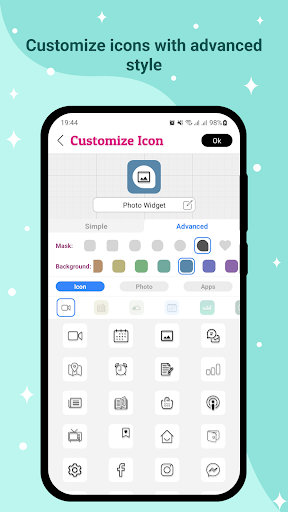
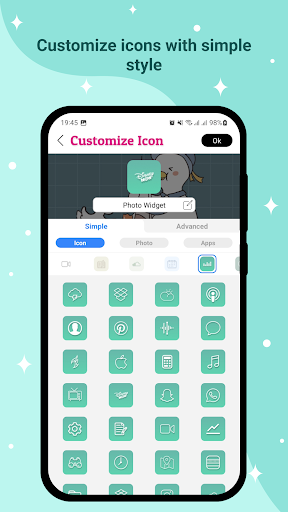
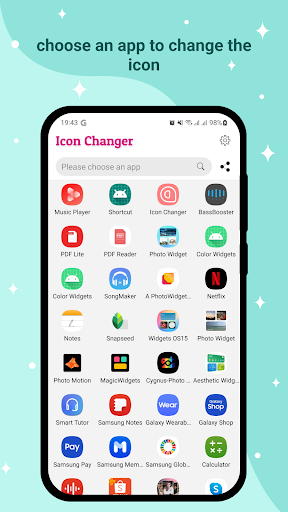
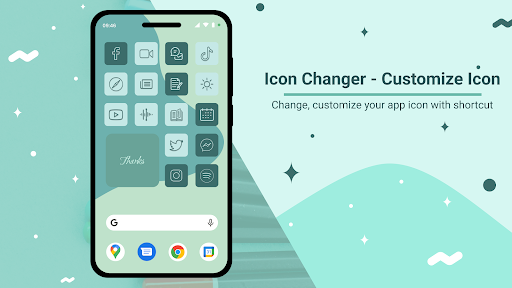
About Icon Changer - Customize Icon
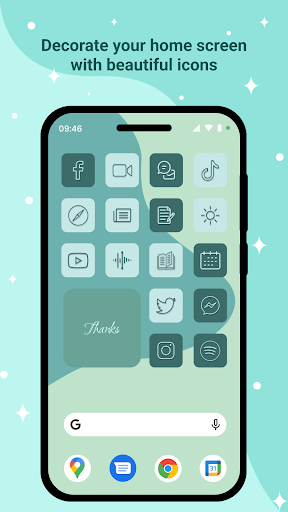
Icon Changer - Customize Icon is a super friendly and easy-to-use Android app that helps you customize your phone icons. Its interface is particularly intuitive, it is smooth and smooth to use, and you can easily change your favorite style, making the screen at home interesting and personalized. Those simple settings are really amazing. They can make your phone cooler without complicated operations. Many people love to use it to improve the appearance of their devices. It is really a good utility.
Overview
core feature
- It allows you to easily customize application icons and happily personalize your Android desktop, saving time and effort.
- A variety of icon packages and styles are available, and there is always one that matches your mood or theme perfectly and is super convenient.
- Support the creation and application of your own unique icon set to make your launcher experience smooth and interesting.
- It's so cool to have a built-in gallery, choose pictures at your will, and turn them into unique and exclusive icons!
- The interface design is simple and intuitive, and changing icons becomes quick and easy, like a matter of seconds.
- You can also back up and restore icon settings to ensure that your desktop always looks the way you like it, with peace of mind and stability.
- Support real-time preview of icon changes, and then confirm when you see the desired effect, so you can rest assured.
Who is suitable for using this App
This mobile app is especially suitable for Android users who like to toss and dress up their devices, especially those who want to add a personal touch to their launchers. For people who are tech-savvy or use mobile phones every day, if they want to make their homepage look more distinctive, this will definitely help a lot!
Whether you're using it for yourself, creating a theme for a special event, or simply trying to make it personal, this app will be convenient and easy to use, so that anyone can easily start and meet all kinds of needs!
Why choose this App?
What makes this Android app special is that it gathers a wealth of customization features that allow you to easily do everything, save time and effort, while ensuring smooth and stable operation. Really sweet!
The operating interface is friendly and the design is reliable. Changing icons with it is simple and safe, and you don't have to worry about mistakes at all. If you want to have a desktop with a personality that perfectly matches your preferences, this app is definitely a great choice!
Top Recommended Alternative
Pros & Cons
Pros
- Icons can be adjusted a lot, and styles and themes are varied
- The operating interface is super simple and easy to use
- Changing icons is as fast as lightning
- Support batch modifications and achieve great efficiency
- Push new packages and updates frequently
Cons
- Limited variety of free icons
- Some icons do not display well under certain device themes
- Sometimes batch changes crash
- After restarting your phone, the icon sometimes cannot be restored
- There are not many customization functions for icon labels
Download Icon Changer - Customize Icon

FAQ
How do I install Icon Changer - Customize Icon on my device?+
Is Icon Changer safe to use on my Android device?+
What are the main app features of Icon Changer - Customize Icon?+
Can I use Icon Changer to customize icons without root access?+
Will using Icon Changer affect my device's performance or security?+
You Might Also Like
More apps you may want to try next.