Emoji Maker: DIY Emoji Merge
Advertisement
Screenshots
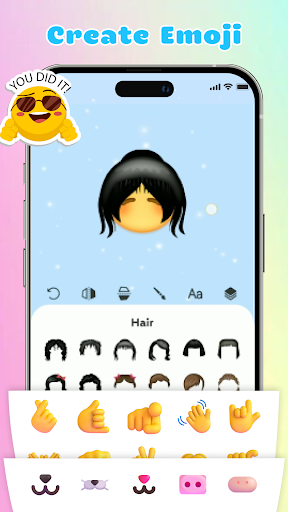
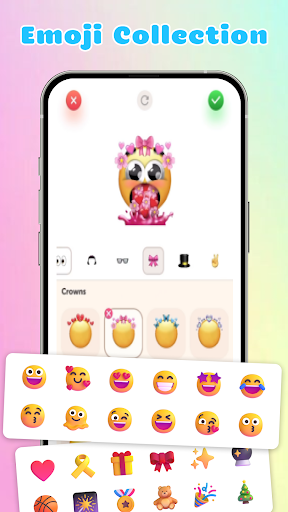
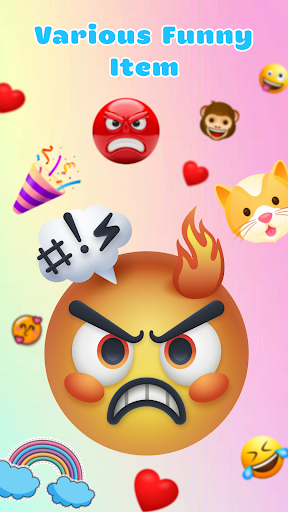
Advertisement
About Emoji Maker: DIY Emoji Merge
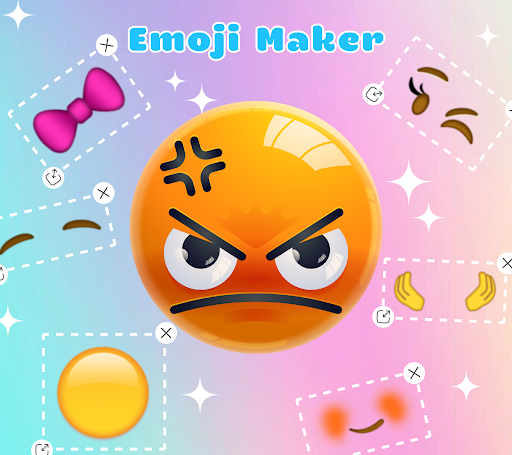
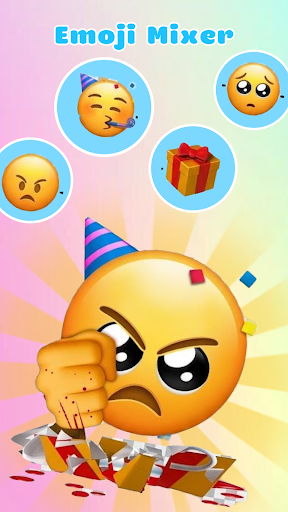
Emoji Maker: DIY emoji synthesis is an interesting app, it is designed for people who like to customize their own emoticons. These Android Mini programs allow you to put together various stickers and pictures to make your own unique emoticons, making chatting more interesting and personalized. The interface is simple and intuitive, and various functions are quite rich, making it easy to use. Whether you are a child or an adult, you can have fun, and it's really appropriate to want a simple and powerful emoticons customization tool.
Overview
core feature
- Allows users to customize their own emoticons by synthesizing various pictures and stickers to express richer and more interesting emotions.
- Provides various functions such as custom editing emoticons, resizing, and removing backgrounds to make your design more unique.
- Support local saving or direct sharing, allowing you to use it smoothly on different devices without obstacles.
- The interface design is very intuitive, it is easy for beginners to use, and veterans can efficiently make expressions. It is really considerate and practical.
- Built-in library of stickers and templates to help you quickly activate emoji design inspiration without struggling.
- You can also add text, borders, and special effects to make your expressions unique and super interesting.
- Comes with real-time editing tools, you can see the effects during operation, enhance the interactive experience, and make it feel very fulfilling to use.
Who is suitable for?
This mobile app is especially suitable for friends who like to express themselves with personal expressions, especially adolescent teenagers and friends who love to socialize.
Whether you use some interesting stickers at will or want to make a unique emoji pack, you can easily achieve it. Use your creativity anytime and anywhere. It is really a thoughtful and good helper.
Why choose this app
With its rich feature collection, this Android app makes making emoticons easy and fun. It is definitely the best among personalization tools and worth a try.
It not only simplifies operations, but also retains powerful editing functions, giving users more space for independent creation, allowing you to easily create exclusive super cool emoticons.
Top Recommended Alternative

Pros & Cons
Pros
- intuitive interface
- creative
- personalized customization
- reacted quickly
- Convenient sharing
Cons
- Less expression changes
- Break down occasionally
- Free version with watermark
- Limited export formats
- Advertising disturbance
Advertisement
Download Emoji Maker: DIY Emoji Merge

FAQ
Emoji Maker: DIY Emoji Merge Is this App safe to use on my device?+
How do I install this Emoji Maker: DIY Emoji Merge and log in?+
What are the main functions of this Emoji Maker: DIY Emoji Merge?+
Can this Emoji Maker: DIY Emoji Merge be used on the latest Android version?+
Can I use Emoji Maker: DIY Emoji Merge as a starter or customize my device?+
Do I need a subscription fee to use this App, or are there any in-house purchases?+
How can I ensure my privacy and data security when using this App?+
If you encounter problems or need help, do you have any support channels for this App?+
Customer Reviews
Users generally appreciate the creative concept and fun of creating custom emojis, with many finding the output cute and enjoyable for use on WhatsApp. However, the overwhelming consensus highlights severe issues with intrusive advertisements, which pop up every few seconds, disrupt navigation, and even erase progress when clicked. Some users report malware or virus infections, while others note that the emoji output is a picture rather than text, failing to meet expectations. A minority find the ad volume manageable and love the app, but most strongly advise against downloading due to excessive ads and security concerns.
Write a Review
Share your experience with Emoji Maker: DIY Emoji Merge. Submissions are reviewed before publishing.
You Might Also Like
More apps you may want to try next.