Easy Voice Recorder Pro
Screenshots

About Easy Voice Recorder Pro
Overview
core functions
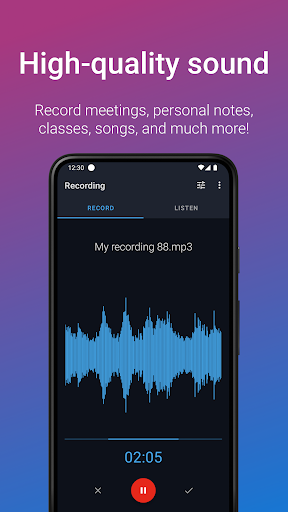
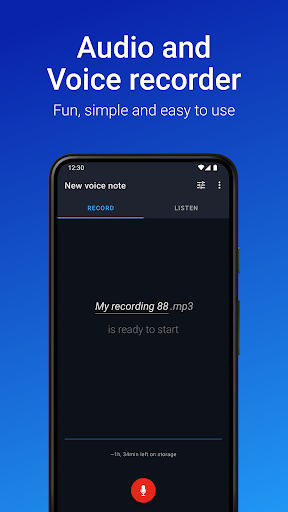
- The high-quality audio recording feature of this app is really surprising. It supports adjusting the bit rate and format, and the recorded sound is so clear that people like it.
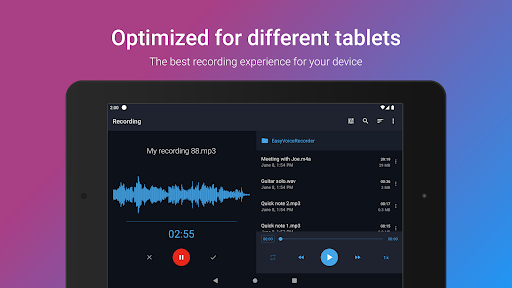
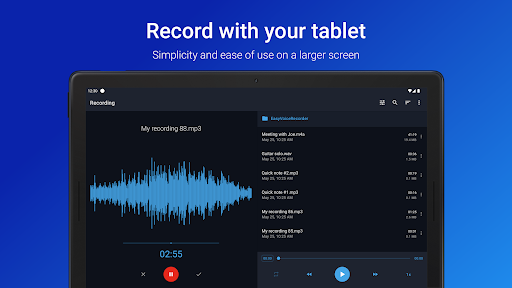
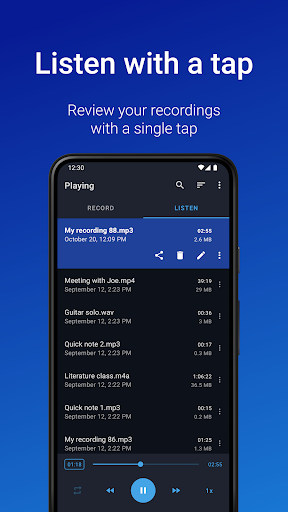
- The interface design is particularly intuitive and super easy to get started. Whether it is starting, stopping or managing recording, it is unbelievably fast and super convenient!
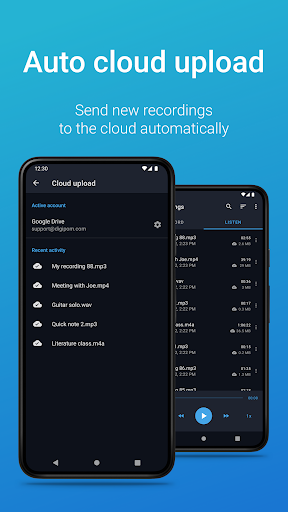
- Recorded things can be saved locally or shared directly through email, cloud disk or social media. The operation is smooth and there are no cumbersome steps.
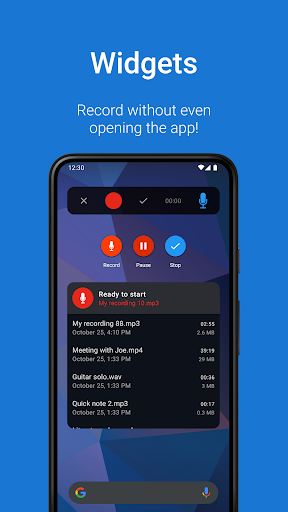
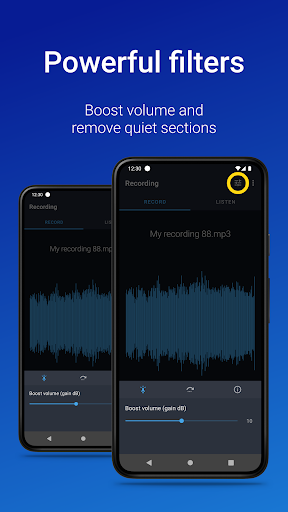
- There are also some amazing advanced features, such as background recording, which can be paused or continued at any time, so you no longer have to worry about interrupting the entire experience.
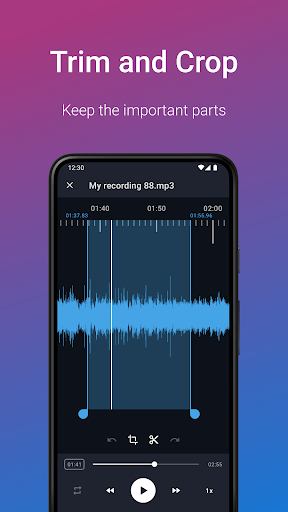
- The built-in editing tools are so considerate that they can crop, cut, and improve the audio with professional and satisfying results.
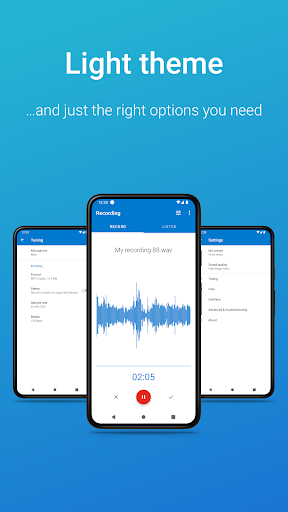
- Recording settings can be customized, such as default folders, sound quality and microphone preferences, and are particularly handy to tune.
- Seamless connection with mobile phone storage and other launcher apps ensures that your Android device runs smoothly and the experience is great!
Who is this app suitable for?
This mobile app is particularly suitable for students, professionals, journalists, and anyone who needs reliable sound recording. The interface design is particularly friendly, suitable for novices and does not affect the operation of experienced users.
Whether it is used to record lectures, interviews, meetings, or daily notes, it can be handled and adjusted according to different recording scenes. It is definitely a must-have artifact for organizing audio and helping you deal with all your recording troubles!
Why choose this app
What makes this Android app special is that in addition to its comprehensive functions, it is also very easy to operate. It has powerful recording tools and allows you to use it easily. Its application solutions are really diverse and reliable to meet your daily recording needs.
Providing clear sound quality and rich customization options, perfectly solving problems encountered in daily recording, becoming the top recording software of choice in users 'hearts, and the experience is smooth and reliable.
Top Recommended Alternative

Pros & Cons
Pros
- High audio qualityIt can be recorded in high-quality formats such as WAV and MP3. The sound is very clear and comfortable.
- User-friendly interfaceThe interface design is quite intuitive, quick to use, easy to navigate, and can be used smoothly by users at any level.
- Background recording supportYou can record while using other programs, and you can also record when the screen is turned off, which is very convenient.
- Automatic backup and cloud syncSupport the use of cloud services, such as Google Drive, backup and recording search are smooth, and you are not afraid of losing them.
- Advanced editing featuresThere are functions such as editing, cutting, and renaming. After recording, you can organize it directly inside without running other software.
Cons
- Limited free featuresMany advanced functions have to be unlocked by paying for, but the free version cannot be used much. If you want to use the full version, you have to upgrade.
- Occasional lag in recording startSometimes starting the recording will slow down a bit, causing minor flaws. If you use it too much, you can restart it, but it will not have much impact.
- Battery consumption during long recordingsRecording for a long time is quite energy-intensive. Use the power-saving mode to alleviate the problem, otherwise the power will run out quickly.
- Limited file format options for exportThe main export formats are MP3 and WAV, which may not meet everyone's needs. I hope to support more formats in the future.
- Lack of built-in transcriptionThere is no built-in transcription function, and I still have to rely on external tools to turn the recording into text, which is quite troublesome.
Download Easy Voice Recorder Pro


FAQ
Is Easy Voice Recorder Pro safe to use on my mobile device?+
As a veteran application, it uses secure encryption technology to protect your recordings and personal data. It is recommended that you must download this app from official channels to ensure that it is safe and reliable to use, and don't just try to save trouble and download it from an unknown source.
How do I install Easy Voice Recorder Pro on my Android device?+
Its functions are also quite practical, such as one-click recording and support for multiple recording formats. It is a reliable tool that can be used to capture audio. Remember to make sure that your phone meets the requirements of this app, so it will be much smoother to use.
What are the main features of Easy Voice Recorder Pro?+
Its interface design is very intuitive, making it convenient to manage recordings, share files, and convert formats. As a veteran application, it performs quite reliably and is very popular on various Android devices.
Can I trust Easy Voice Recorder Pro with my recordings?+
This app is designed to ensure that your recordings are safe and private, whether it is taking personal notes, interviewing or formal recordings, you can use them with peace of mind. Trust is important. Only by choosing a reliable app can you safely hand over important things to it.
Is Easy Voice Recorder Pro compatible with both Android and iOS?+
As a multi-platform recording tool, it can maintain a consistent experience on different devices, making it convenient to manage recordings and everything. It can be used from Android to iPhone, which adds a lot of convenience and makes people feel quite reliable.
You Might Also Like
More apps you may want to try next.