
ColorNote Notepad Notes
Advertisement
Screenshots
Advertisement
About ColorNote Notepad Notes
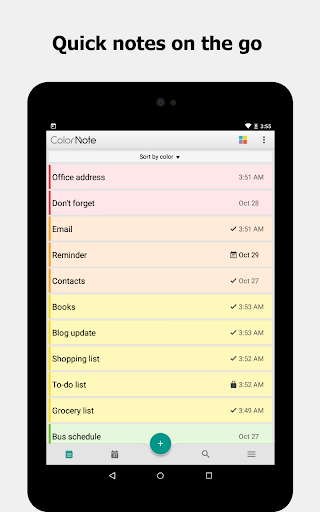
ColorNote Notepad Notes is actually quite good. It is a flexible mobile note taking tool specially designed for Android users to help you quickly remember things anytime, anywhere. The interface is simple and easy to use, and the basic functions are sufficient and are often used to organize ideas, reminders, and to-do lists. As an application that is easy to operate, it can greatly improve your efficiency and allow you to easily take notes while walking around without any trouble at all.
Overview
core functions
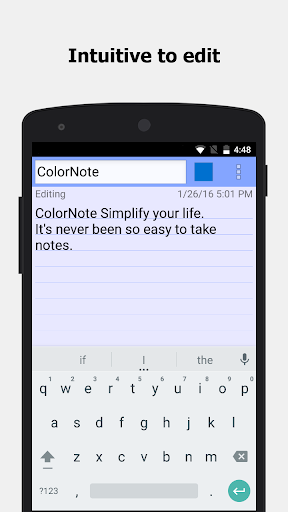
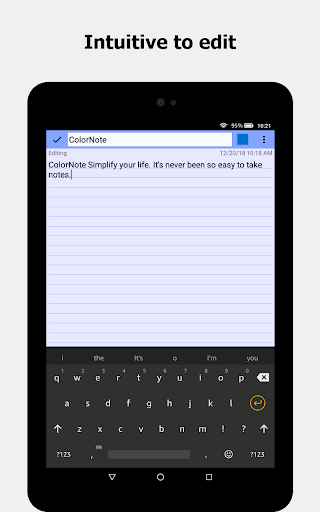
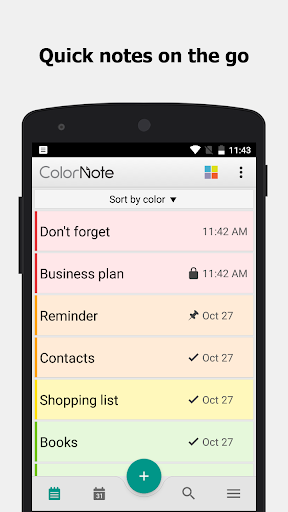
- This app has a very simple interface, which makes it convenient for you to write notes anytime and anywhere. It also has rich typography, which makes you happy to write.
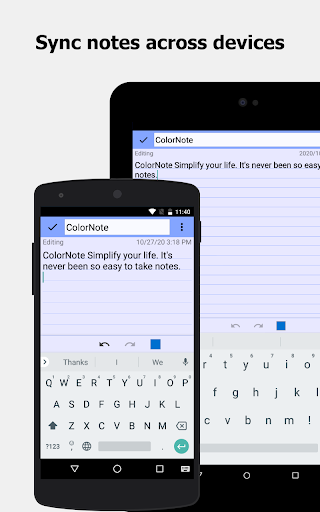
- Synchronization is very powerful. Instant synchronization between different devices, whether on a mobile phone or a tablet, can ensure that your notes are the freshest.
- Offline mode is also a highlight. You can open and edit notes when there is no Internet, which is super convenient.
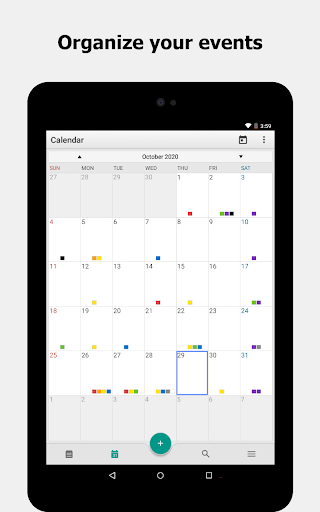
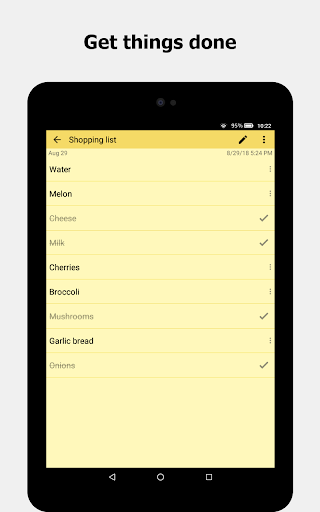
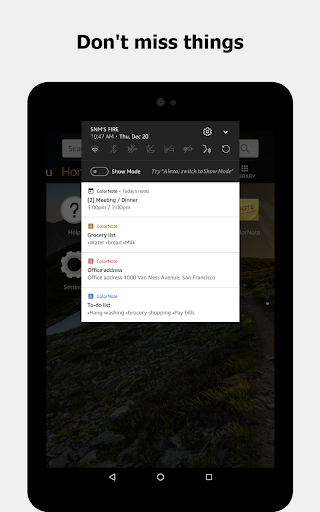
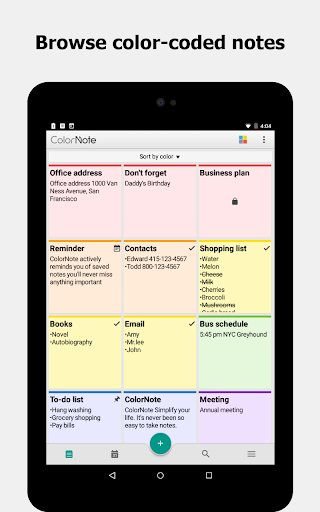
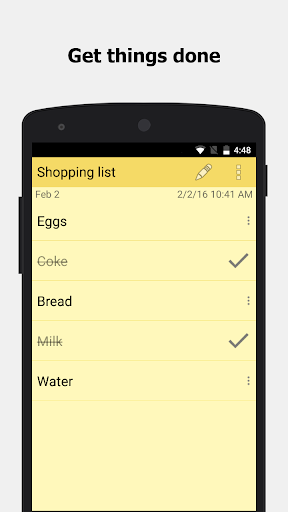
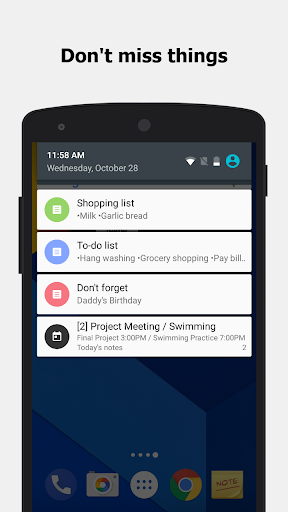
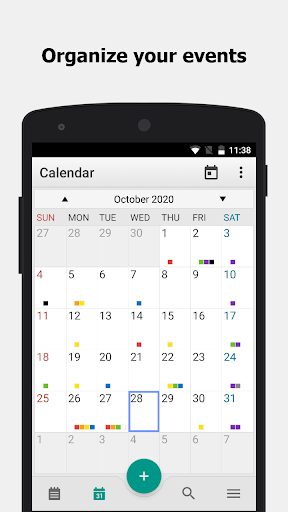
- Reminders and lists help you efficiently manage your daily tasks and no longer forget important things.
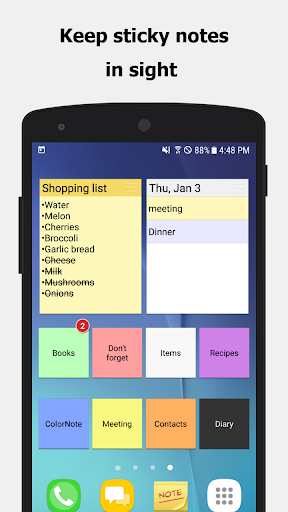
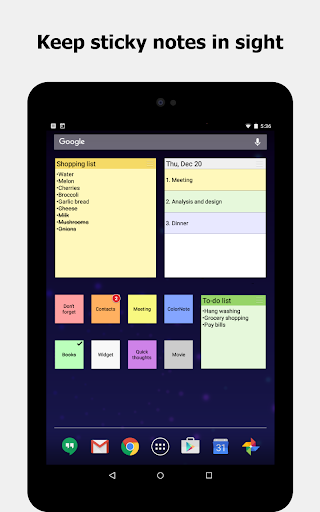
- ColorNote can also be used as a quick launcher. Use it to directly access your notes with one click on the home screen, which is super practical.
- Support adding various multimedia, such as pictures or voice recordings, to make notes richer and more interesting.
- There is also password protection, privacy security is guaranteed, and personal content does not have to worry about leaking.
Who is this app suitable for?
This mobile app is especially suitable for students, professionals, or anyone who needs to take notes quickly and manage tasks easily. The interface is friendly and easy to use, and it can be easily used for novices. It is suitable for all ages. If you want to use it smoothly, try it.
Whether you're trying to stay organized at work, capture random inspiration, or schedule daily chores, this app-based solution provides a flexible and convenient note-taking experience and is a great helper on Android devices!
Why choose this app
This Android app is great. It integrates the necessary functions, is particularly reliable, easy to use, and is the first choice for efficient people. The seamless experience, coupled with offline functions, makes daily use really effective and full of value.
Designed to solve ordinary note-taking problems, the operation is intuitive, and you don't have to worry about complexity or cumbersome to use. Security and synchronization functions are well done, making it a good helper that individuals and workplaces can trust to help you easily take daily notes and manage them anytime and anywhere.
Top Recommended Alternative

Pros & Cons
Pros
- User-Friendly Interface
- Rich Text Formatting
- Offline Accessibility
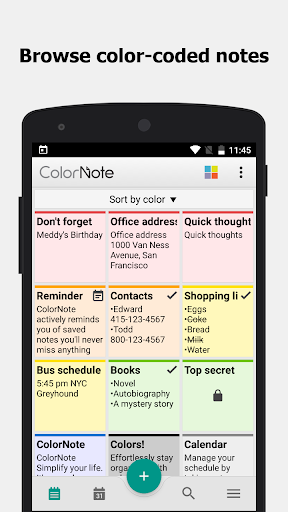
- Category Organization
- Lightweight and Fast
Cons
- Limited Cloud Backup Options
- Basic Editing Features
- Lack of Reminders or Notifications
- No Cross-Device Sync by Default
- Limited Customization Options
Advertisement
Download ColorNote Notepad Notes

FAQ
Is the ColorNote Memo Notes app safe?+
How do I install ColorNote Memo Notes on my Android device?+
What are the main functions of ColorNote memo notes?+
Can I take notes offline with ColorNote?+
Is ColorNote suitable for use as an initiator or managing multiple notes?+
Does ColorNote support multi-device synchronization or backup?+
What Android version is required to run ColorNote Memo Notes?+
Does ColorNote note have additional features or integrate with other applications?+
Customer Reviews
ColorNote Notepad Notes is widely praised for its simplicity, reliability, and free offline functionality. Users highlight its intuitive interface, ease of use for daily tasks, grocery lists, and expense tracking, with many loyal users for over a decade. Positive feedback emphasizes smooth performance, customizable colors/emojis/fonts, and suitability for ADHD management. However, some users desire improvements: while the app is straightforward, a few find the scrollbar too small and request larger visibility; although it excels at basic note-taking, some users want folder organization and image insertion features; while saving via the back button works, others prefer a dedicated save button and quicker scrolling. Overall, it's a must-have productivity tool with outstanding user satisfaction.
Write a Review
Share your experience with ColorNote Notepad Notes. Submissions are reviewed before publishing.
You Might Also Like
More apps you may want to try next.




