
Coloring games: speed drawing
Advertisement
Screenshots
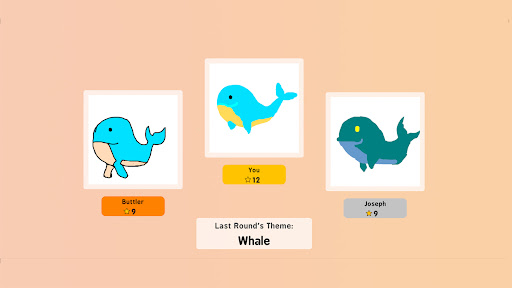
Advertisement
About Coloring games: speed drawing
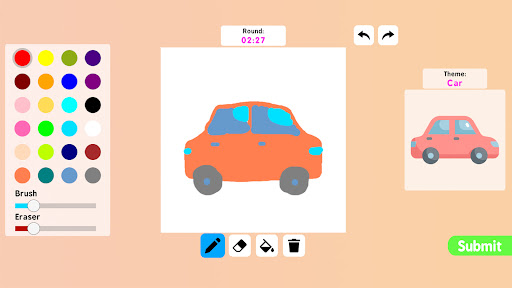
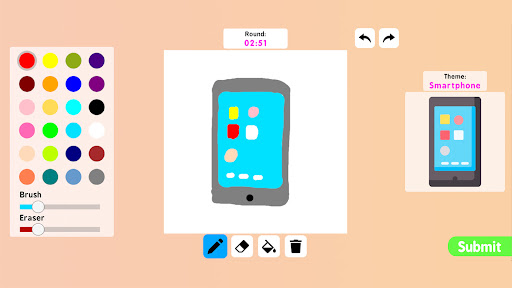
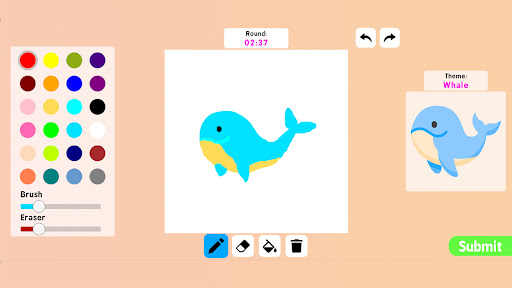
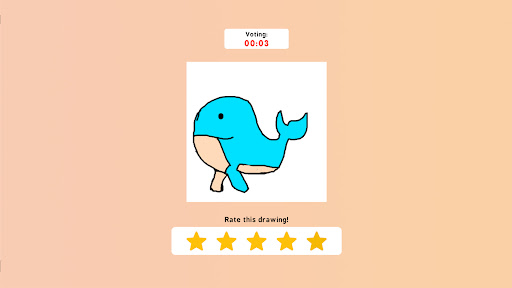
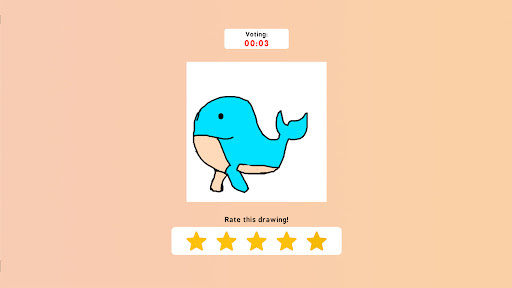
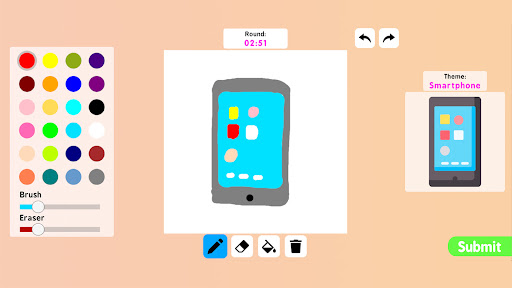
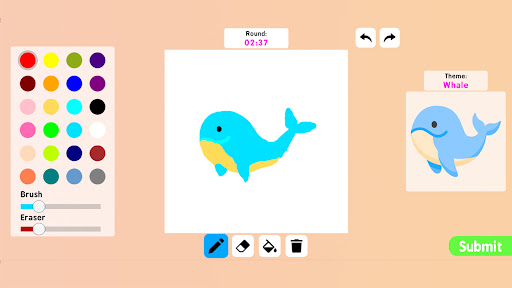
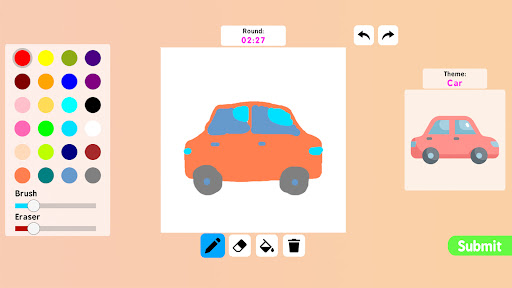
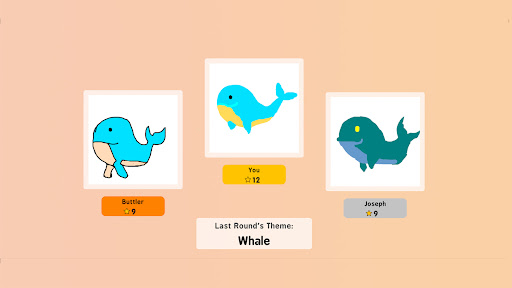
Coloring game: Speed painting is a very interesting APP and is really created for friends who love to draw. Whether you are a professional art enthusiast or an occasional playboy, it can bring you a different kind of fun. This Android software is very easy to use. It can help you develop your painting skills while relaxing. There are various coloring and speed painting activities in it, which can be said to be quite attractive. The interface is simple and the operation is quite intuitive. No matter how old you are, you can easily get started. It is really suitable for friends who want to release their creativity and have some fun.
Overview
core features
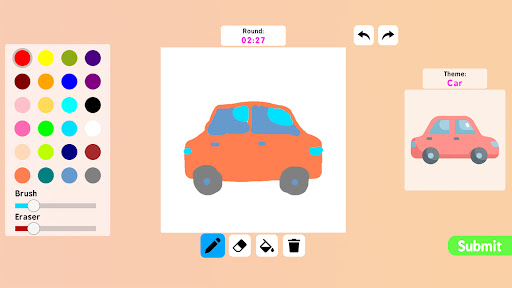
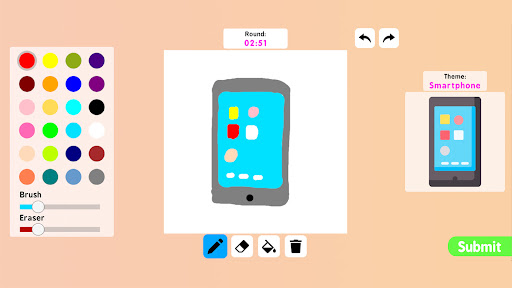
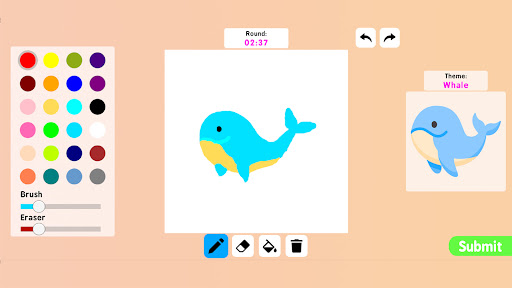
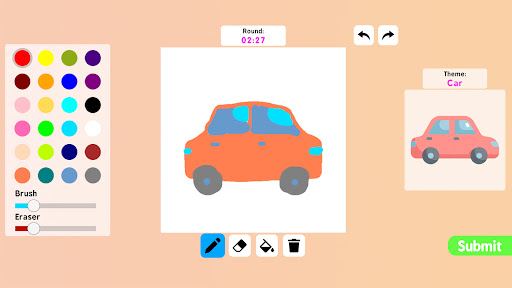
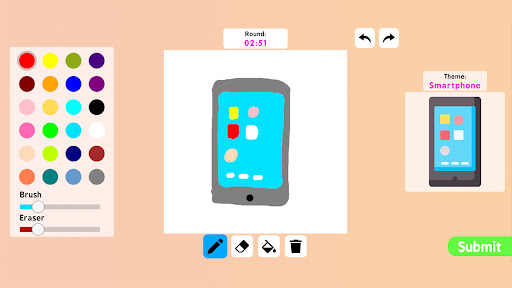
- This app has a super intuitive painting interface. Users can quickly get started without looking for tutorials. The speed painting function is particularly powerful, allowing you to draw while enjoying it.
- It provides a variety of coloring tools and brushes, so you can do whatever you want, making it so convenient to be creative as you want.
- Support real-time automatic saving. Don't worry if you suddenly collapse halfway through, and your progress will not be lost. It's so thoughtful.
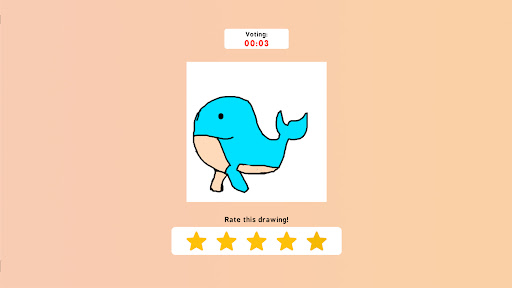
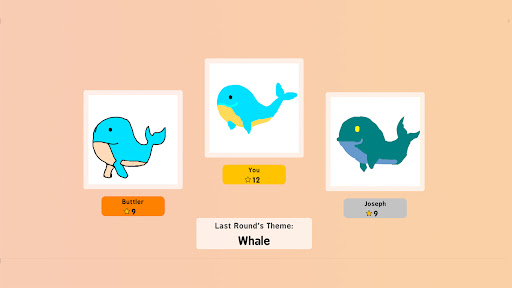
- There are also a bunch of challenging speed painting modes inside, which not only improves painting skills, but also exercises hand-eye coordination, making it even better to draw!
- The additional feature is that you can easily share your work on social platforms. It is also a simple matter to let friends see your little genius masterpiece.
- The picture effect is great. The high-quality images and smooth animations make every use full of fun, and everyone from novice to great god can find satisfaction.
- As an Android application, compatibility is particularly good. No matter what your device is, it runs smoothly and the experience is absolutely good.
- There is also a children's mode, which is especially suitable for children to play with, stimulating their interest in art and design, and painting can also become a very interesting thing!
Who is suitable for?
This mobile app is simply for friends who love to draw and be creative. Whether you are a novice or not, you can have fun as long as you like to apply casually. Whether you are a novice Xiaobai or an experienced painter, you can find a simple and interesting digital art platform here.
It is especially suitable for those who want to have fun and learn something, especially those who like to draw quickly or color themselves to pass the time. This mobile phone-based solution allows you to practice anytime and anywhere you want. It is really a flexible and attractive option.
Why choose this?
This Android software relies on its simple control, powerful functions, and is particularly powerful when combined together. It is the leader of creative software. It is particularly interesting to use. It not only improves your painting speed, but also helps you master various skills. It is definitely worth the ticket price.
Its functions are reliable and rich in resources, and it can be used no matter what age group. Its fluency and careful design make it stand out among many art apps and is much better than many others.
Top Recommended Alternative
Pros & Cons
Pros
- Intuitive painting interface
- Rich coloring tools
- Quick response control
- Interactive tutorials and templates
- Export and sharing capabilities
Cons
- Limited painting layer
- Occasionally stuck
- Free version has limited colors
- Undo/redo buttons are not visible when drawing quickly
- Sharing function is simple and lacks editing tools
Advertisement
Download Coloring games: speed drawing

FAQ
Install the painting game on my device: Is the quick painting app safe?+
How can I create an account or log in to use all its functions?+
Painting game: What are the main functions of speed painting?+
Does this app have a version on iOS or other platforms?+
Can I use this app offline? Is it friendly to novices?+
Will this app become better after using it for a long time?+
If you encounter a problem, is there anyone to help solve it?+
Why does this app stand out among a bunch of drawing design software?+
Customer Reviews
The app is praised for being fun, challenging, and perfect for long car rides, offering a speed-drawing experience that feels authentic. However, users overwhelmingly complain about excessive ads appearing every 3–10 seconds, which disrupt gameplay and frustrate both children and adults. While some enjoy the drawing mechanics, others criticize limited color choices (no color wheel) and the app being a copy of Roblox Speed Draw. A few find it engaging despite ads, but many strongly advise against downloading due to lag and constant interruptions.
Write a Review
Share your experience with Coloring games: speed drawing. Submissions are reviewed before publishing.
You Might Also Like
More apps you may want to try next.


