

Logo Master - Design & Maker
Advertisement
Screenshots
Advertisement
About Logo Master - Design & Maker
Logo Master - Design & Maker is actually a very useful mobile app that can help you easily get professional logos and art works. This Android app has many intuitive tools and features specifically designed to enhance your creative experience. Whether you are just getting started or a designer who already has some experience, this app can make your work in branding and design more efficient and interesting. It's really a thoughtful tool.
Overview
Core Features
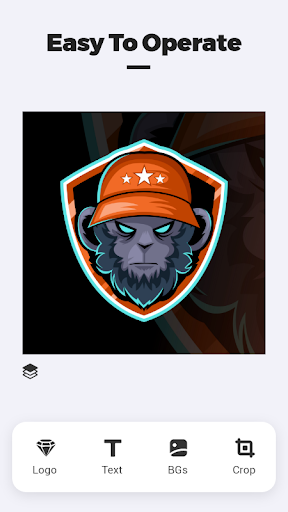
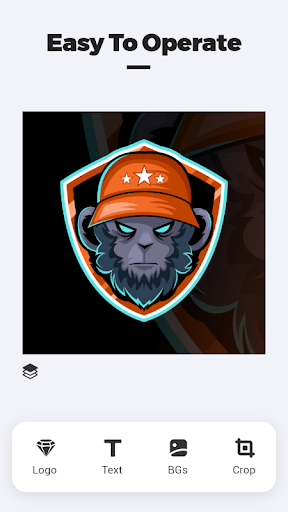
- This application interface is super friendly and easy to use. The design of the LOGO is surprisingly fast. It's like playing a game!
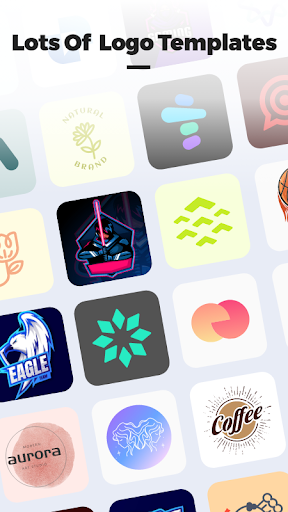
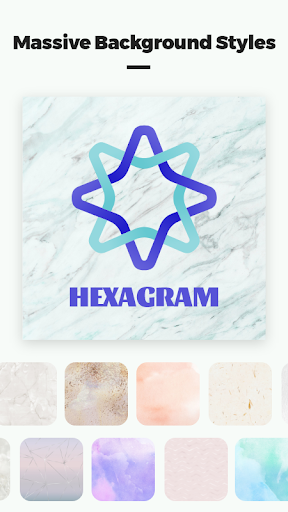
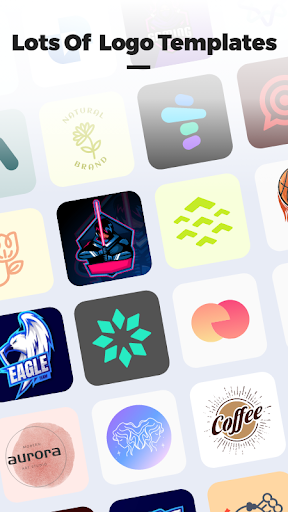
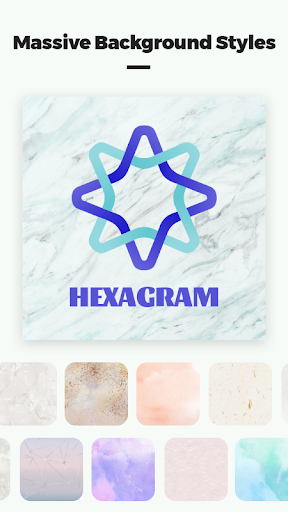
- Provide a variety of templates that can be changed at will to meet different styles and needs. It feels like a universal toolbox!
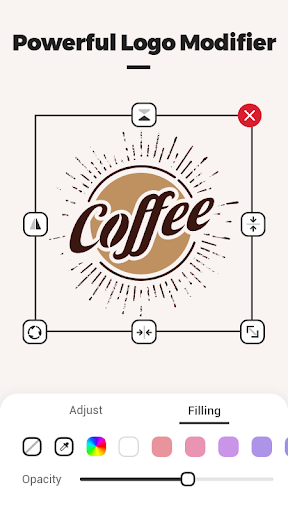
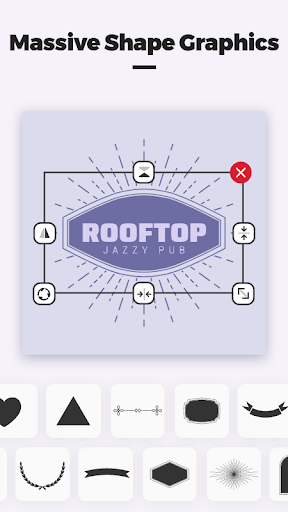
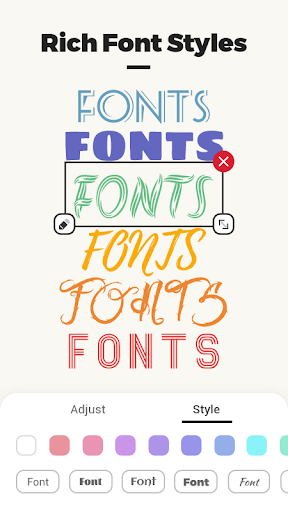
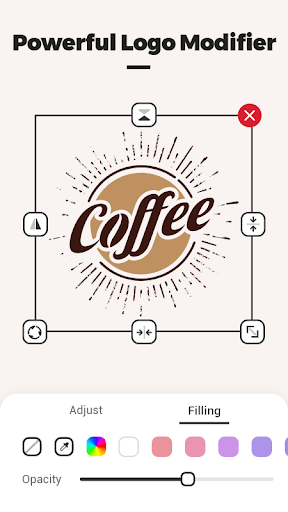
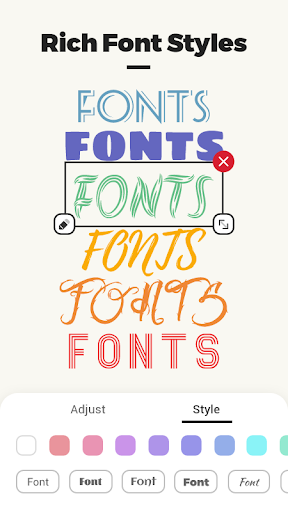
- There are also those advanced editing functions, such as layering, color matching, fonts, etc. You can do as detailed as you want, which is quite troublesome!
- Support real-time synchronization between devices, mobile phones and tablets can be switched seamlessly, and you can change it whenever you want. It's so convenient!
- It also supports offline mode, so you can make LOGO even without the Internet. It is very flexible and you don't have to worry about network instability!
- Comes with a sharing function, you can export high-quality LOGO files with a click. It's so considerate!
- Equipped with detailed tutorials and techniques, it is easy for beginners or experienced designers to start using it, feeling like a personal consultant!
Who This App Is For
This mobile APP is especially suitable for entrepreneurs, small business owners, and freelancers who want to be creative and don't want to go through too much. Users aged 15 to 45, who want some creative control but don't want too much trouble can have fun using it!
Whether you want to create a brand image or design a unique launcher, this solution is especially suitable for people who need to quickly get a professional LOGO anytime, anywhere. Just take out your mobile phone and open the APP, which is super convenient!
Why Choose This App
The reason why this Android app is special is that its interface design is particularly intuitive and its functions are particularly comprehensive. Anyone can easily get a LOGO. It is simple and powerful to use, and it is really hard to put down!
It is an extremely efficient tool that helps you solve problems with insufficient design skills and tight time. It allows you to make high-quality logos without having to use complex software or find outside services. It is a blessing for lazy people!
Top Recommended Alternative

Pros & Cons
Pros
- Intuitive design interface
- Rich template library
- High-quality export options
- Various customization tools
- Free basic edition
Cons
- Limited advanced features
- Occasionally I get stuck
- Restrictions on the free version
- Limited export formats
- The learning curve is steep
Advertisement
Download Logo Master - Design & Maker

FAQ
What is Logo Master - Design & Maker?+
Logo Master is an app based solution for creating professional logos quickly. This mobile app provides a smooth app experience with drag-and-drop tools, making it easy for anyone to design without prior skills.
Is Logo Master free to use?+
Logo Master offers a free version with basic templates and export options. For advanced app features like high-resolution downloads and premium icons, you can access in-app purchases. The free tier works well for simple logos.
Can I use the logos I create for commercial purposes?+
Yes, logos you design with this Android app are yours to use commercially. You retain full rights to your creations, whether for a business website, merchandise, or social media. Always double-check any included third-party elements.
How do I export my logo from the app?+
After finishing your design, tap the export button. You can choose PNG or PDF format. The app experience includes sharing directly to social media or saving to your device. Free users get standard resolution; paid users unlock high-res exports.
Is my data safe with Logo Master?+
Logo Master follows standard security practices. Your designs are stored locally on your device unless you choose to save them to the cloud. The Android app does not collect personal information beyond what is needed for basic functionality.
What app features does Logo Master offer?+
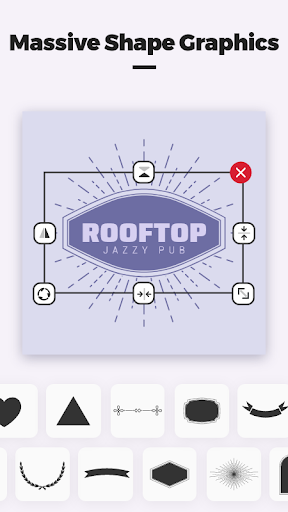
Key app features include hundreds of templates, customizable fonts, vector icons, color palettes, and layers. The mobile app also supports undo/redo and real-time preview. These tools make the app experience both flexible and beginner-friendly.
Does this mobile app work on all Android devices?+
Logo Master is optimized for most Android phones and tablets running version 5.0 or higher. The app experience may vary on older devices, but the core functionality remains reliable. A stable internet connection helps download new templates quickly.
How do I reset my logo design?+
To start fresh, open the menu and select 'New Project' or clear your current canvas. The app features a reset option that deletes all changes and returns to a blank slate. Your previous designs are saved separately unless you delete them manually.
Customer Reviews
Users generally praise Logo Master - Design & Maker for its intuitive design, diverse options, and enjoyable experience, making logo creation easy and fun. Many appreciate the seamless interface and high-quality results. However, there are notable concerns. While some find the app simple to use, others mention a learning curve without instructions. Regarding design variety, positive feedback highlights 'diverse design options,' yet some users find the selection limited compared to Facebook ads, leading to disappointment. The most serious criticism involves intrusive ads and potential virus risks: some users report repeated pop-ups and malware-like behavior after installation, forcing them to uninstall and reset their devices. In contrast, many others describe the app as 'absolutely awesome' and 'highly satisfying.' Overall, it offers good potential for casual use but has significant drawbacks in advertising and security.
Write a Review
Share your experience with Logo Master - Design & Maker. Submissions are reviewed before publishing.
You Might Also Like
More apps you may want to try next.


