

AR Art Projector: Da Vinci Eye
Advertisement
Screenshots
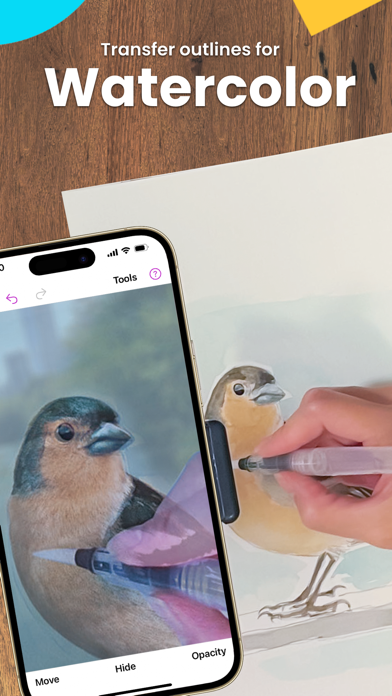
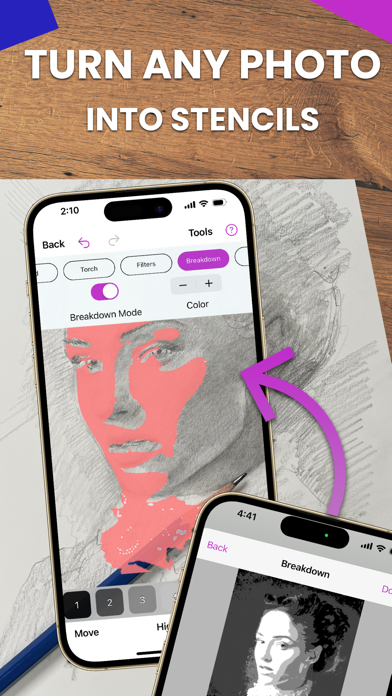
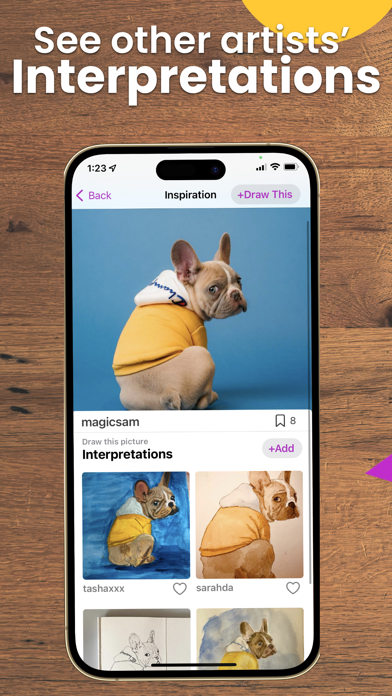
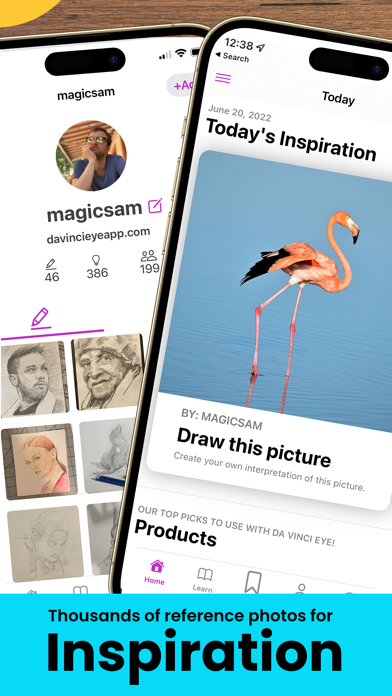
Advertisement
About AR Art Projector: Da Vinci Eye
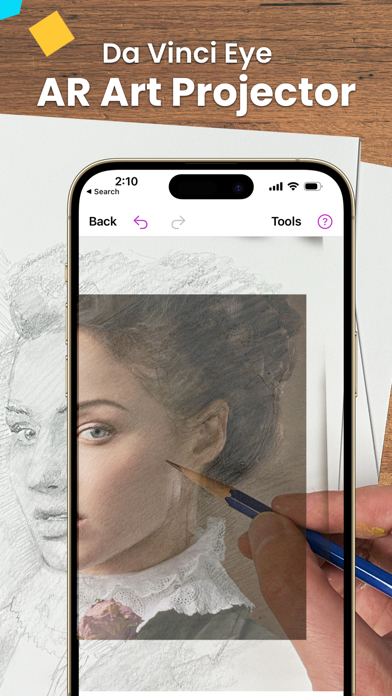
AR Art Projector: Da Vinci Eye is really cool. It's specially prepared for people who like art and creation. It can turn your mobile phone or tablet into a virtual projector. As a multifunctional art and design application, it allows you to visually see your sketches and works in real space, making it suitable for amateurs and professionals. This software solution is very smooth to use and has intuitive functions. It helps you easily turn your imagination into reality. It is super convenient and interesting!
Overview
core functions
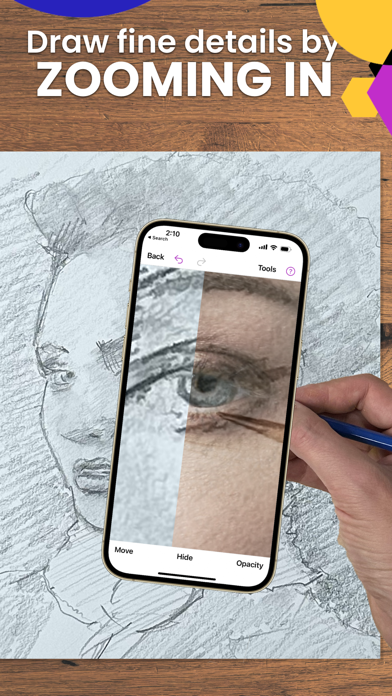
- That super intuitive drawing tool allows you to easily draw delicate works, which is both accurate and easy.
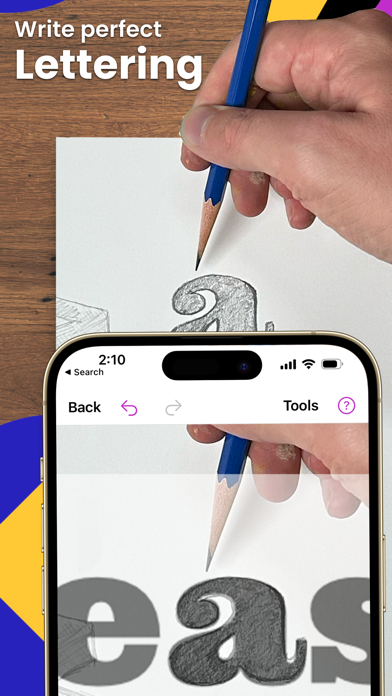
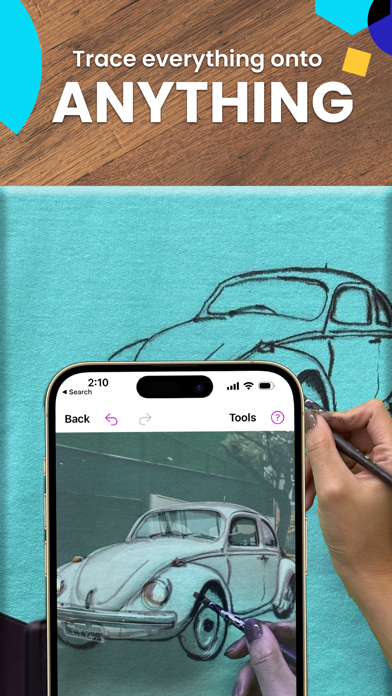
- The projection function can superimpose pictures on the real surface, helping you perfectly reproduce the art work. It's so convenient!
- The real-time editing function allows you to adjust your work at any time during the projection process, and change it whenever you want without having to wait for a long time. It's so cool!
- Offline mode allows you to use your creativity in an environment without the Internet. It can be used whether outside or traveling. How considerate!
- Compatible with Android and iOS devices, ensuring smooth operation on all mobile phones and a rich experience.
- Built-in photo albums to save, organize, and even share your works at any time. It's a one-stop art space!
- Augmented reality functions combine virtual and real elements to take your art to another level, full of immersion!
Who is this app suitable for?
This mobile app is suitable for artists, students of all levels, and even those who are passionate about art and want to seek fresh ideas.
Whether you are working on a personal project or teaching art courses, this App-based solution can provide practical help and make your creative experience smoother at home or in the studio.
Why choose this app?
This Android app combines creativity and technology, is rich in functions, and is a must-have artifact for art lovers.
Its design is particularly intuitive and its projection function is unique. It provides reliable tools to help artists improve their level with modern technology. It is a good partner to try!
Top Recommended Alternative
Pros & Cons
Pros
- Intuitive AR overlay helps you accurately depict one stroke at a time
- Real-time projection improves the accuracy a lot
- Easy to operate and can be used at any level
- Multi-device support, all kinds of smart devices can be used
- Stimulate creativity and have rich interactive functions
Cons
- Accuracy is compromised in bright light
- You need to have a steady hand, and a little shaking will affect the effect
- Some people feel that delays or delays
- Long-term use will consume electricity quickly
- It is a bit difficult for beginners to get started and the learning cost is high
Advertisement
Download AR Art Projector: Da Vinci Eye


FAQ
What are the safety precautions when using this starter?+
Can I adjust the projection parameters myself in the app?+
Will it not get stuck or collapse after using it for a long time?+
Recommended for art students?+
Customer Reviews
Users widely praise Da Vinci Eye for its intuitive design and effectiveness in portrait drawing, helping capture likeness and refine details with ease. Key strengths include smooth operation, time-saving measurement, and strong cross-platform support. However, several technical issues divide opinions: while many find the AR anchor and camera performance reliable for small canvases, others report flickering, alignment delays, and incompatibility with large surfaces. Similarly, the app's value sparks debate—some call it 'worth every penny,' yet others, disappointed by glitches and battery drain, consider it a waste of money. In terms of features, black-and-white tracing and lack of landscape mode frustrate some users, though the developer has resolved camera stretching. Overall, a powerful tool with clear limitations, best suited for small-scale tracing and patient users.
Write a Review
Share your experience with AR Art Projector: Da Vinci Eye. Submissions are reviewed before publishing.
You Might Also Like
More apps you may want to try next.


