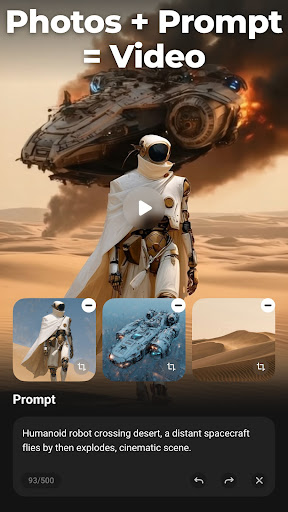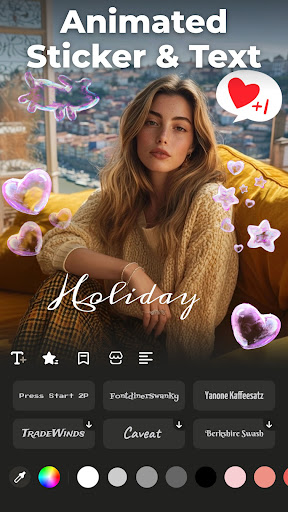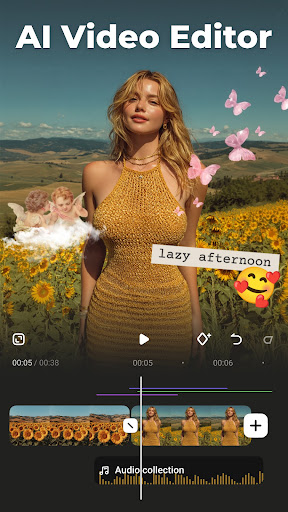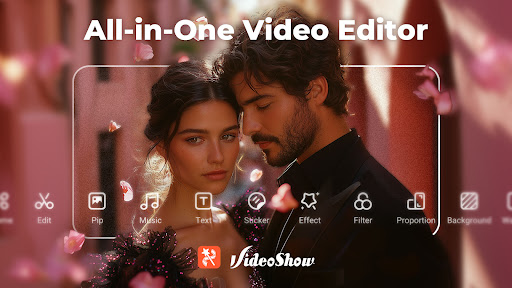
AI Video Editor - VideoShow AI

AI Video Editor - VideoShow AI

AI Video Editor - VideoShow AI for powerful, AI-powered video editing on your device. Free now to create stunning videos easily and quickly.

Screenshots

10 images
AI Video Editor - VideoShow AI screenshot 1AI Video Editor - VideoShow AI screenshot 2AI Video Editor - VideoShow AI screenshot 3AI Video Editor - VideoShow AI screenshot 4AI Video Editor - VideoShow AI screenshot 5AI Video Editor - VideoShow AI screenshot 6AI Video Editor - VideoShow AI screenshot 7AI Video Editor - VideoShow AI screenshot 8AI Video Editor - VideoShow AI screenshot 9AI Video Editor - VideoShow AI screenshot 10

About AI Video Editor - VideoShow AI

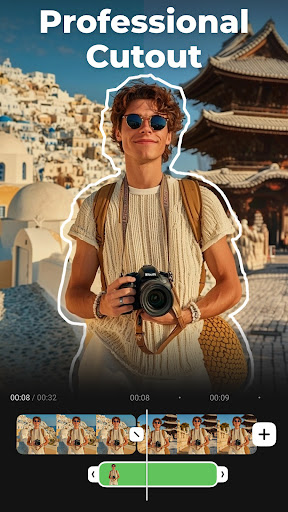
AI video editor-VideoShow AI is a very versatile mobile phone software that can be used by a fool. It is specially used to make videos. As an application for video players and editing tools on the Android platform, it combines powerful editing functions and a relatively friendly interface to make you operate smoothly. Whether you are a novice or a veteran who already has some experience, this software can bring you an intuitive and relaxing experience, allowing you to easily produce professional-level videos on your mobile phone. It's really satisfying.

Overview

core feature

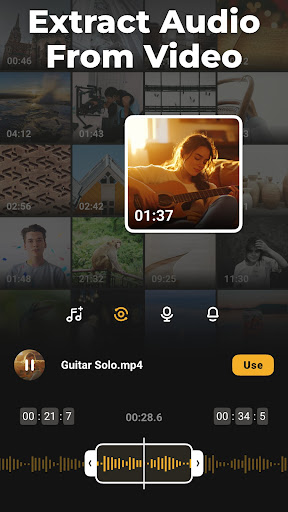
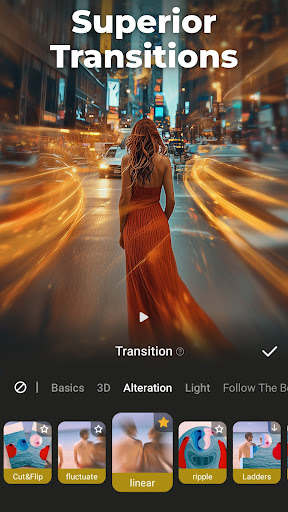
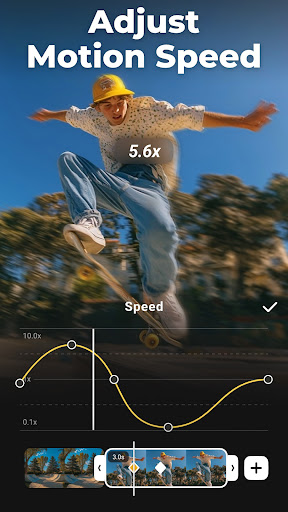
  • This software has powerful video editing tools that can prune, splice, and add transitions to make professional videos. It is really awesome!
  • The ultra-intuitive AI function automatically helps you improve image quality, adjust sound, and saves a lot of editing time. It's very considerate!
  • The real-time preview function allows you to see the modification effects at any time. The editing is smooth and efficient!
  • Supports various video formats and can also export high resolution to ensure perfect playback on different devices. It's so all-powerful!
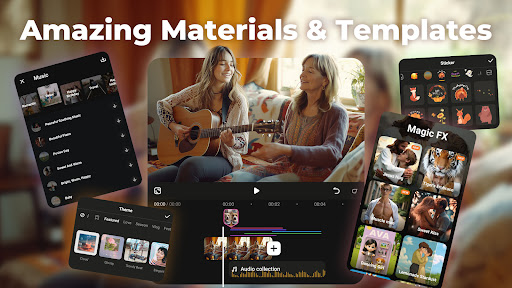
  • Built-in template library helps you easily create cool videos without having to start from scratch. It's so convenient!
  • Offline mode edits videos anytime and anywhere, and you can play without requiring the Internet. It is especially suitable for using your mobile phone to catch up on work outside!
  • The interface is super easy to use. Whether you are a novice or a veteran, you can easily operate it and the experience is super friendly!

Who is this software suitable for?

This mobile phone software is especially suitable for content creators, students, and friends who like to play Douyin and Fast Hand. They must be over 16 years old. If you want a reliable editing tool, it is really good to use on Android phones.

Whether you are in a hurry to make some Short Video and post them to a circle of friends, or are planning to make a long and large-scale production, this software can meet your various needs, from casual editing to professional-level ones. The operation is also very considerate, so easy to use!

Why choose it?

This Android software lacks everything. It is powerful, the experience is smooth, and the operation is simple. Editing videos becomes as easy as playing.

The interface is intuitive and comes with AI smart upgrades, saving time and effort. It has become the first choice for friends who want to use their mobile phones to create high-quality videos. It is really reliable!

Top Recommended Alternative
Pros & Cons

Pros

  • Intuitive AI intelligent editing tool
  • Automatic scene recognition and transition
  • High-quality AI effects and filters
  • Rapid rendering brought by AI optimization
  • Various video templates allow you to complete projects quickly

Cons

  • For advanced users, customization options are limited
  • Occasionally misjudge scene boundaries
  • The free version of the video will have a watermark
  • The audio editing function is basic
  • Processing large files or complex videos may get stuck

Download AI Video Editor - VideoShow AI

You are going to be redirected to the official website to finish the download when you click these buttons above.

FAQ

Is AI Video Editor - VideoShow AI easy to install and set up?+
Yes, AI Video Editor - VideoShow AI can be easily installed on Android devices. Just go to the Google Play Store and search it in a few clicks. Its setup process is quite simple, and it's so thoughtful that even a novice like me can start cutting videos quickly. Once installed, this software gives people a very convenient feeling. The interface is extremely friendly and the operation is particularly intuitive. With the click of a button, all functions are as clear as in your hands. This experience is really not picky!
Does AI Video Editor - VideoShow AI support different video formats?+
Of course, this software supports many commonly used video formats, such as MP4, AVI, MOV, etc., which can be used on almost all platforms and devices. Whether you want to repair that short video you took casually or create some more professional content, it can help you cope with it easily and flexibly. In short, no matter what kind of manuscript, it can help you get it done. It is very reliable!
Is my data safe while using this mobile app?+
Security and privacy are very important for this AI editing software. It uses standard security measures to ensure that your personal information is not leaked or threatened. Use regular channels, such as Google Play downloads, to ensure that you get the truly official version and avoid the risk of virus or data leakage. Well, you still have to be careful!
Can I use AI Video Editor - VideoShow AI without an internet connection?+
Yes! After downloading the software, most basic functions can be operated offline, especially when outside or when the network is unstable. You can edit anytime, anywhere, without having to connect to the Internet. It's really thoughtful! For those working in remote areas or places with poor Internet access, this offline feature is a life-saving straw, making cutting videos super easy!
What makes AI Video Editor - VideoShow AI stand out from other video editing apps?+
The biggest difference between this software is that it has a very smart AI function that can help you edit more convenient and faster. The interface is designed quite intuitive, so whether you are a novice or an expert, you can easily get started. It can help you quickly make professional-looking videos, which is perfect for creative content on your mobile phone. It's like having a hidden editor!
Is there customer support if I encounter issues with the app?+
Of course, if you have any questions, you are definitely right to call customer service! Officials have dedicated support channels and can also find answers to some common questions to help you quickly solve your problems. This development team is quite reliable. It won't let you get stuck there. It always wants to make users have fun. Whether it's a simple video repair or a complex project, it can help you get it done. Use it with peace of mind!
Does AI Video Editor - VideoShow AI update regularly with new features?+
Frequent developers will keep pushing new versions, introducing some new features and new gameplay to ensure that you have fun and easy use. This continuous update allows it to never lag behind and always be at the forefront in market competition. Every update makes people look forward to it. I feel that this software is getting better and better. Isn't it too considerate!
Is AI Video Editor - VideoShow AI suitable for professional video editing?+
It is mainly designed for ordinary users and semi-professional users. It has quite rich functions and can meet general editing needs. But if you are working on more complex and professional projects, maybe dedicated high-definition editing software will work better. "However, to be honest, this artifact on Android is simple and powerful to use. AI blessing allows you to easily make high-level works. It is a good choice!

You Might Also Like

More apps you may want to try next.