
tinyCam Monitor PRO for IP Cam
Advertisement
Screenshots
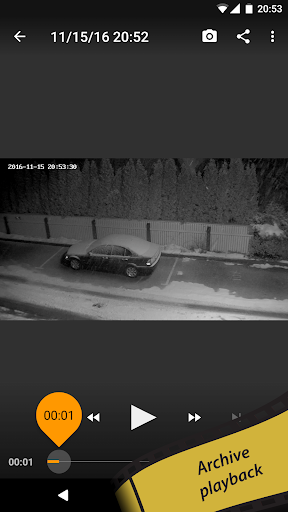
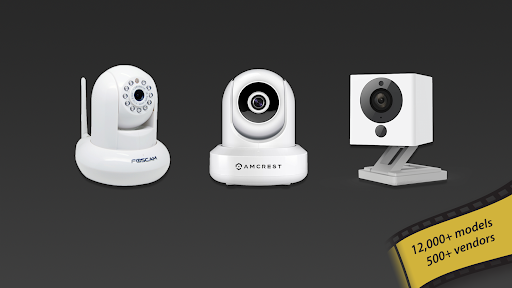
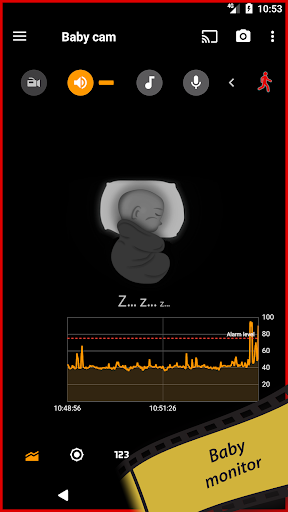
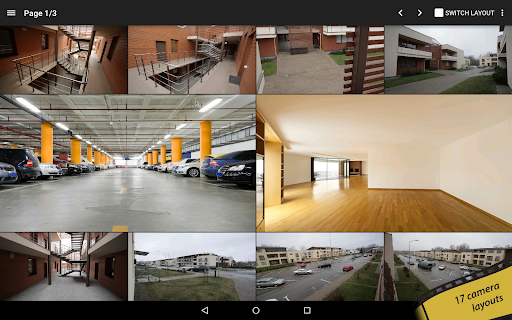
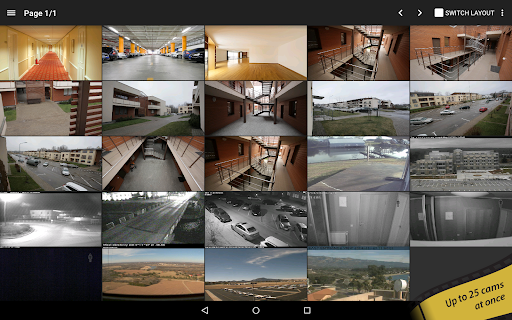
Advertisement
About tinyCam Monitor PRO for IP Cam
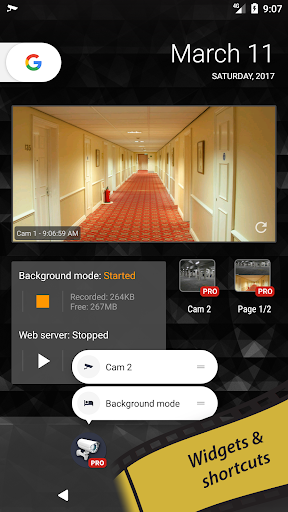
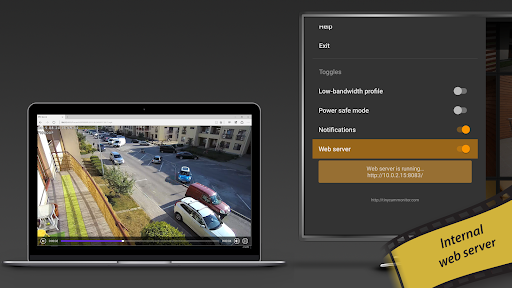
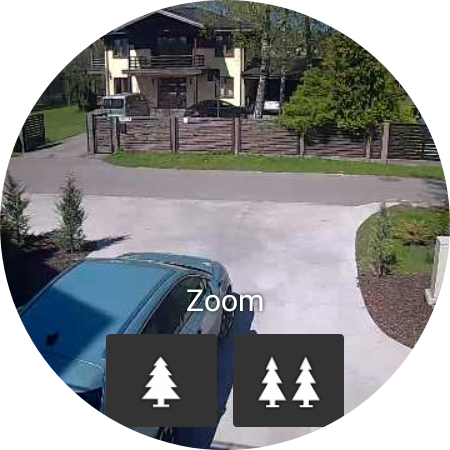
tinyCam Monitor PRO for IP Cam is a mobile app that is really reliable. It mainly helps you safely monitor IP cameras. As an Android program, its interface is quite friendly and easy to use. Coupled with various functions, the overall experience is not bad. Whether it's home security or company monitoring, this app can give you a quite comprehensive solution. It's easy to watch videos in real time and manage multiple cameras.
Overview
core functions
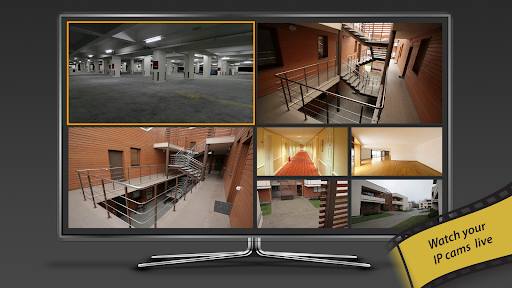
- Real-time video surveillance allows you to easily see the live footage of the IP camera, and everything is so smooth and natural.
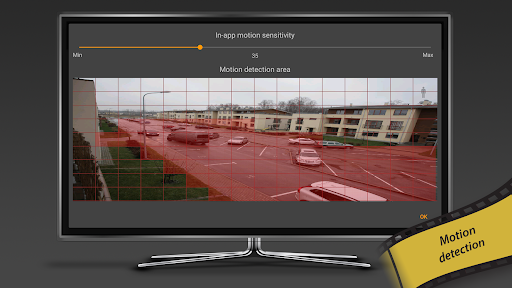
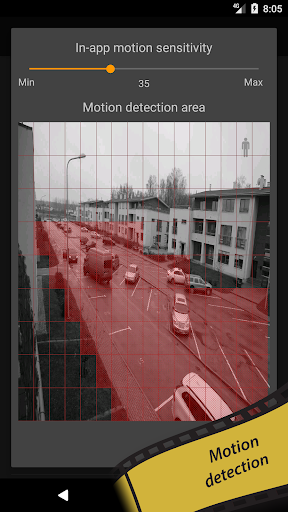
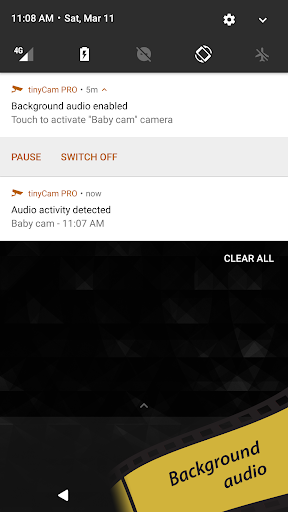
- Advanced sports detection reminders will inform you of those suspicious movements as soon as possible so that you can know.
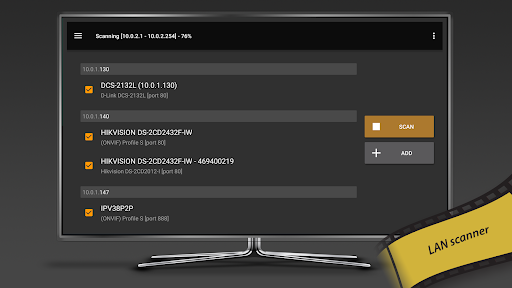
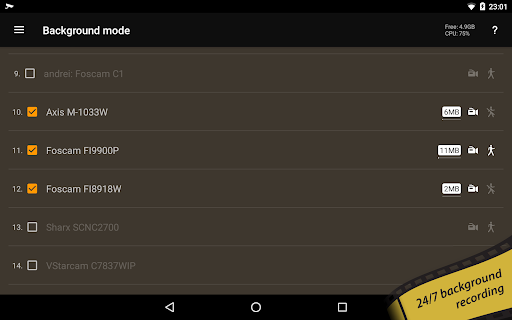
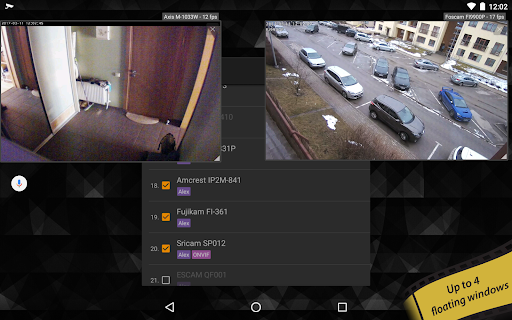
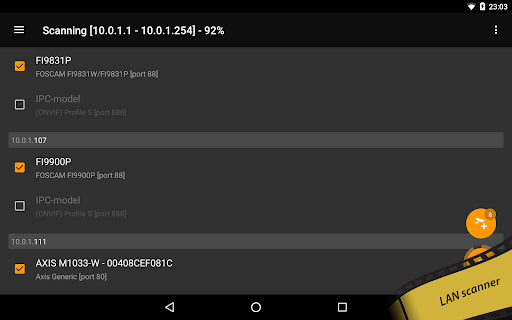
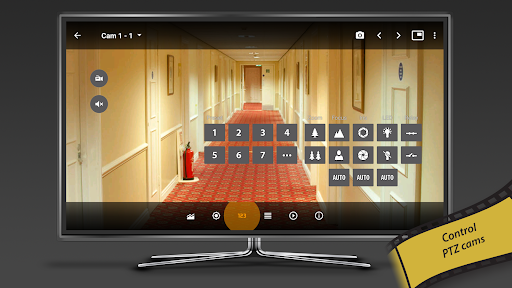
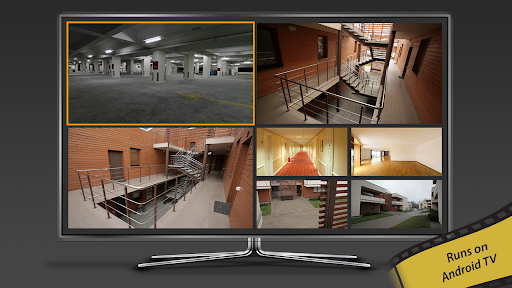
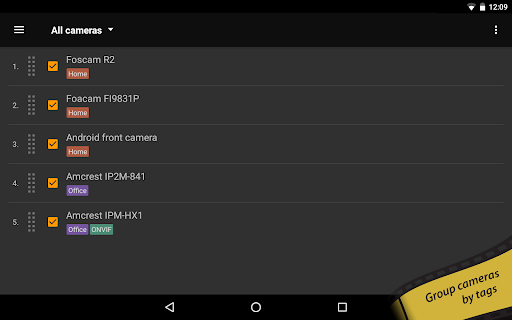
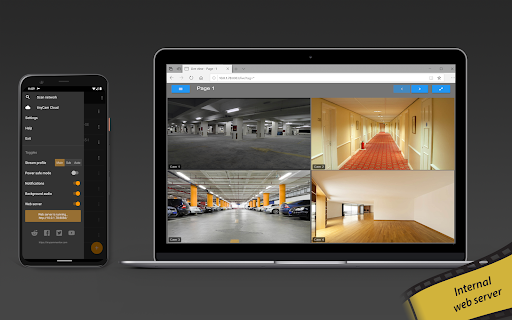
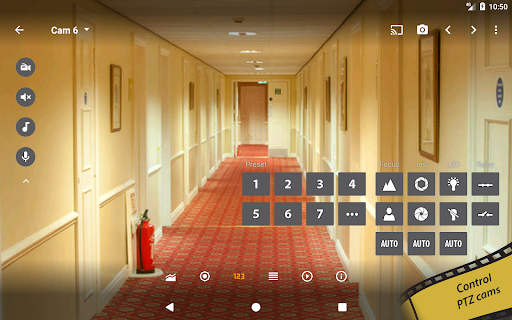
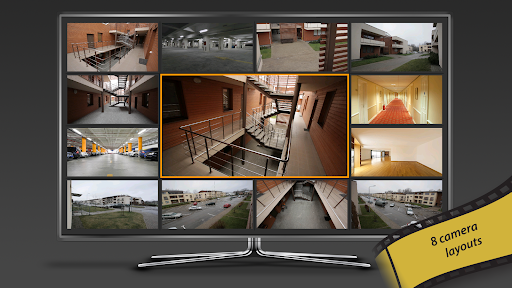
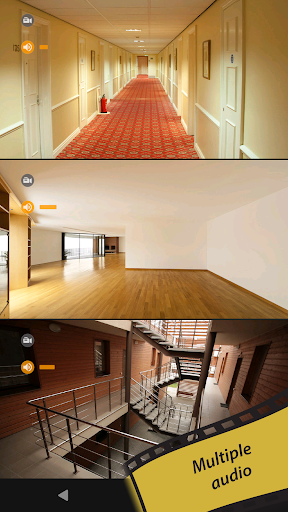
- Support multiple camera management, help you have a panoramic view of multiple devices, and handle all monitoring with one interface!
- Offline mode allows you to retrieve recorded clips at any time even if there is no Internet, without delaying any important moments.
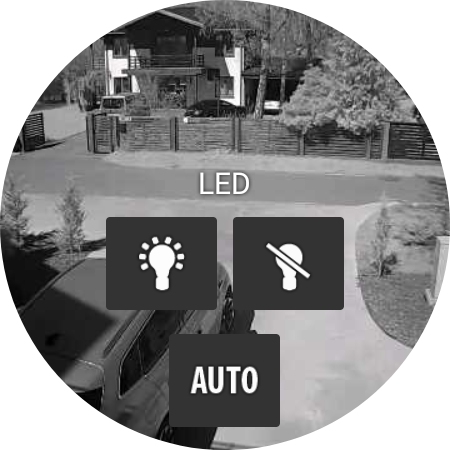
- The App has night vision mode and sports area settings, making monitoring more accurate, more intimate, and detailed to every corner.
- Login is secure and encrypted to protect your privacy from being leaked. Use it with confidence and reliability.
Who is suitable for?
This mobile app is particularly suitable for homeowners, small business owners, or those who need reliable monitoring. The interface is simple and intuitive, and anyone can use it easily. Whether young or old, they can easily keep an eye on their homes and shops.
Whether you're visiting pets at work or using it to protect property, this solution will give you peace of mind. Easy to operate and full functions, making remote monitoring simple and reliable, with a clear understanding.
Why choose this?
This Android app is particularly user-friendly, powerful, and easy and efficient to use. Real-time synchronization and offline access allow you to be in control at any time and feel full of security.
It emphasizes safety and convenience and provides a surveillance solution that is safe to use. With its good reputation and performance, it has become the first choice for those who pursue reliable detection. The effect is really impressive!
Top Recommended Alternative

Pros & Cons
Pros
- intuitive user interface
- Support for multiple devices
- real-time notification
- remote access
- Advanced playback features
Cons
- Occasionally unstable connection
- Limited layout customization
- Notification consumes fast power
- The live broadcast sometimes gets a little stuck
- Dependence on paid functions
Advertisement
Download tinyCam Monitor PRO for IP Cam

FAQ
How do I log into tinyCam Monitor PRO for IP Cam?+
To see your camera with tinyCam Monitor PRO, you first have to open the app on your Android device. Then enter the IP address of the camera, or directly select it from the saved device.
Rememberto enter the correct account and password so that you can connect smoothly. This app just wants to make it easier and safer for you to use, and make shooting and monitoring things simple and smooth!
Is tinyCam Monitor PRO compatible with all IP cameras?+
tinyCam Monitor PRO supports many different brands of IP cameras and is basically a more general monitoring assistant. Most of the equipment is fine and can be fixed. It's very thoughtful.
Theinterface is friendly and it is so convenient to add and manage various cameras. It not only works smoothly, but also gives you a great experience.
Can I use tinyCam Monitor PRO without an internet connection?+
Of course! As long as your mobile phone and camera are on the same local area network, you can view it locally. It doesn't matter if there is no network. This is very convenient for those who want to watch surveillance cameras yourself at home!
However, if you want to conduct remote surveys or use push notifications, you have to go online. This flexibility is quite good, and you can freely choose according to your needs.
Is tinyCam Monitor PRO safe to use and secure?+
Completely rest assured! tinyCam Monitor PRO is very concerned about security, using encryption and Secure Login Protection your privacy. The development team is experienced to ensure that your data will not be leaked.
Reliablesecurity measures and regular updates make this app a great helper for managing IP cameras. Use it at ease, and feel at ease!
How do I update tinyCam Monitor PRO to the latest version?+
Upgrading is quite easy. Just go to the Google Store and find tinyCam Monitor PRO, the system will prompt you for a new version, and then you can update it. This allows you to use the latest features and fixed bugs.
Keepingsoftware up to date not only improves the experience, but also ensures compatibility with new devices and systems. Update regularly to save yourself from being outdated and make it easier to use!
Does tinyCam Monitor PRO support multiple cameras at once?+
Of course! The app can also monitor multiple cameras at the same time, targeting multiple areas at once. It can be managed in categories, and the interface is clean and orderly, which is quite worry-free.
Supportshigh-definition image quality and real-time playback, which is very smooth to use. It is suitable for both families and professional monitoring. The functions are quite comprehensive!
Can I customize the app settings for better surveillance?+
Of course! tinyCam Monitor PRO has a lot of things you can adjust here, such as reminder settings, layout plans, and video plans, which are all quite flexible. It becomes super easy to adjust settings based on your needs.
Whetheryou need dynamic alarms or adjust video quality, you can meet it, making your monitoring smarter and more considerate, and greatly improving the user experience!
Is tinyCam Monitor PRO suitable for beginners or advanced users?+
This Android app is actually super friendly to novices and is extremely simple to operate, but it has many advanced features that can meet more professional needs. The interface design is quite intuitive, and you can add and manage cameras with almost no worries.
Developedby professionals who are familiar with security systems, it is very reliable. As your skills improve, you can discover more hidden functions. The more you use them, the more you get!
Customer Reviews
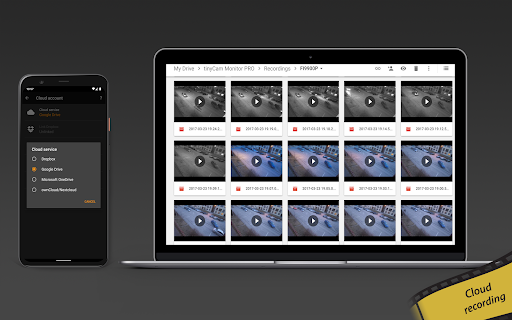
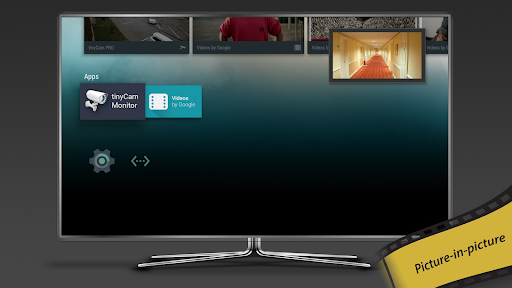
Users widely praise tinyCam Monitor PRO for its ability to integrate multiple camera brands into one interface, with fast RTSP support and excellent performance for Wyze and Yi cameras. Key dimensions include compatibility, stability, and cloud backup. While many report flawless operation, others experience crashes on Android 13, configuration loss after updates, and failed Dropbox backups. Compatibility is mixed: some find it works perfectly with RTSP and Wyze v4, yet others note it no longer supports Foscam P2P after v15.3 and struggles with Tapo ONVIF streams. The app’s feature set is comprehensive, but recent updates introduced bugs like Wyze re-login on Nvidia Shield and missing picture-in-picture. Overall, it’s a powerful tool for multi-camera management, though users advise testing specific camera models before purchase.
Write a Review
Share your experience with tinyCam Monitor PRO for IP Cam. Submissions are reviewed before publishing.
You Might Also Like
More apps you may want to try next.


