

CapCut - Video Editor
Advertisement
Screenshots
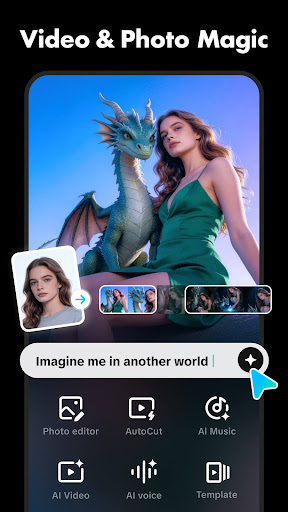
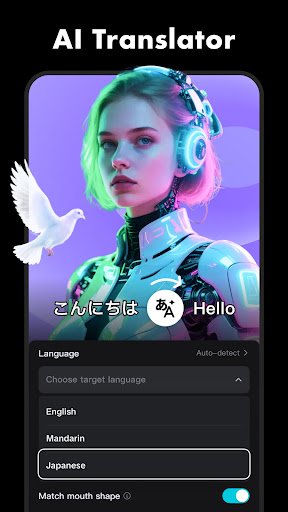
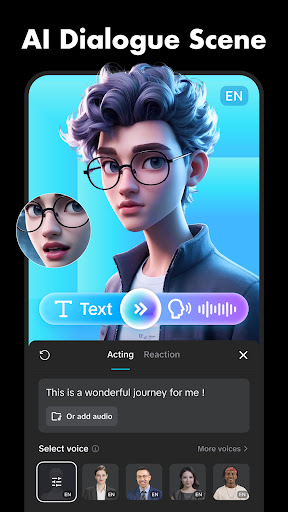
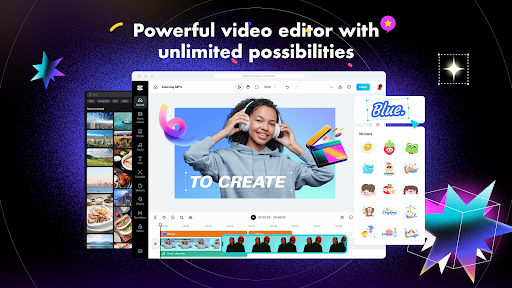
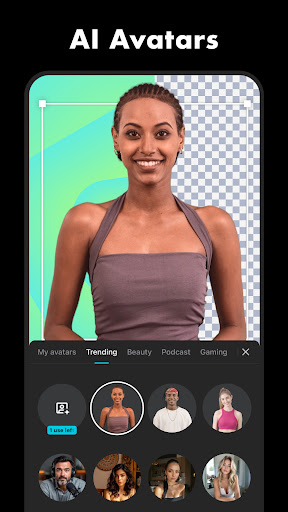

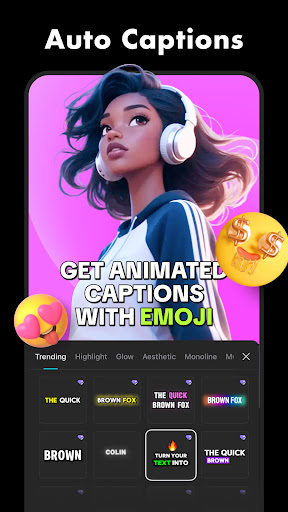
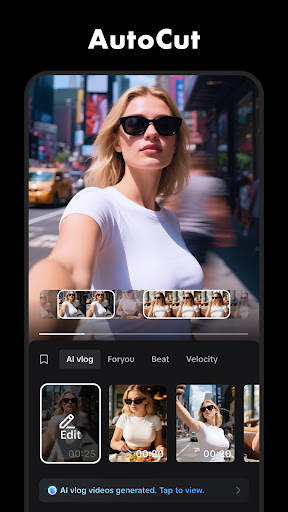
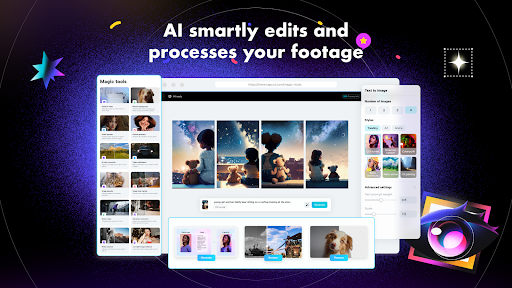
Advertisement
About CapCut - Video Editor
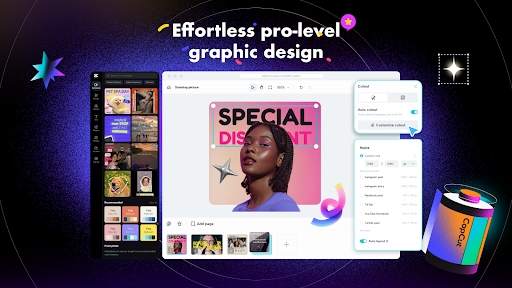
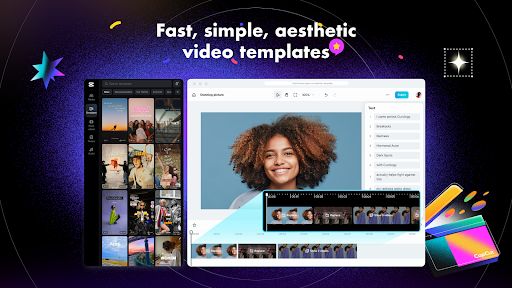
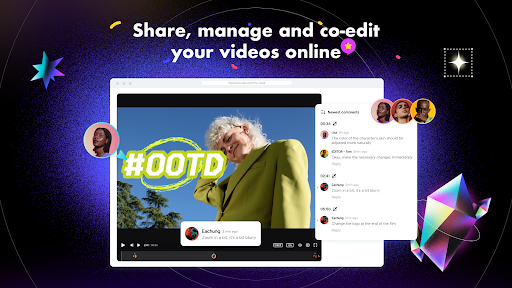
CapCut - Video Editor is a popular mobile phone software that helps people easily edit video on their mobile phones. As an intuitive Android app, it is quite functional, so simple that it can be easily used by novices, and experienced creators will find it not bad. If you want to add special effects, background music, or create a cool transition, this app can help you get it done. The operation is smooth and allows you to easily create high-quality video works on your mobile phone. It's really helpful!
Overview
Core Features
- This app has a super powerful video editing function. Cut, cut, splice, and connect. You can operate it casually, which is quite handy.
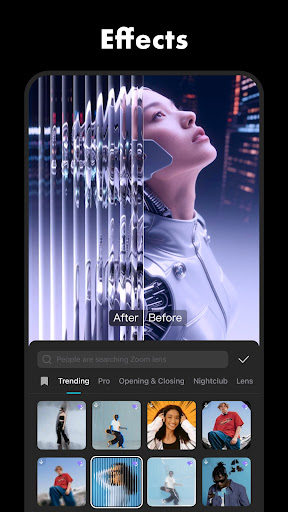
- There are a variety of filters, transition effects and special effects inside to make your video look cooler and more attractive. It is a real tool to enhance the sensory experience.
- The interface is particularly friendly, the operation is so simple that newcomers can easily get started, and professional users can use it without pressure. It is simply an artifact at all levels.
- Support 4K export and adjust different ratios to ensure that your video quality is terrifyingly high and you can share it on social platforms without pressure.
- You can also preview the editing effect in real time. The experience of watching while editing will help you fine-tune until you are satisfied.
- Comes with a rich music library and sound effects, you can easily give your video a rich soundtrack, which will sound very pleasant to the ear.
- There are also some cool advanced features, such as reverse playback, speed adjustment, key frame animation, etc., which is so fun to play and has a lot of freedom for creation.
Who This App Is For
This mobile app is particularly suitable for content creators, social media enthusiasts, or people interested in video editing, especially friends who use Android. It is very suitable for those who want to use their mobile phones to become professional video production tools in one second, cutting and producing works quickly.
Whether you are a rookie who just wants to make some personal videos or a professional who needs a reliable and quick editing tool, this software can meet your various needs and be flexible to adapt to different levels.
Why Choose This App
The great thing about this Android app is that it is full of functions and is smooth and efficient to operate. With it, you can easily produce high-quality videos without spending a lot of money on software. It is really reliable.
The interface is simple but powerful, especially suitable for users who pay attention to reliability, efficiency and creative control. It makes you have fun using it, creating smoother, and having a really good experience.
Top Recommended Alternative

Pros & Cons
Pros
- Super user friendly interface
- All kinds of editing tools
- Free, no watermark yet
- Bring your own material library
- Rendering speed is lightning fast
Cons
- Not enough advanced features
- Occasionally I break down and stop.
- Watermarked export options
- Limited formats supported
- Not enough custom boundaries
Advertisement
Download CapCut - Video Editor


FAQ
Is CapCut - Video Editor safe to use on my device?+
Do I need to create an account to use CapCut?+
What are the main features of CapCut - Video Editor?+
Is CapCut compatible with older Android devices?+
Can I trust CapCut for my video editing needs?+
Where can I find updates for CapCut - Video Editor?+
Does CapCut support exporting high-quality videos?+
What should I do if I encounter issues with CapCut?+
Customer Reviews
CapCut is widely praised for its powerful, intuitive editing tools and fast export speeds, making it a top choice for many. However, key issues emerge: performance—while smooth for some, others suffer from noticeable lag and glitches during basic tasks like trimming; pricing—most advanced features are locked behind a paywall, with users complaining that even simple transitions require payment, though the free tier works for basic edits; and compatibility—export functions well on phones but fails on Chromebooks (videos reduced to 3 seconds), and ads sometimes don't unlock free access. Despite its strengths, monetization and bugs frustrate a significant portion of users.
Write a Review
Share your experience with CapCut - Video Editor. Submissions are reviewed before publishing.
You Might Also Like
More apps you may want to try next.


