

YouCut - Video Editor & Maker
Advertisement
Screenshots
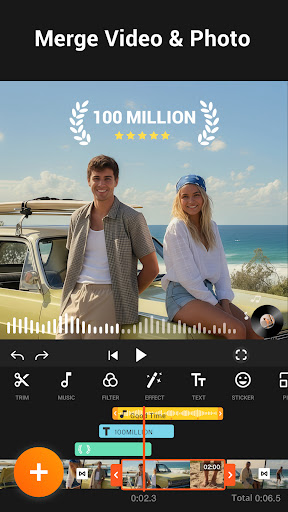
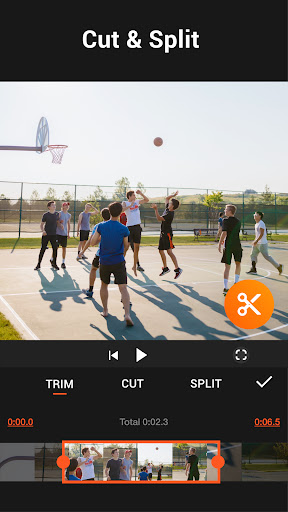

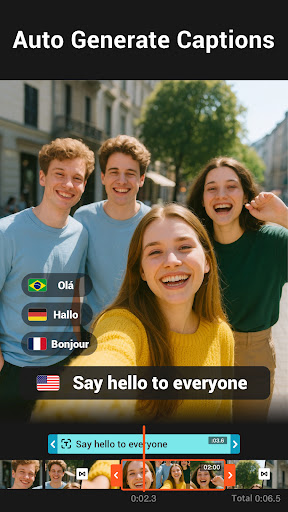
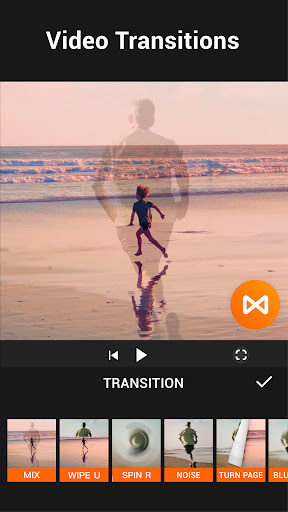
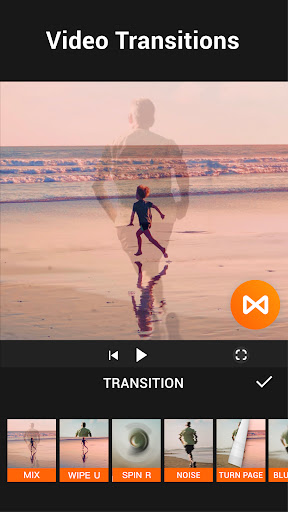

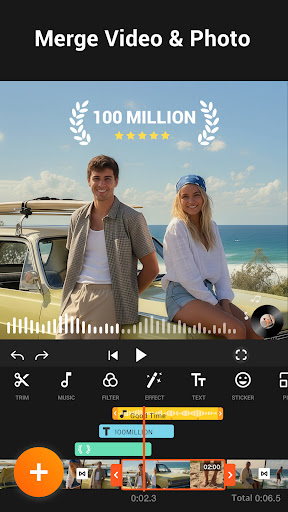
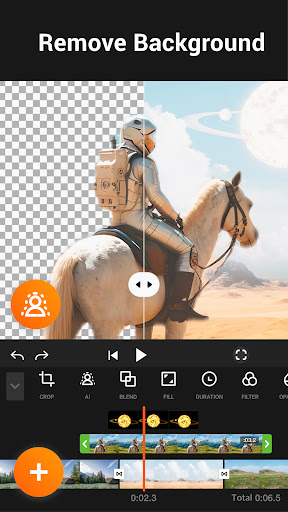

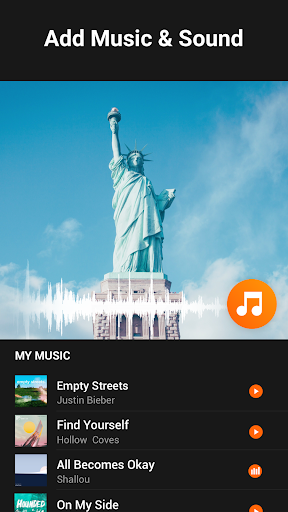


Advertisement
About YouCut - Video Editor & Maker
YouCut -Video Editing and Making Tool is actually quite popular. It is a very popular mobile app that helps you quickly and easily create and edit videos. As an Android app, it comes with a variety of functions that can help you easily create professional videos. It doesn't matter if you are too lazy to use your brain. Whether you want to edit clips, add music, or use filters, the app interface is particularly smooth and intuitive, making it suitable for both novices and experts. Its user interface is particularly people-friendly, making video editing easy for everyone.
Overview
core feature
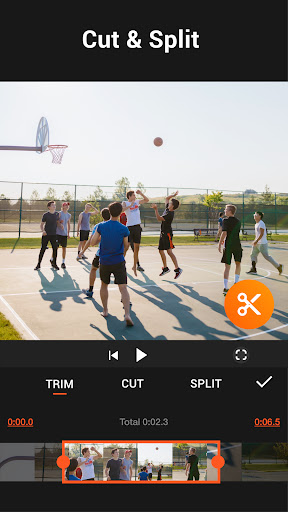
- Provide a variety of video editing tools, such as trimming, cropping, and splicing videos, which can be handled smoothly.
- There are also advanced functions, such as slow motion, adjusting video speed, and transition effects. Professional effects are not dreams.
- Built-in filters, overlays and music library make it easy to improve creativity without having to find external software.
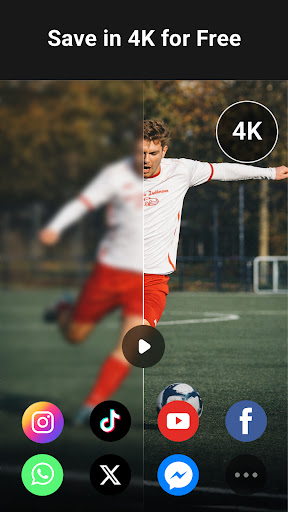
- Support exporting high-definition video and customize the format to ensure quality and flexibility.
- The interface is designed to be intuitive and specifically designed for Android users, making it easy for even novices to get started.
- Real-time preview function allows you to see the effect instantly while editing, which enhances the experience and is super cool.
- Support offline operations, and you can edit videos even without the Internet, which is worry-free and convenient.
Who is this App suitable for?
This mobile app is particularly suitable for content creators, social media enthusiasts, and amateurs who want to easily produce professional-quality videos. The interface is simple and easy to use, allowing teenagers to play it well, and editing can be done on Android devices anytime, anywhere.
Whether you need to do some editing and put it in your story, or want to shoot some business videos or family memories, this app can help you get it done quickly and make beautiful videos. Looking for a powerful and easy-to-use universal editor? It's definitely a good choice!
Why choose this App?
The reason why this Android app is excellent is that it packages all functions very comprehensively and takes into account the simplicity of user operation. You don't need complicated software to make cool videos, and the results are visible.
The design takes into account the actual needs of users, solves common editing problems, operates smoothly, and has powerful functions. Stable and easy to use, rich in features, definitely the reliable and efficient mobile phone artifact that video editing enthusiasts are looking for.
Top Recommended Alternative

Pros & Cons
Pros
- intuitive user interface
- Rich editing tools
- High-quality export
- fast rendering
- frequently updated
Cons
- Lack of advanced editing functions
- Occasionally break down
- Free version with watermark
- Music library has limitations
- There is not much tutorial content
Advertisement
Download YouCut - Video Editor & Maker

FAQ
Is YouCut - Video Editor & Maker safe to use on my Android device?+
Well, YouCut is a quite reliable mobile application. Its security has been tested repeatedly, and everyone can use it with confidence. It is verifiable on the Google Play Store and meets Google's security and privacy standards. Remember to download it from trusted channels and avoid making unreliable little software to avoid accidents.
BecauseYouCut is an editing tool designed specifically for Android, the overall experience is quite stable. Updates are pushed regularly, and security and performance continue to improve. It is a good high-quality video editor and worth a try.
What are the main app features of YouCut - Video Editor & Maker?+
This software is quite functional and easy to operate. You can cut, crop, merge videos, and add background music or text. The interface is simple and clear, and it won't feel complicated at first. It's quite interesting to create.
Inaddition to these, you can also use filters, adjust video speed, and even make a slide show. It has quite comprehensive functions. Whether you are a novice or a veteran, you can find a gameplay that suits you, and the experience is quite good.
Can I use YouCut - Video Editor & Maker as a launcher app on my device?+
No, YouCut is mainly used for video editing, not the kind of app that can be used as a homepage initiator. You can find it in the app drawer or home page, but it cannot be used as a launcher for your mobile phone interface.
Ifyou just cut videos, YouCut is quite convenient and integrates it harmoniously into your mobile phone operations. It can provide powerful editing tools without affecting other core functions of your mobile phone. It is a very practical tool software.
How do I install and update the YouCut app on my Android device?+
It's easy to install YouCut, just search the Google Play Store and download the latest version, which is safe and convenient. Keep the apps on your phone up to date and enjoy the enhanced experience brought by new features and optimizations.
Toupdate, just go to the application page regularly or turn on automatic updates. Developers will push improved versions from time to time and adopt user suggestions. The functions will become more and more complete and make them easier to use.
What should I do if I encounter problems while using YouCut - Video Editor & Maker?+
If you encounter problems, the first step is to see if you are using the latest version of YouCut. Try restarting your phone again. Sometimes, if you mention the bug problem, it will solve it yourself. If it still doesn't work, you can clean up the cache or data information, which will improve a lot of situations.
Ifyou need more help, you can go to the official website or official user guide to check the information. YouCut's development team often pushes fixes to optimize performance to ensure that you can edit videos smoothly without getting stuck.
Is YouCut suitable for beginner video editors?+
Of course! YouCut is specially designed for beginners and is super friendly to use. The interface is simple, the tutorial is detailed, the exploration function will be easy for beginners to start, and the learning curve is not steep.
Afterusing it for a long time, you will find that it can still make quite professional video effects without finding it difficult. All kinds of cool functions can be easily used, making it particularly convenient for friends who like to edit freely. The entry threshold is not high, so it is quite recommended.
Does YouCut offer any additional tools or features for professional editing?+
Although YouCut is mainly designed for ordinary users, it also hides some professional functions, such as multi-layer editing, back removal, and precise cropping. It feels very fulfilling to use and can make more detailed works.
Itcombines simplicity and professionalism, making it easy to get started and can also meet some semi-professional needs. It is a comprehensive and cost-effective tool.
How does YouCut enhance the app experience compared to other video editors?+
The advantages of YouCut are that it is simple to operate, fully functional, and easy to use. The interface is clear at a glance, the processing speed is fast, and the effect of making videos is great. It is one of the more popular editing tools in Android.
Moreover, the development team is very attentive, often pushes updates, and the support is also in place, giving people a feeling of reliability. This software is both practical and simple, and is very suitable for quickly transforming your work and making videos cooler.
Customer Reviews
Users generally praise YouCut for its intuitive interface, ease of use, and powerful yet lightweight editing tools. It is frequently described as fast, ad-free (for many), and ideal for quick precise cuts. Key strengths include a clean UI, smooth performance, and a precise cutting feature. However, there are mixed opinions on export options and monetization: some users appreciate the free experience, while others note the lack of bitrate control even in the premium version, questioning its value. A few also report excessive ads and difficulties with in-app purchases, though these are minority views. Overall, the app is well-regarded as a reliable, user-friendly editor.
Write a Review
Share your experience with YouCut - Video Editor & Maker. Submissions are reviewed before publishing.
You Might Also Like
More apps you may want to try next.


