Weather & Clock Widget
Advertisement
Screenshots
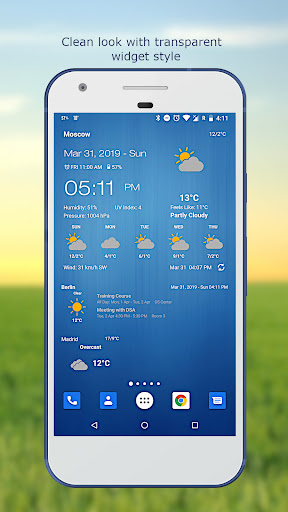
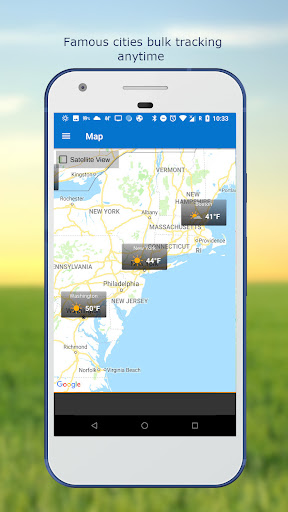
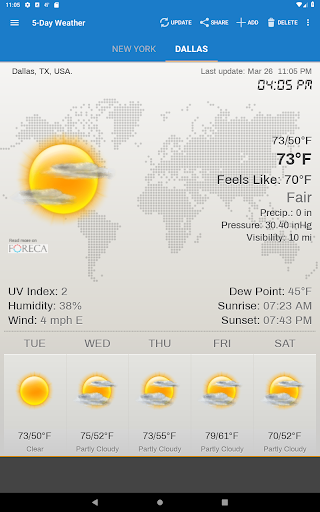
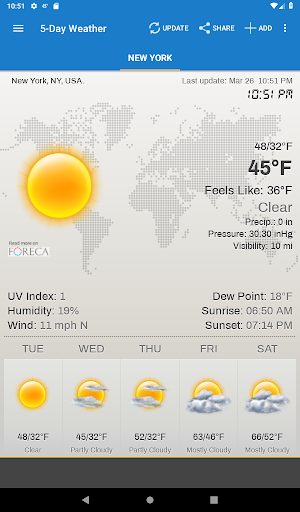
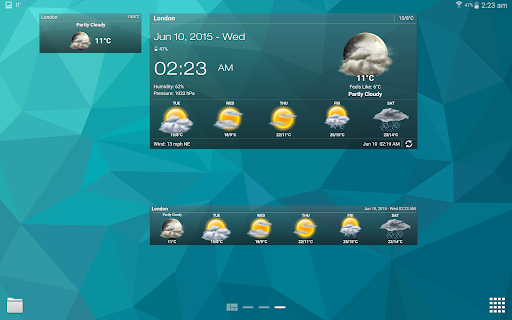
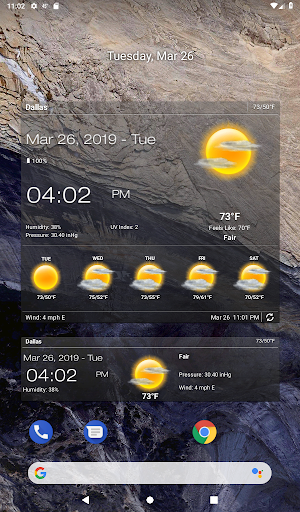
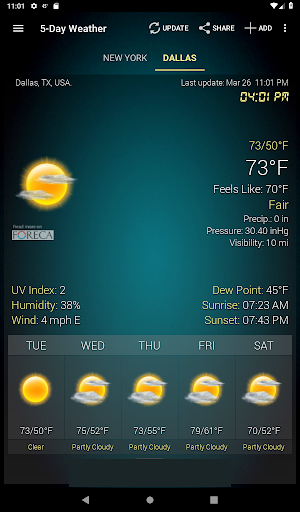
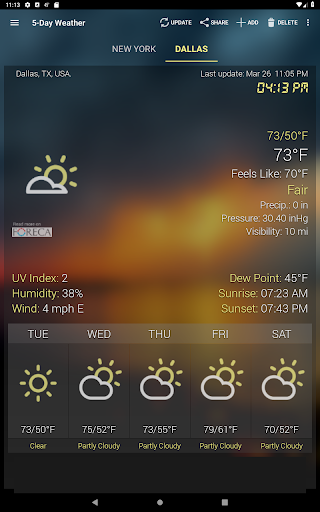
Advertisement
About Weather & Clock Widget
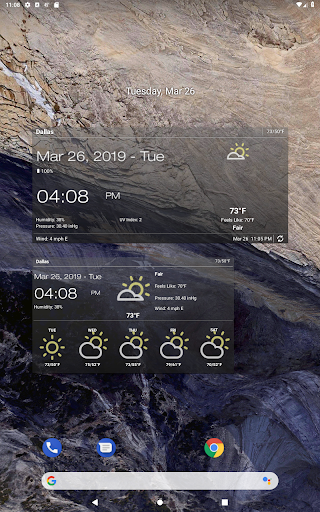
The Weather & Clock Widget is actually a very thoughtful Android application that can update you weather conditions in real time and freely customize the clock display method. In order to make your mobile phone interface look cooler, its launcher app has put a lot of thought into it. It is super easy to operate, various functions are also designed quite intuitively, and the appearance is quite attractive. In short, this is a very practical app, especially suitable for those who want to keep track of the weather and time at all times. It feels very intimate to use!
Overview
core feature
- The intuitive weather display and real-time updates allow you to see accurate local forecasts at a glance, which is particularly convenient and reliable.
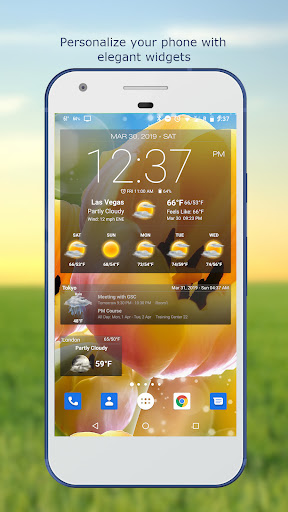
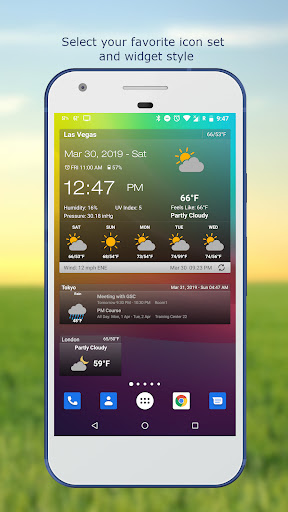
- Customizable clock widgets perfectly synchronize your device launcher and home page for smooth and natural use.
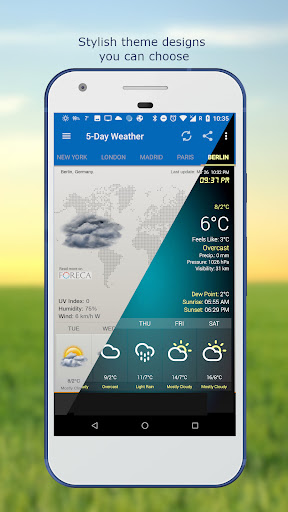
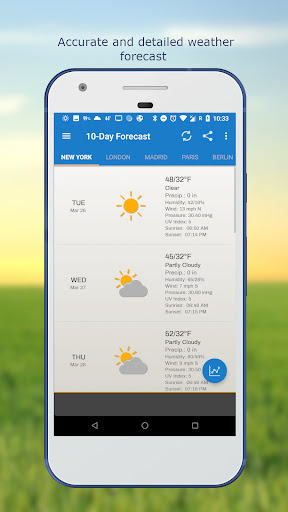
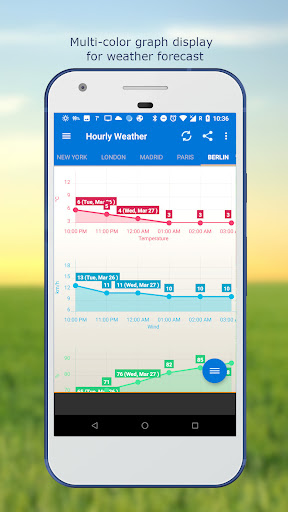
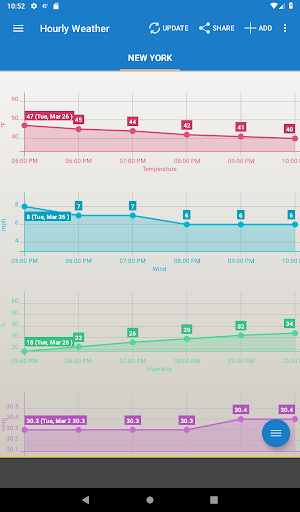
- Features rich apps, including weather warnings, detailed forecasts and radar maps, help you make informed choices.
- Offline mode, you can view saved weather information even when you disconnect the Internet, which will never affect your daily life.
- Synchronize with weather sources in real time to ensure the latest and most reliable information and keep track of weather changes at any time.
- The power-saving design not only ensures smooth functions, but also saves a lot of power, making you feel more at ease.
- Support multiple weather providers to give you diverse and reliable options to meet different needs.
Who is this app suitable for?
This mobile app is especially suitable for those who want to use weather and clock widgets that are simple and practical on Android devices. Students, office workers, and people who often go out can use them well. People who like to find a reliable starter and add practical functions will definitely like its design style.
Especially for people who often need real-time weather information when going out or walking long distances to and from work, they definitely need a convenient and accurate weather application. If you want to balance convenience and accuracy for users, this app will definitely meet your requirements and let you use it with peace of mind.
Why choose this app?
The reason why this Android app is outstanding is not only because it is rich in functions and simple to operate, but also because of its considerate interface design and quality, making it the leader among weather software. It runs smoothly and has a good user experience, allowing you to easily handle the weather and time without having to worry about queries.
Based on reliable application solutions, it solves many long-standing problems related to weather monitoring and also brings a more personalized and trustworthy experience. If you want to find a starter that can perfectly combine weather and time and be practical, this app definitely has a place and has obvious advantages and is worth a try!
Top Recommended Alternative

Pros & Cons
Pros
-
Intuitive yet arbitrary interface
-
Weather information is very accurate and updated in real time
-
Perfect integration of clocks and weather, with diverse styles
-
Almost no impact on batteries
-
Easy to set up and get it done in a few steps
Cons
-
Too few size options for widgets
-
Occasionally synchronization will be a little delayed
-
Weather data may not be detailed enough
-
Some advanced customization features require payment
-
Widgets occasionally get stuck after application updates
Advertisement
Download Weather & Clock Widget
FAQ
Is it easy to log in or set up weather and clock widgets apps? +
Yes, setting up weather and clock widgets is actually quite simple. After installing the app, it will guide you step by step to set permissions and preferences. The whole experience is quite smooth and friendly for most Android users.
Ithas a very intuitive guidance process that helps you customize the weather and clock display effects. Even if you are not familiar with this, you can get started quickly and feel quite trustworthy.
Is the weather update function of this app accurate? Is it reliable? +
Of course, the Weather & Clock Widget can provide weather information in real time, and the information source is quite reliable. Its functions include real-time weather, future forecasts, and those small dynamic icons. The overall experience is quite reliable.
Thissolution is specially optimized for Android devices and can continuously and accurately tell you the weather conditions, allowing you to schedule a day without worrying about mistakes. It's quite convenient.
Will this app violate my privacy? Will it make my data unsafe? +
Don't worry, developers have put users 'trust very seriously and adopted strict privacy measures. It only requests the necessary permissions and handles your data responsibly, so it is quite safe to use as part of the phone launcher.
Choosingan app like the Weather & Clock Widget that adheres to privacy standards is particularly important, especially since it is so closely integrated with your daily weather review and alarm clock functions, and you need to pay more attention to security issues.
Can I make the widgets more personalized and more in line with my style? +
Absolutely. One of the highlights of this application is its high degree of customization. You can change themes, resize and layout, and create your own weather and clock widgets to decorate your home page.
Thislevel of personalization not only makes it more fun to use, but also makes your device look more beautiful. The Weather & Clock Widget is not only practical, but also enjoyable.
Is this software happy to use on old Android? +
Yes, the Weather & Clock Widget is designed to work with most Android devices, including older versions. So whether you use the latest mobile phone or not, it will run smoothly and give you a good experience.
Thiscompatibility allows users who rely on old devices to use it to check the weather and manage clocks with peace of mind without having to worry about non-support. It's quite considerate.
Customer Reviews
Users generally praise the app for its attractive design, diverse and useful widgets, and mostly accurate forecasts. Key positive points include clear display of temperature, humidity, air quality, and wind speed, with many highlighting the lock screen widget and ad-free experience. However, issues are noted: accuracy is debated—some find temperatures precise while others report deviations of 2°C or complete failures (e.g., showing 13°C when it's 28°C). Widget stability is a common concern: some users report smooth performance, but many complain about freezing, outdated data, and failure to refresh unless opening the app. Recent ads with auto-play sound are criticized as unsuitable for professional settings. Customization options and font aesthetics receive mixed feedback. Despite these drawbacks, the app remains popular for its reliable 10-day forecast and ambient sound features, with many long-term users calling it their favorite.
Write a Review
Share your experience with Weather & Clock Widget. Submissions are reviewed before publishing.
You Might Also Like
More apps you may want to try next.