

Video to MP3 - Video to Audio
Advertisement
Screenshots
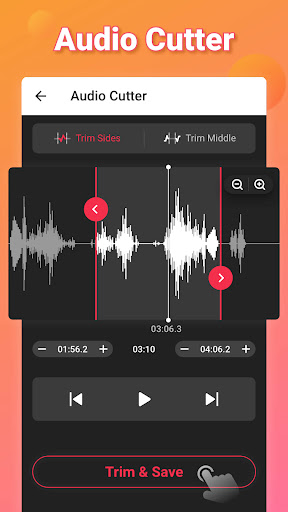
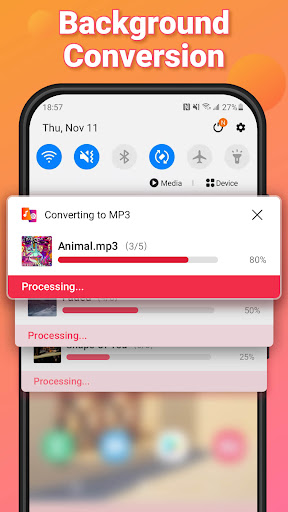
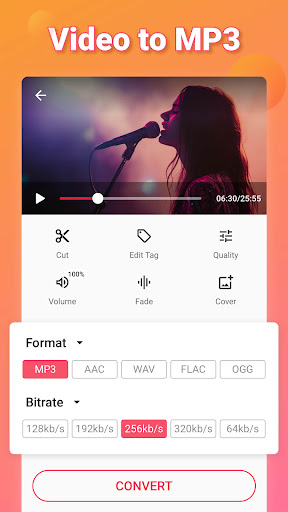
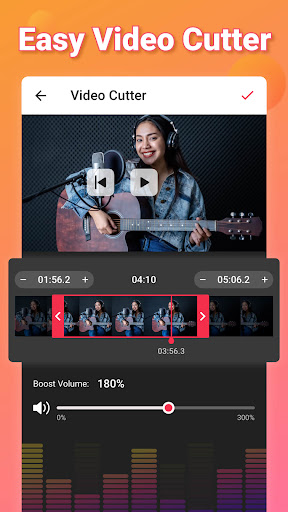
Advertisement
About Video to MP3 - Video to Audio
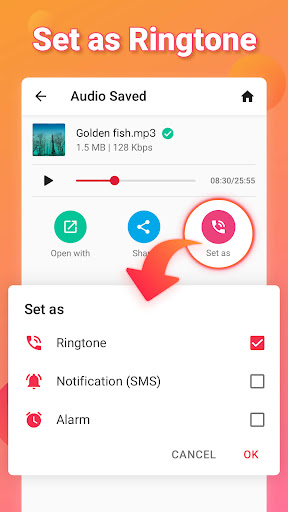
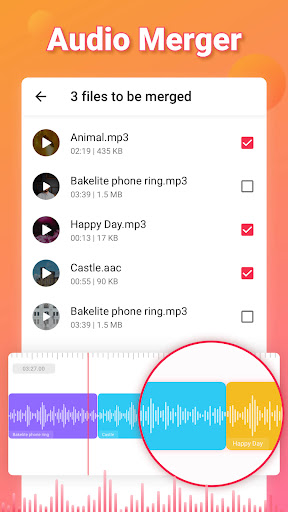
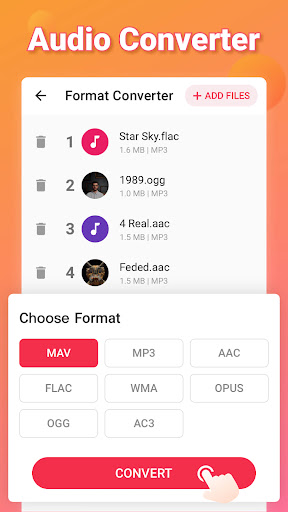
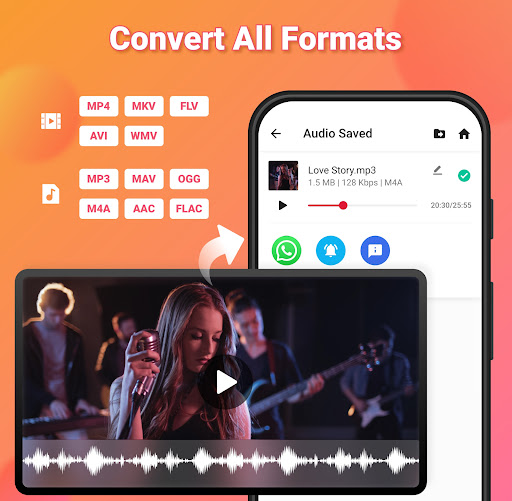
Video to MP3 - Video to Audio is a thoughtful Android app that is specially designed to convert video into high-quality audio. When it comes to grabbing music from videos or saving audio fragments you listen to offline, this app is smooth and efficient. Its interface is simple and clear, allowing users to easily use those powerful functions and can do it anytime, anywhere. It's quite convenient!
Overview
core functions
- This app has a super simple interface and is very easy to use. It can quickly convert videos into high-quality MP3 or other audio files. It's so convenient!
- Support one-click batch conversion, and you can complete multiple videos in a few seconds. It is efficient and saves time and worry!
- There is also a media player inside, so you can listen to the effects in advance and save them. The experience is great and I feel like a considerate little assistant.
- The sound from local videos or online videos can be easily extracted, and the operation is smooth and without any difficulty.
- The output sound quality can be adjusted to meet the needs of different users according to your favorite settings. How considerate!
- There is no interruption from advertising, it is very easy to use, no noise, and focus on doing your own thing.
- You can also continue to process conversion tasks in the background, turning while playing without worrying about jams or interruptions.
Who is this app suitable for?
This Android app is especially suitable for friends, content creators and students who love listening to music, often turning videos into audio. The interface is so friendly that adults and children can easily use it, which is especially suitable for people who want to extract audio quickly and reliably.
Whether you need to extract audio from saved videos while offline or need to convert at any time when you are away from home, this app can help you get it done and meet your various needs. It's the kind of simple, practical and efficient tool that's definitely worth having!
Why choose this app
This software has obvious personality, reliable functions, fast and stable conversion speed, and can be tailored to your needs. Simple to operate and combined with powerful functions, it brings you a great experience. It is considered to be the best among Android conversion tools!
Especially considering the convenience of users, proactively solving the problem of extracting audio and the intuitive interface, compared with other competitors, there is a significant gap. Its sense of trust and quality is definitely a good helper for you to use it with confidence and recommend it!
Top Recommended Alternative

Pros & Cons
Pros
-
Fast conversion speed
-
The interface is friendly
-
Supports various video formats
-
The sound quality is good enough to satisfy people
-
No need to register to log in
Cons
-
Not many editing functions
-
Sometimes I see advertisements
-
Some videos cannot be converted, if the format is not supported
-
No batch processing function
-
Less audio parameter adjustments
Advertisement
Download Video to MP3 - Video to Audio
FAQ
Video to MP3 -Is this app safe to use on my device? +
Do I need to register an account or log in to use this app? +
Can this app be used offline on my Android device? +
Does this app support all video formats? +
What should I do if there is a problem during the installation process? +
Are there viruses or advertisements in this app? +
Can I use it to transfer long videos or movies? +
Is this app suitable for beginners or professionals? +
Customer Reviews
Users consistently praise Video to MP3 - Video to Audio for its smooth, intuitive interface and fast conversion process, making it easy to extract high-quality audio or create ringtones in minutes. The app is widely described as excellent, fantastic, and highly recommended for daily use, with many noting its reliable performance and clean design. However, opinions diverge on ad frequency and functionality: while the majority find the app flawless and effective, some users report excessive ads and recommend open-source alternatives like Handbrake. A few also mention difficulties converting videos, contrasting with the many who achieve perfect results. Overall, the app scores well for simplicity and audio quality, though ad interference is a noted drawback.
Write a Review
Share your experience with Video to MP3 - Video to Audio. Submissions are reviewed before publishing.
You Might Also Like
More apps you may want to try next.




