

MP3 Converter - Video to MP3
Advertisement
Screenshots
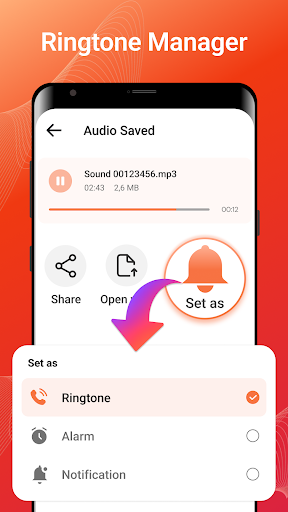
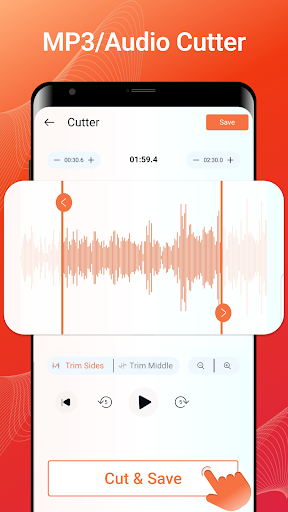
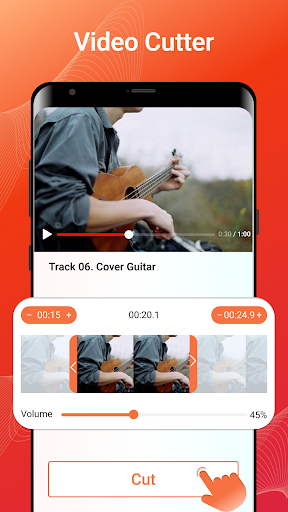
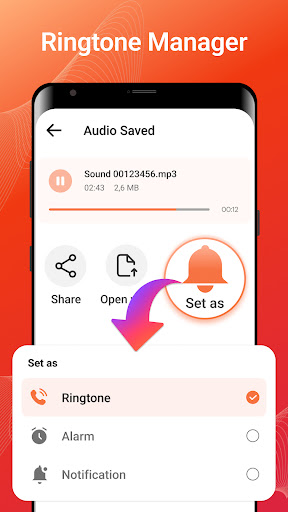
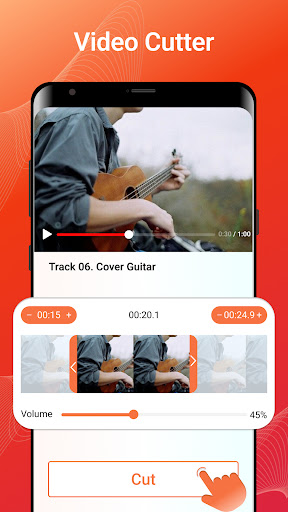
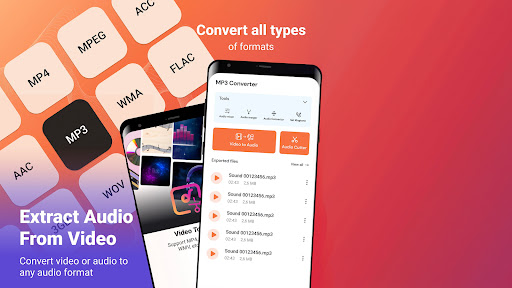
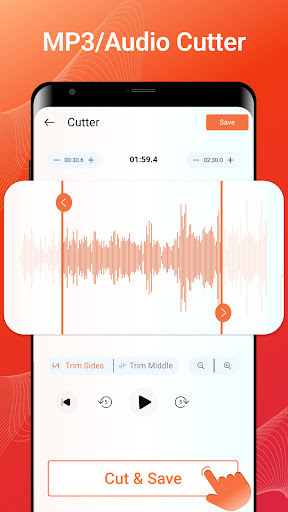
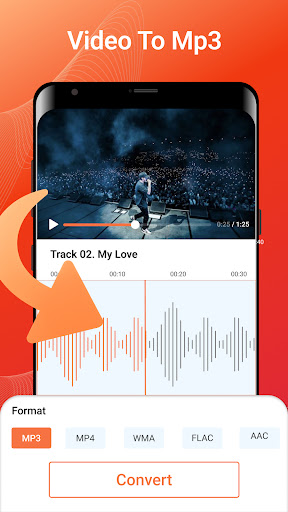
Advertisement
About MP3 Converter - Video to MP3
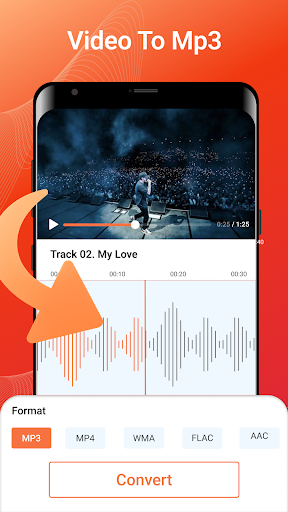
MP3 Converter - Video to MP3 is a very considerate app. It is specially designed for Android phones. It is super easy to operate. It basically works at one click. You can easily turn videos into high-definition MP3 audio. The interface is simple and intuitive, it is very easy to use, and the performance is also very reliable, allowing you to use it without any jams and can quickly extract the sound from the video. The experience is great. For people who like to listen to music or create content, this tool is simply a savior. It is both practical and convenient. It can handle any format. It is really a multi-functional helper that can help you turn video content into various needs. Audio format, it's simply too convenient!
Overview
core features
- This software interface is super friendly and easy to operate. You can turn a video into MP3 with a few clicks. It's so simple!
- It can extract high-quality audio and adjust output options according to your preferences to meet various needs. It's very considerate!
- Built-in GPU acceleration, conversion speed is fast, basically much faster than other ordinary converters, the experience is great!
- Support offline mode, you can complete the conversion even without the network, and you don't have to worry about the embarrassment of poor network. It's very practical!
- It can also convert multiple videos in batches, which is extremely efficient and saves time and effort. It is really worry-saving and labor-saving!
- The embedded file management function helps you organize the transferred files. It is extremely convenient to find them. How considerate!
- There is no advertising interruption, it is very smooth to use, and it will not be disturbed by pop-ups. The experience is very refreshing!
- Supports various video formats. As an audio solution, it is really reliable and highly compatible!
Who is suitable for?
This mobile app is especially suitable for friends, students, or content creators who like music, especially those who often have to make audio files. The interface is simple and there is no pressure to use daily. Anyone can easily get started and quickly complete audio conversion.
Whether you want to purify the soundtrack in the video or make a song list, this app is particularly reliable and can help you complete tasks efficiently and make your daily routine more convenient and smoother!
why this
What makes this Android software special is that it transfers audio quickly and well, is also designed to be particularly intuitive, and is super simple to operate. It is smooth and natural to use, with almost no jams. It is a trustworthy choice and is especially suitable for people looking for a stable and easy-to-use converter or media player.
Compared with other software, it is equipped with powerful functions, supports offline use, and does not have those annoying advertisements. Converting and managing audio files becomes easy and reassuring. It is the best choice in mind!
Top Recommended Alternative

Pros & Cons
Pros
-
The conversion speed is quite fast
-
The sound quality is not bad
-
The interface is quite simple
-
Supports many video formats
-
No watermarks, clean
Cons
-
Limited customization options
-
There is an advertisement when using it
-
Old equipment occasionally crashes
-
The editing function is not strong
-
Inconvenient local file management
Advertisement
Download MP3 Converter - Video to MP3
FAQ
How do I install and set up MP3 Converter - Video to MP3 on my device? +
Installing this MP3 Converter - Video to MP3 software is actually quite simple. Just find it in the Google Store, click on install, and wait for it to be installed. Don't worry, friends on iOS devices. Once it's on the shelves, you can also go to the App Store to find it.
Once installed, open the software and follow the prompts to grant those permissions. The interface is super intuitive and easy to operate. The conversion of videos into high-quality MP3 is not too fast. It is suitable for all types of users, and it can be easily handled whether you are a novice or an old driver.
Is MP3 Converter - Video to MP3 safe to use on my Android device? +
Of course, this MP3 Converter - Video to MP3 is a very reliable application that cares about user safety issues when designing it. It's in the Google Store, and Google will help you review security and regulations, so you don't have to worry about anything going wrong. In short, downloading from regular channels is safe.
The functions are also quite considerate, with good privacy protection measures and rights management, so that you can use them with confidence. Your mobile phone security and data can be guaranteed, and you no longer have to worry about privacy being leaked. You can easily use this software to solve the need for video conversion to MP3.
What are the main features of MP3 Converter - Video to MP3? +
This Android app is a feature-rich app that can help you turn videos into MP3 audio files. You can easily extract audio from your favorite videos, crop or edit audio clips, and save them directly into high-quality MP3 files on your phone. It supports multiple video formats, which is very convenient and can handle it no matter what format your video is in.
Especially designed for small friends who love music, the operation is smooth, the conversion speed is fast, and the experience is great. The interface is also quite friendly, and even novices can easily get started. It is a good helper for audio conversion.
Can I use MP3 Converter - Video to MP3 offline? +
Of course you can! The experience of this software is designed to be used offline, provided that you have to download and install it first. As long as you download it in the Google Store, you don't need the Internet anymore, and you can also convert the video into MP3 files. It's very convenient and you can take it with you at any time and listen to it if you want to.
The efficiency is also high, and the output sound quality is great, so you don't have to worry about being unable to handle it when the network is bad. It is especially suitable for friends who are often away, do not have Wi-Fi, or have limited mobile traffic. The functions are not compromised at all.
Does MP3 Converter - Video to MP3 support multiple formats? +
Supported! This app can handle multiple video formats, whether your video is MP4, AVI, or other common formats, there is no problem. Its conversion function is very powerful and can easily convert various videos into high-quality MP3 audio.
This flexibility makes it easier for you to use without worrying about formatting issues. Moreover, the entire interface is also very friendly and simple to operate, which helps you easily handle all audio extraction needs. Changing video into music is really a convenient operation.
Customer Reviews
Users overwhelmingly praise MP3 Converter - Video to MP3 for its ease of use, fast performance, and intuitive interface. Many highlight its ability to flawlessly extract high-quality audio from videos, supporting multiple formats. The app is described as reliable, stable, and ideal for quick tasks. However, some users note a learning curve—'it takes a while to figure out.' The most significant complaint concerns excessive ads, with one reviewer stating 'too many ads' prevented them from even reaching the conversion pane. While the majority find the app excellent and highly recommend it, a minority report unacceptable defects or find the ad frequency disruptive.
Write a Review
Share your experience with MP3 Converter - Video to MP3. Submissions are reviewed before publishing.
You Might Also Like
More apps you may want to try next.




