
Video Home - Speed Play
Advertisement
Screenshots
Advertisement
About Video Home - Speed Play
Overview
core features
- Intuitive video editing tools allow you to easily crop, clip, and split clips. The operation is smooth and effortless.
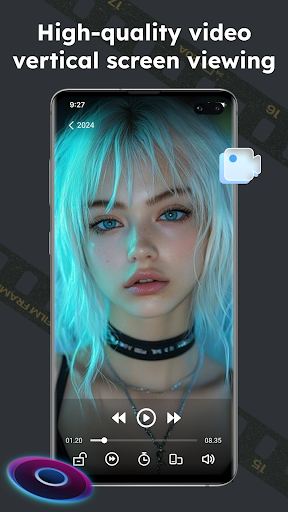
- Speed playback and smooth real-time synchronization ensure that your video playback is efficient without any interruption. It's really comfortable to look at.
- Various rich functions, such as filters, special effects, and transitions, can easily stimulate your creativity and make the video more interesting.
- Support offline mode, you can edit while viewing without having a network, so you don't have to worry about unstable network and making things difficult.
- The interface is super friendly. Whether you are a novice or a veteran, you can get started at a glance, and the operation is particularly smooth.
- Provides advanced export options in multiple formats, which can be easily shared on major platforms, and you no longer have to worry about format issues.
Who is this app suitable for?
This mobile app particularly appeals to friends who like to create, love social media, or like to post videos. The age range is 15 to 45 years old and want to use simple tools without giving up powerful features. Especially suitable for those who want to quickly complete editing on Android phones without having to go through cumbersome software.
Whether it is to store your own special memories or to promote yourself, you are all eager to use this app to shoot your own wonderful videos anytime, anywhere. Its design focuses on convenience and efficiency, and it is really considerate to ordinary users.
Why choose this app
This Android app is not only reliable, but also has comprehensive functions, making it especially suitable for mobile video editing. Its interface is super friendly and fast, making it a godlike existence compared to many cumbersome editing software, making making videos effortless.
With a smooth user experience and offline functions, Video Home - Speed Play helps you easily achieve various video goals without worrying about network jams or complex operations. It focuses on core functions and is highly practical, making it the most worthwhile choice in the tool class Launcher."
Top Recommended Alternative

Pros & Cons
Pros
- user-friendly interface
- Smooth playback of HD video
- Adjustable playback speed
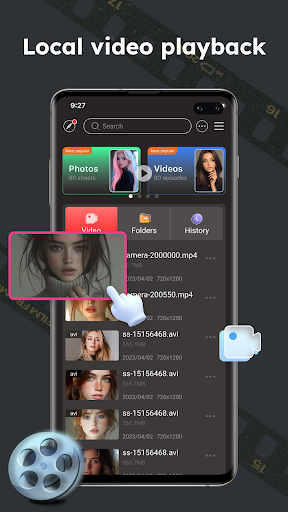
- Offline viewing function
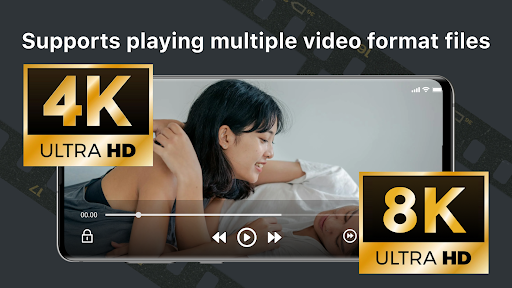
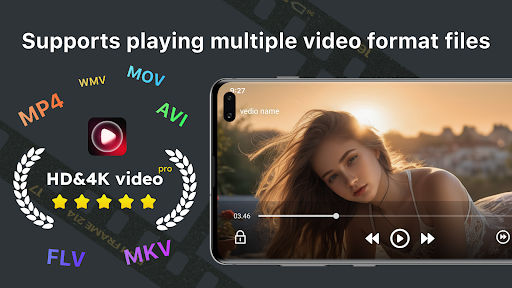
- Compatible with multiple video formats
Cons
- Free features are limited
- Occasionally break down
- Fewer customization options
- New users need adaptation period
- Power consumption faster
Advertisement
Download Video Home - Speed Play

FAQ
Is Video Home - Speed Play safe to use on my device?+
Of course, Video Home - Speed Play is designed very carefully, and user safety comes first. It is the well-known app on the Google Play Store. It meets Google's security standards for Android apps and is quite reliable.
Before downloading and installing, remember to download from official channels and keep your device system up to date. The security measures of this application are quite solid and are a trustworthy choice for users who want to find a stable launcher.
How do I install Video Home - Speed Play on my Android device?+
It's very easy to install this launcher. Just search for it in the Google Play Store and click to install it. That's it. It's easy to operate and quick.
It is smooth to use without any jams, and you can also customize many functions to improve your device experience. Basically, most Android phones can be used, and the setup process is very intuitive. Whether you are a novice or a veteran, you can do it.
Does Video Home - Speed Play work on older Android versions?+
Currently, the latest version of this app is basically optimized for Android 5.0 and above. If you are still using an older system, some features may not be perfectly supported, but most of the basic launcher functions are fine.
In order to have fun, it is recommended that you keep your device system up to date. As a launcher, the goal of Video Home - Speed Play is to make your interface more beautiful and convenient, so you can use it easily no matter how the Android version changes.
Are there any safety concerns with using this app?+
This Video Home - Speed Play is downloaded from official channels. The security is quite guaranteed. It will not carry viruses and does not have those annoying permissions. There is basically no need to worry about equipment problems.
However, it is recommended that you pay attention to application permissions and keep the security software on your device up to date. Its features include many customizations and quick actions that are easy to use without endangering your privacy and security.
Can I customize the app to fit my preferences?+
Of course! This launcher has many functions. You can customize the layout, icons, shortcuts and so on of the homepage to make it more consistent with your style.
In this way, the overall use will be more convenient, and personalized operations will make your device more intimate. The interface design itself is also very friendly, and it can be easily handled by both a novice and a technical enthusiast.
Does Video Home - Speed Play improve my device's performance?+
Although its main task is to serve as a launcher, using it can also make your Android experience smoother, such as quickly launching commonly used applications and smoother switching.
It is designed to be light and efficient, which can help you reduce stuck feelings and make the device more responsive. With this type of application, the overall experience will be more refreshing and smoother.
Is this app suitable for all user levels?+
Absolutely suitable! Whether you are a novice or an old player, Video Home - Speed Play will satisfy you. Its interface is very intuitive and easy to operate, so you don't have to worry about changing the interface or anything.
Custom features are simple and clear, and can quickly help you build your device into your style, with user experience at its core. Use it so that everyone can use it smoothly.
Where can I find support if I encounter problems with the app?+
Don't worry if you encounter problems, support information is on the Google Play page and developer contact information. User reviews and frequently asked questions are also good resources.
As an application-driven tool, developers attach great importance to user feedback and often push updates, fix bugs, and optimize functions. Make sure your equipment runs steadily and use it with confidence. This starter is quite reliable.
You Might Also Like
More apps you may want to try next.