
USB Camera
Advertisement
Screenshots
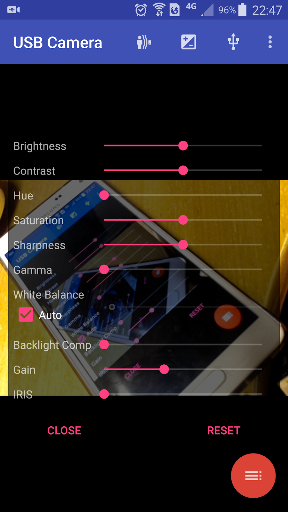
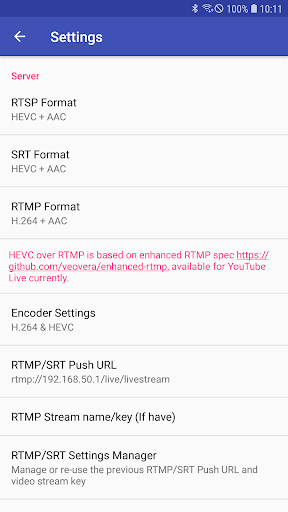
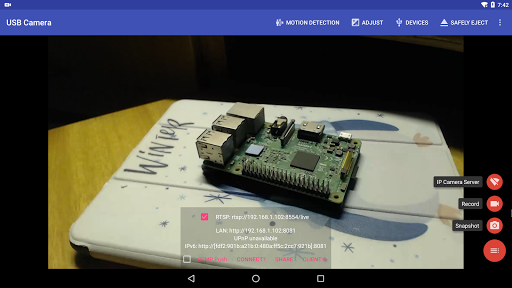
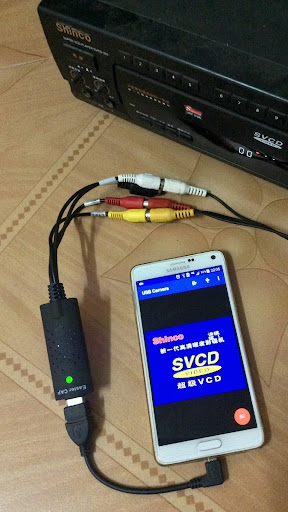
Advertisement
About USB Camera
USB Camera is a multi-purpose Android app, basically turning your device into a high-quality video capture tool. Whether you want to record a video or broadcast it live, it can give you a simple and reliable solution, especially suitable for users who want to shoot efficiently. As a popular application in the video player and editor category, the intuitive features it brings can really make you use it smoother and more handy on your mobile phone.
Overview
core functions
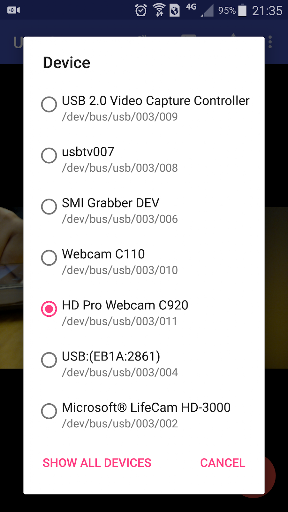
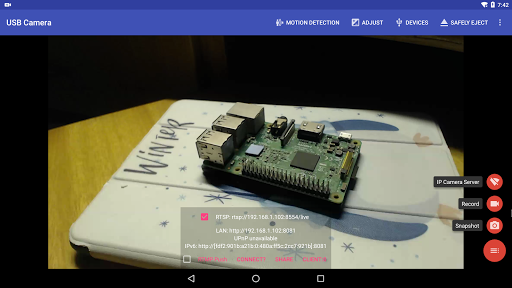
- Allows users to directly connect and control the USB camera with their mobile phones and preview videos in real time, making it feel extremely smooth.
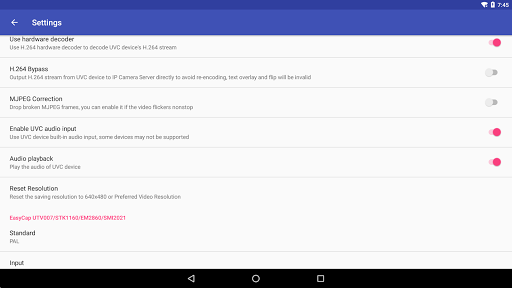
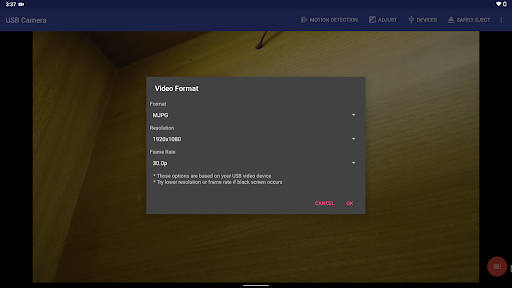
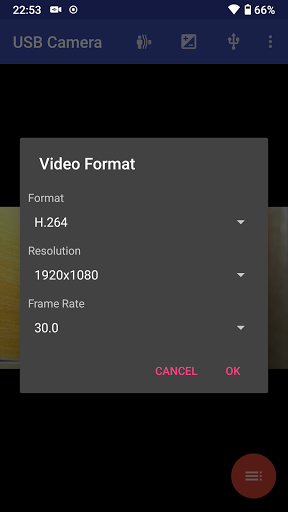
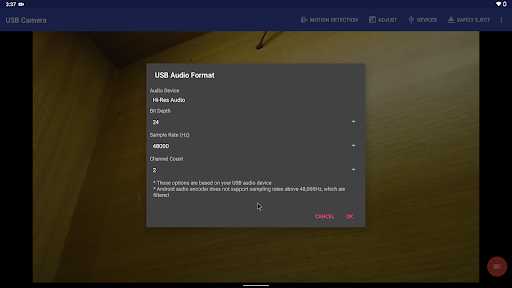
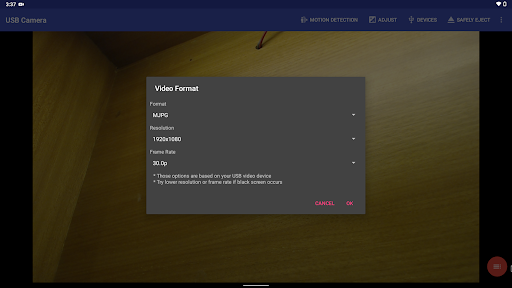
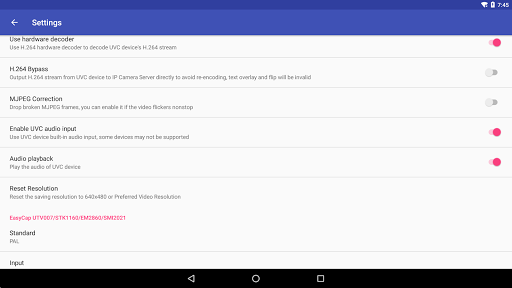
- Supports recording high-quality video, and can adjust the resolution and frame rate. Whether it is professional shooting or casual playing, it is just right.
- The interface is particularly intuitive, and switching camera modes and settings is effortless and easy.
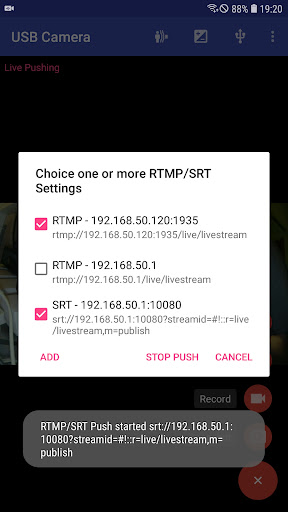
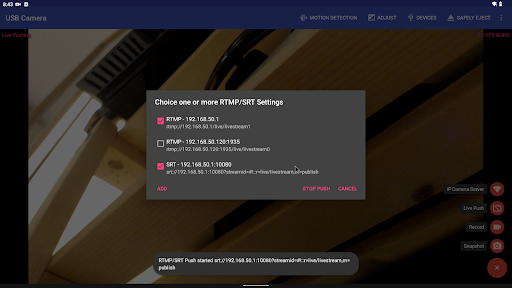
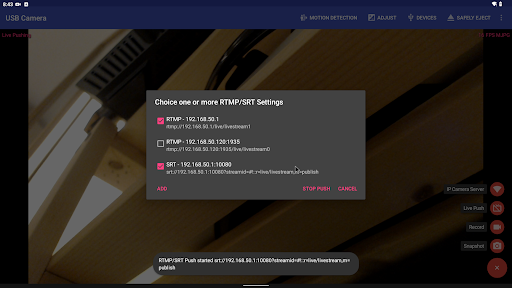
- It can also be broadcast live to all parts of the world in real time. It is really a good helper for remote monitoring or live broadcasting. It is as convenient to use on an Android machine as it is around you.
- Support capture and save, and can also be organized into beautiful photo albums, which instantly improves the user experience.
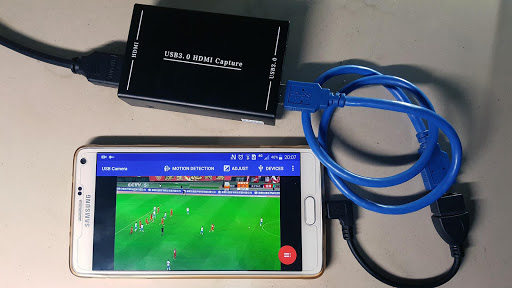
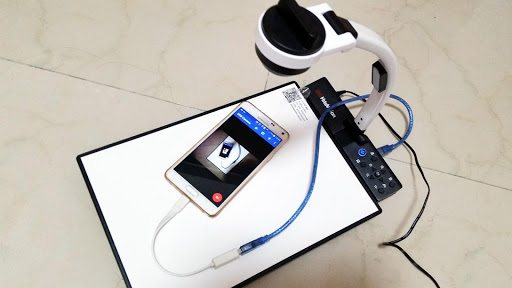
- Compatible with various USB camera models, no compatibility issues, diverse devices and richer functions.
- It also supports video overlay and annotation functions, which is a blessing for content creators and makes content easy.
Who is suitable for?
This mobile app is mainly for technology fans, content creators and security personnel. People who want a reliable mobile camera management tool will like it. Ideal for Android users who need easy and quick access to USB camera functions.
Whether it's live broadcast, video shooting or surveillance, this software is very suitable. It is particularly friendly for play-loving and professional users. It can also help you easily handle complex camera settings and connections, making the user experience better.
Why choose this model?
What makes this Android app outstanding is that it is powerful and simple in interface, making complex camera debugging as simple as cutting vegetables. It is particularly reliable to use and meets various needs of users for USB camera control.
The difference lies in its good compatibility, real-time live streaming capabilities, and a design that carefully meets user needs. It can stand out among video players and editing applications. It is both practical and trustworthy. It is really a good choice.
Top Recommended Alternative
Pros & Cons
Pros
-
High-definition video recording, the quality is really good
-
Support multiple cameras used together
-
Good real-time preview
-
The operating interface is very friendly
-
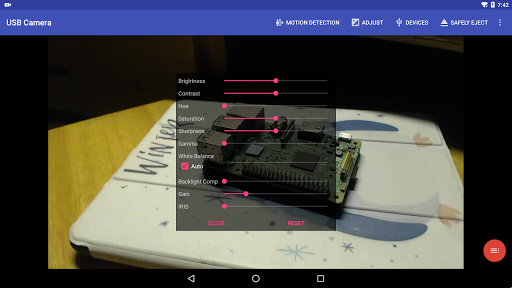
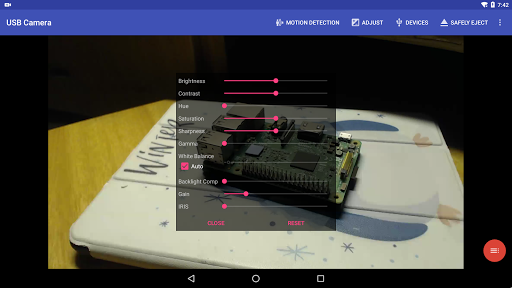
Settings can be adjusted, which is quite personal
Cons
-
Platform support is not comprehensive
-
Occasionally I get stuck
-
The recording function is relatively basic
-
Customer service is not very good
-
Relying on USB port stability
Advertisement
Download USB Camera
FAQ
Is the USB Camera app safe to use and free from malware? +
Of course, the application of this USB Camera is quite reliable, and it is absolutely reliable when it comes to safety. It was developed by some famous development teams and can be found on any formal platforms. Remember, you must go through official channels and don't make any messy versions, otherwise it may bring viruses or security risks.
Itis an application that is familiar to the Android circle. It will push updates from time to time, fix some loopholes, add new features, etc. Using a genuine version brings a real sense of security and can protect your device and data. Not infringed.
How do I install and set up the USB Camera app on my device? +
It's quite simple and the operation is quite intuitive. You just need to find this USB Camera on the Google Play Store, click on it, and follow the prompts to install it. Remember to make sure your phone or tablet meets the minimum requirements so that it can be used smoothly.
Afterinstalling it, open the app. The basic settings are authorization permissions, such as camera permissions. This will make the operation smoother and ensure that it works well with your equipment and accessories.
Does the USB Camera app work with different Android devices and versions? +
Absolutely. This USB Camera supports most Android devices, whether it's a mobile phone or a tablet. It is compatible with many Android versions and can meet the needs of a wide range of users.
Ifyour device supports OTG (that thing called On-The-Go), you can easily connect to an external camera. This is also a very practical application solution. You can check the specifications of the device to see if it supports OTG to ensure compatibility.
What features make the USB Camera app stand out compared to other video players & editors? +
The interface of this APP is quite friendly and easy to use. It can easily connect and operate the camera via USB. It also supports real-time preview. The connection to external devices is also smooth. The overall experience is quite good.
Itsfeature is that it can adjust the resolution and frame rate of the video. It is quite reliable and suitable for professional shooting or ordinary play. Moreover, the function of supporting external hardware is also a highlight. Friends who like to use hardware to expand will like it very much.
Can I use the USB Camera app without an internet connection? +
Of course, the main functions can basically be used offline. Once installed, there is no need to connect external cameras, video recording, etc., which is especially suitable for use outside or on site. It is quite convenient.
However, if you want to update software or use some additional online features, you may need a network. In general, core operations do not rely on the network at all. It is a flexible application suitable for various scenarios.
Is the USB Camera app suitable for professional use or only for casual users? +
This APP is suitable for both ordinary users and professionals. Its functions are quite powerful, such as supporting external cameras, various custom settings, and shooting tasks.
Whetheryou're shooting in the studio or going out on the field, this application-based solution provides enough flexibility and reliability. There is no problem in professional occasions where you want to do high-quality video input. It is worth a try.
What kind of support or updates does the USB Camera app receive? +
The development team has been pushing new versions, continuously optimizing functions, and fixing security hazards. This support is quite thoughtful, allowing users to use it with peace of mind and gradually becoming more stable and easier to use.
Ifyou encounter problems or have suggestions, you will usually get quick feedback and resolution. Keeping up to date also ensures compatibility with the latest Android systems and hardware, no problem!
Where can I learn more about the app's features and user experiences? +
For more information, it's best to go to the comments section on Google Play, where there are many reviews and experiences shared by real users who have used it. There are many practical tips and suggestions in it.
Asa software expert, I suggest you read these reviews before deciding, especially if you want to find a reliable, feature-rich application, it can be helpful to have an in-depth understanding of user feedback.
Customer Reviews
Users widely praise USB Camera for its broad device compatibility (Samsung, Huawei, Ulefone, etc.), easy connection with USB cameras/endoscopes/capture cards, and effective performance for video recording and live viewing. The app offers rich settings, customizable buttons, and reliable updates from developers. Key concerns center on ads: while some find them reasonable and non-intrusive, many others report persistent ads appearing in the middle of the video, blocking full-screen use, or interrupting connections at critical moments. Compatibility is generally strong, although the app fails on some models like Samsung Galaxy S24. Feature-wise, it works well for basic use but lacks 4K and 24 fps support, and cannot pass camera feed to external apps for video conferencing. The interface is English-only, causing issues for non-English speakers. Overall, a capable USB camera tool with ad-related frustrations and some feature gaps.
Write a Review
Share your experience with USB Camera. Submissions are reviewed before publishing.
You Might Also Like
More apps you may want to try next.




