TV Remote - Universal Control
Screenshots
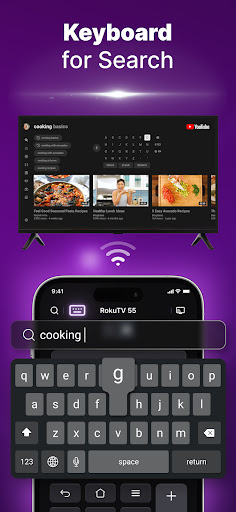
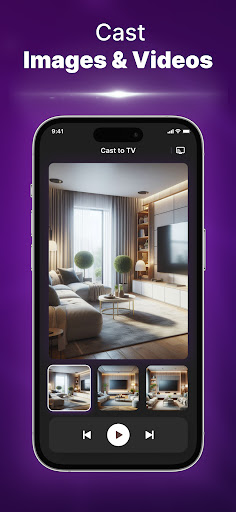
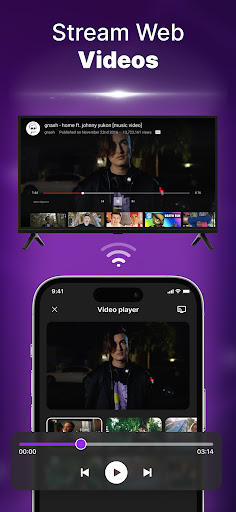
About TV Remote - Universal Control
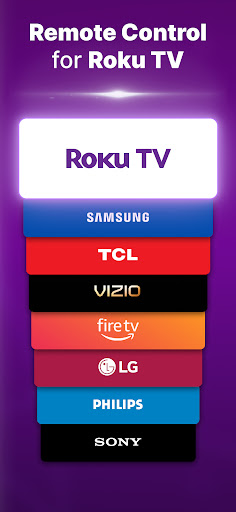
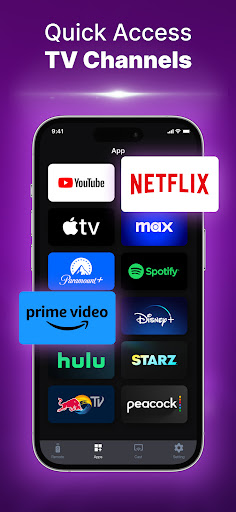
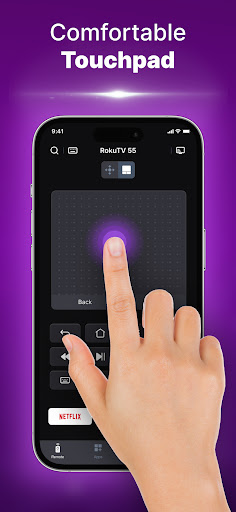
TV Remote -Universal remote control is a pretty good Android application that allows you to use your mobile phone to turn it into a universal remote control for various devices. This software is really considerate. It is simple to operate and has an intuitive interface, making it particularly easy to use. The best thing is that it combines so many remote controls into one and directly packages them into one easy-to-use starter. It feels particularly convenient and is definitely a reliable solution to replace the physical remote control with a mobile phone.
Overview
core functions
- The interface is very intuitive and super easy to operate. You can easily find your favorite equipment without having to worry about searching for a long time.
- Support a variety of home appliances, such as TVs, air conditioners, stereos, etc., with extremely rich functions, covering almost all your remote control needs.
- The synchronization is done wonderfully, multiple devices are controlled without any interruption at all, and there is almost no delay. It is so smooth that it is touching.
- It can also be used offline mode. It can be used even without the Internet. It is very considerate. You don't have to worry about not being able to find the remote control when you are away.
- The Android version is compatible with everything, and the mobile platform is diverse, giving you more choices and convenience.
- The remote control layout can also be customized, you can adjust it any way you want, completely according to your habits, this is a really good experience.
- Security protocols are in place to ensure that your privacy is not compromised and that you are more secure when controlling your equipment.
Who is this software suitable for?
This mobile app is especially suitable for those who understand technology and want to use a simple and versatile remote control. It's really suitable for friends who like to use one software to fix various devices at home.
Generally speaking, people aged 20 to 50 who want to find a convenient and practical application to manage multiple home appliances will definitely find this software particularly useful. It is easy to use in ordinary times, and it saves trouble to have family parties or something remotely.
Why choose it?
With its diverse functional experience, this Android app stands out among all remote control software. It is really a one-stop solution that helps you save time without having to carry a bunch of remote controls. It's so thoughtful!
It pays special attention to the user experience, real-time synchronization, and device compatibility is also particularly broad. It can solve the troubles you usually encounter, making controlling home appliances particularly convenient and safe, and trustworthy!
Top Recommended Alternative
Pros & Cons
Pros
- Wide device compatibility
- The interface is particularly friendly
- The remote control can be adjusted by yourself
- extra functions
- offline operation
Cons
- Limited equipment supported
- Battery drains quickly
- It's a bit troublesome to set up for the first time
- Occasionally I get stuck
- Not many free features
Download TV Remote - Universal Control

FAQ
How do I install the TV Remote - Universal Control app on my device?+
Is the TV Remote - Universal Control app safe to use?+
What features does the TV Remote - Universal Control app offer?+
Can I use the TV Remote - Universal Control app on my smart TV or with other devices?+
What should I do if I encounter problems installing or using the app?+
You Might Also Like
More apps you may want to try next.