NFC Tools - Pro Edition

NFC Tools - Pro Edition

Discover NFC Tools - Pro Edition, the leading NFC app for reading, writing, and automating tasks. now to unlock powerful NFC features on your device.

Screenshots

15 images
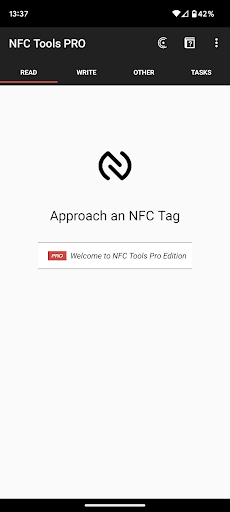
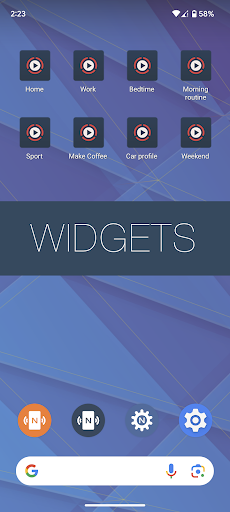
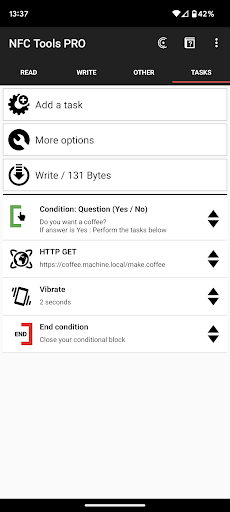
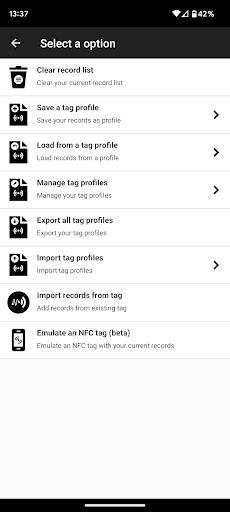
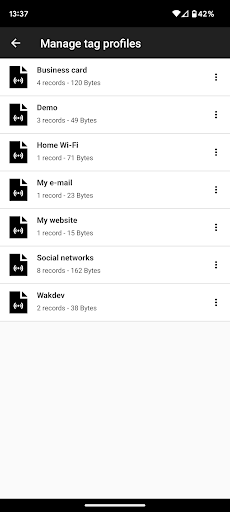
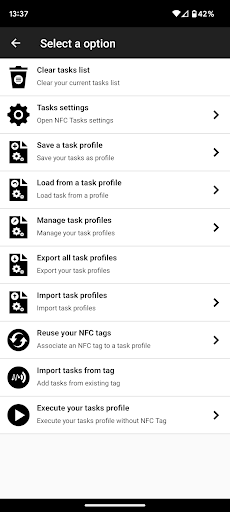
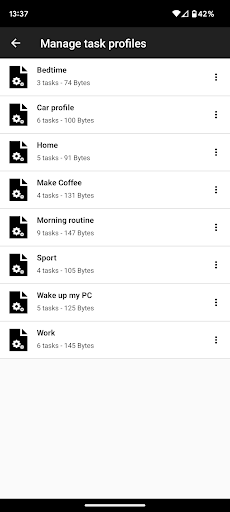
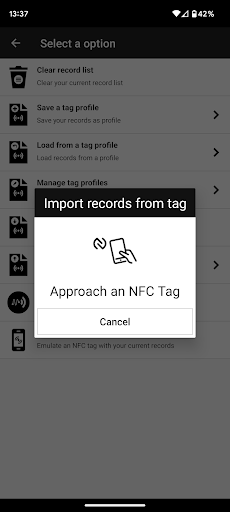
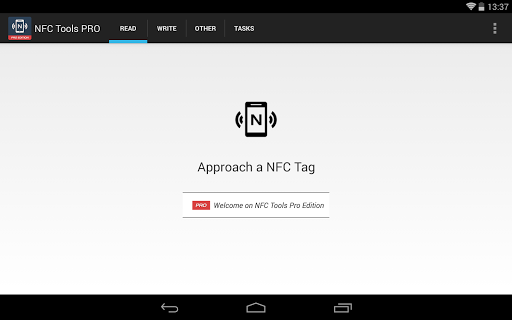
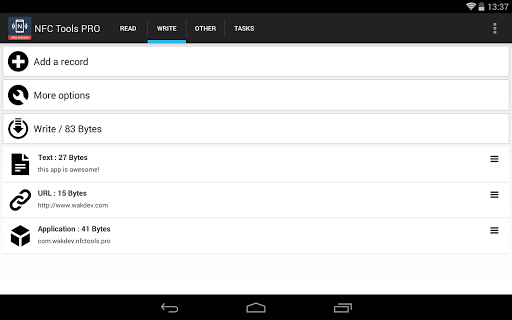
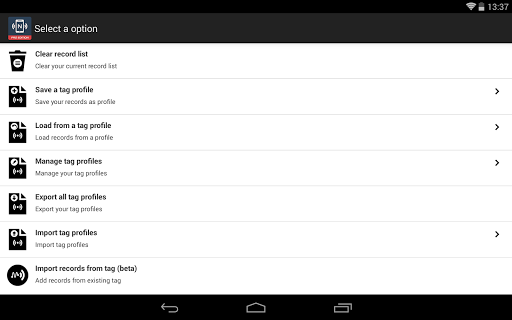
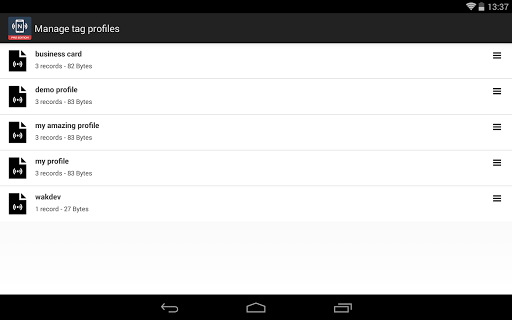
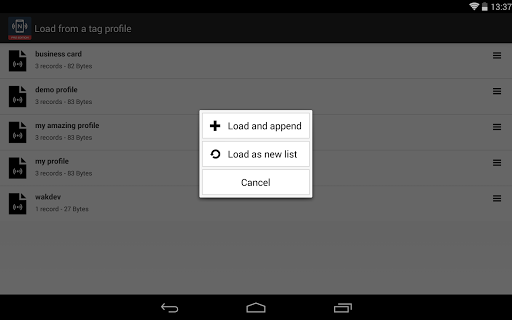
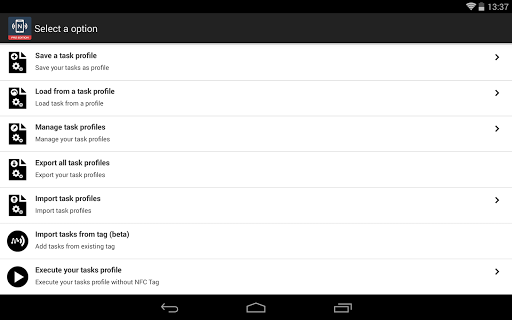
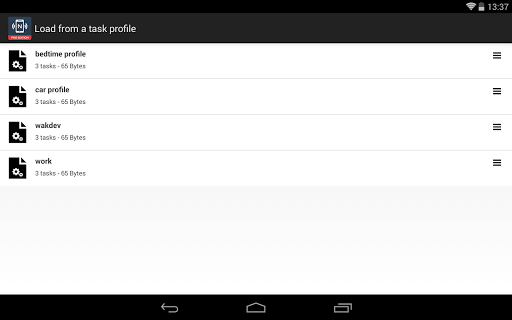
NFC Tools - Pro Edition screenshot 1NFC Tools - Pro Edition screenshot 2NFC Tools - Pro Edition screenshot 3NFC Tools - Pro Edition screenshot 4NFC Tools - Pro Edition screenshot 5NFC Tools - Pro Edition screenshot 6NFC Tools - Pro Edition screenshot 7NFC Tools - Pro Edition screenshot 8NFC Tools - Pro Edition screenshot 9NFC Tools - Pro Edition screenshot 10NFC Tools - Pro Edition screenshot 11NFC Tools - Pro Edition screenshot 12NFC Tools - Pro Edition screenshot 13NFC Tools - Pro Edition screenshot 14NFC Tools - Pro Edition screenshot 15

About NFC Tools - Pro Edition

NFC Tools-Pro is a powerful mobile application that helps you easily read, write and manage data on NFC tags. As a full-featured and intuitive application, its interface design makes it easy to use whether you are a newly-started Xiaobai or a veteran who has played for many years. Supporting Android devices is a great feature point. It allows you to customize NFC operations as you want and easily handle automated tasks. It is a great helper!

Overview

core functions

  • This app is super easy to use. You can read and write NFC tags, and everyone can start using it. It is extremely user-friendly.
  • Advanced data editing function allows you to customize NFC tags the way you like, supporting URLs, contacts, etc., and putting whatever you want.
  • Scan NFC in real time and give you feedback immediately. The sense of experience is improved more than a little, and you can use basic things from Xiaobai to God smoothly.
  • Supports multiple NFC tag types and is widely used. Whether it is automation or information sharing, it can meet your small needs.
  • Comes with backup and restore, data security is guaranteed, play with peace of mind, and be not afraid of losing data.
  • A solution specially designed for Android devices is also supported in offline mode, so you don't have to worry about network problems when using it continuously.
  • Automate tasks, script functions, and easily complete NFC processes. You are a member of Mini programs!

Who is this App suitable for?

This mobile app is very suitable for technology fans, security experts or friends who are interested in NFC. I want to find a reliable tool to help you get NFC tags on your Android phone, or use them as a quick entry point that will be easy to use.

Whether you are a small business owner who uses NFC to make contactless payments, or an enthusiast who likes to mess with NFC automation, this App can give you an intuitive and smooth experience, suitable for people in various scenarios and different skill levels.

Why choose this App

This Android app stands out with its comprehensive features and powerful NFC management tools, providing a reliable solution that makes daily operations simple and smooth. The interface design is intuitive, and complex NFC operations seem effortless and stress-free.

Combining advanced technology and user trust, coupled with a reliable user experience, this App seamlessly integrates NFC functions to solve common problems, far better than other NFC tools or launchers you may have used.

Top Recommended Alternative

Pros & Cons

Pros

  • user-friendly interface
  • Super compatibility
  • Advanced label management
  • security guarantee
  • frequently updated

Cons

  • Too few free features
  • Insufficient NFC compatibility
  • High-order functions have a learning curve
  • Unstable detection in noisy environments
  • Many export restrictions

Download NFC Tools - Pro Edition

You are going to be redirected to the official website to finish the download when you click these buttons above.

FAQ

Is NFC Tools - Pro Edition safe on my device?+
Don't worry, NFC Tools - Pro Edition is quite reliable. It is a verified mobile application that is designed with user safety in mind. Don't worry, it can safely read your phone's NFC tag without messing with the bottom layer of your device. Remember to download and install it from official channels, otherwise you will be scared-don't take chances. This app has gone through many security inspections, and its functions also pay special attention to your privacy. User feedback is very good, saying that it is quite trustworthy as a mature NFC tag management tool.
How can I install or update NFC Tools - Pro Edition on my Android phone?+
The operation is actually very simple. Just go to the Google Play Store to find the official NFC Tools - Pro Edition page and click on it to make sure you get the real product. The same is true for updates. If you check updates regularly, you will not only use new functions, but also improve security. Even if you use it well, updates will automatically pop up to remind you, or you can go to the store and refresh it manually. In this way, it will be more comfortable to use and you don't have to worry about safety issues.
What common functions do NFC Tools - Pro Edition have?+
This app has many functions and is particularly convenient to help you write and read NFC tags. For example, you can write URLs, contact information or custom content on tags and use them just by scanning them. It can also scan NFC tags and directly read what data is stored in them. Support multiple tag types, whether you are a novice or an old driver, you can use them smoothly. The interface is very intuitive, and complex NFC operations have become easier, making your experience with this app cooler and worry-free.
Can I use NFC Tools - Pro Edition as a starter or use it for a little automation?+
In fact, NFC Tools is mainly used to manage NFC tags, but it can also help you automate to some extent, such as setting specific actions for tags or launching specific applications. In this way, you can use it to simplify some of the processes of mobile phone operations. Although it is not a special launcher, it seems to work quite well when combined with other automation or launcher applications. Especially when you want to use NFC tags to quickly open common applications or implement certain one-click operations, it can help and make your phone smarter.
Are there several versions of NFC Tools? Does the Pro Edition have additional features?+
Yes, there are free versions and Pro versions. The Pro version has many more advanced features than the free version, such as unlimited tagging, richer data formats, and enhanced security. It is especially suitable for users who often engage in NFC tags and need more powerful functions. If you choose the Pro version, the experience will be smoother. Whether you are a professional user or a playmaker who likes to toss around, you can use it more happily. Its goal is to let you break the foundation in managing NFC tags and play with new meaning.

You Might Also Like

More apps you may want to try next.