

Trace Drawing-Sketch and Paint
Advertisement
Screenshots


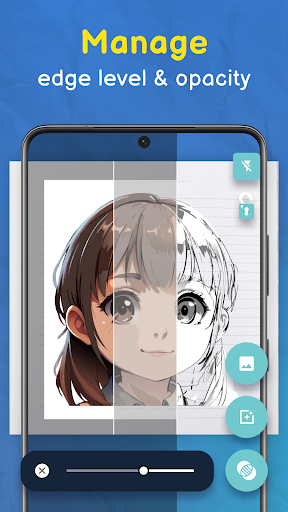
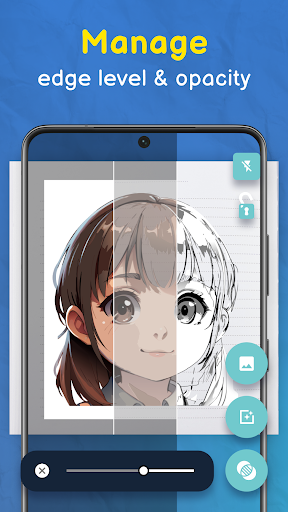
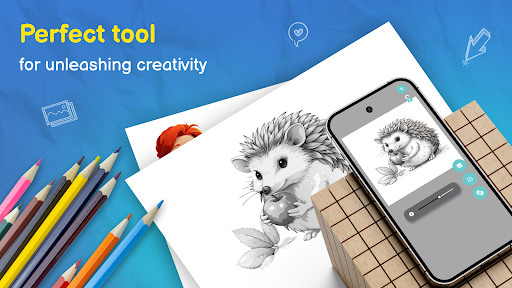
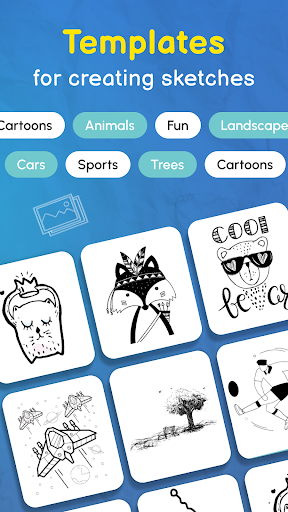


Advertisement
About Trace Drawing-Sketch and Paint
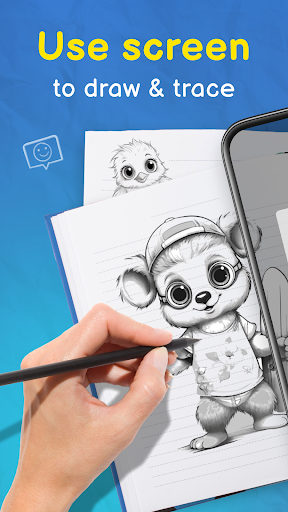
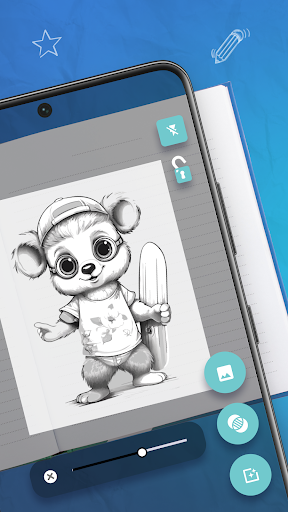
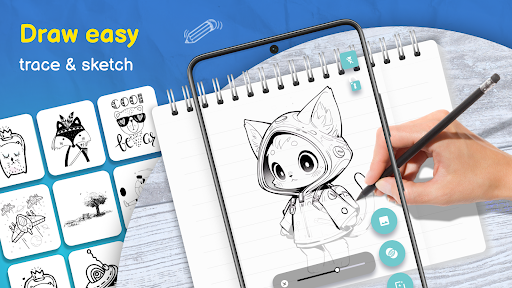
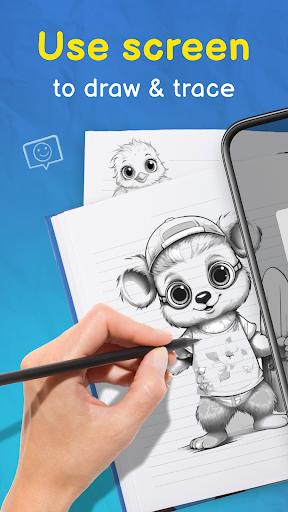
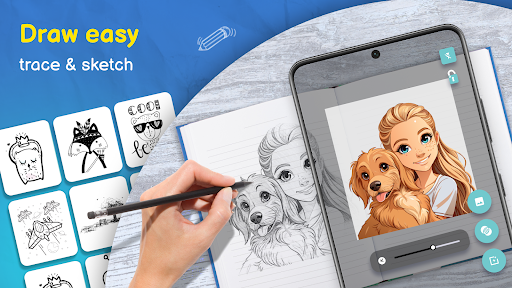
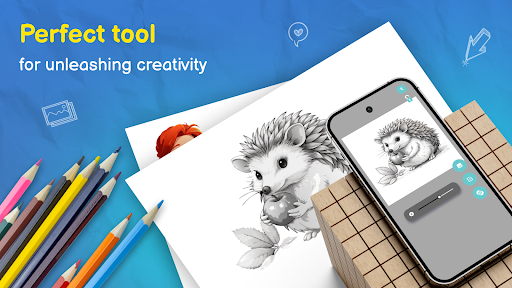
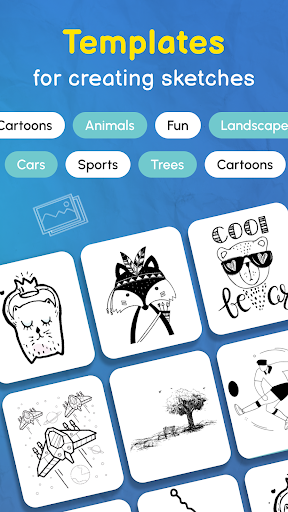
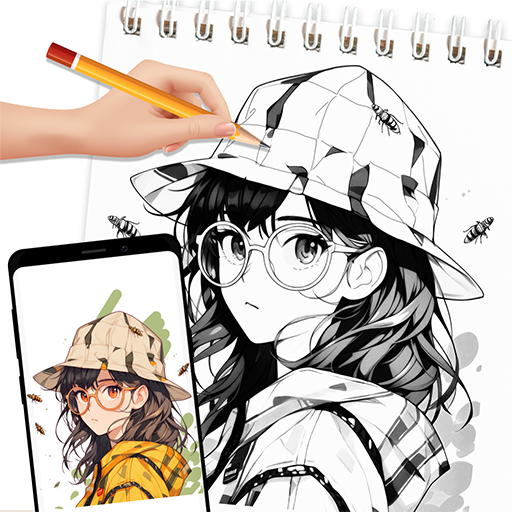
Trace Drawing-Sketch and Paint is really a powerful art design mobile app that basically allows users to easily complete sketches, illustrations and paintings of various details. Whether you are a novice or an experienced artist, this Android app provides a complete set of intuitive tools and functions that feel particularly intimate and can help you turn your ideas into reality. The interface is very friendly and easy to use. Many people who like to draw regard it as a reliable companion to explore their artistic potential. It is really a popular choice.
Overview
core functions
- This application interface is particularly friendly, super fast to start, intuitive and smooth to use, and very convenient to draw and color.
- Provide a variety of brushes and palettes to make your work more creative and draw delicate details without trouble.
- The real-time editing, undo and redo functions make the entire creative process smooth, and you don't have to worry about making mistakes. If you want to change, you can change it, which is very safe.
- Support offline mode, you don't have to worry about being disconnected from the Internet, and you can use your imagination to the fullest anytime, anywhere.
- It also comes with layer management, which is suitable for making more complex works of art, allowing you to control every detail.
- Built-in painting guides and tutorials, it's not difficult for beginners to use at all. It's easy to improve your skills. It's really considerate.
- The sharing function is also very smooth, and the completed works can be directly exported and shared, which is super convenient and fast.
Who is this app suitable for?
This mobile phone drawing software is especially suitable for amateur painters, students, and enthusiasts. As long as you like to draw and color, you can use it. It is simple and powerful, and you can use it anytime, anywhere to be creative.
Whether it's doodling on the way to and from work or polishing your digital painting skills, this app can meet your needs and is a great creative partner for creative fans of all ages.
Why choose this app
The biggest highlight of this Android app is its comprehensive functions, which take into account the needs of novices and professional painters, and the operating experience is great. It is very convenient to use offline, and the design is very considerate. It is really easy to use.
We sincerely provide a wealth of painting tools, and the user experience is very attentive. It can solve many problems in digital painting. It is definitely a trustworthy multi-functional creation starter. Friends who like painting must not miss it!
Top Recommended Alternative
Pros & Cons
Pros
- Intuitive painting interface
- Rich drawing tools
- Real-time rendering experience
- Support layer management
- Export and sharing capabilities
Cons
- Too few custom brush options
- Large files occasionally crash
- The color palette is too crude
- No version history
- The free version has limited export resolution
Advertisement
Download Trace Drawing-Sketch and Paint

FAQ
Is Trace Drawing-Sketch and Paint safe to install on my device?+
Of course, Trace Drawing-Sketch and Paint is a very reliable mobile app that can be found on the Google Play Store. It has gone through safety testing, so use it with confidence, there will be no hidden dangers.
Remember to download it from regular channels, such as Google Play, don't click on unfamiliar links, and keep your mobile phone security settings updated, so that you can feel more at ease when playing this graffiti software.
How do I start using Trace Drawing-Sketch and Paint after installation?+
After installation, click on it directly from the application menu of your phone and you can use it! The interface design is quite intuitive, and even novices can quickly find out how to start drawing immediately without waiting too long.
Most functions, such as brushes and coloring tools, are in the main menu and operate smoothly. This software is quite smooth to use. It allows you to easily use your creativity and won't be too long.
Does Trace Drawing-Sketch and Paint require an internet connection?+
Don't worry, once you install this software, you can use it offline! You can use it to draw anytime and anywhere, which is super convenient.
Of course, sharing works may require the Internet, but the core painting functions do not need to be online at all, which is quite flexible and the experience is more free.
Can I use Trace Drawing-Sketch and Paint on my tablet or only on smartphones?+
This software can be used on both mobile phones and tablets, and is designed quite flexibly. Whether you are using a small-screen Android phone or holding a larger tablet, you can enjoy the full functionality.
It can optimize performance under different screen size. It is a very versatile tool suitable for artists of all levels. If you want to find a reliable graffiti software, try it.
What are some popular features of Trace Drawing-Sketch and Paint?+
It has a variety of brushes, pigments and color palettes to help you draw detailed works. The interface is smooth and comfortable to use, allowing you to create and edit pictures as you please.
There are also functions such as layer, undo, and redo to make your workflow smoother. In short, the functional design of this software is quite considerate, professional and fun, especially suitable for friends who like digital painting to try it.
Customer Reviews
Users widely praise Trace Drawing for its clean interface, lack of ads (most reviewers note no commercials), ease of use, and useful features like the lock option and ability to import images from the gallery. Many appreciate the free drawing lessons and find it helpful for work or relaxation. However, some users report a poor first impression due to a forced 2-minute ad upon opening, while others criticize the subscription model as overpriced, wishing for a one-time purchase to remove ads. A few feel something is missing or off, though the majority rate it excellent overall.
Write a Review
Share your experience with Trace Drawing-Sketch and Paint. Submissions are reviewed before publishing.
You Might Also Like
More apps you may want to try next.


