
Timestamp Camera Pro
Advertisement
Screenshots



Advertisement
About Timestamp Camera Pro
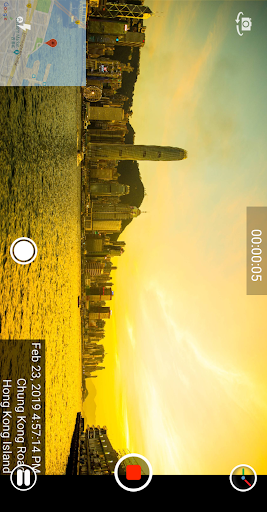
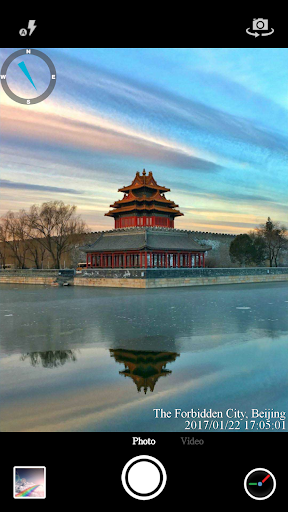
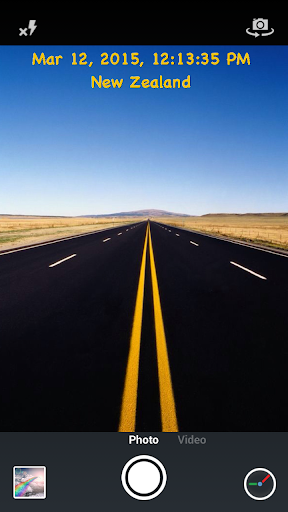
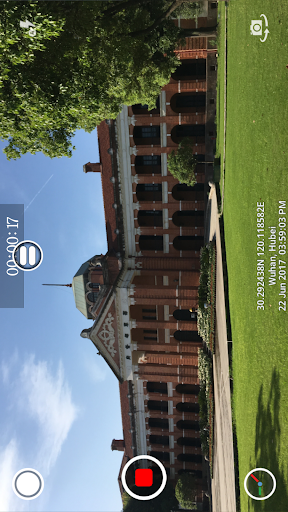
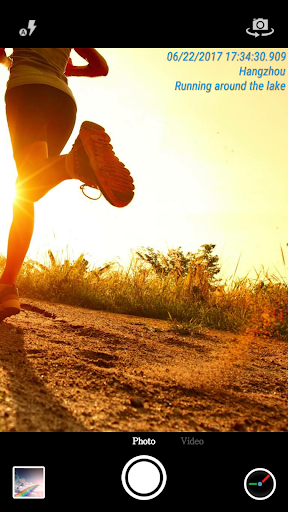
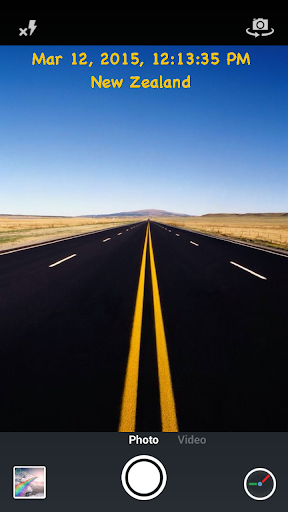
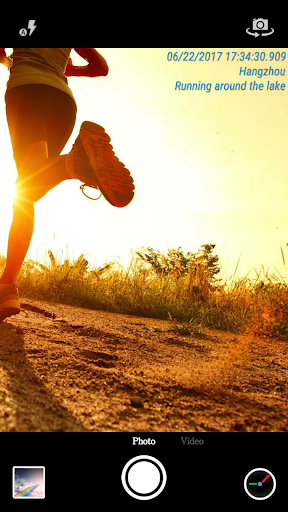
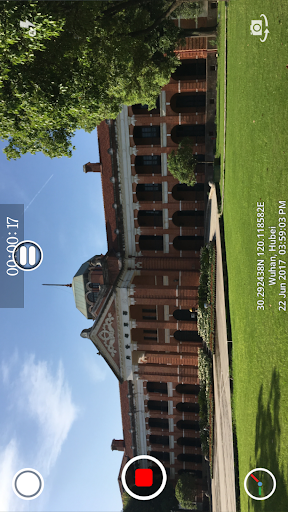
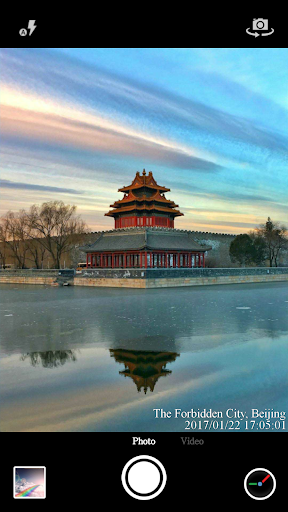
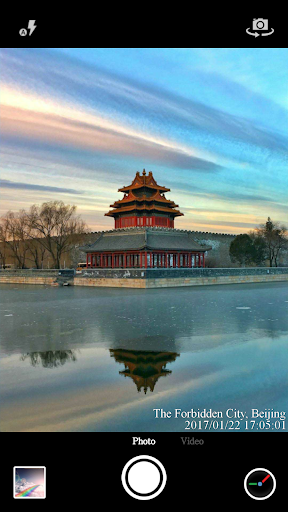
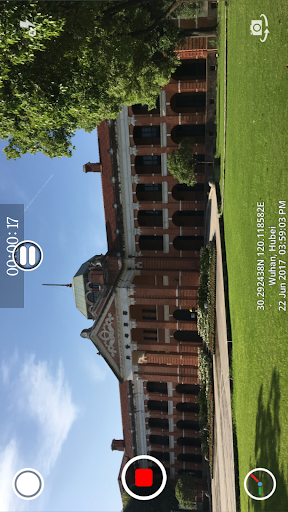
Timestamp Camera Pro is really a popular mobile application. It is specially used for taking photos and recording. It can also customize timestamps and tags, which is quite practical. This Android software allows you to easily and quickly add the date, time or text directly to a picture or video while shooting. It feels very intimate. Whether it is used to record personal life, create content, or for business purposes, it is competent. As a multi-functional app, its interface is simple and intuitive and easy to use, making it especially suitable for people who need to add timestamps and edit quickly and on time.
Overview
core functions
- Allows users to directly add custom timestamps to videos for easy organization and search without having to turn them over and over again.
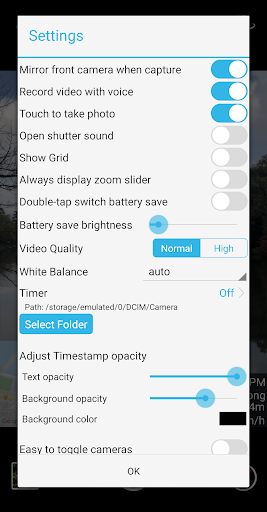
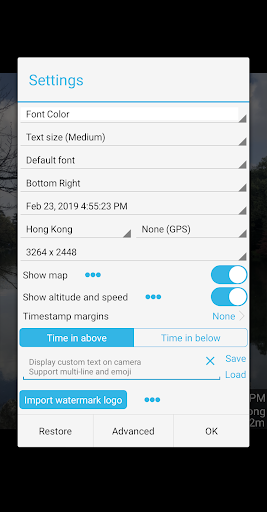
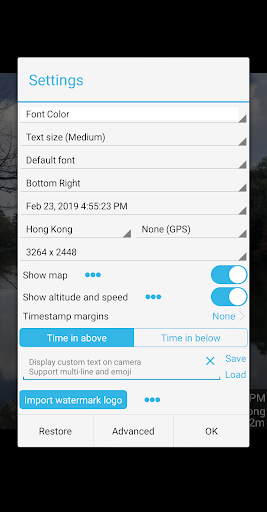
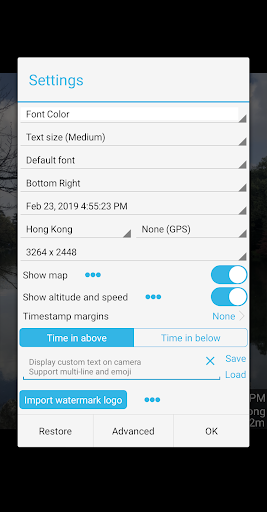
- Providing a variety of font styles, colors and position options, you can customize your image overlay, and the effect is really pleasing to the eye and interesting.
- Support real-time preview and editing, ensuring that you can adjust the timestamp repeatedly and save it when you are satisfied, so as to save you from regret.
- It also comes with playback speed adjustment and cropping functions, which improves the overall experience a lot, making editing easy and convenient.
- The interface is particularly considerate and specially designed for Android users. The operation is very simple, allowing even novices to make professional-level videos.
- Support batch processing of multiple videos, processing multiple clips at a time, saving a lot of time, which is really convenient.
- You can also share it on social platforms with one click, making content spread faster and making your work more influential.
Who is this App suitable for?
This mobile helper is especially suitable for content creators, social media enthusiasts, or those who need fast and reliable editing tools. If you use timestamps a lot or like to cut videos while walking, this Android app is definitely a good partner for you.
Whether you are a daily vlog blogger or a marketer who is busy selling, this software helps you easily watermarks and timestamps to make your videos more organized and look more professional without having to bother with those complicated software.
Why choose this App?
The reason why this Android software is so popular is that it is powerful and extremely easy to use, and it is well designed with the user experience. It can help you quickly complete video editing, saving time and effort, and the effect is great.
Compared with ordinary launchers or other editing tools, it finds a great balance between ease of use and the quality of output. It's so thoughtful to make your videos professional and able to control them easily!
Top Recommended Alternative

Pros & Cons
Pros
- Timestamp superposition is extremely accurate
- Real-time filter effects
- Export videos and photos in HD
- Gesture control is fast
- Built-in editing tools
Cons
- Less personalized interface
- High-resolution recording occasionally gets stuck
- Free version has watermarks
- Limited advanced editing capabilities
- The batteries are draining pretty fast
Advertisement
Download Timestamp Camera Pro

FAQ
Is Timestamp Camera Pro safe to use on my device?+
Of course, Timestamp Camera Pro is designed quite reliably, with user safety first. It runs quite smoothly on Android devices, basically ensuring that your data will not be dangerous, and there is no problem using various functions.
Remember to download this app from official channels such as Google Play and keep the security settings of your device up to date. Then you don't have to worry about security issues and you can enjoy it.
How do I install Timestamp Camera Pro on my Android device?+
Just open Google Play and search for Timestamp Camera Pro, click Install, which is very convenient. Its operating interface is simple and clear, making it easy for both novices and veterans to get started. Once installed, you can use its various functions to add timestamps and special effects to your videos, and the effect is quite good.
Does Timestamp Camera Pro require any special permissions?+
Yes, it is a camera application after all, and you may need to authorize camera access, storage and other permissions to work properly. These are all quite normal, in order to make the functions work smoothly.
It is best to check the permission settings more before installing, have a clear idea, use it with confidence, and be afraid of privacy being leaked. This is also a good habit to protect your privacy.
What are the main features of Timestamp Camera Pro?+
This Android app is quite rich in features, including real-time timestamp coverage, filters, video recording, etc. Many users like to use it to add timestamps to photos and videos, and the effect is pretty cool.
It belongs to the category of video players and editors. The operation is intuitive and powerful. Whether it is casual shooting or a more professional editor, it can handle it, and you can make good videos anytime, anywhere.
Can I use Timestamp Camera Pro on older Android devices?+
Yes, as long as your equipment meets the minimum system requirements, there is basically no problem. Even older models can run smoothly with this application, and the experience is quite good.
In this way, no matter whether your device is new or old, you can use this highly adaptable app to help you decorate your video timestamps beautifully and conveniently.
Is there a trial version or a free version of Timestamp Camera Pro?+
Although it is a paid application, there are often trial versions or free versions. The features are not as comprehensive, but you can try the core features first to see if you like them, and then decide whether to buy or not.
In this way, you don't have to worry about being cheated or being dissatisfied with using it after buying it. It's quite practical to try it out, with low risk and a good experience.
How frequently is Timestamp Camera Pro updated?+
Developers are very careful and often push new versions, fix bugs, and add functions to make it more stable and easier to use, and its security is constantly improving. Updates in a timely manner will ensure that you can use it more easily.
This also reflects their responsibility to users and find ways to keep the software up to date with the new version of Android to ensure that you can use it comfortably and with peace of mind.
Where can I get more support or help with Timestamp Camera Pro?+
If you encounter problems, you can go to Google Play's support page or its official website. There are guides and frequently asked questions and answers to help you control them more easily.
Using official resources is the most reliable, safe and guaranteed, and can help you fully utilize the functions of this application and have a better experience.
Customer Reviews
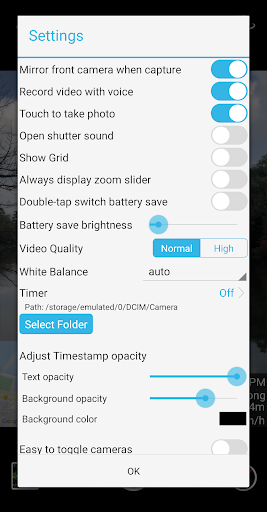
Users widely praise Timestamp Camera Pro for its precise and reliable results, extensive customization (time/date color, font, GPS location, zoom slider, flash/brightness sliders), and usefulness for work reports. Many appreciate the non-intrusive ads and value of the pro version. However, some key issues emerge: while the app offers rich stamp options, several users request additional features like wide-angle/telephoto lens support, panoramic mode, and full-screen camera. Performance is generally smooth, but a minority report lag on certain devices (e.g., Redmi Note 11 Pro 5G). The brightness slider is noted as hard to open. Email auto-attachment fails for some users, and location-based addresses require manual updates when location changes. Overall, it's a highly functional tool with room for improvement in hardware compatibility and minor UI/feature refinements.
Write a Review
Share your experience with Timestamp Camera Pro. Submissions are reviewed before publishing.
You Might Also Like
More apps you may want to try next.


