
TeamViewer Remote Control
Advertisement
Screenshots
Advertisement
About TeamViewer Remote Control
TeamViewer Remote Control is a very reliable mobile phone software. Users can use it to remotely control their computers and connect with their mobile phones anytime and anywhere. It feels quite convenient. As a popular application, it allows individuals and companies to connect smoothly as if there are no problems. It has quite complete functions, including secure remote login, file transfer, and multi-device management. It is quite easy to use overall and is especially suitable for people who need to go out to work.
Overview
core functions
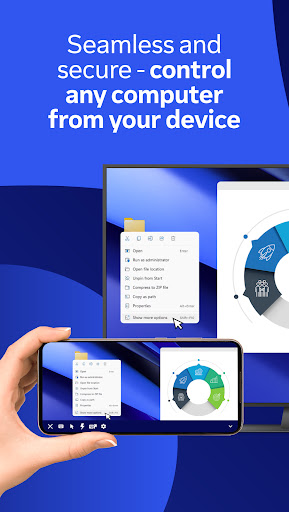
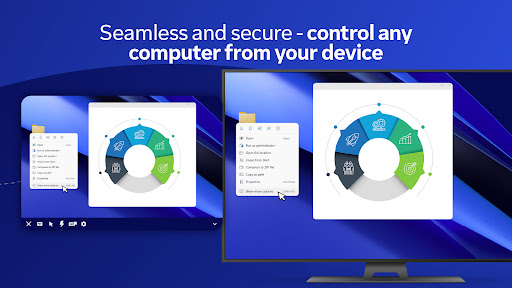
- This app has a very reliable remote control function that allows you to easily control the device without leaving home. It's really convenient!
- It can also share screens in real time, making it look like face-to-face. Collaboration and troubleshooting problems are smooth, making people feel particularly comfortable.
- Support multiple devices, such as tablets, mobile phones, etc., which is flexible and convenient to use!
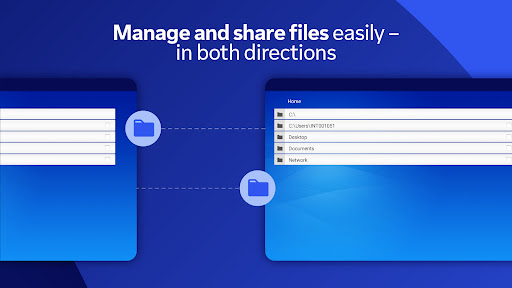
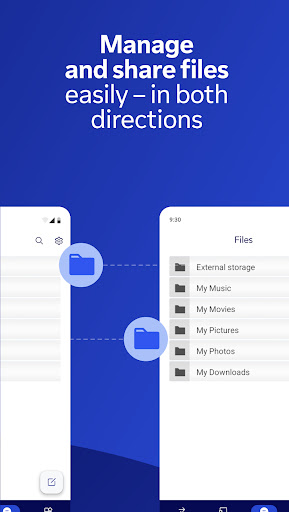
- It also integrates a file transfer function, so if you want to transfer documents between devices, you can do it with a click without having to bother or bother.
- It can also record conversations remotely, which is extremely practical. Whether it is training, review or technical support, it is quite useful.
- The connection methods are quite diverse, ensuring smooth use in different network environments and giving users a sense of security.
Who is this app suitable for?
This mobile App is especially suitable for professionals, IT teams and small business owners who need reliable remote control tools. A real treasure for anyone between the ages of 25 and 50 who is looking for an efficient remote working, support or collaboration solution.
Especially for people who are responsible for remote teams, provide technical support, or need quick access to office computers, find this app super useful. It makes those cumbersome processes much simpler, the actual effect is quite good, and the efficiency is improved a lot.
Why choose this App?
This app is quite trusted on the Android platform, has complete functions, and a smooth remote operation experience. The interface is friendly and the security measures are in place. It is really a reliable choice for business users.
It not only provides an efficient experience, but also handles various remote connection problems, becoming the first choice of remote control software in many people's hearts. Everyone uses it and feels that remote sessions are safe and worry-free. It's a treasure!
Top Recommended Alternative

Pros & Cons
Pros
- Simple setup and extremely friendly interface
- The remote control experience is super smooth
- Cross-platform support, you can use any device
- Safety performance lever
- Rich file transfer and session recording functions
Cons
- Occasionally, the connection will be unstable
- Premium features require a paid subscription
- Performance is affected when network latency is high
- Optimization on mobile phones can be better
- Free users will experience session timeout issues
Advertisement
Download TeamViewer Remote Control


FAQ
Is TeamViewer Remote Control safe to use?+
Don't worry, TeamViewer remote control is quite reliable. It is designed with security issues in mind. All calls use encrypted connections to ensure that data in your remote session will not be stolen, and that private information that is visible and tangible is quite safe.
As a trusted remote access tool, it complies with industry standards, can be used for personal and office use, and is very reliable.Remember to update your application frequently to enjoy the latest security protection and avoid being scared to death.
How do I set up TeamViewer on my Android device?+
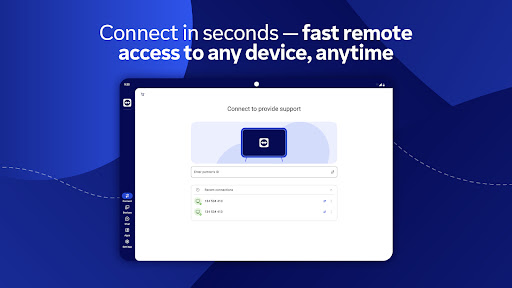
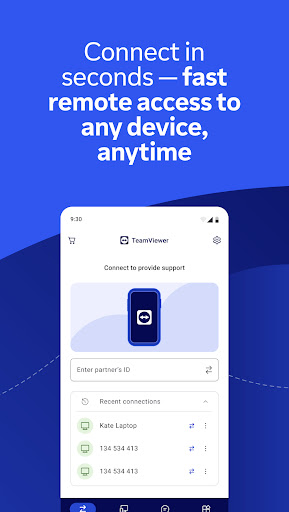
It's actually quite simple to use this mobile app on Android. After downloading, install it from the Google Play Store, then register for an account or log in with an existing account, and the remote control function will be available immediately.
After logging in, you can add devices or contacts, and remote control or support can be easily done.The interface is intuitive, quick and convenient to make. Even if you use it for the first time, it's really easy to get started.
Can I use TeamViewer Remote Control as a launcher app?+
Although TeamViewer mainly provides remote control, which is its specialty, it is not an Android launcher. This thing is not used to change the homepage or install a 'cool' interface. Its main function is to maintain the positioning of remote connections, file sharing and technical support.
However, if you want, you can also click a shortcut for it on the desktop or in the application. You can use it directly by clicking it like an icon to improve the operating efficiency. It is a small idea and the experience will be smoother.
What are the main features of TeamViewer Remote Control?+
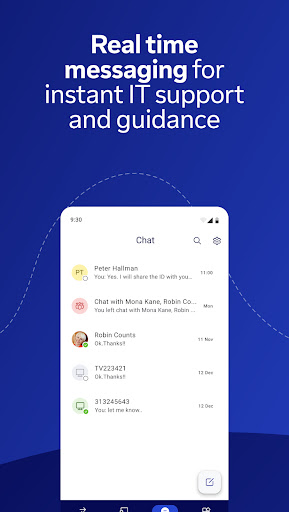
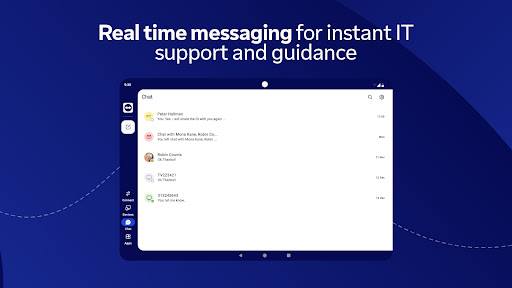
The basic functions of this application include remote desktop, file transfer, team chat, etc., which is more suitable for small partners who need to work remotely and collaborate. The operation is quite smooth, the screen sharing is clear, and the device connection is simple.
Itsupports multiple platforms. Whether you use Windows, Mac, Android or iOS, it can maintain consistent performance. It is quite convenient and can meet the needs of most jobs.
Is TeamViewer Remote Control suitable for business use?+
Of course, TeamViewer remote control is definitely suitable for business purposes. It has a good reputation in enterprises. It can provide the company with safe and efficient remote access and technical support. It is also rich in functions and is particularly reliable.
Withit, enterprises can easily troubleshoot problems, cooperate and manage equipment remotely. No matter where they are, they can rely on it to show their talents with peace of mind.
What are the system requirements for this Android app?+
This app runs smoothly on newer Android systems. It has probably been available since Android 5.0 (Lollipop). No matter what device you use, it will bring you a good experience.
Don'tforget that the device must have enough storage space and a stable network to ensure smooth connections. Even equipment with less performance, its design is relatively optimized and it is quite comfortable for most people to use.
Can I trust the safety of remote connections with this app?+
Of course, the encryption technology used for TeamViewer remote control is quite advanced to ensure that your remote session link is secure. Especially when you process sensitive company data, its confidentiality is quite guaranteed.
Itis recommended that you keep your application updated and set strong and unique passwords, which can greatly enhance security. Every time you connect remotely, these can help you have more security and peace of mind.
Does this app offer support for multiple devices?+
Yes, this software can operate across platforms and supports various devices such as Windows, Mac, Android and iOS. Multi-terminal interoperability makes it very flexible and you can use it to remotely control or support equipment no matter where you are.
Whetheryou use it as a starter or for remote collaboration, it can help you manage multiple devices, keep the connection stable, operate everything easily, and save worry and effort.
Customer Reviews
Many users praise TeamViewer Remote Control for its intuitive interface, robust performance, and ability to boost productivity. However, significant issues exist. Connection stability is a major pain point: while some users achieve smooth sessions, many report frequent disconnections, login difficulties, and unreliable file transfers. The free version is widely criticized for falsely claiming free private use, with many users experiencing 'Commercial Use Detected' warnings and being forced into expensive subscriptions. Recent updates have also been polarizing—some users find the app has become unnecessarily complex and slow, while others acknowledge that when a connection finally works, the operation is stable and effective. The login process is particularly problematic, with repeated logouts and endless verification loops. On the positive side, the app remains reliable for basic remote tasks on newer devices and has been a trusted tool for years by some. In summary, TeamViewer delivers powerful functionality but is marred by reliability, login, and pricing controversies.
Write a Review
Share your experience with TeamViewer Remote Control. Submissions are reviewed before publishing.
You Might Also Like
More apps you may want to try next.




