
Microsoft Teams
Advertisement
Screenshots


Advertisement
About Microsoft Teams
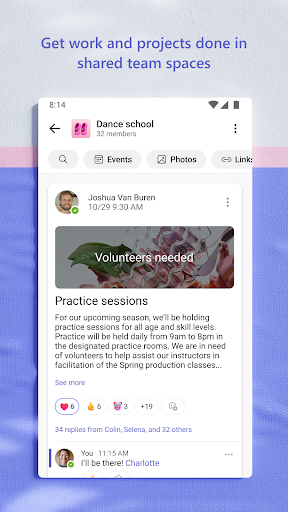
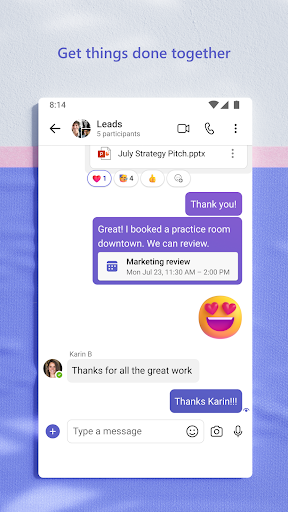
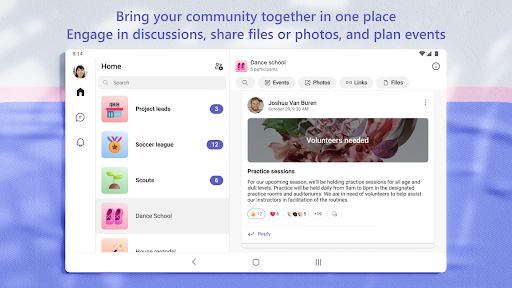
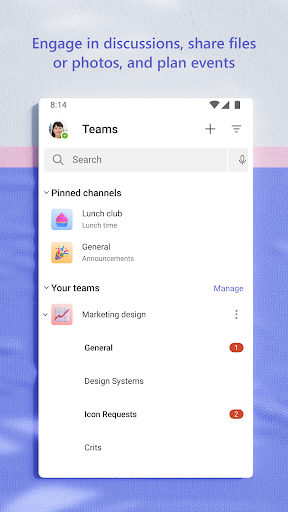
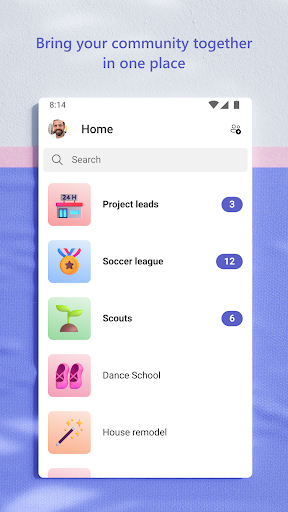
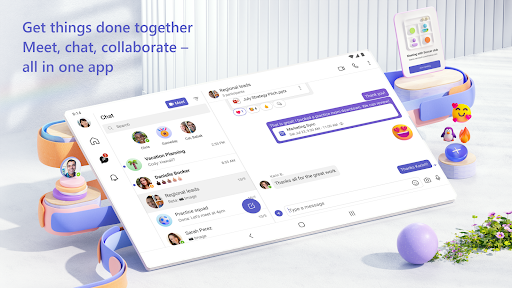
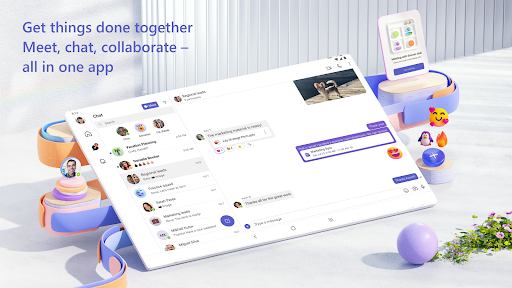
Microsoft Teams is a business communication mobile app that combines chat, meetings, calls, and file sharing in one place. The Android app and iOS version deliver the same core app experience, helping teams stay connected and productive from anywhere.
Overview
Core Features
Core Features
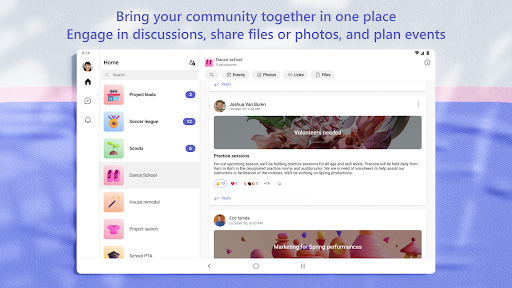
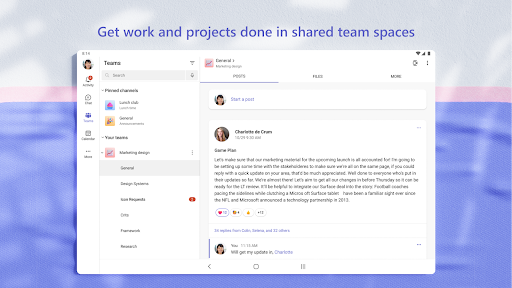
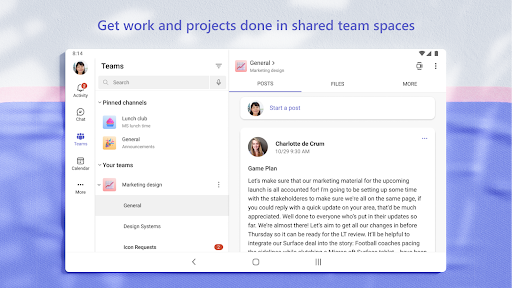
- Team chats and channels keep every conversation organized in one place.
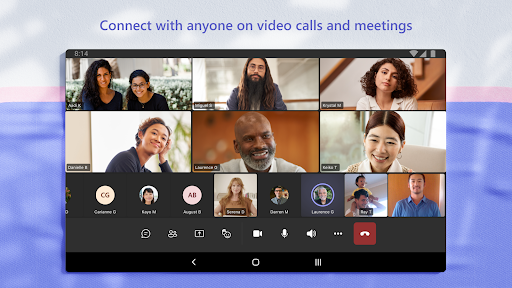
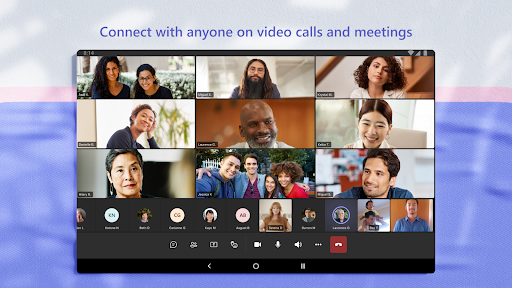
- High-quality video meetings with screen sharing work smoothly on the mobile app.
- Real-time document collaboration lets your team edit files together without version confusion.
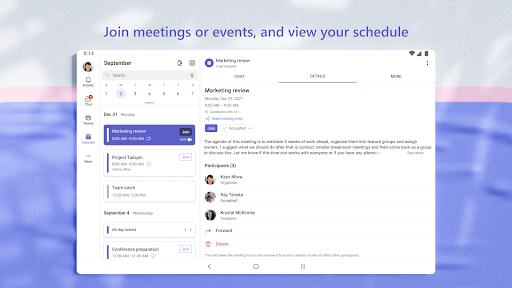
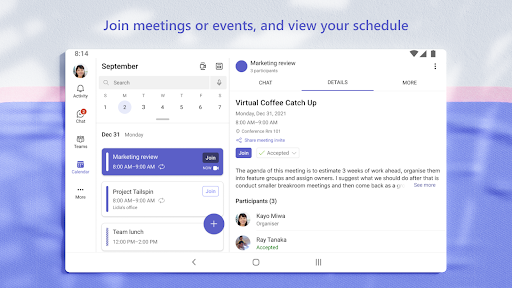
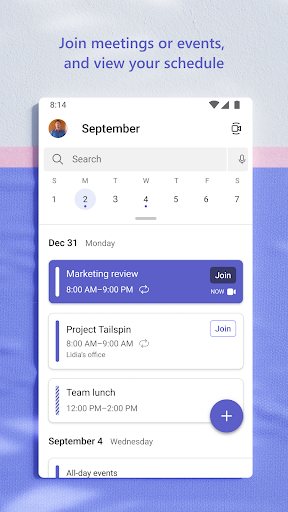
- Integrated calendar and scheduling tools make booking meetings quick and simple.
- Secure guest access allows external partners to join chats and calls safely.
- Offline message support means you can catch up on discussions even with poor connectivity.
- These app features include enterprise-grade security and admin controls for business use.
Who This App Is For
Microsoft Teams is a mobile app for remote workers, students, and small businesses that need reliable communication.
Use it for quick team check-ins, virtual meetings with clients, or keeping field staff aligned. The app experience is simple and mobile friendly.
Why Choose This App
This Android app brings messaging, meetings, and files into one connected workspace, so you spend less time switching tools.
It is a true app-based solution that gives clear structure to busy days, and it stands out because setup is fast and calls stay stable even on weaker networks.
Top Recommended Alternative

Pros & Cons
Pros
- Seamless Microsoft 365 integrationTeams works natively with Outlook, SharePoint, and OneDrive, so you can schedule meetings, share files, and co-author documents without switching apps.
- Reliable call qualityVideo and audio stay clear even on spotty connections, thanks to smart noise suppression and bandwidth adjustment.
- Powerful meeting toolkitLive captions, background blur, breakout rooms, and Together Mode make remote collaboration more inclusive and engaging.
- Enterprise-grade securityWith SOC 2, HIPAA, and GDPR compliance, Teams gives IT departments confidence for regulated industries.
- True cross-platform supportNative apps for Windows, macOS, iOS, Android, and a solid web client ensure a consistent experience on any device.
Cons
- Heavy resource consumptionIt can eat up 1GB+ RAM during screen sharing, slowing down older laptops; try disabling hardware acceleration or using the web client. Impact level: high.
- Notification overloadChannel and chat pings pile up quickly, and priority messages can get buried; set custom notification rules to reduce noise. Impact level: medium.
- Cluttered interfaceNavigating a workspace with many tabs, posts, and apps feels overwhelming at first, though Microsoft's planned UI refresh should help. Impact level: low.
- Search is slow and impreciseFinding an old message or file across teams often takes several attempts, but Microsoft is rolling out improved search indexing. Impact level: medium.
- Permission management is complexSetting up guest access and team roles takes time and admin training, though predefined templates can ease the process. Impact level: low.
Advertisement
Download Microsoft Teams


FAQ
<h3>Is Microsoft Teams free to use?</h3>+
Yes, Microsoft Teams has a free plan that includes unlimited chats, video calls up to 60 minutes, and 10 GB of shared storage.
It's a practical mobile app for small teams and individuals wanting to stay connected without a subscription.
<h3>Is Microsoft Teams safe and secure?</h3>+
Microsoft Teams uses enterprise-grade security, including encryption for data in transit and at rest, plus multi-factor authentication.
Admins have control over policies and access. For most businesses, it's a trustworthy app based solution for communication and collaboration.
<h3>How do I install Microsoft Teams on my phone?</h3>+
You can install Microsoft Teams from the Google Play Store or Apple App Store. Once it finishes downloading, open the app and sign in with your work or school account.
The Android app has the same simple setup.
<h3>Can I use Microsoft Teams without a Microsoft account?</h3>+
You need a Microsoft account or a work/school account linked to Microsoft 365 to sign in.
Free users can join Teams meetings through a link without signing in, but to fully use the app you'll need an account.
<h3>How many people can join a Microsoft Teams meeting?</h3>+
The free version supports up to 300 participants, while some enterprise plans allow up to 1,000 attendees for large webinars.
Limits depend on your plan. The mobile app gives you the same app experience when you join on the go.
<h3>Does Microsoft Teams work offline?</h3>+
Yes, you can view your recent chats and files while offline. Messages you send will sync automatically when you're back online. This makes the Android app a handy option for people with unstable internet connections.
<h3>What are the main features of Microsoft Teams?</h3>+
Microsoft Teams combines chat, video meetings, file sharing, and collaborative workspaces in one place. These app features also include channel organization, calendar integration, and voice calls. It's a solid choice for day-to-day teamwork.
Customer Reviews
Users generally appreciate Microsoft Teams as a simple, effective tool for online education and remote work, often praising its comprehensive features, enjoyable design (e.g., Minecraft backgrounds), and ability to boost productivity. Many find it superior to alternatives. However, key concerns emerge: Performance & Stability – while some experience smooth operation, many report failure to start, endless loading, extreme lag, and crashes after updates, making the app completely unusable for some. Messaging & Syncing – chat and meeting sync works well for some, but others face persistent delays, failed sync, and missing messages across devices (phone vs. laptop), often unresolved by reinstalling. Meeting & Call Features – video calls are generally good with creative backgrounds, yet users encounter issues like being unable to join via self-created links, removed audio settings/test calls, and poor mobile notification handling. User Experience & Support – design is praised for simplicity and full functionality, but criticized for oversimplification (e.g., removing settings) and lack of support when problems arise. Some suggest optimizing low-quality network usage. Overall, opinions are sharply divided between strong satisfaction and deep frustration.
Write a Review
Share your experience with Microsoft Teams. Submissions are reviewed before publishing.
You Might Also Like
More apps you may want to try next.