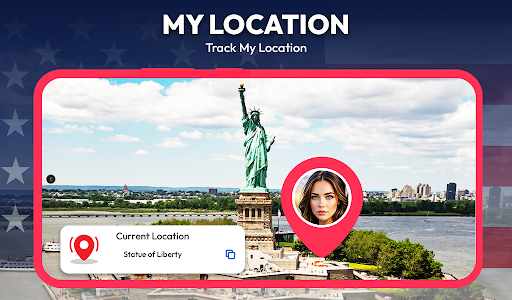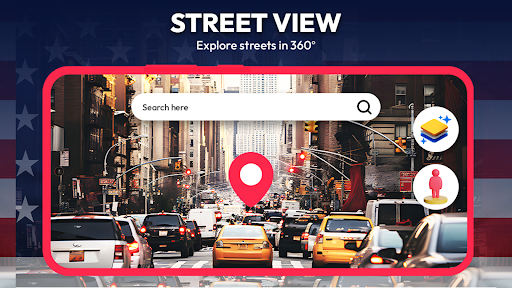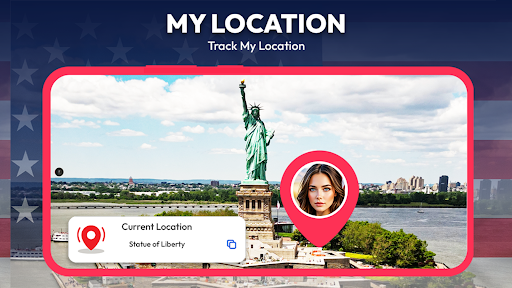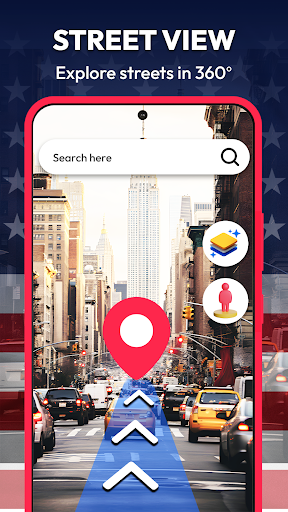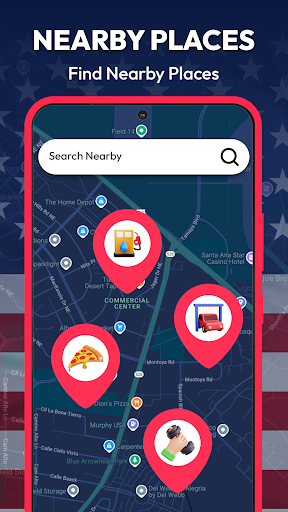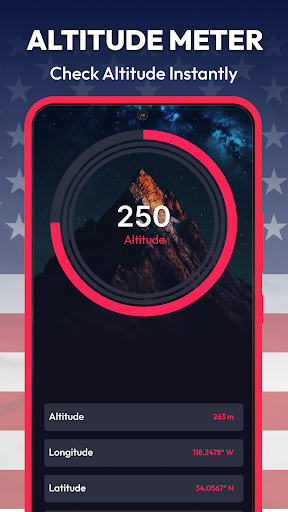
Street View Map and Navigation

Street View Map and Navigation

Street View Map and Navigation—your virtual guide for street views, real-time directions, and travel tools. Get the latest version, free now!

Screenshots

30 images
Street View Map and Navigation screenshot 1Street View Map and Navigation screenshot 2Street View Map and Navigation screenshot 3Street View Map and Navigation screenshot 4Street View Map and Navigation screenshot 5Street View Map and Navigation screenshot 6Street View Map and Navigation screenshot 7Street View Map and Navigation screenshot 8Street View Map and Navigation screenshot 9Street View Map and Navigation screenshot 10Street View Map and Navigation screenshot 11Street View Map and Navigation screenshot 12Street View Map and Navigation screenshot 13Street View Map and Navigation screenshot 14Street View Map and Navigation screenshot 15Street View Map and Navigation screenshot 16Street View Map and Navigation screenshot 17Street View Map and Navigation screenshot 18Street View Map and Navigation screenshot 19Street View Map and Navigation screenshot 20Street View Map and Navigation screenshot 21Street View Map and Navigation screenshot 22Street View Map and Navigation screenshot 23Street View Map and Navigation screenshot 24Street View Map and Navigation screenshot 25Street View Map and Navigation screenshot 26Street View Map and Navigation screenshot 27Street View Map and Navigation screenshot 28Street View Map and Navigation screenshot 29Street View Map and Navigation screenshot 30

About Street View Map and Navigation

Street View Maps and Navigation App is quite reliable. As soon as you use it, you know that it can help you easily navigate and read maps. Whether you are wandering around in unfamiliar places or wandering in familiar neighborhoods, it is quite convenient. The interface design is quite intuitive, even novices can get started quickly, and the functions are quite rich. All in all, this is a good choice for people looking for a convenient navigation assistant that is both simple and practical.

Overview

core feature

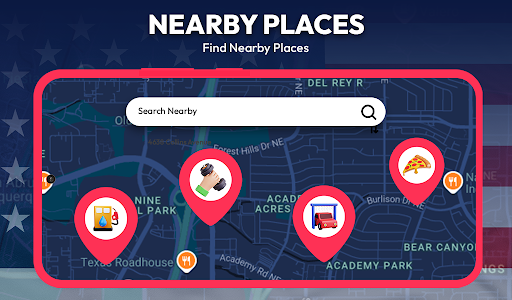
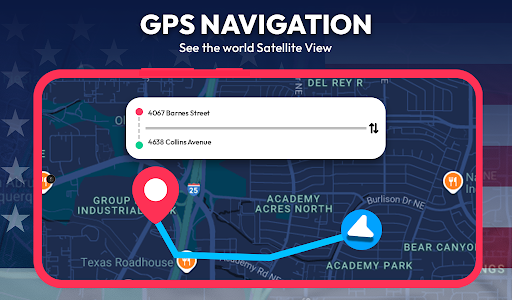
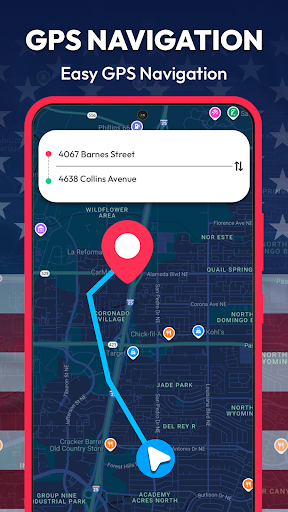
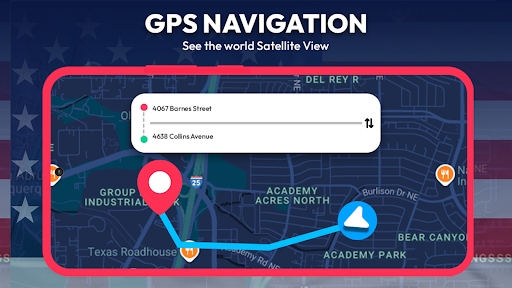
  • The operation is simple and intuitive, supports real-time route updates, helps you find the way quickly and accurately, and the navigation is very smooth.
  • Offline mode can be used, and you can check maps and navigation even without the Internet. It is especially suitable for travel in remote areas.
  • Voice navigation and step-by-step instructions allow you to free your hands while driving or walking, which is safe and convenient.
  • Various map levels, such as satellite maps and topographic maps, meet the navigation needs of different scenarios and are very functional.
  • The location sharing function allows you to easily tell friends or family your real-time location, and everyone can rest assured.
  • Routes and waypoints can be customized to help you plan your own itinerary and take care of special needs or stops.

Who is this app suitable for?

This mobile app is especially suitable for people who like to travel, commute or enjoy outdoor adventures. Everyone needs a reliable navigation tool. Whether it's your daily route or a casual trip, it can help you get it done.

Whether you are exploring a strange city or taking a remote road, this App solution makes your travel easier and easier, avoids many troubles, and makes the journey more comfortable.

Why choose this App

This Android app combines ease of operation with powerful features, making it suitable for both ordinary users and frequent travelers. Its performance is very trustworthy and is the first choice for finding reliable navigation.

Providing real-time updates, offline use, and various map options, these features make it stand out among many of its kind. No matter when and where, you can rely on it with confidence, navigation worry-free, and have a sense of confidence.

Top Recommended Alternative

Pros & Cons

Pros

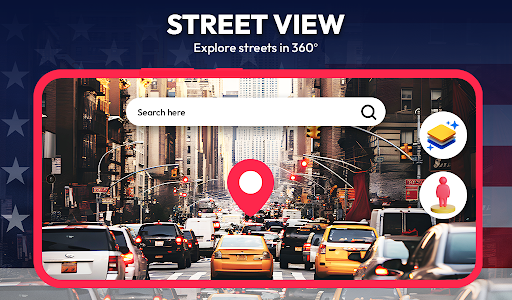
  • Street View images are particularly comprehensive
  • Very friendly interface
  • Support offline maps
  • live navigation
  • Often updated and optimized

Cons

  • Insufficient coverage of rural areas
  • It consumes a lot of traffic
  • The battery will drop out quickly after using it for a long time
  • Real-time traffic is occasionally inaccurate
  • Map has few customizable options

Download Street View Map and Navigation

You are going to be redirected to the official website to finish the download when you click these buttons above.

FAQ

Is Street View Map and Navigation easy to use for beginners?+
Of course, this Street View map and navigation are quite friendly to get started, and the interface is designed to be very user-friendly, and it can be easily used for novices. The menu is clear and the operation is intuitive, which helps you quickly find your destination, which is quite convenient. Whether you are a novice or not, you can experience a smooth navigation experience. You can easily check routes, explore maps, and provide real-time data. It's really good.
Can I use Street View Map and Navigation offline?+
Although this app has many real-time features, if you want to use offline maps, it depends on your device and Android version. Sometimes you can download offline maps in settings, but not necessarily all devices support them. Especially in places with poor and remote networks, this offline map function is a life-saving straw. It can make you not afraid of network problems on the road and make it more reliable to use. If you can prepare in advance, the experience will be much smoother.
Is the Street View Map and Navigation app safe to use?+
Of course it's safe. This Android app pays special attention to privacy and security and complies with Google's security regulations. Remember to use the latest version every time to prevent vulnerabilities from being exploited. This app will protect your data responsibly and use it with confidence. Whether you are exploring new places or using it to navigate daily commuting to and from work, you can enjoy it with confidence.
Does the app work well on all Android devices?+
Basically, most Android devices can use this Street View map and navigation. The compatibility is quite good and can adapt to different screen sizes and hardware configurations. As long as your device is running an Android version that meets the minimum requirements, you can enjoy a smooth experience. It has quite rich functions, such as real-time navigation, street view display, and map customization. It can basically meet various needs of daily travel and is quite reliable.
How do I update the app to the latest version?+
It's easy to update. Open the Google Store, go to my app, find Street View maps and navigation, and you can see if there are updates. Just click the update button to install the latest version. Regular updates can bring new features, fix vulnerabilities, enhance security, make it easier for you to use and have a better experience.

You Might Also Like

More apps you may want to try next.