
Smart Remote For Vizio TV
Advertisement
Screenshots
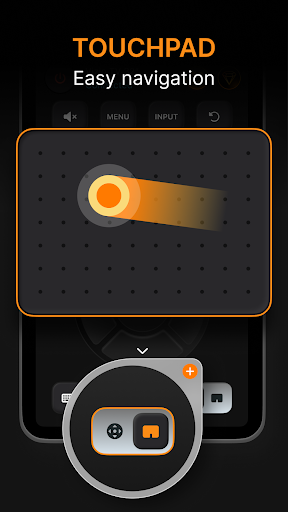
Advertisement
About Smart Remote For Vizio TV
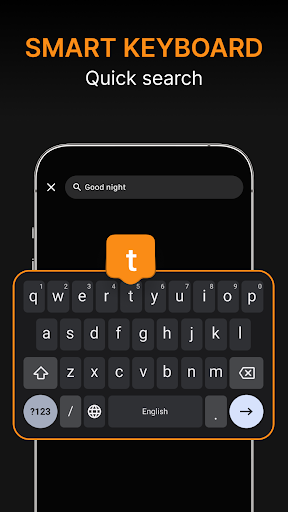
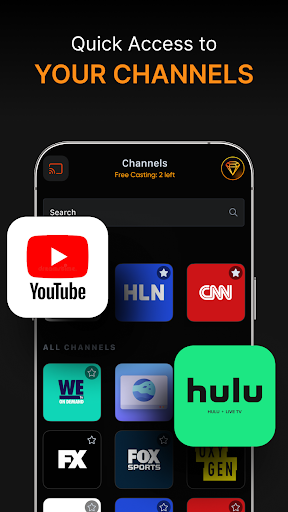
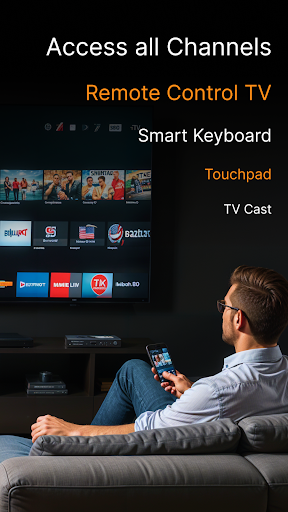
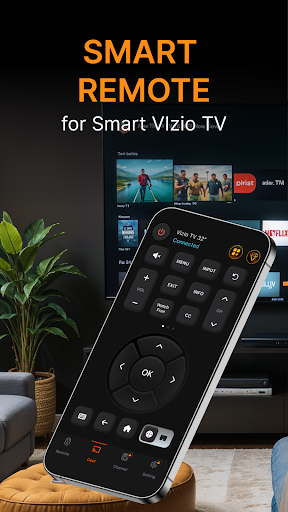
Smart Remote For Vizio TV is a very intimate mobile app that turns your mobile phone into a practical remote control for controlling Vizio TV. With this Android software, everyone can easily play various functions, adjust the volume, change channels, or adjust various settings. It feels much more convenient than using the remote control. Give it a try, this simple and straightforward app seems to be tailored for those of us who want to quickly control the TV. It's really convenient to not have to look for that old remote control anymore.
Overview
core features
- The interface is very intuitive, and you can easily control the Vizio TV with your mobile phone. It is surprisingly simple.
- Support real-time synchronization with the TV, and respond immediately as soon as you press the remote control command, fast enough to surprise you.
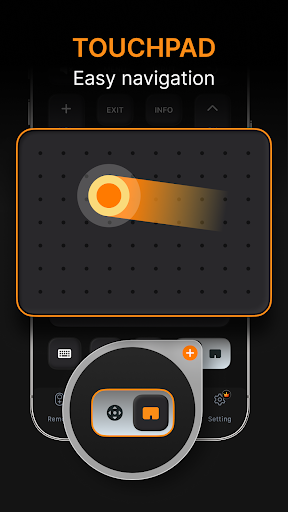
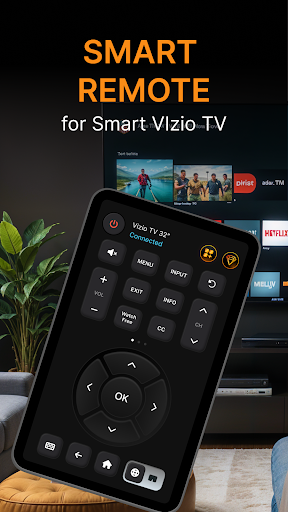
- The functions are quite comprehensive. Not only can you adjust the volume and change inputs, but you can also open the menu at will. You can have whatever you want, which is very convenient.
- Android is a very light app, takes up very little resources, runs very smoothly and never gets stuck.
- Offline mode can also be used and does not rely on the Internet, allowing you to operate with peace of mind no matter where you are. It is extremely reliable.
- It is also compatible with many different models of Vizio TVs, which is very considerate and basically gives you the feeling of full coverage.
- Support custom remote control layout and personalized settings of your remote control interface to make use more intimate and interesting.
Who is suitable for?
This mobile phone software is especially suitable for Vizio TV owners, technical gamers, or those who want to find a simple remote control, regardless of age or technical level.
Whether at home or away from home, as long as you want to easily manage your smart TV, this app can help you do it, so you don't have to worry about losing the remote control or confusing complex operations.
Why choose this app
This Android app makes it simple and reliable for you to control Vizio TV with your mobile phone. It is stress-free and the experience is particularly smooth.
It is different from other similar apps in that it pays special attention to the improvement of functions, ensuring compatibility, offline use, and bringing a smooth control experience, which perfectly meets users 'various needs for reliable remote controls. It is really a very considerate choice!
Top Recommended Alternative
Pros & Cons
Pros
- Super friendly interface
- All control functions are complete
- Reaction speed is super fast
- Buttons can be customized
- Other features are also great
Cons
- Poor device compatibility
- Occasionally the connection will be disconnected
- Power consumption is a little fast
- High learning threshold for new functions
- Interface design can be more beautiful
Advertisement
Download Smart Remote For Vizio TV

FAQ
Is Vizio TV's smart remote control app safe to use?+
Don't worry, this Vizio TV's smart remote control application is quite reassuring, and the design takes user safety into account. It uses a secure connection method and is updated regularly to ensure that your data does not go wrong. As an experienced developer, I can say that putting security first is really important.
Youmust download it from a reliable source, such as the Google Play Store. The feature of this app is that it can be safely paired with your Vizio TV without any problems. The user reviews are also quite good and trustworthy.
Can I use Vizio TV's smart remote control app on my Android device?+
Of course you can! This Android app is specially built for most Android devices and allows your phone to change the remote control in seconds, making it super convenient to control the Vizio TV. It's a really practical solution.
Itis actually a launcher application that is simple to operate and allows you to quickly control various functions of the TV through your mobile phone. The interface design is quite intuitive. Why is the light difficult to operate? Anyone can easily get a Vizio TV.
What are the main functions of the Vizio TV smart remote control application?+
The highlight of this application is that the operating interface is very similar to a real remote control, with functions such as channel adjustment, volume control, and input source switching. And the setup is very fast and can automatically identify your Vizio TV model, which saves trouble and worries.
Thesolution based on this application can make your TV settings smoother, and it is very convenient to switch modes. You can get it done with a tap of your mobile phone. You're a housekeeper and super worth having.
How do I install this Vizio TV smart remote control app?+
Installation is actually very simple, just search for the name on the Google Play Store and download it according to the standard process. Remember to connect your phone to the network to ensure smooth installation.
Afterdownloading, open the app and follow the prompts to pair it with your Vizio TV. The whole process is fast, there are no complicated operations, and you won't be too busy waiting.
Do I still need a Wi-Fi connection to use this remote control app?+
Must have it! For the remote control to communicate with the TV, Wi-Fi or Internet connection must be stable. The real-time control and synchronization of this application are inseparable from network support.
Infact, it just depends on your network environment. If the signal is good, it will be particularly smooth to use, and remote control becomes worry-free and efficient. With a stable network, the experience will definitely be better and the operation will be smoother.
Does this app support all Vizio TV models?+
Most of the latest Vizio TVs support this smart remote application. It does a quick job in identifying and connecting compatible TVs, and basically it works well.
Ifyour TV is new and well-maintained, there is almost no problem. If you ask about old models or special models, it's best to check user reviews to confirm compatibility before deciding whether to download and install them.
Is this Vizio smart remote control app free?+
Yeah, it's completely free, you can download it directly on the Google Play Store without any charge. All basic functions can be used well and at no cost.
Thisapplication-based solution is really convenient and better than traditional remote controls. You can also operate it with your mobile phone. Don't forget, some additional advanced features may require in-house purchase, but overall they are a good value for money.
What should I do if there is a connection problem? What are the screening methods?+
The most basic thing is to make sure that your phone and the Vizio TV are on the same Wi-Fi network. Sometimes restarting the device can solve some minor problems.
Alsomake sure your application is the latest version so performance can help. If you still encounter problems, check the app's help area or user reviews. There are usually some practical tips to help you solve connection problems.
Customer Reviews
Users generally appreciate the app's convenience for replacing a misplaced physical remote, with many praising its quick and reliable functionality, ease of use, and intuitive design. Some report smooth performance without lag or crashes. However, the app draws significant criticism for excessive and misleading advertisements that degrade the experience—ads appear on every button press and are placed to trick users into clicking. While some users find the interface simple and user-friendly, others describe it as cluttered and dominated by ads. Functionality is a major concern: although many successfully connect to Vizio TVs, a notable number report inability to connect at all, or the app stops working after a while, leading to subscription cancellation requests with poor support. Overall, the app is helpful for lost remotes but suffers from intrusive ads and inconsistent reliability.
Write a Review
Share your experience with Smart Remote For Vizio TV. Submissions are reviewed before publishing.
You Might Also Like
More apps you may want to try next.




