
Slideshow Maker Photo Video
Advertisement
Screenshots
Advertisement
About Slideshow Maker Photo Video
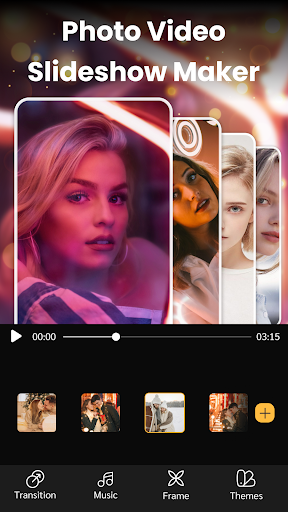
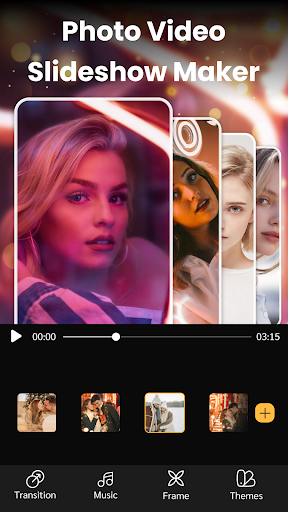
Slideshow Maker Photo Video is actually quite considerate and easy to operate. It is specially designed for Android users and is very convenient to use it to make slide shows of photos and videos. The interface is super simple and the functions are quite intuitive, allowing you to add music while matching pictures, and finally you can come up with that professional presentation, which feels smooth. It's especially suitable for people who like to use their mobile phones to do something creative. Whether it's personal commemoration or work needs, you can turn those memories into cool slides with a few clicks of your finger. It's very happy!
Overview
core functions
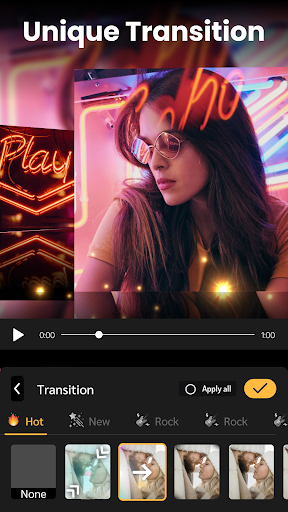
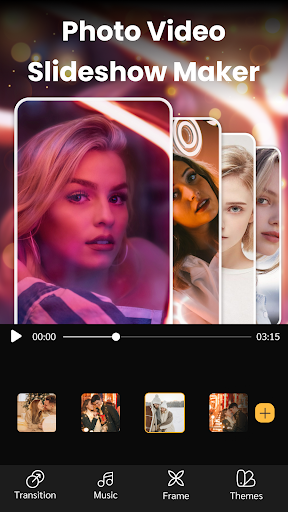
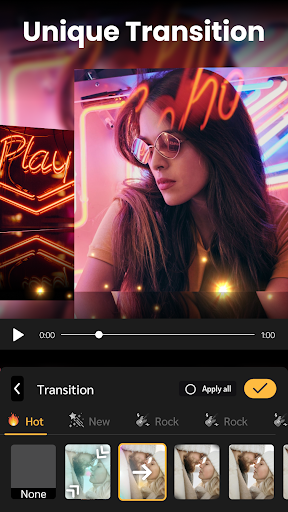
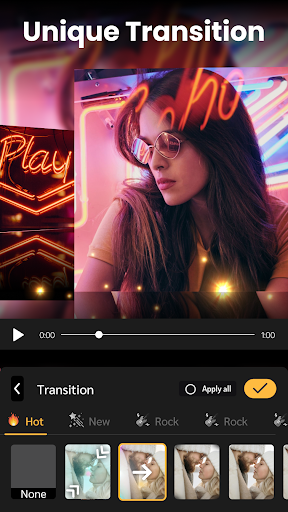
- It's very intuitive to use. It can handle various templates and transition effects with one click, and you can easily make professional-level videos. It's really worry-free.
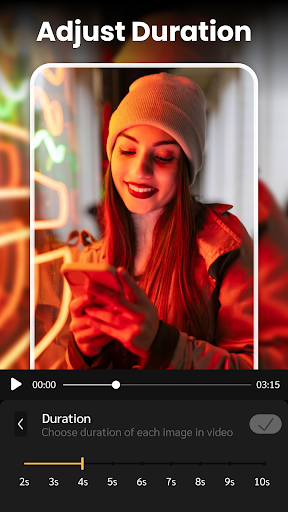
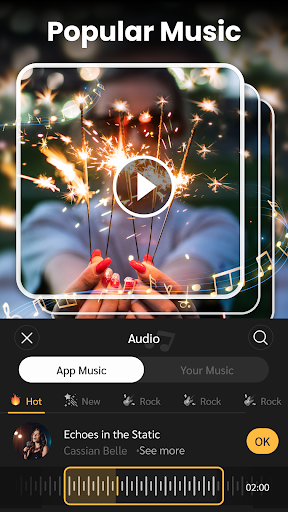
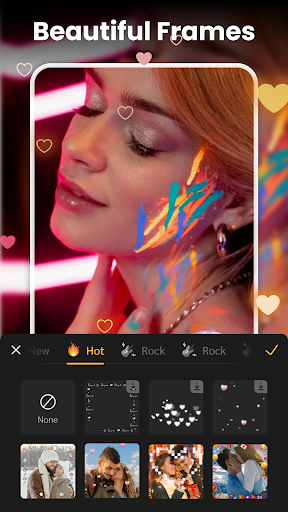
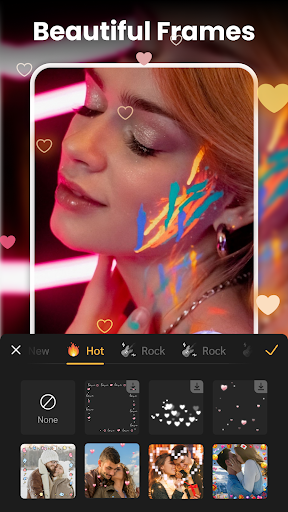
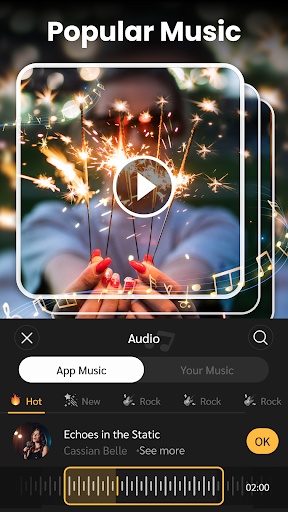
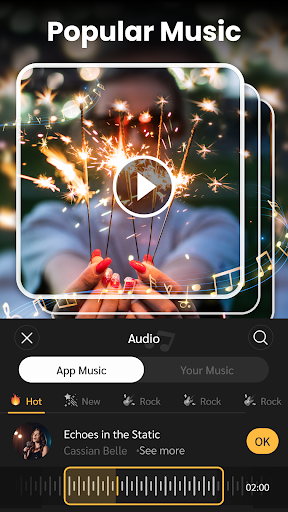
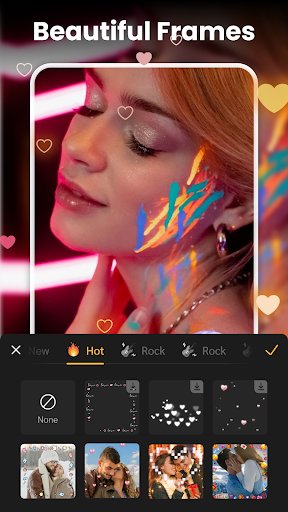
- You can also add music, text overlays, and what cool effects are there to get your photos and videos. It feels like it's going to make people's eyes shine.
- There is also an offline mode, the APK version, so you don't have to worry about being able to edit without the Internet. The experience is really smooth and very considerate.
- The interface is super friendly. Whether you are a novice or a veteran with some experience, you can get started quickly. The operation is simple and clear without jamming.
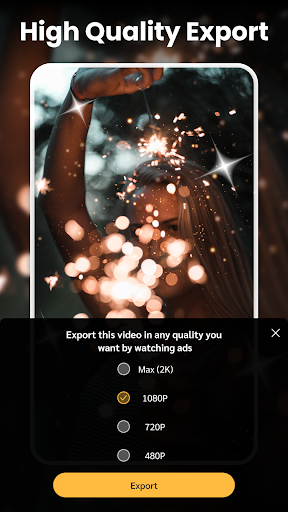
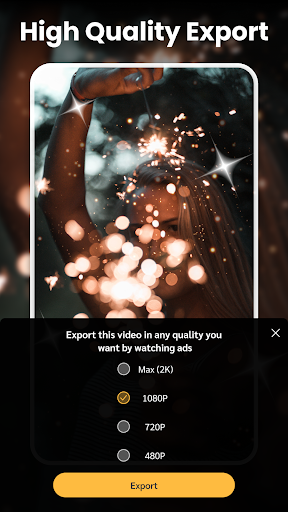
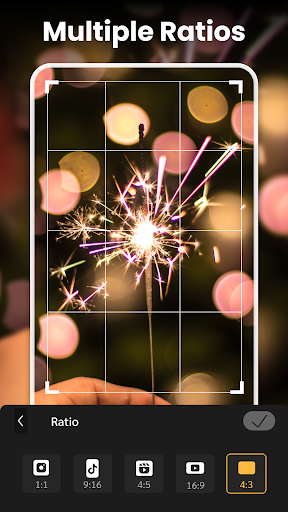
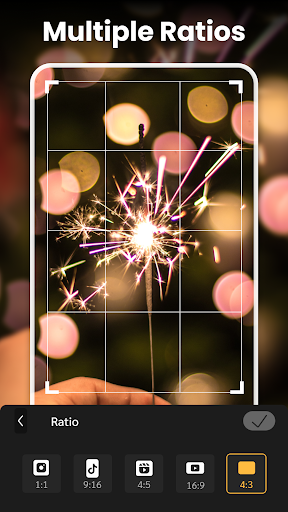
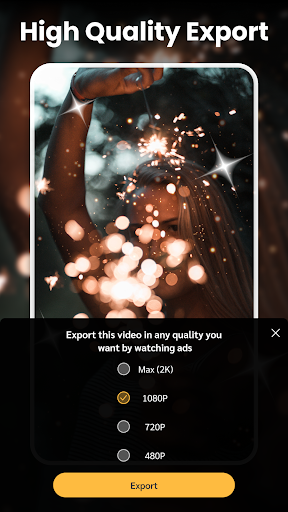
- There are many export formats, and no matter which platform you share it to, you can handle it freely, making your videos instantly cool.
- The built-in photo editing tool is also good. It can be quickly adjusted before splicing, making the whole process smoother. It is a one-stop solution.
- The rendering speed is super fast, saving time and effort after getting started. It is especially suitable for you who are busy and can make video production anytime, anywhere.
Who is this app suitable for?
This mobile app is especially suitable for casual players, content creators, and small company owners who want to use Android devices to make eye-catching photos and videos. It is tailored for those who like to quickly edit slides with simple yet powerful tools.
Whether you are a student, want to record a little piece of life, or a celebrity who likes to show off your content on social media, this application-based solution can help you easily create impressive videos without complex technical thresholds and is super convenient!
Why choose this App?
The charm of this Android app is that it is both feature-rich and particularly friendly to use. Using it to make photos and videos, you don't have to worry about complex operations, and the experience is really great. Its powerful functions make editing smoother and exporting faster. It is really a reliable choice.
In order to meet the needs of ordinary users, it is designed very carefully and solves some common editing problems. Compared with other similar apps on the market, it brings more value and convenience. It is really a good helper.
Top Recommended Alternative

Pros & Cons
Pros
-
intuitive user interface
-
Rich template library
-
Various export options
-
Background music integration
-
fast rendering
Cons
-
Limited customization capabilities
-
Occasionally break down
-
Free version with watermark
-
Import speed is a bit slow
-
The music library is relatively basic
Advertisement
Download Slideshow Maker Photo Video
FAQ
Is the Slideshow Maker Photo Video app safe to use on my Android device? +
Of course, this slide making artifact has been carefully considered from development to launch. It is very safe in the official Google Play store and there is no cancer software. It strictly complies with Android security standards and is quite reassuring to use.
This application is very reliable to use, and the developer is also a trustworthy one. It is updated frequently and the support is in place. Still, if you can download it from official channels, use it with confidence, safety comes first!
How do I install the Slideshow Maker Photo Video app on my Android phone? +
It's actually quite simple to install this app. Go to the Google Play Store and search for "Slideshow Maker Photo Video" and it's done with a few clicks. It is no different from ordinary Android application installation. As long as your mobile phone system meets the requirements, ensure smooth operation.
Once installed, you can start using it to make cool slides and videos. The interface is quite friendly, intuitive, easy to operate, and it takes just a few steps to get it done. It's really worry-free and convenient.
Does the app require any special permissions, and is it worth it? +
This app will ask you for permissions, such as accessing your photos, videos, and storage space. These are normal operations. Don't worry, it's all to allow you to edit and export videos smoothly. These permissions can be seen during installation and are quite clear.
After giving permissions, you can better enjoy all the functions of this app, such as smoothly editing and saving, without worrying about hitting a wall. Overall, this app is designed very carefully to help you express your creativity safely and conveniently.
Are there any additional versions for iPhone or iPad? +
At present, this slide making artifact is mainly sold on Android and can be found on Google Play. It is also used by many Android fans. However, when it comes to the iOS version, there is no official Apple version yet. If you want to play, you can only wait. I suggest you visit the App Store often and pay attention to updates and newly released versions. You may have surprises in the future.
However, although there is no Apple version, it performs quite well on Android. It provides complete slide show making functions and is deeply loved by Android users and is a quite reliable choice.
What features make this app stand out among other slideshow makers? +
Fortunately, this app is easy to operate, and ordinary users can quickly make professional-level photos and videos. There are rich transition effects, music embedding, text superposition, and personalized filters, all of which are available. The design is to pursue a simple and creative experience.
It is suitable for small partners who want to get videos quickly. You can easily produce results without having to master complex technology. The rich functions allow your ideas to become reality without having to work hard. It is a considerate and efficient helper!
Customer Reviews
Users widely praise Slideshow Maker Photo Video for its user-friendly interface, powerful editing tools, and free access. Many highlight the smooth transitions, high-resolution output, and ease of creating videos quickly. However, some users report issues with certain templates not opening properly or failing to allow photo addition, while others experience music playback speed problems or download errors citing damaged music. A few users express dissatisfaction with functionality, though the majority recommend the app as a top choice for free slideshow creation.
Write a Review
Share your experience with Slideshow Maker Photo Video. Submissions are reviewed before publishing.
You Might Also Like
More apps you may want to try next.




