
Screen Time - Parental Control
Advertisement
Screenshots
Advertisement
About Screen Time - Parental Control
Overview
core functions
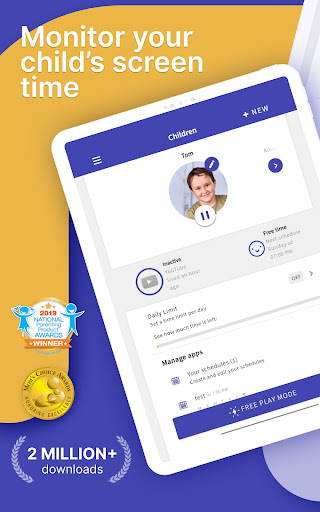
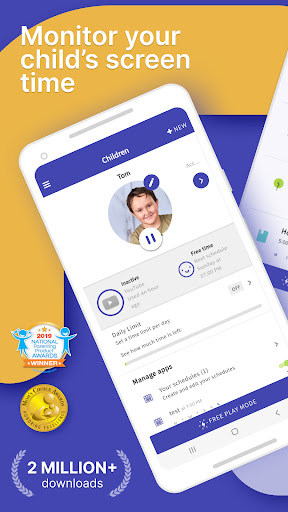
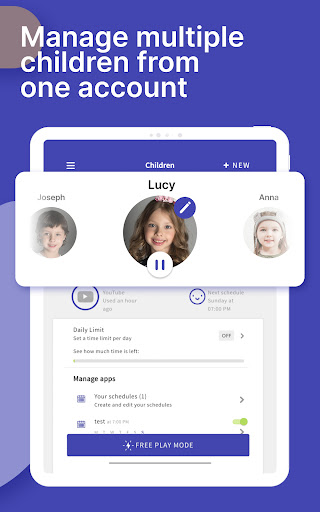
- This app gives you a comprehensive set of parental control tools that can effectively help you watch your child's screen time and limit certain things. To put it bluntly, it is the kind that is very well-managed.
- Real-time synchronization is very considerate. As soon as there are new settings or restrictions, you can sync it on all devices immediately, making it extremely smooth for you to use it.
- It also supports custom launchers, which makes it convenient for parents to directly set some specific application rules on the home page. It is quite convenient.
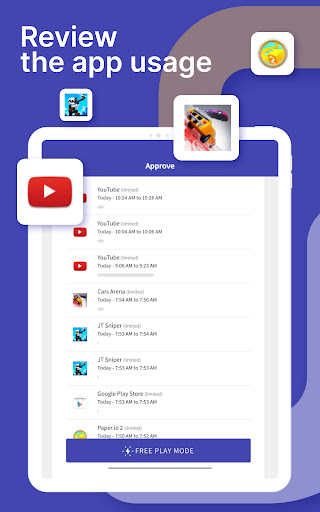
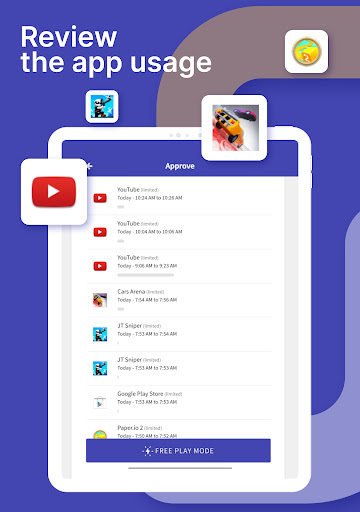
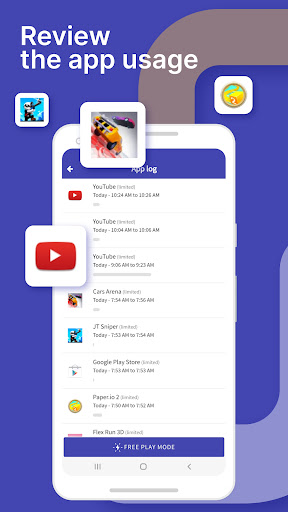
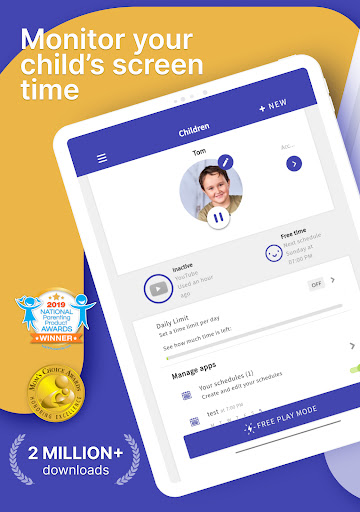
- Give you a detailed usage report so that you can clearly understand your child's habits and preferences with equipment, and it is not difficult to understand his digital life at all.
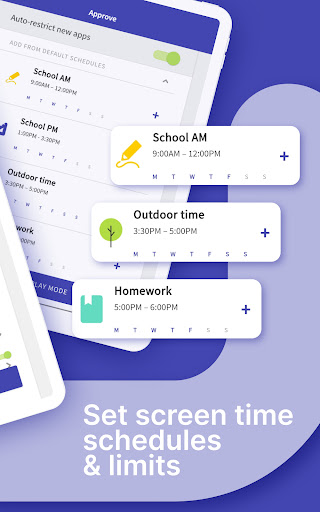
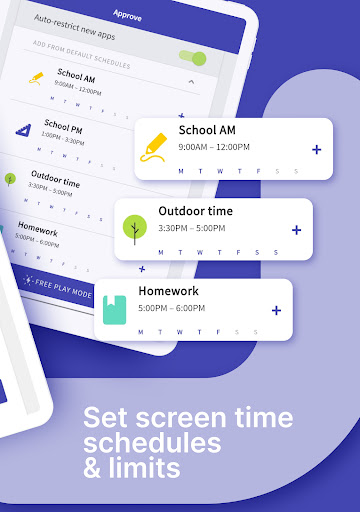
- The interface is quite friendly, so you don't have to worry about operating it. It's super simple to limit equipment and set a schedule.
- Support offline mode, even if there is no Internet, you can set restrictions. It is quite reliable and can be used no matter where you are.
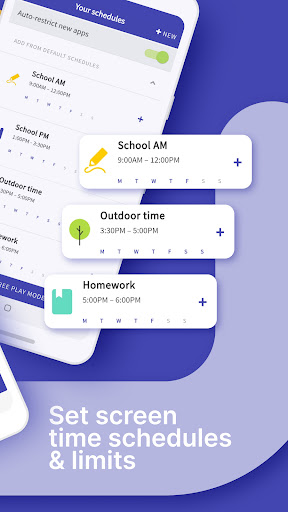
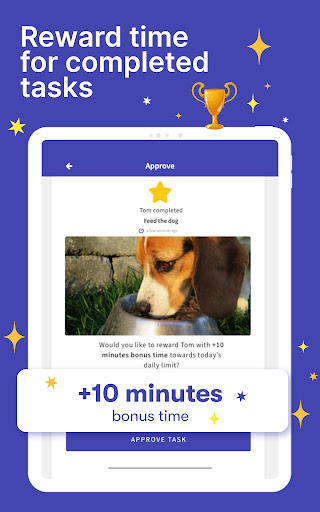
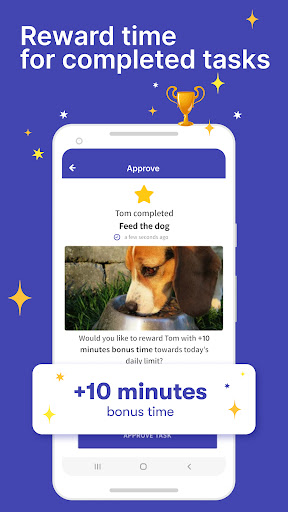
- You can set time limits, restrict certain apps, and even block web pages in order to help children develop healthy habits.
- Everything is tailor-made for Android devices, and the operating experience is smooth and non-stuck, making it easy to use.
Who is this app suitable for?
This mobile app is especially suitable for parents who want to use snacks and take good care of their children's mobile games and social media, especially for children aged 6 to 16. With it, parents can always feel more at ease, set some boundaries for their children, so that the screen time will not be excessive, and control it steadily.
Whether you want to restrict games, monitor the Internet, or control web content, this app can help you do it with one click. It is quite practical and is especially suitable for smart parents who are worried about their children surfing the Internet too casually.
Why choose this app
This Android app is very special. It is not only powerful, but also easy to use. It has a clear interface. Anyone can operate it and anyone can use it smoothly. It can also be updated in real time and used offline. It is very reliable and is not afraid of being interrupted in whatever you do.
Taking into account parents 'concerns, its multi-faceted management method is particularly considerate and can solve many common problems. Overall, this app provides great practical value. The design focuses on family security and user experience, allowing you to use it with peace of mind.
Top Recommended Alternative

Pros & Cons
Pros
-
The user interface is very friendly
-
Super comprehensive activity monitoring
-
Restrictions can be flexibly adjusted by yourself
-
Real-time reminders are so reliable
-
Multi-platform can be used
Cons
-
The free version has many advertisements or limited functions
-
In some cases, restrictions cannot be solved, which is a bit troublesome
-
Sometimes stuck on old equipment
-
Not flexible in adjusting permissions for some apps
-
Privacy security may be a concern
Advertisement
Download Screen Time - Parental Control
FAQ
Is it easy to set up and log into Screen Time - Parental Control? +
Well, setting up this mobile application is actually quite simple. After downloading the Android version from the Google Play Store, you can register in minutes. This app has clear guidelines and will take you step by step without getting confused.
Oncethe account is completed, login is fast and the security is good. The interface is so friendly that even parents who are new to digital surveillance can easily start managing their children's equipment. The design is intuitive, easy to operate, and there is almost no need to worry about mistakes.
Does Screen Time - Parental Control work on multiple devices? +
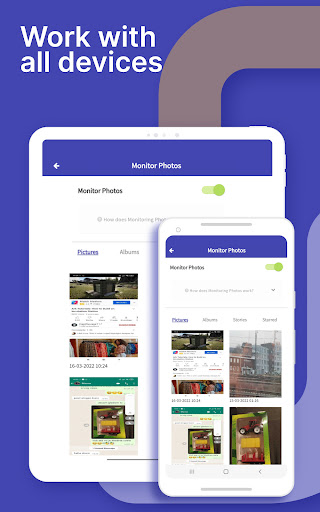
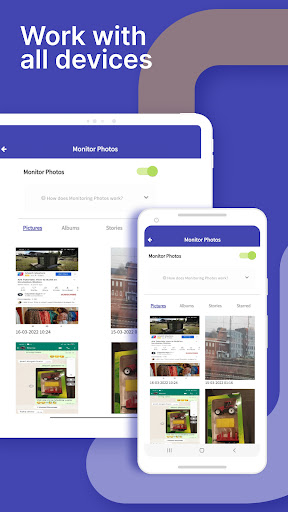
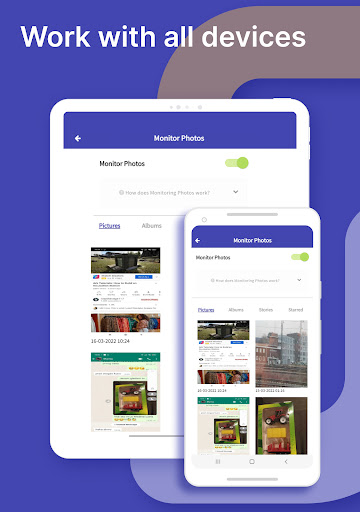
Of course, this software solution supports a variety of devices and is particularly convenient for parents to use. Whether it is Android devices or other platforms, it is compatible. It is a very practical initiator that can help you manage and control activities on different devices. It is quite convenient.
Whetherit's a mobile phone or a tablet that supervises children, the remote control and activity reporting functions inside are quite powerful. Having a tool that runs smoothly on all devices is really a lot of peace of mind.
Are the app features effective for managing screen time? +
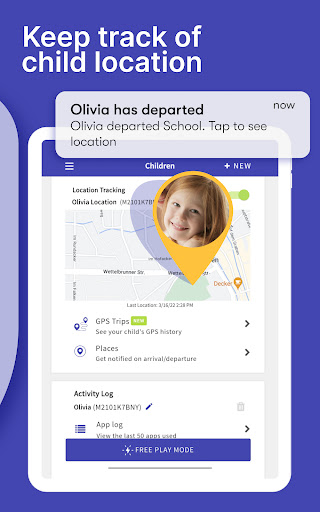
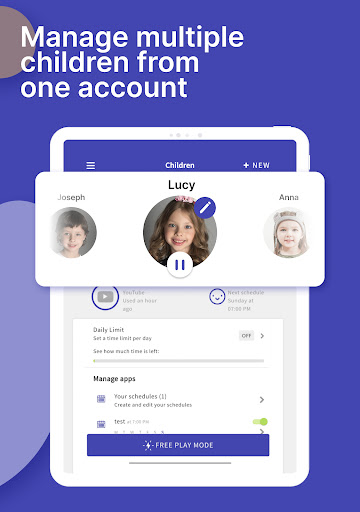
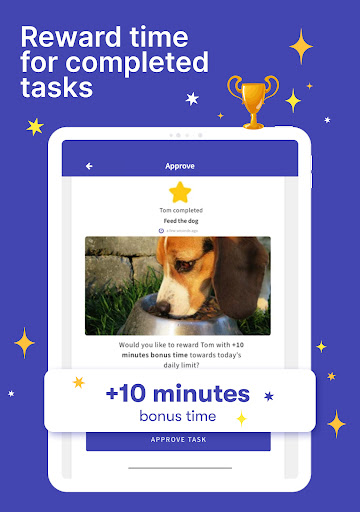
This feature is designed very carefully to provide parents with tools to control their children's screen time. You can set daily usage limits, suspend device access, and even monitor app usage, all in one simple panel. It is particularly convenient to use and can also help children create a safer digital space.
Theapp balances regulation and privacy, ensuring children are safe without making them feel monitored too closely. What a reliable helper for managing screen time.
Is the app safe and trustworthy for parental control? +
Absolutely rest assured! Screen Time - Parental Control adheres to high security standards and ensures that your data and your children's privacy are protected. Created by a professional parental control development team, it is professional and reliable.
Manyparents trust this Android app to help monitor and adjust device usage, which is safe and efficient. It has a transparent privacy policy and strong security measures, making it a digital parenting tool worth relying on.
Can I customize settings according to my child's age? +
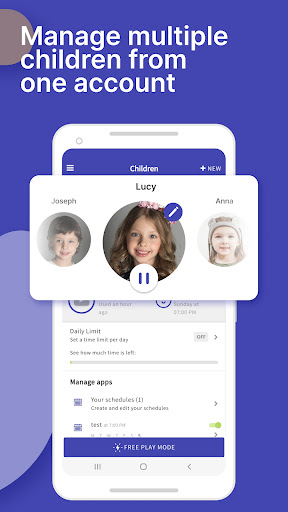
Of course! This mobile app has many customizable options that can be adjusted based on your child's age and growth needs. For example, limit screen time, content filtering, and even choose which apps can be used.
Thisflexibility allows you to adjust according to your own parenting philosophy, making it practical and considerate, making the family experience more in line with actual needs.
Customer Reviews
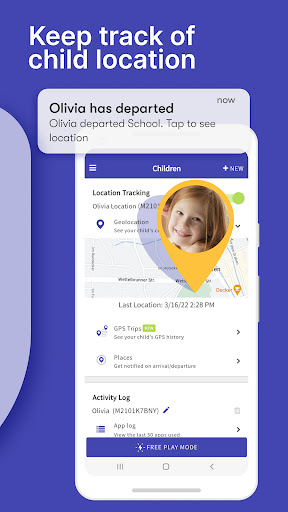
Many parents appreciate Screen Time for its potential to manage children's digital activities, with some praising its effectiveness and difficulty for tech-savvy kids to bypass. However, reliability is a major concern: while a few users report consistent performance, numerous complaints highlight that time limits, app blocking, and pause functions often fail—children can still access restricted apps or bypass locks entirely. Billing issues are frequent, including unauthorized charges after cancellation. GPS tracking is inaccurate, often showing a fixed location. Cross-platform performance varies: works well on some Android devices, but is largely ineffective on iPhones and offers no advantage over built-in controls. Customization is limited (e.g., no per-day bedtime schedules). Overall, the app divides opinion: some find it helpful, but many deem it unreliable and not worth the subscription.
Write a Review
Share your experience with Screen Time - Parental Control. Submissions are reviewed before publishing.
You Might Also Like
More apps you may want to try next.