
Norton Family Parental Control
Advertisement
Screenshots


Advertisement
About Norton Family Parental Control
Overview
core functions
- This app has quite comprehensive functions, including monitoring the usage of web pages and applications, and can basically track most online activities.
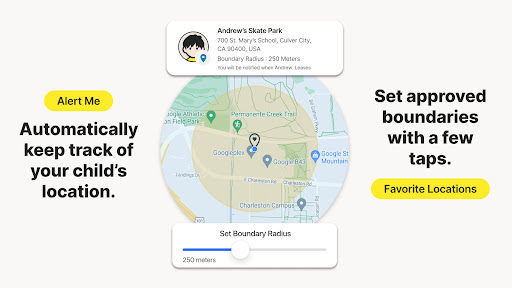
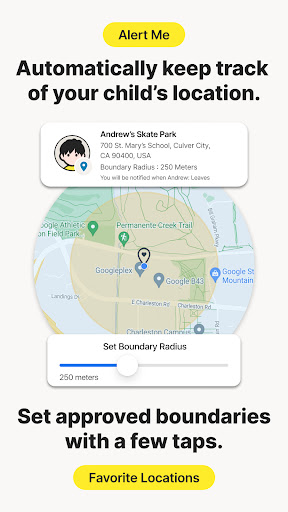
- The real-time location function allows parents to know where their children are at any time, and they can keep track of the situation through their mobile phones, which is quite considerate.
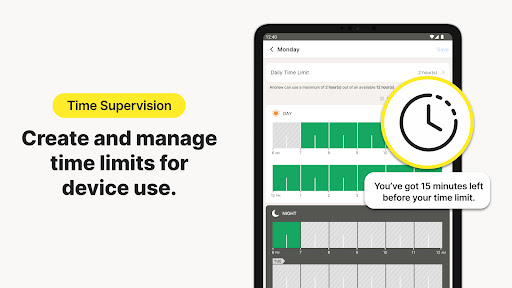
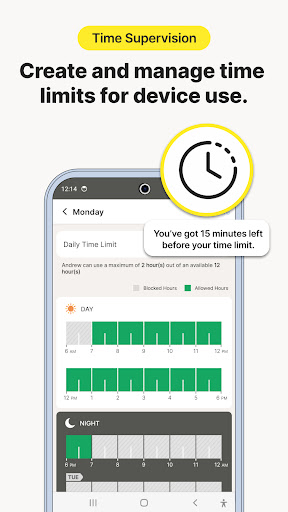
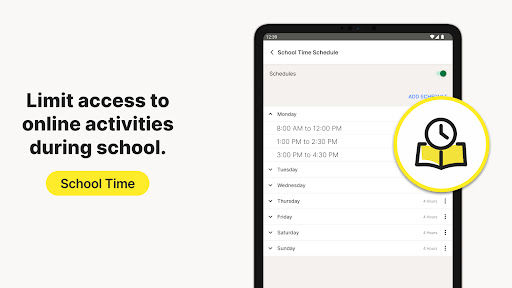
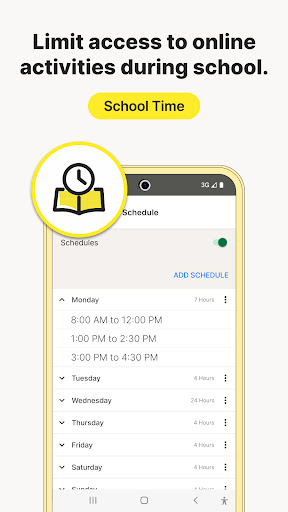
- The time management tool can set the screen duration every day, which is a bit like a reminder to help children develop healthy habits of using the computer.
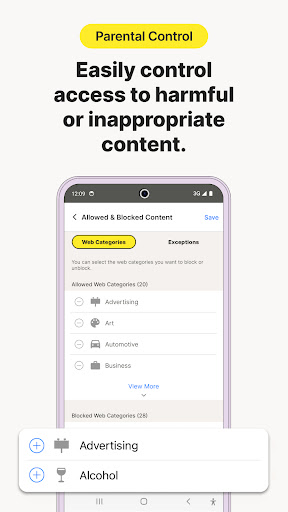
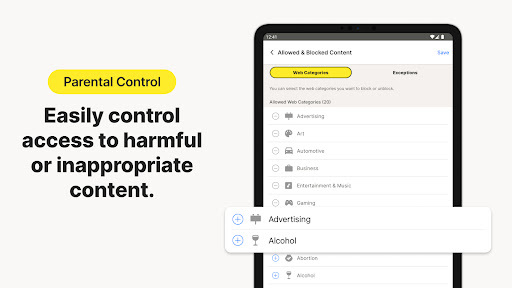
- Content filtering can block inappropriate websites and application categories, especially on Android devices.
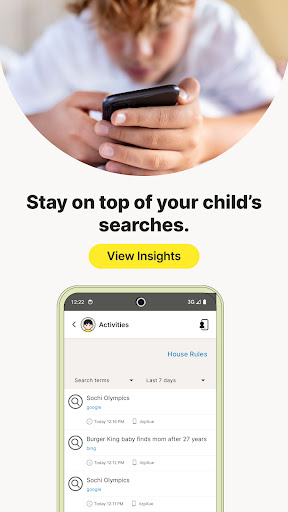
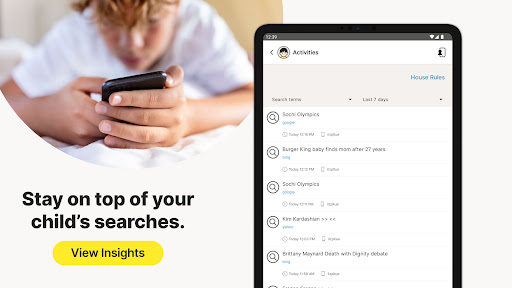
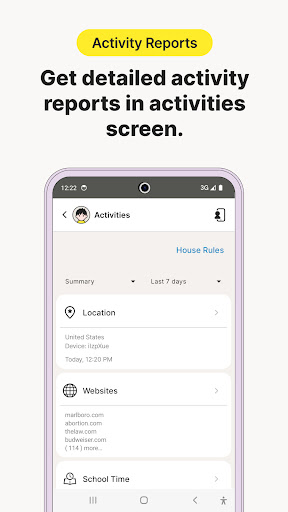
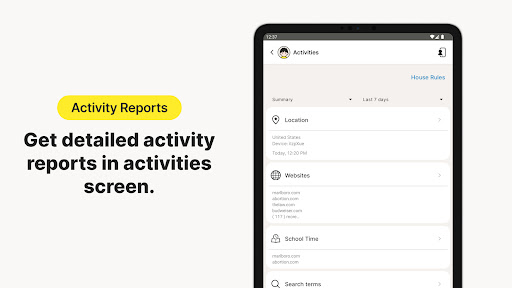
- The activity report will list in detail the child's use of the device and the App experience it uses, which will provide a thorough understanding.
- Geofence reminds parents that once children enter or exit the set safe range, they will be notified, which is very practical.
- The remote control function allows parents to remotely lock the screen or specific applications for convenient monitoring and management.
Who is this App suitable for?
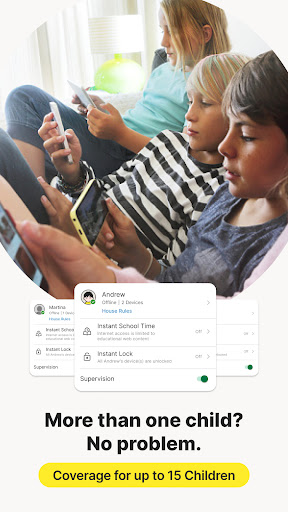
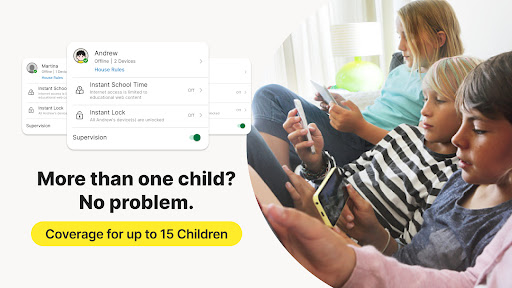
This software is mainly designed for parents and guardians who want to manage their children's digital devices. It is especially suitable for families with children aged 5 to 17 who want to create a safe Internet environment.
If you like to use apps to monitor, set boundaries, and ensure that children use the computer normally, it will be convenient enough to use it in daily life.
Why choose this APP
This Android app is simple to operate, friendly to interface, and powerful to help you create a safe network and device environment. Taking into account practicality and simplicity, parental control becomes easy.
Its highlight is to provide reliable application solutions so that parents can better control the situation and solve those troublesome issues in online security and device management. It is worth a try.
Top Recommended Alternative

Pros & Cons
Pros
-
Comprehensive content screening
-
real-time location tracking
-
time management-controlling
-
friendly interface
-
Activity Report
Cons
-
Limited equipment support
-
Occasionally misjudged content screening
-
It's a little complicated for beginners to get started
-
Reminder function is not flexible enough
-
Mobile phone batteries consume fast power
Advertisement
Download Norton Family Parental Control
FAQ
How do I set up Norton Family Parental Control on my device? +
It's actually quite simple to start using Norton Family Home Monitor on your Android device. The app on your phone is so thoughtful that it's almost easy to follow the steps.
Once installed, you can create a profile for your children, set screen time limits, and monitor which apps they use. This thing is very considerate to use. It not only ensures that you can maintain control when your child is using the device, but also gives you peace of mind because its functions are quite comprehensive.
Is Norton Family Parental Control safe for my child's device? +
Yes, Norton Family Home Custody is a very reliable application developed by a reputable cyber security company. The encryption technology it uses is very secure, protects your data and privacy, and ensures that your children's devices do not have any security risks.
This Android app is specifically designed to help parents cultivate their children's safe Internet habits and protect their digital lives, so it is quite reliable to use it as a monitoring tool.
Can I track my child's location with this app? +
Of course, Norton Family Home Guard has location tracking. You can see where your child is in real time and feel more at ease.
It is also easy to operate, and location updates are very frequent, making it convenient for you to keep track of your child's movements at any time without too much monitoring. It is very suitable for parents who want to know but don't want to be too strict.
Does Norton Family Parental Control work on iOS devices? +
Currently, Norton Family is mainly used on the Android platform. The monitoring functions for Android devices are quite comprehensive and it is also convenient for parents to manage their devices.
As for iOS devices, you can pay attention to whether Norton has a corresponding replacement product. After all, the compatibility of different platforms is different. If you want to use it on an iPhone or iPad, it's best to make sure it meets your needs first.
How does Norton Family Parental Control improve my app experience? +
The interface of this application is quite intuitive, simple and efficient to use. Its features include time management, web filtering and activity reporting, which can help you fully understand your child's online behavior.
As a trustworthy launcher app, it allows you to remain in control without interfering too much, and can adjust settings at any time to comply with your family's rules and help your children create a safer digital space.
Customer Reviews
Norton Family Parental Control offers strong security and helpful screen time management, with many users praising its ease of use and effective monitoring of Windows devices and children's activities. However, the app faces significant reliability issues. While some find it works perfectly for managing usage and blocking threats, others report persistent problems: synchronization between the app and PC often fails, location tracking works only half the time, and time limits can be bypassed on phones or through unsupported browsers. The app also struggles with cross-platform consistency—iOS users receive a poor experience, and children can still access Safari despite restrictions. Customer support via AI is widely criticized as unhelpful. Overall, it provides useful parental controls for some setups but suffers from glitches, incomplete logging, and a lack of reliability that undermines its value for many families.
Write a Review
Share your experience with Norton Family Parental Control. Submissions are reviewed before publishing.
You Might Also Like
More apps you may want to try next.