

Advertisement
Screenshots
Advertisement
About Roborock
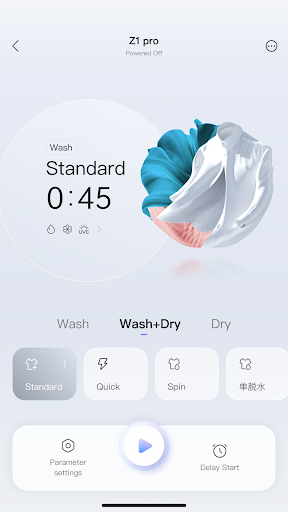
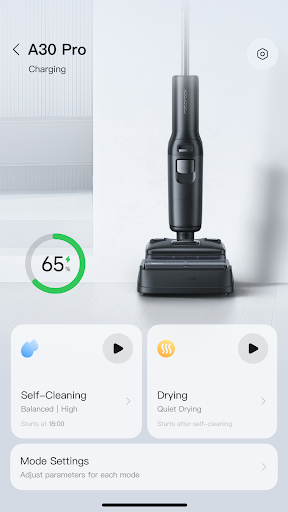
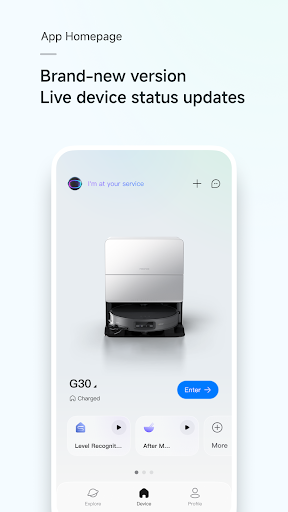
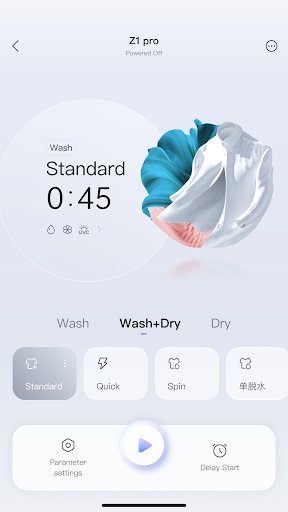
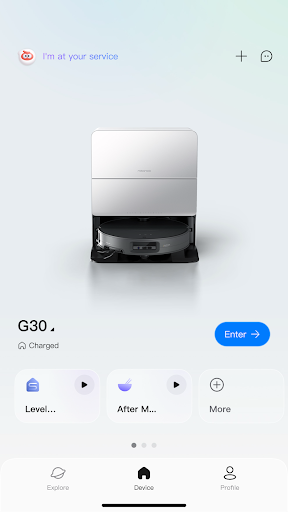
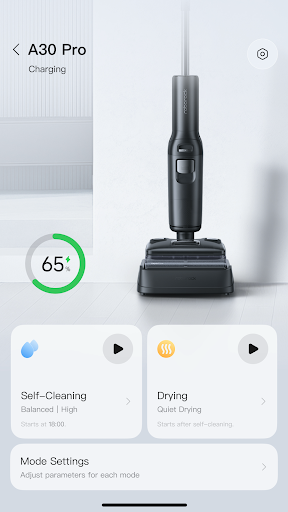
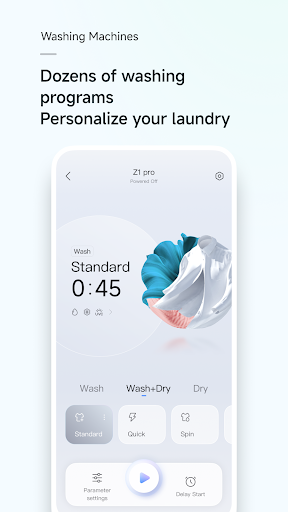
Roborock is a very popular lifestyle mobile application. It mainly helps everyone get clean equipment for smart homes and makes management more convenient. Whether you use Android or Apple, you can download this software. Its interface design is very user-friendly and easy to use. Its core functions include arranging cleaning time, checking device status anytime and anywhere, and personalizing cleaning preferences. The overall experience makes people feel that smart home has become simpler and more considerate.
Overview
core feature
- This application interface is particularly friendly and surprisingly simple to operate. Whether you are a novice or an old driver, you can easily handle the management of various smart devices.
- The real-time synchronization feature is super annoying, ensuring that your sweeping robot or smart home device remains up-to-date on all platforms, without mistakes or falling off the chain.
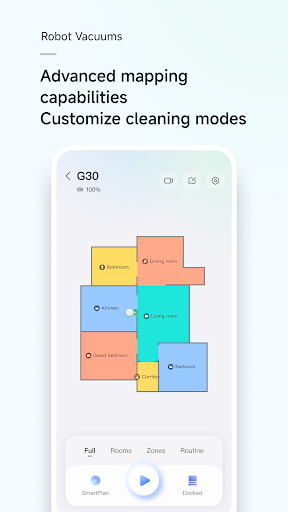
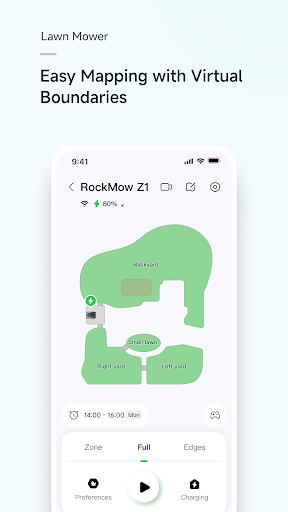
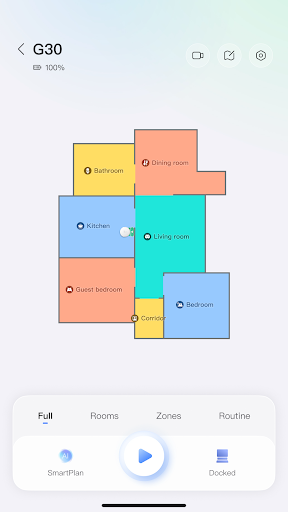
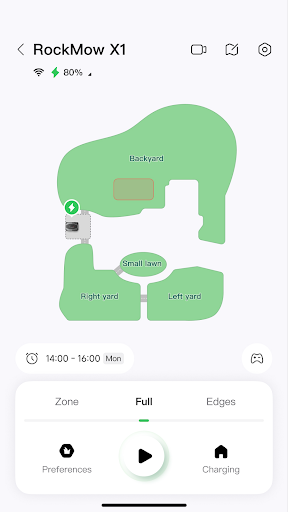
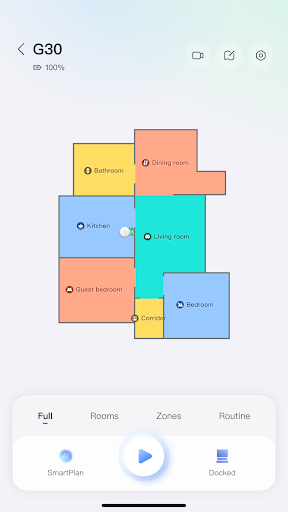
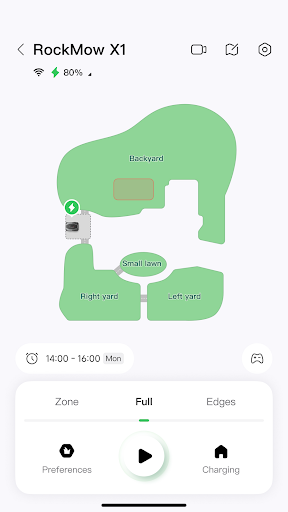
- It also intimately provides detailed cleaning maps, so that you can monitor and adjust the cleaning area at any time, and customize it as you want. It is particularly convenient.
- Support voice control, free hands, and make operation easier, especially when you are busy enough to fly. Being able to rely on voice command equipment is really a blessing.
- It also has a timing function. After setting it up, the device can automatically start on time, saving you from worrying about using a manual switch every day, saving time and worry.
- There is also offline mode. When there is no Internet, basic functions can still be used, which is especially suitable for moments when the Internet is not very powerful.
- The notification function will tell you in real time the status of the equipment, whether maintenance is needed or the cleaning cycle is up. No information is missed, and you will have an idea.
Who is this app suitable for?
This mobile APP is especially suitable for technology-savvy homeowners, busy office workers, or families who want to make life smarter and more convenient. It is simple and considerate to operate, suitable for both novices and veterans. It can help you get a variety of equipment and make your life more efficient.
Those who want to use apps to automate the cleaning process, or manage smart home devices smarter, will find this Android APP very useful. It can bring seamless connection and a truly reliable experience, and it can be used smoothly and easily in daily life.
Why choose this APP
This software provides a full set of user experience and powerful functions. It is specially tailored for smart device users and is quite reliable. Its stability and convenience make family management simpler and no longer chaotic.
Its biggest highlight is its user-centered approach, real-time feedback, intuitive and smooth operation, unlike some cumbersome management methods that cause headaches. With this, modern life has become smarter and more convenient because of it. It is really a boon brought by technology.
Top Recommended Alternative

Pros & Cons
Pros
-
intuitive user interface
-
Advanced map technology
-
Customizable cleaning plan
-
Remote control and monitoring
-
and smart home systems
Cons
-
Multi-device management is not convenient enough
-
Occasionally the connection will be disconnected
-
Cleaning records are relatively simple
-
Regional division functions are not detailed enough
-
Occasionally crashes on old equipment
Advertisement
Download Roborock
FAQ
Can Roborock be used safely on all types of floors? +
Roborock is designed quite well. It is basically safe and effective for most ordinary floors, such as hardwood, tiles and so on. Its App function also allows you to adjust the cleaning mode according to different ground conditions.
However, I still recommend that you read the care advice for your floor first and try small areas to make sure there are no problems. Using the detailed guide in the App can help you get the best cleaning results without damaging anything.
How can I install Roborock's App on my Android phone? +
This is very simple, just go to the Google Play Store and download it. Search for Roborock, then click Install, and follow the prompts to register an account.
Onceinstalled, you can connect to your Roborock device using Bluetooth or Wi-Fi. There are detailed guidance in the App that takes you step by step through settings, allowing you to easily get a smart vacuum cleaner with your mobile phone.
Can I use the App to control Roborock remotely? +
Of course! With the App, you can remotely control your Roborock anytime, anywhere, even if you're not at home. This is one of the reasons why this App is so popular.
Italso provides real-time updates and customized cleaning plans, allowing you to easily manage home cleaning tasks with your mobile phone, which is particularly convenient and assured.
Is Roborock compatible with iPhone and Android devices? +
Yes, Roborock's App supports both iOS and Android platforms, and its user range is quite wide. You can download it on the App Store or Google Play, and it's not a problem to control your smart home.
ThisApp is very user-friendly and comes with detailed guidelines. The purpose is to help you use it better, optimize the performance of the vacuum cleaner, and enhance the experience.
How often will Roborock's App be updated? +
The development team is very diligent and regularly pushes updates, adds new features, improves security, fixes bugs, and so on. Keep it up to date and you can use the best App experience.
Theseupdates reflect the company's emphasis on quality and user satisfaction. It is also very convenient to check updates through the mobile app store with one click. Don't miss it!
What should I do if Roborock's App cannot connect to my device? +
If you encounter connection problems, first make sure your device is within Wi-Fi range, and then update the app to the latest version. Sometimes restarting the device can be quite useful and can help you solve connection problems.
There are also some troubleshooting guides in the app that can help you solve common problems.If you still don't work after trying, you can get reliable help by contacting customer service, so that your app control will be much smoother.
Is Roborock's App safe and reliable? +
Roborock attaches great importance to user privacy, and apps also have high security standards. Your data will be encrypted, and the control equipment will be safe and not afraid of being stolen.
Usingregular apps like Roborock on mainstream app stores can give you a safe experience and manage your smart vacuum cleaner with peace of mind without any worries.
Can I use Roborock's App to schedule cleaning at regular times? +
Of course! This function is quite practical. You can set the automatic cleaning time and area in advance, so that you don't have to operate manually every time, which is quite convenient.
UsingApp Scheduling can also accurately set the time and place, allowing you to control the cleaning plan as you please, making housework easier.
Customer Reviews
Users generally praise Roborock’s vacuum performance, easy app setup, and useful mapping features, with many calling it their favorite app. However, key concerns revolve around map instability—users report that map edits are lost after updates, rooms cannot be divided, and the app constantly overwrites saved maps. Some say the mapping works but becomes tilted or unusable, while others find it frustratingly broken after recent updates. The app’s reliability is also debated: positive users find it “incredibly reliable,” but negative ones cite frequent disconnections, login errors, and sluggish performance. Advertising in a premium app and privacy issues (spyware suspicion) are repeatedly mentioned. Updates have introduced bugs like failure to avoid carpets, navigation errors at the dock, and disabled routines. Overall, the hardware impresses many, but the app’s instability and post-update regressions are significant drawbacks.
Write a Review
Share your experience with Roborock. Submissions are reviewed before publishing.
You Might Also Like
More apps you may want to try next.




