

SmartLife- Smart Living
Advertisement
Screenshots
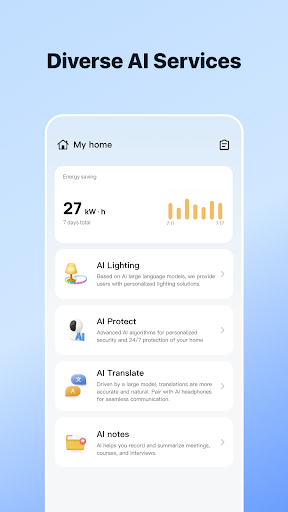
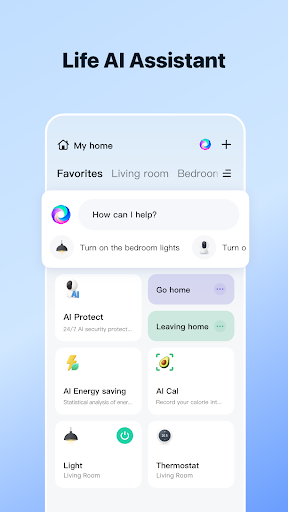
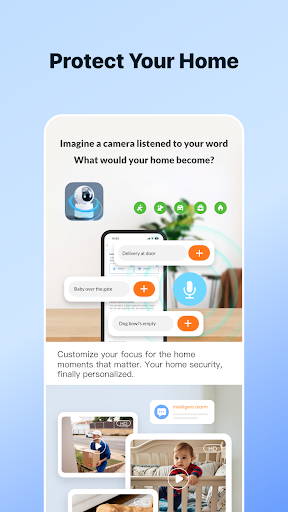
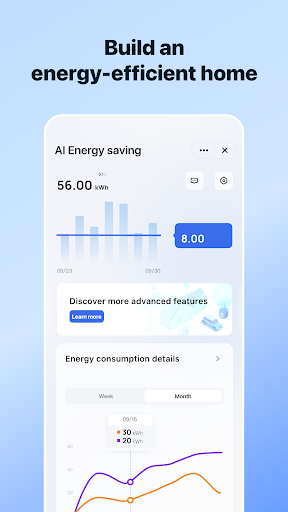
Advertisement
About SmartLife- Smart Living
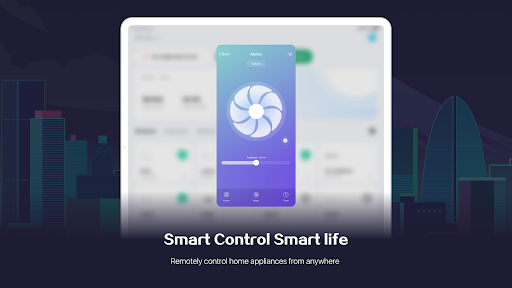
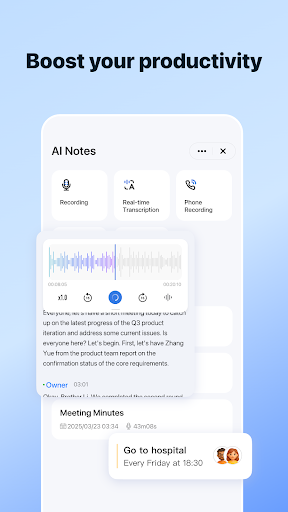
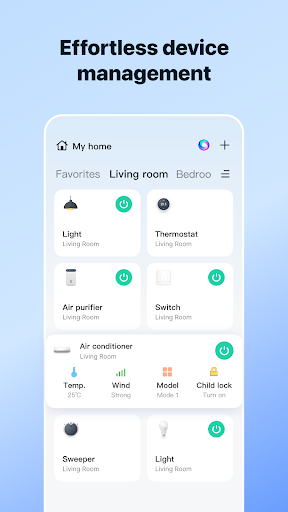
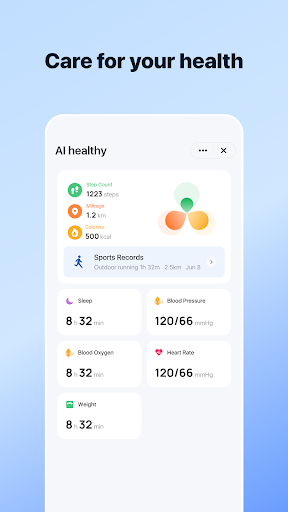
SmartLife - Smart Living is a very practical mobile application that mainly helps you easily get rid of smart devices at home. Whether you use Android or Apple, you can download it, which is very easy to use. The interface is simple and clear, and the operation is extremely smooth. As long as you turn it on, you can remotely control lights, home appliances, and even security systems. It feels like having a smart housekeeper at home, making life more convenient, smarter, and more connected.
Overview
core features
- This application interface is super friendly and easy to use, device management becomes much easier, and navigation is also very simple. It's like you can do everything without thinking.
- The real-time synchronization function ensures that everything you set up and connected devices remain up-to-date and there will be no embarrassment of "broken links" or "lost". I feel that I have always been online, and I feel quite at ease.
- Support Android and iOS systems, making it smooth to use on different devices, a consistent experience, and no mistakes will occur.
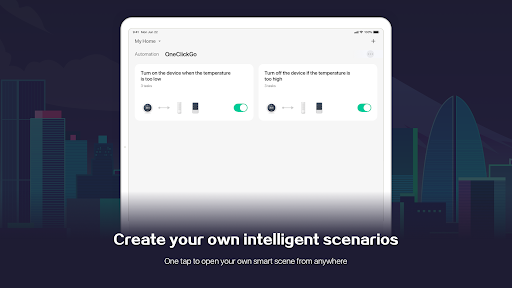
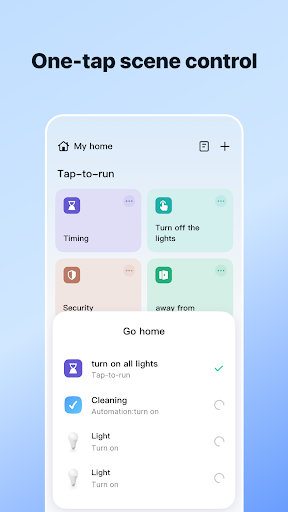
- Intelligent automation settings can help you arrange the running time and method of your equipment. It is particularly convenient to operate, like having a "little assistant" around you.
- It will proactively push various notifications and reminders, whether it is device status or system updates, and it is clear and has a better understanding.
- Offline mode is also supported, and the device can be controlled when not in use. Use it whenever you want. It is truly considerate and convenient.
- Supports voice control, frees hands, and makes operation more freely. Make this software super fun and more versatile.
Who is suitable for?
This mobile phone software is especially suitable for owners who have smart devices at home, technology fans, or people who want to make their lives smarter. No matter how old you are, as long as you know a little bit of mobile phone operation, you can easily get started. Its design is very intuitive and everyone can understand it.
If you want to remotely control various appliances in your home or automate daily life, this app can help you. In daily scenarios, it is very convenient to use it to manage Android phones or devices on other platforms, and the efficiency is greatly improved.
Why choose this App
This Android app is particularly outstanding because it is fully functional and designed for smart life, allowing you to control and automate smoother. It is very reliable to use, making the device connection more stable and making it easier to manage.
Considering the needs of users, the design is particularly intimate, solving some common smart home problems, but also with the most intuitive interface and smooth App integration, so that you can rest assured to use, similar products on the market is a good choice of reputation.
Top Recommended Alternative
Pros & Cons
Pros
-
Super user friendly interface
-
Can be seamlessly integrated with many smart home devices
-
Real-time notification reminders
-
Customizable automation rules
-
Voice control works well
Cons
-
Not supported in many countries
-
Occasionally I get stuck
-
imperfect device compatibility
-
Basic customization options are limited
-
Help and support resources are not comprehensive enough
Advertisement
Download SmartLife- Smart Living
FAQ
This is the first time I logged into the SmartLife app, how do I operate it? +
Is it safe to use this smart home app to work with my device? +
Can I use the Android version of the app on multiple devices? +
Will this app be updated frequently? +
What if I forget my login information? +
Customer Reviews
SmartLife - Smart Living is generally appreciated for its straightforward setup and reliable remote control of smart devices like plugs and lights. Many users find the product quality satisfactory. However, key issues emerge: the mandatory, unremovable AI feature is overwhelmingly criticized as intrusive and unwanted, causing many to switch apps. Performance has degraded after updates, with reports of slowness, configuration resets, and feeder malfunctions. Setup can be simple for some, but others face frustrating connection failures. Additionally, hidden paywalls, intrusive ads, and poor customer support are frequent complaints, with some labeling the experience fraudulent. While stable operation is possible, the recent changes and lack of user control significantly diminish satisfaction.
Write a Review
Share your experience with SmartLife- Smart Living. Submissions are reviewed before publishing.
You Might Also Like
More apps you may want to try next.



